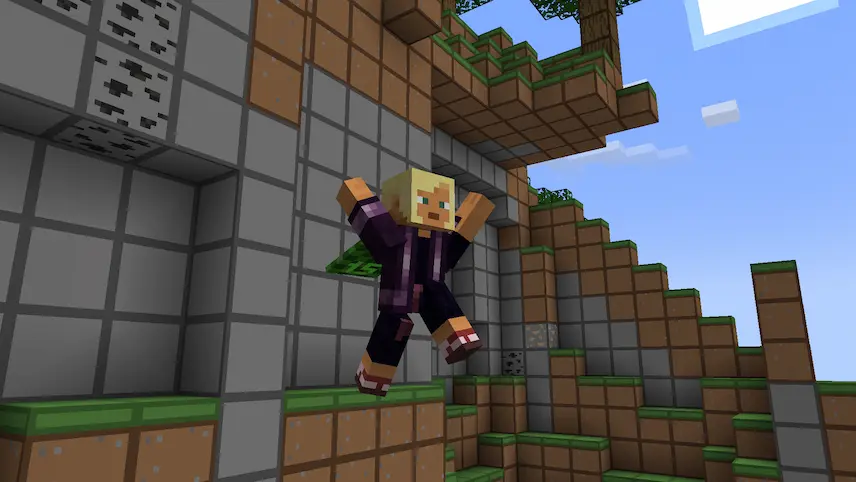
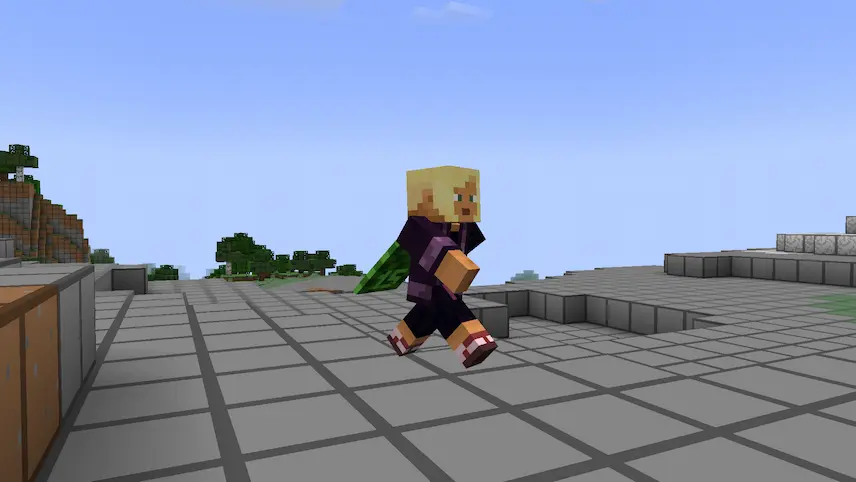
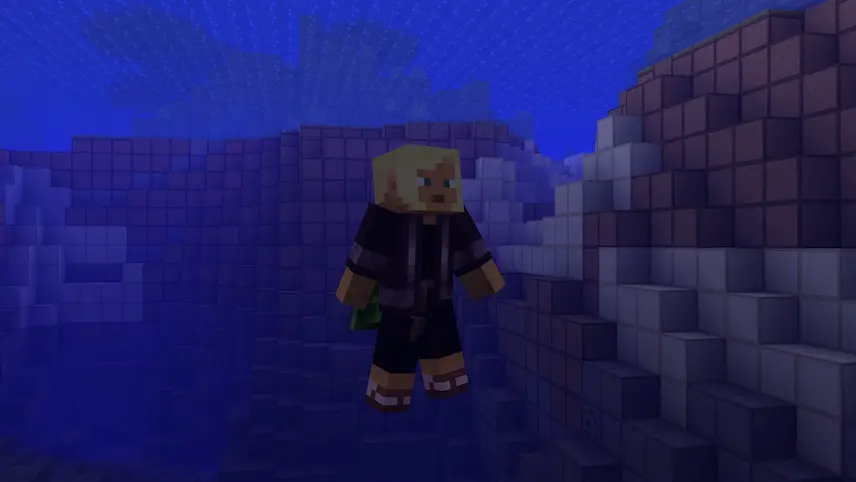
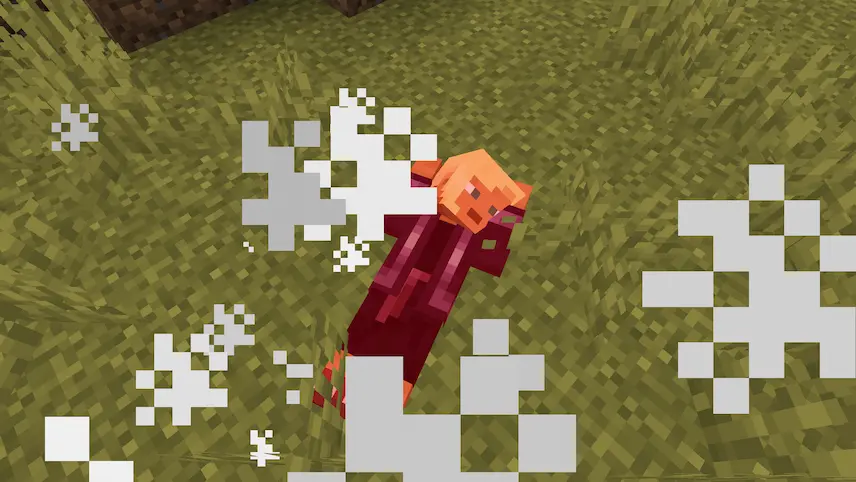
Better Animations Resource Pack brings your Minecraft character to life with buttery‑smooth player animations that feel more natural than the default moves. Every swing of your sword, block placement, and jump is re‑imagined with fluid motions, making exploration and combat feel immersive and responsive. The pack focuses purely on animation, so it won’t change textures or performance, just how your avatar moves and reacts in the world.
Designed for maximum compatibility, this Minecraft resource pack works seamlessly alongside popular animation mods like Better Combat, Quark, Emotecraft emotes, and Parcool. Whether you’re using custom combat animations, emoting with friends, or diving into parkour runs, Better Animations ensures every gesture and action blends smoothly. Easy to install through your resource packs folder, it’s the perfect way to upgrade your vanilla or modded gameplay with lifelike motion and a fresh sense of polish.

 Tags
Tags