logo responsive
/

THICC VILLAGERS Minecraft Resource Pack

1.21.11, 1.20.6, 1.19.4, 1.18.2

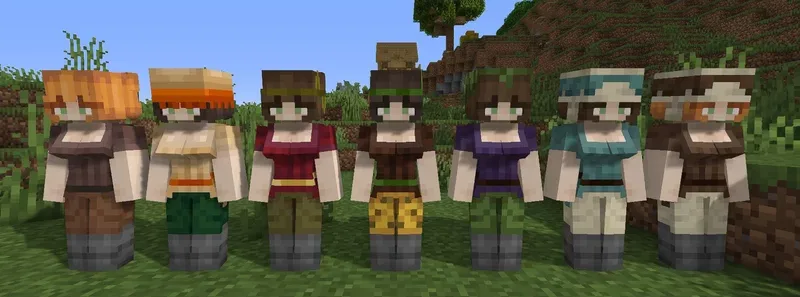
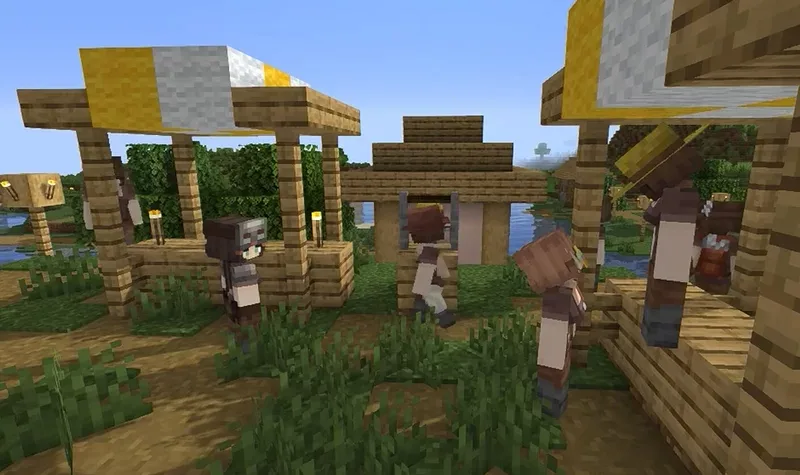
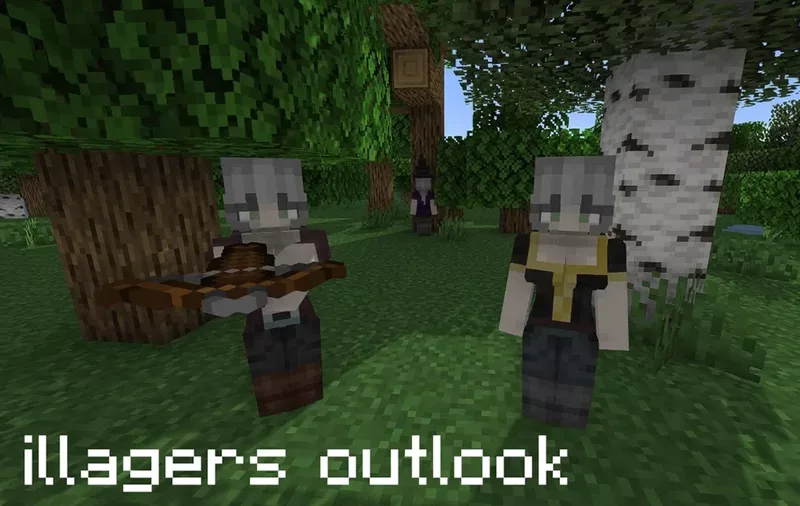
biome variants village pillager, witch, evoker zombie villager golem
biome variants
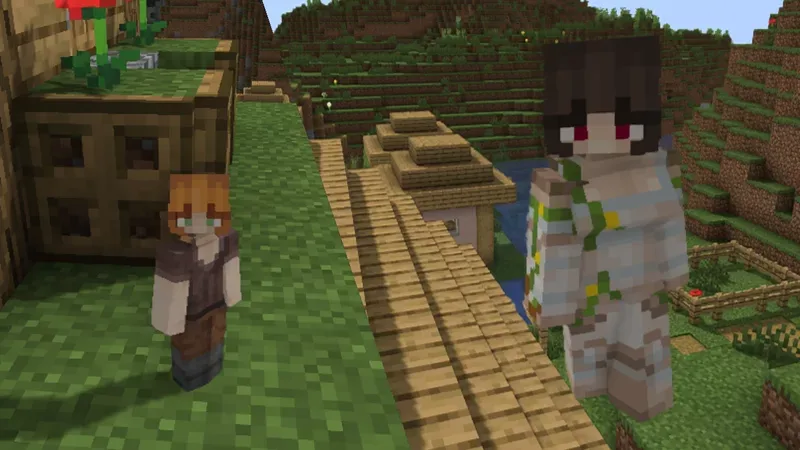
village
pillager, witch, evoker
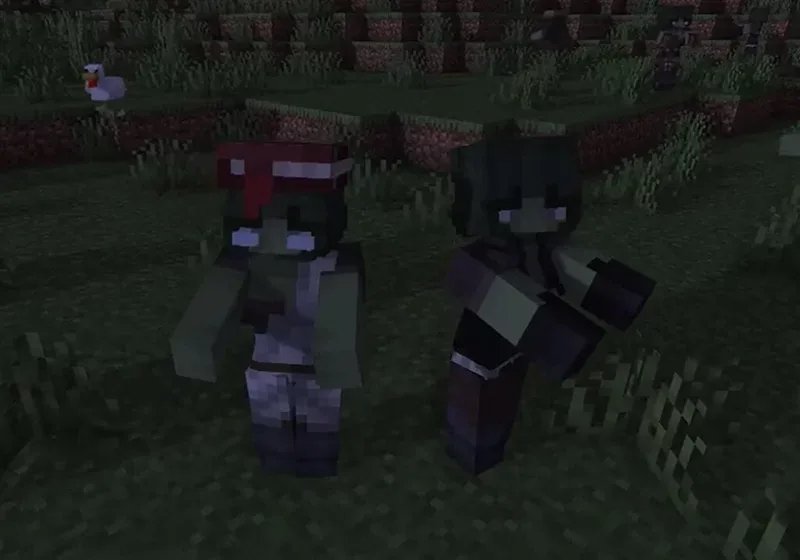
zombie villager
golem

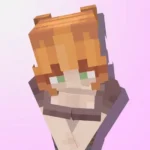
If you are looking to totally overhaul the look and feel of your villages, Thicc Villagers is one of the most unique resource packs out there. It swaps out the classic “Squidward” look for stylized girl models with custom animations and even includes blinking eyes to make them feel more like actual characters. The pack is super detailed, featuring five different hair variations and specific outfits for every single profession and biome type. It doesn’t just stop at friendly villagers either—it also transforms illagers, witches, and even zombie villagers to match the new aesthetic.

To make the experience even more immersive, the pack includes custom audio from the Cute Mob Sound Pack, so you won’t be hearing those old grunts anymore. Just a heads up, though: you will need to have OptiFine or the ETF and EMF mods installed for the custom models and animations to actually show up in your game. It works for basically any version from 1.14 onwards, and all you have to do is drop the zip file into your resource packs folder. It is a fun, lighthearted way to change up the vibe of your world and make your trading halls feel a lot less boring.
Fabric

  1. 1. Download, execute the Fabric installer, choose Client, select your Minecraft version, and click Install.
  2. 2. Download the Fabric API matching that Minecraft version.
  3. 3. Download THICC VILLAGERS or any additional Fabric-compatible mods you want.
  4. 4. Place the Fabric API and all mods into .minecraft/mods folder.
  5. 5. Open the Minecraft Launcher, select the new Fabric profile, and press Play. Enjoy!

Forge

  1. 1. Download, execute the Forge installer, choose Client, and click Install.
  2. 3. Download THICC VILLAGERS or any additional Forge-compatible mods you want.
  3. 4. Place all mods into .minecraft/mods folder.
  4. 5. Open the Minecraft Launcher, select the new Forge profile, and press Play. Enjoy!

NeoForge

  1. 1. Download, execute the NeoForge installer, choose Client, and click Install.
  2. 3. Download THICC VILLAGERS or any additional NeoForge-compatible mods you want.
  3. 4. Place all mods into .minecraft/mods folder.
  4. 5. Open the Minecraft Launcher, select the new NeoForge profile, and press Play. Enjoy!

Download THICC VILLAGERS Resource Pack

Type Game version File version Loaders Download
R Release
1.21.x v1.2 File
R Release
1.20.x v1.2 File
R Release
1.19.x v1.2 File
R Release
1.18.2 v1.2 File
R Release
1.17.1 v1.2 File
R Release
1.16.5 v1.2 File

THICC VILLAGERS Minecraft Resource Pack

6 files • 1.21.11, 1.20.6, 1.19.4, 1.18.2

Download