logo responsive
/

Body Camera Minecraft Shaders

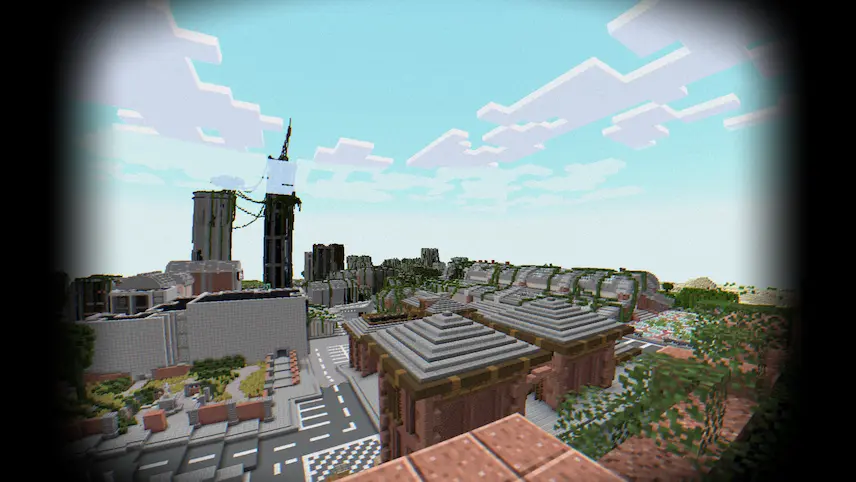
distat horizon Depth of Field shadows Body Camera Shader view ruins
distat horizon
Depth of Field
shadows
Body Camera Shader view
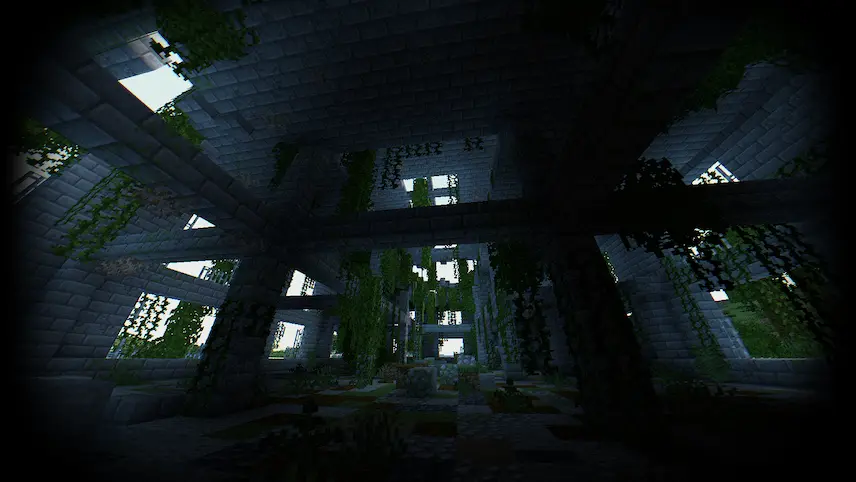
ruins

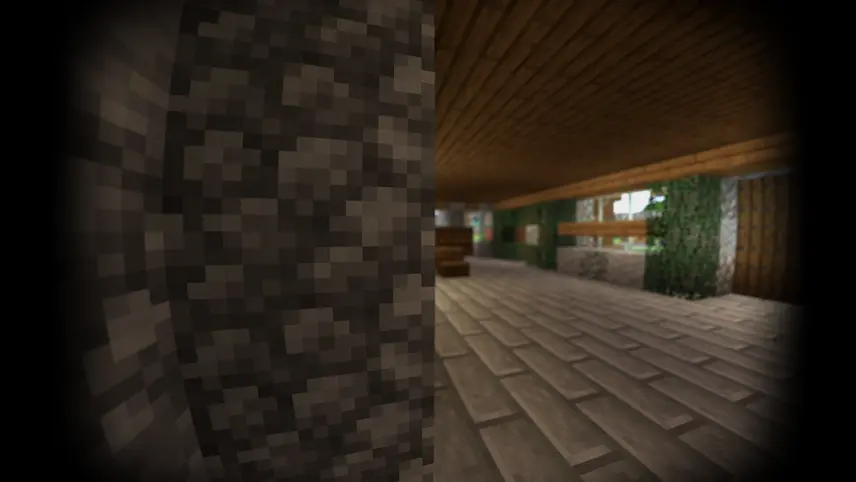
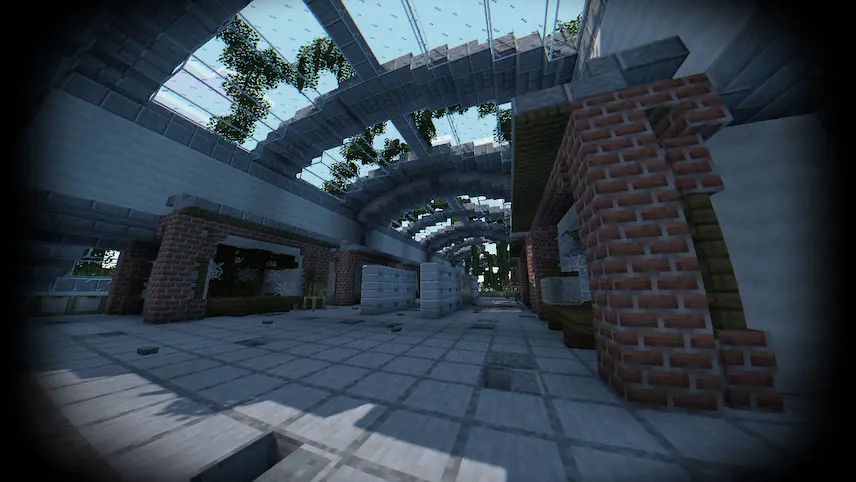
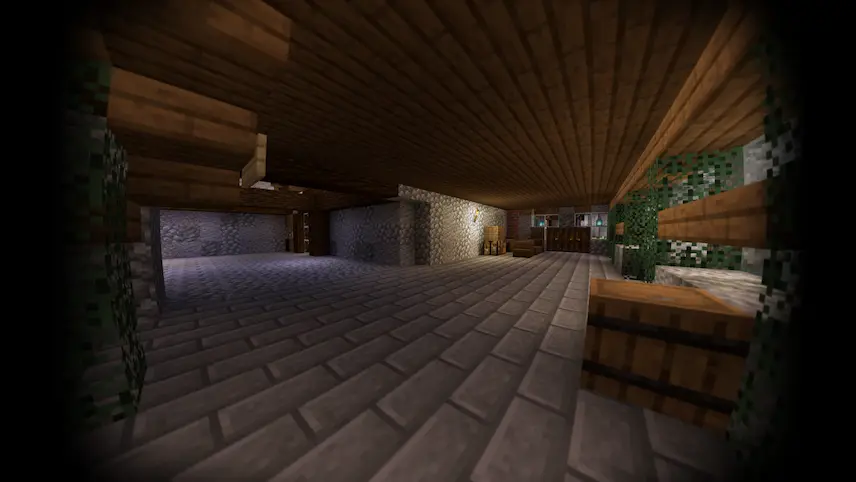
Body Camera Shaders is a unique shaderpack that simulates the immersive effects of a body camera, giving your Minecraft gameplay a realistic and cinematic feel. Designed for performance, it delivers 160+ FPS at 2K resolution (2560×1440) with 10 chunks rendered, making it suitable for mid-range systems like an RX 580 GPU and Ryzen 5 1500X CPU. The shader includes features like fisheye effect, auto exposure, motion blur, and depth of field, creating a truly immersive experience.

With support for Better Clouds, Distant Horizons, PBR (LabPBR), and advanced effects like SSR (Screen Space Reflection) and chromatic aberration, Body Camera Shaders offers a wide range of visual enhancements. It also includes unique features like a thermal imager and night vision goggles, adding a tactical edge to your gameplay. Available in English, Russian, and French, this shaderpack is perfect for players looking to add a fresh, realistic perspective to their Minecraft world.
Fabric

  1. 1. Download, execute the Fabric installer, choose Client, select your Minecraft version, and click Install.
  2. 2. Download the Fabric API matching that Minecraft version.
  3. 3. Download Body Camera or any additional Fabric-compatible mods you want.
  4. 4. Place the Fabric API and all mods into .minecraft/mods folder.
  5. 5. Open the Minecraft Launcher, select the new Fabric profile, and press Play. Enjoy!

Forge

  1. 1. Download, execute the Forge installer, choose Client, and click Install.
  2. 3. Download Body Camera or any additional Forge-compatible mods you want.
  3. 4. Place all mods into .minecraft/mods folder.
  4. 5. Open the Minecraft Launcher, select the new Forge profile, and press Play. Enjoy!

NeoForge

  1. 1. Download, execute the NeoForge installer, choose Client, and click Install.
  2. 3. Download Body Camera or any additional NeoForge-compatible mods you want.
  3. 4. Place all mods into .minecraft/mods folder.
  4. 5. Open the Minecraft Launcher, select the new NeoForge profile, and press Play. Enjoy!

Download Body Camera Shaders

Type Game version File version Loaders Download
R Release
Body Camera Shaders v1.6.0
OptiFine Iris
File
R Release
Body Camera Shaders v1.5.3
OptiFine Iris
File
R Release
Body Camera Shaders v1.5.2
OptiFine Iris
File
R Release
Body Camera Shaders v1.5.1
OptiFine Iris
File
R Release
Body Camera Shaders v1.5.0
OptiFine Iris
File

Body Camera Minecraft Shaders

5 files

Download