logo responsive
/

Complementary Reimagined Minecraft Shaders

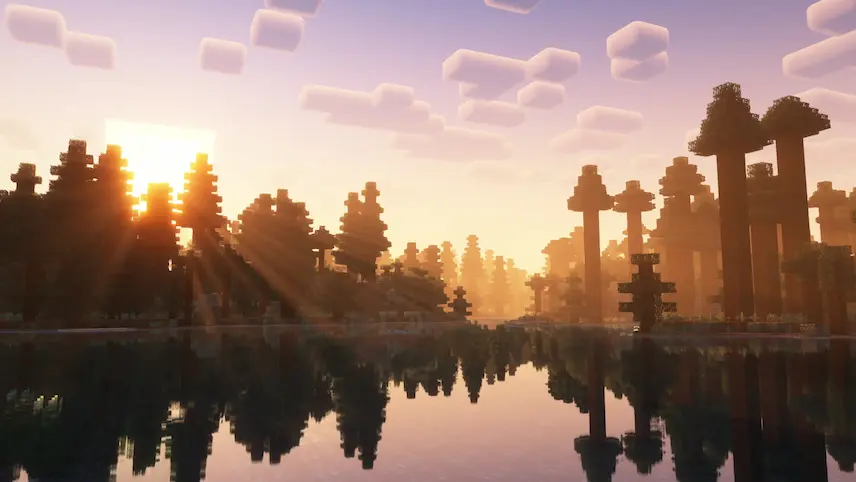
sunset with shaders
Complementary Reimagined Shaders Sunset
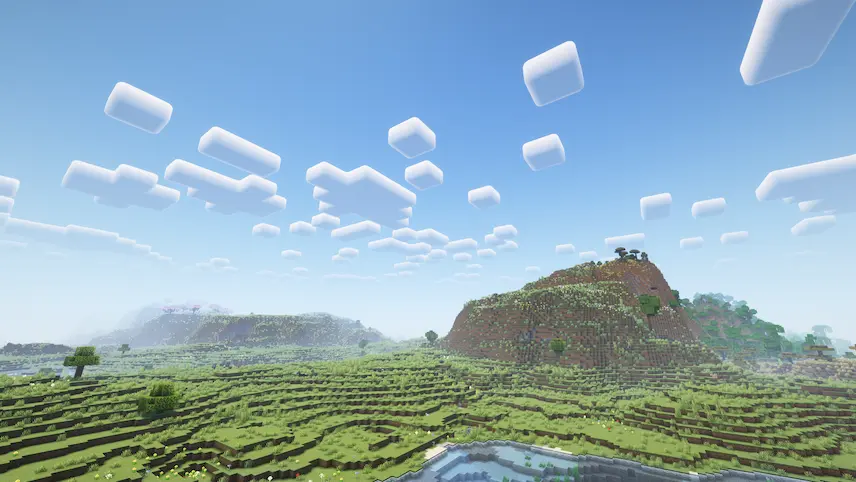
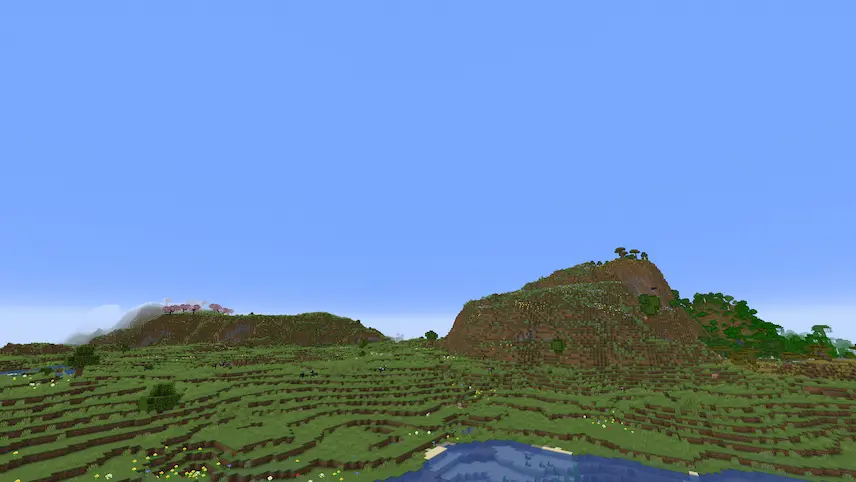
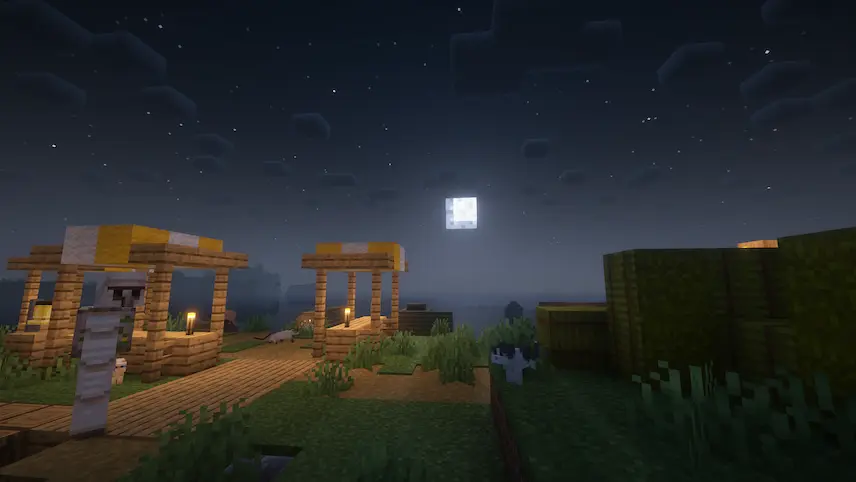
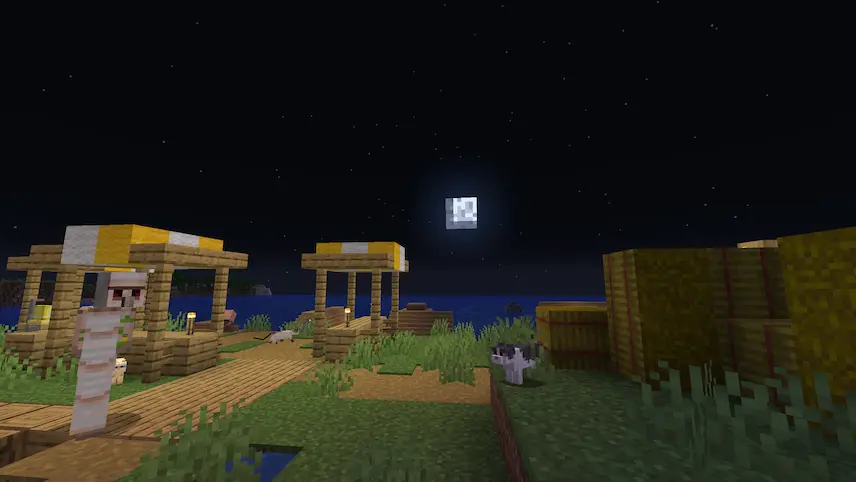
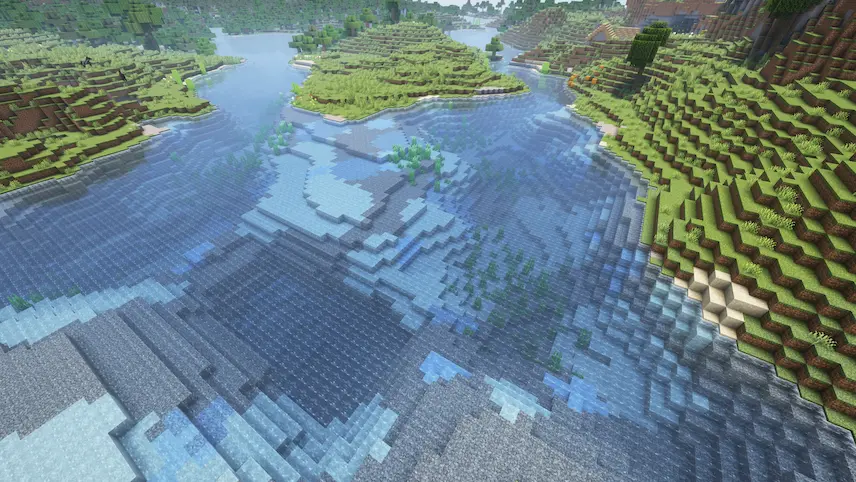
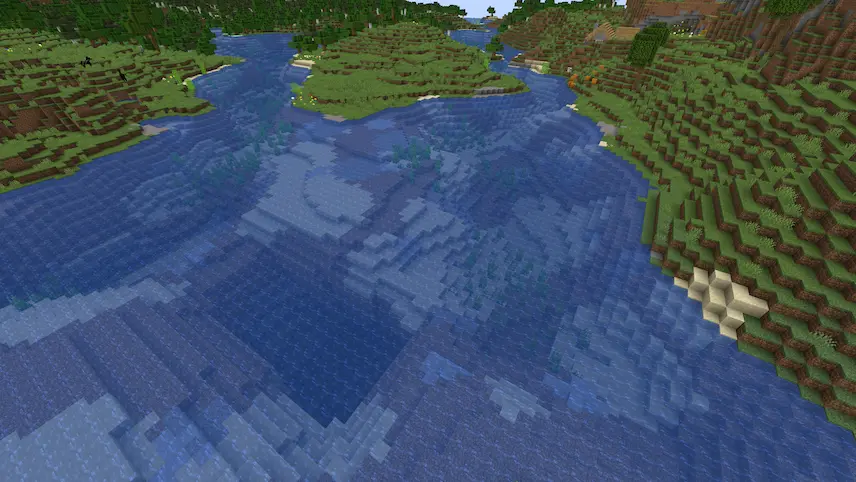
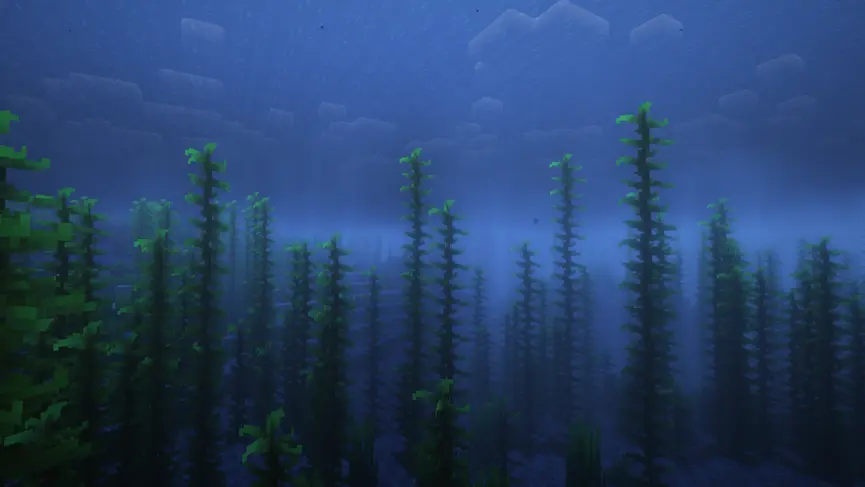
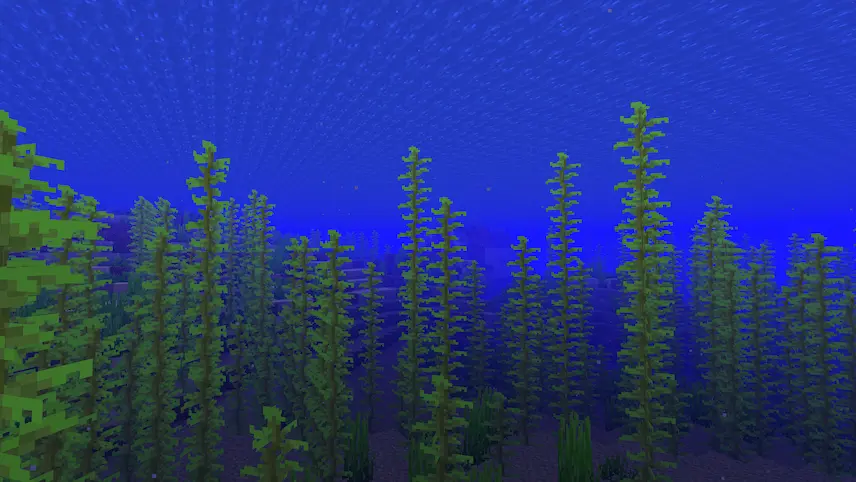
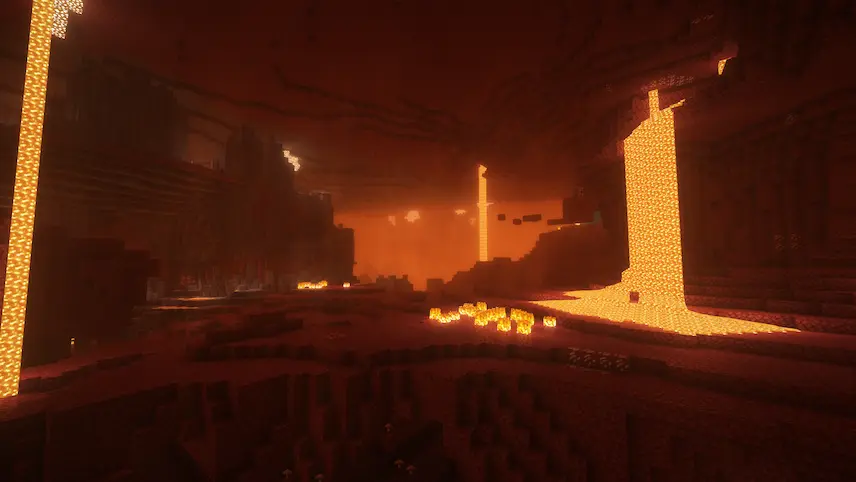
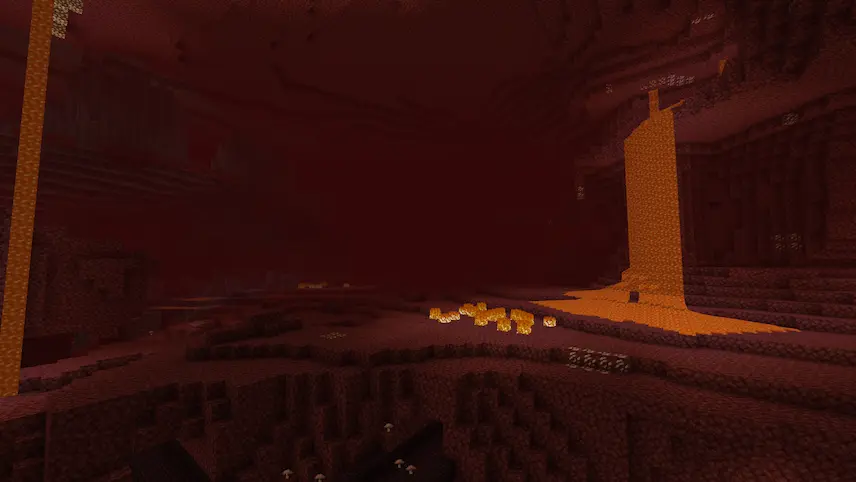
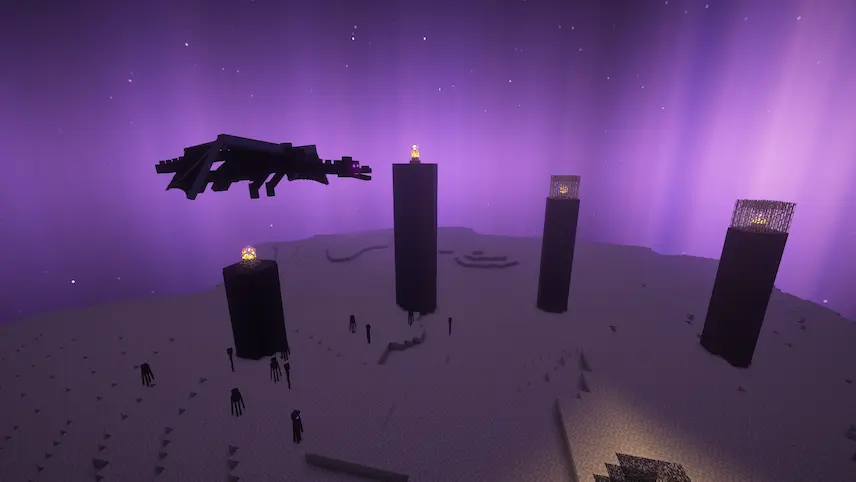
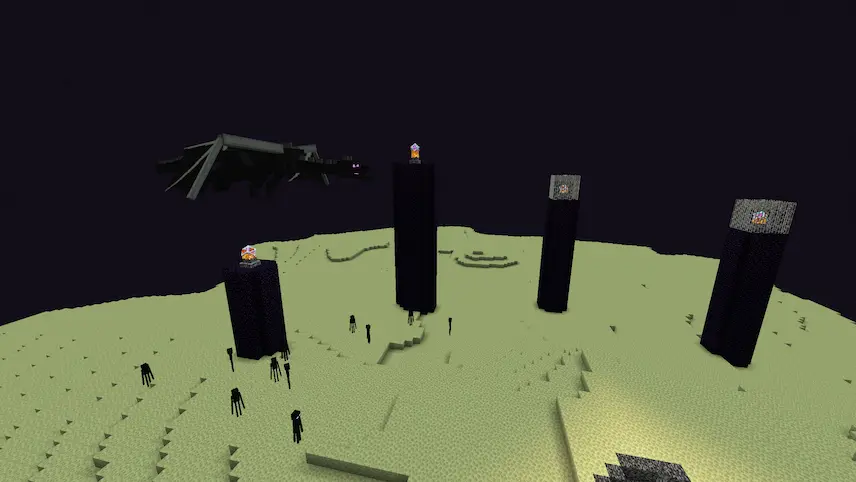
Complementary Reimagined Shaders compare Vanilla Shaders compare 1

Complementary Shaders is a highly acclaimed shader pack for Minecraft Java Edition, known for its exceptional attention to detail and top-tier optimization. This pack enhances your gameplay with a variety of high-quality effects, offering two distinct visual styles to choose from. Whether you prefer the more realistic look of the Unbound style or the reimagined aesthetics of the Reimagined style, Complementary Shaders ensures that your Minecraft experience remains smooth and visually stunning. Originally based on BSL Shaders, this pack has undergone numerous updates, including a complete rewrite, to meet the high standards of the community and to incorporate user feedback.

  1. 2. Download OptiFine or Iris Shaders for your Minecraft version.
  2. 1. Download Complementary Reimagined shaders.
  3. 2. Open your Minecraft folder and place the shader pack ZIP into .minecraft/shaderpacks folder.
  4. 4. Launch Minecraft, go to Options → Video Settings → Shaders, select your pack, and click Done. Enjoy your new visuals!

Download Complementary Reimagined Shaders

Type Game version File version Loaders Download
R Release
Complementary Reimagined r5.9
OptiFine Iris
File
R Release
Complementary Reimagined r5.8.1
OptiFine Iris
File
R Release
Complementary Reimagined r5.8
OptiFine Iris
File

Complementary Reimagined Minecraft Shaders

3 files

Download