logo responsive
/

Unique Dark Minecraft Resource Pack

26.1.2, 1.21.11, 1.20.6, 1.19.4, 1.18.2, 1.16.5

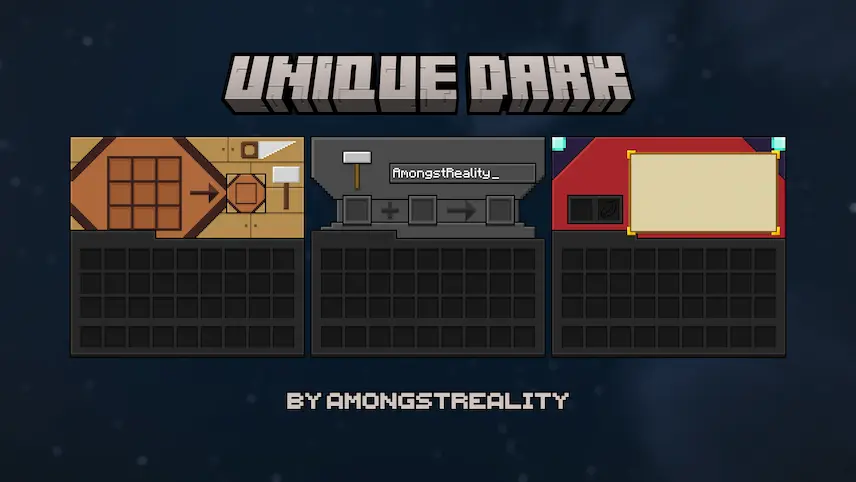
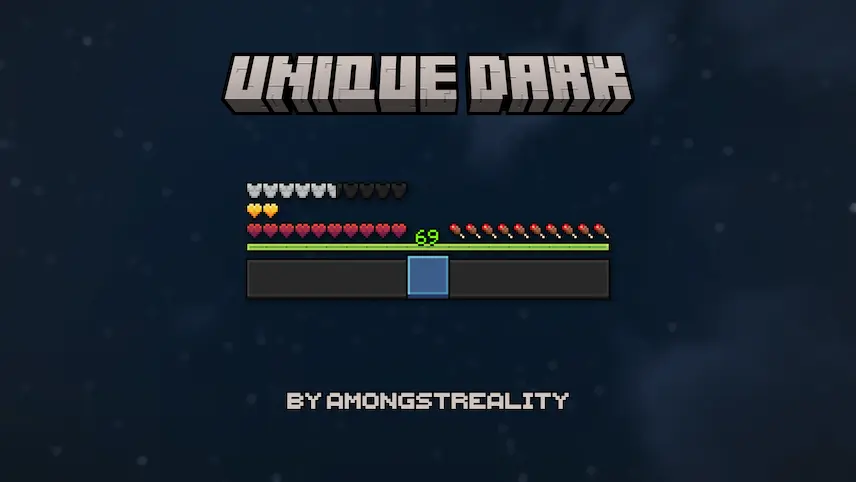
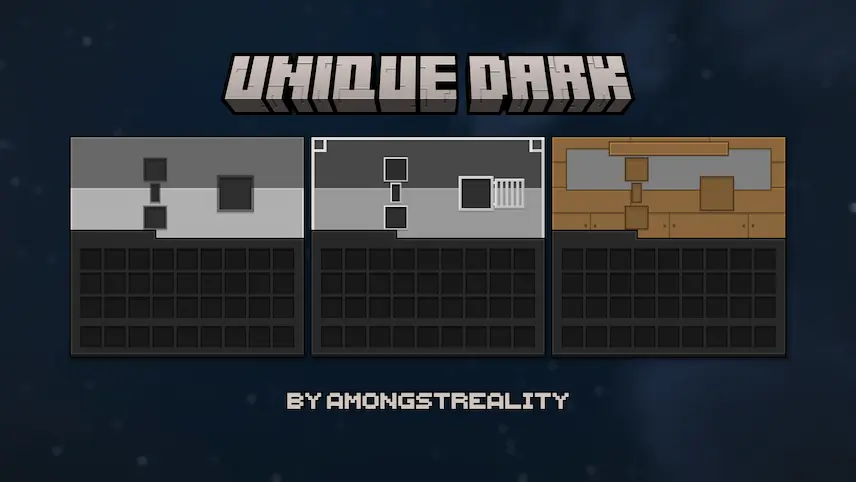
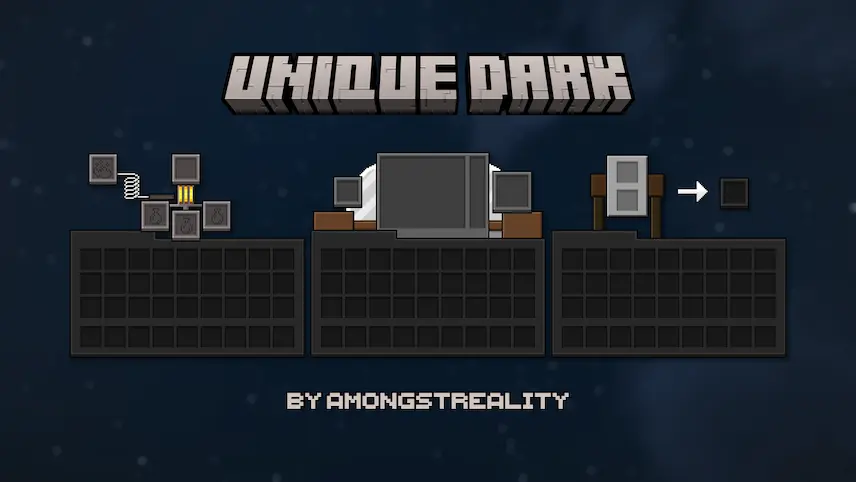
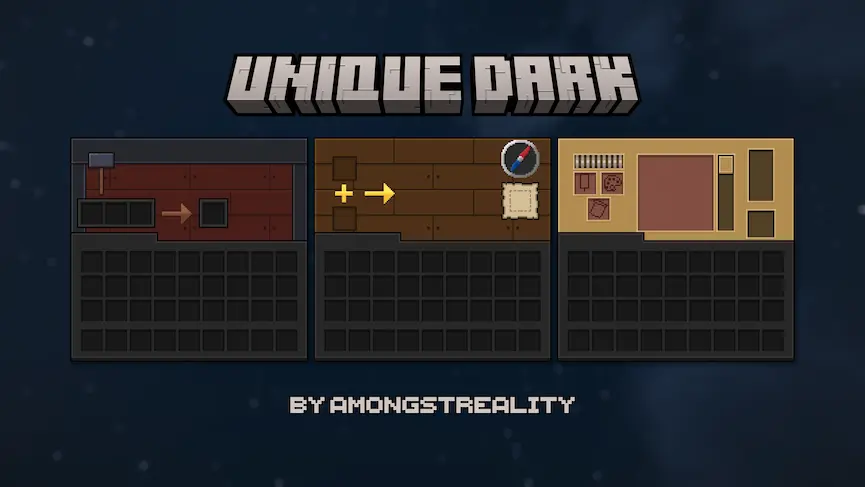
crafting table, anvil and enchanting table hud furnaces funtional blocks funtional blocks 2
crafting table, anvil and enchanting table
hud
furnaces
funtional blocks
funtional blocks 2

Unique Dark is the perfect Minecraft resource pack for players craving a sleek, modern interface without losing functionality. This preview version gives you a taste of the premium experience with dark-themed textures for key UI elements like inventory screens, crafting tables, furnaces, and enchanting setups. Everything is designed for clarity—buttons pop, chest menus feel crisp, and the hotbar stays readable even in chaotic battles. It’s like giving your game a minimalist, night-mode makeover that’s easy on the eyes and perfect for long sessions.

I’ve been using Unique Dark to streamline my gameplay, and it’s shocking how much smoother organizing items or enchanting gear feels.
  1. 1. First you need download Unique Dark.
  2. 2. Copy or move the downloaded ZIP into .minecraft/resourcepacks folder.
  3. 3. Launch Minecraft and go to Options → Resource Packs…
  4. 4. Select the pack in the left column, click the arrow to move it to the active side, then click Done. Enjoy!

Download Unique Dark Resource Pack

Type Game version File version Loaders Download
R Release
26.1.x v2.5.3 File
R Release
1.21.x v2.5.3 File
R Release
1.20.6 v2.5.3 File
R Release
1.20.4 v2.5.3 File
R Release
1.20.1 v2.5 File
R Release
1.19.4 v1.53 File
R Release
1.19.2 v2.0 File
R Release
1.18.2 v2.0 File
R Release
1.17.1 v1.44 File
R Release
1.16.5 v2.0 File

Unique Dark Minecraft Resource Pack

10 files • 26.1.2, 1.21.11, 1.20.6, 1.19.4, 1.18.2, 1.16.5

Download