logo responsive
/

Reimagined Gui (Dark) Minecraft Resource Pack

26.2, 26.1.2, 1.21.11, 1.20.6

dark ui inventory dark ui crafting table dark ui hotbar dark
dark ui
inventory dark ui
crafting table dark ui
hotbar dark

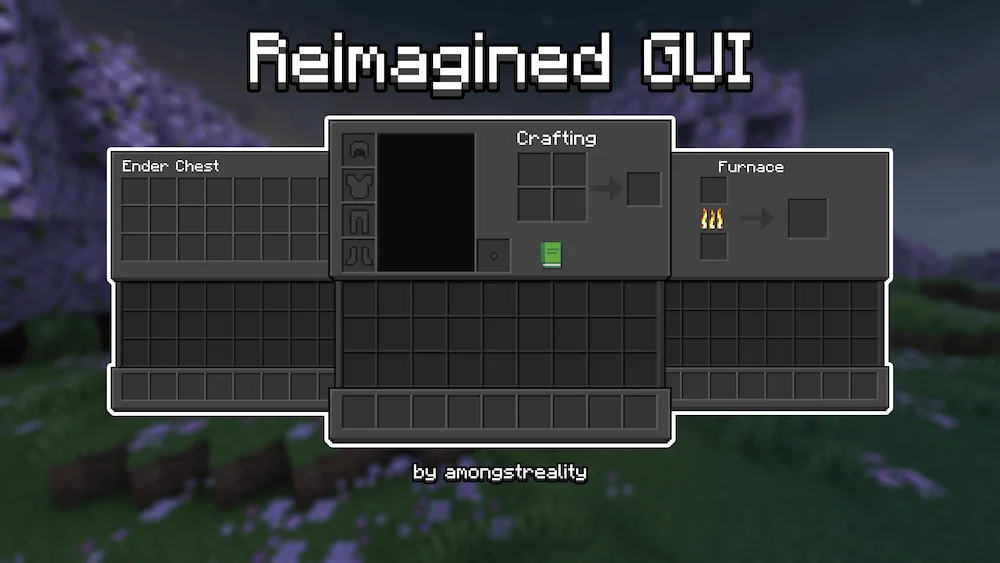
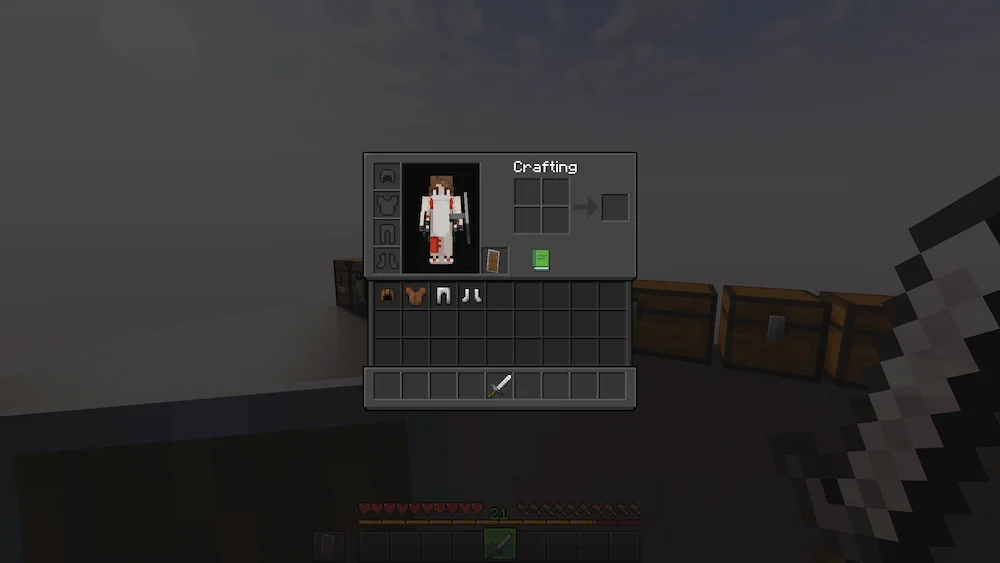
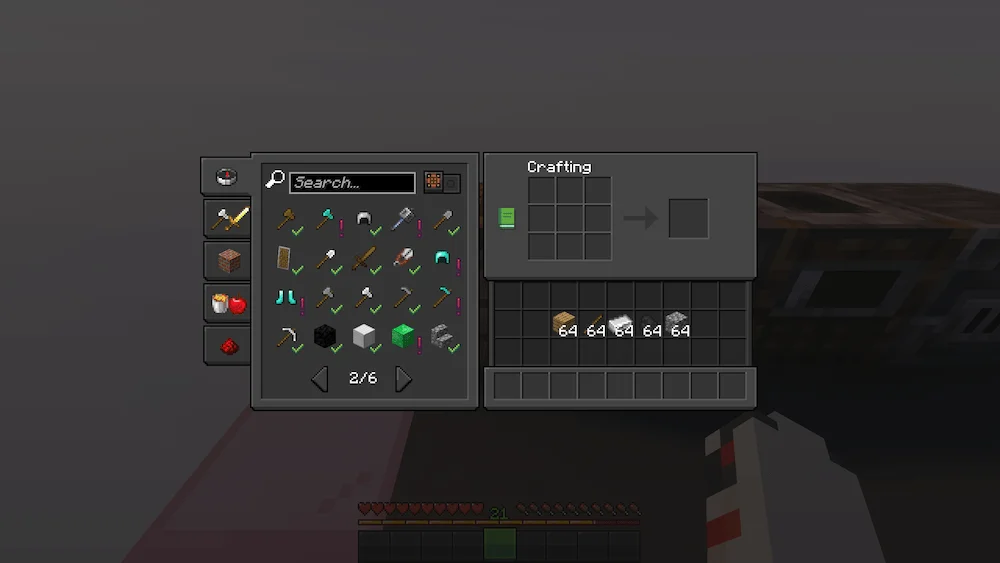
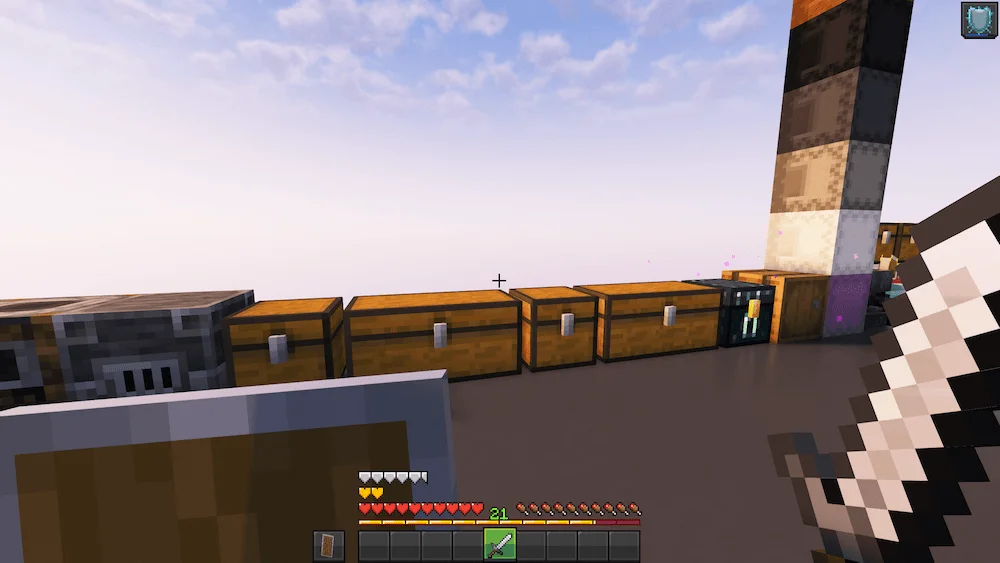
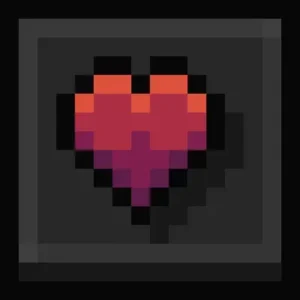
Resource pack, Reimagined GUI – Dark, gives your game a sleek, minimalist dark mode makeover. It swaps out all container screens—like your inventory and chests—for deep black and dark gray visuals. It also updates key heads up display (HUD) elements, including your hotbar, health hearts, and armor icons, making them crisp and streamlined.

The primary benefit is a more comfortable and focused gameplay experience. The dark theme is easier on your eyes, especially during extended sessions, and the minimalist design cuts down on visual clutter. This excellent Minecraft UI pack download instantly enhances your game’s look and makes managing your items a stylish task.
  1. 1. First you need download Reimagined Gui (Dark).
  2. 2. Copy or move the downloaded ZIP into .minecraft/resourcepacks folder.
  3. 3. Launch Minecraft and go to Options → Resource Packs…
  4. 4. Select the pack in the left column, click the arrow to move it to the active side, then click Done. Enjoy!

Download Reimagined Gui (Dark) Resource Pack

Type Game version File version Loaders Download
R Release
26.2 v1.10 File
R Release
26.1.x v1.10 File
R Release
1.21.x v1.10 File
R Release
1.20.6 v1.10 File
R Release
1.20..4 v1.10 File
R Release
1.20.1 v1.9 File
R Release
1.19.4 v1.6 File
R Release
1.19.2 v1.9 File
R Release
1.18.2 v1.9 File

Reimagined Gui (Dark) Minecraft Resource Pack

9 files • 26.2, 26.1.2, 1.21.11, 1.20.6

Download