logo responsive
/

OreUI Reimagined Minecraft Resource Pack

1.21.10

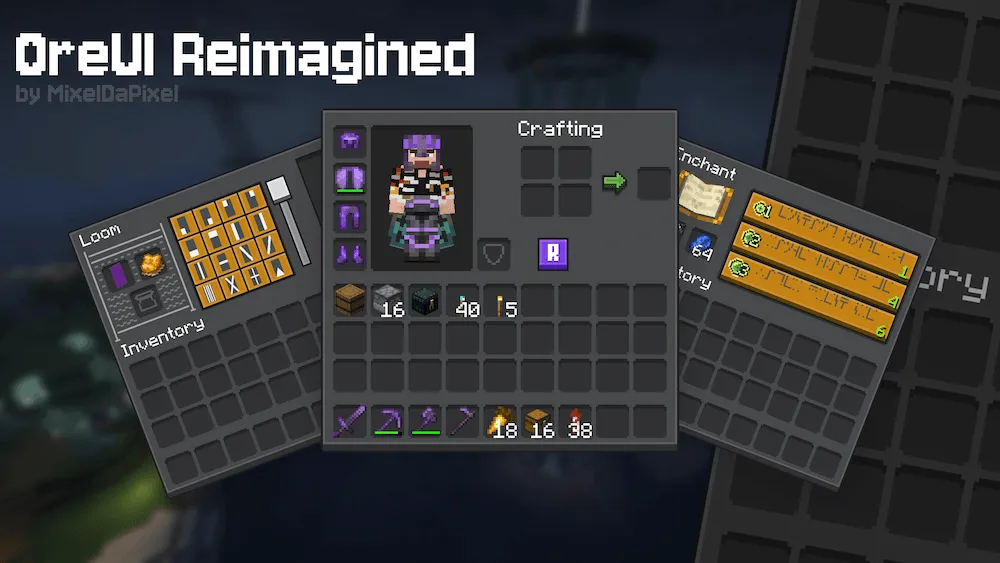
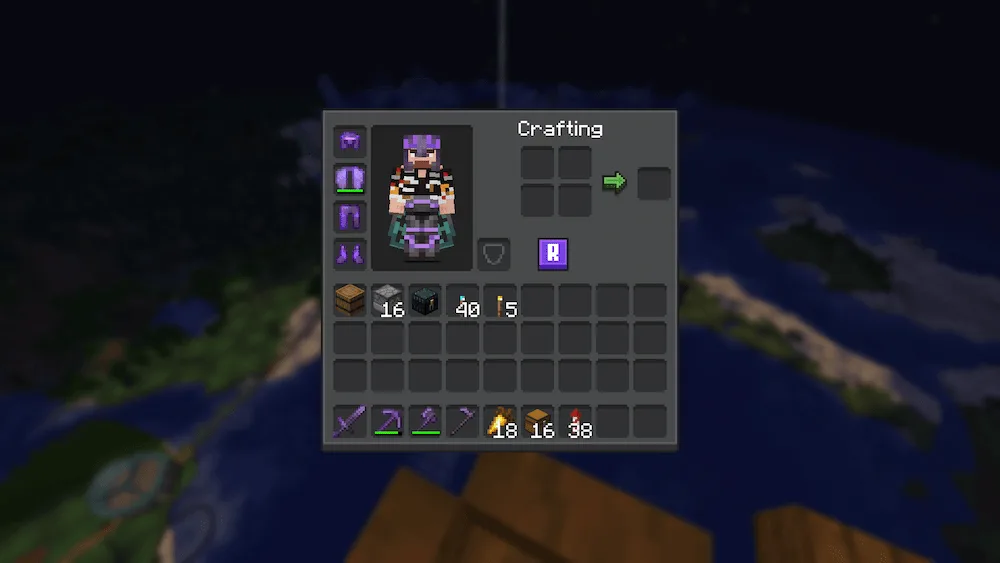
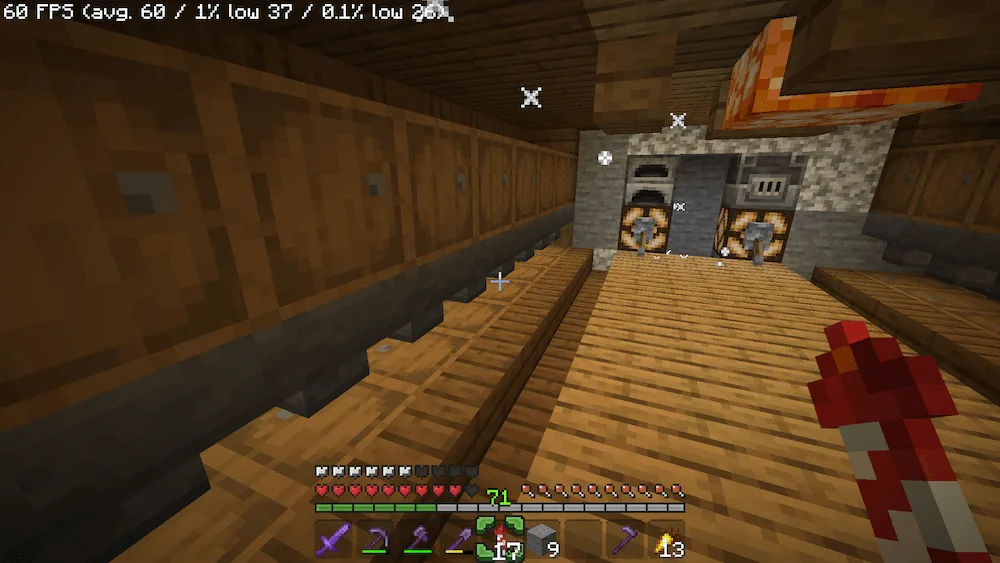
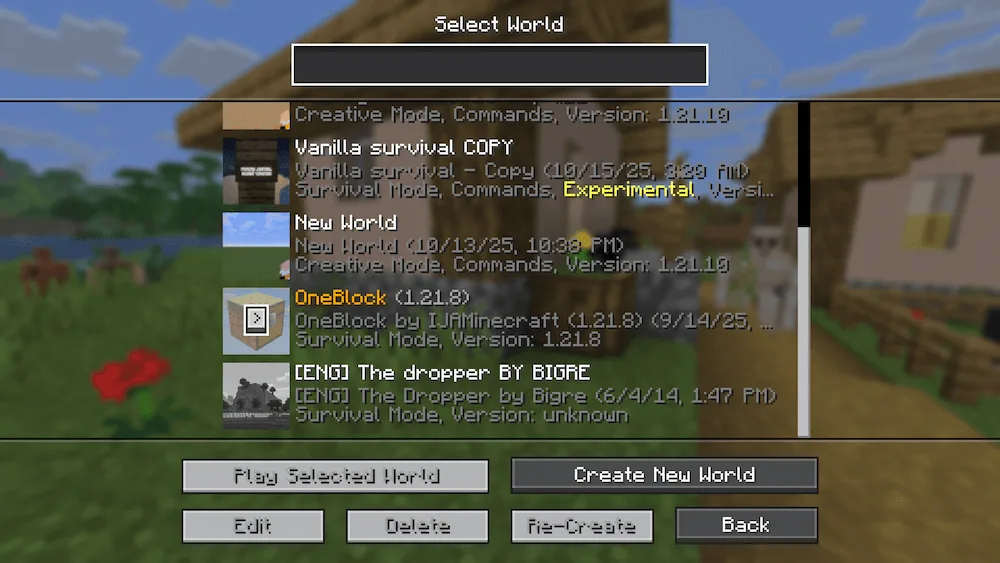
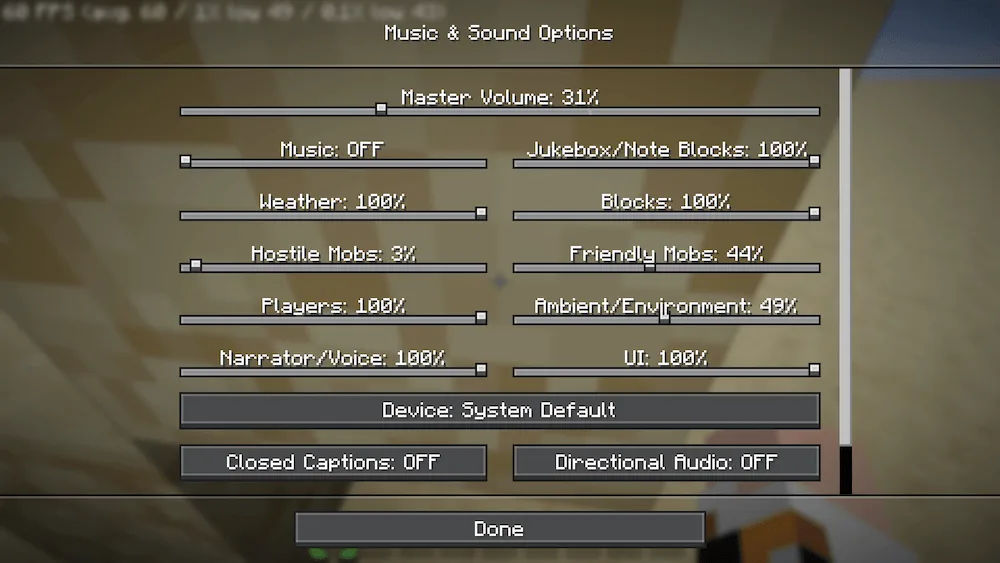
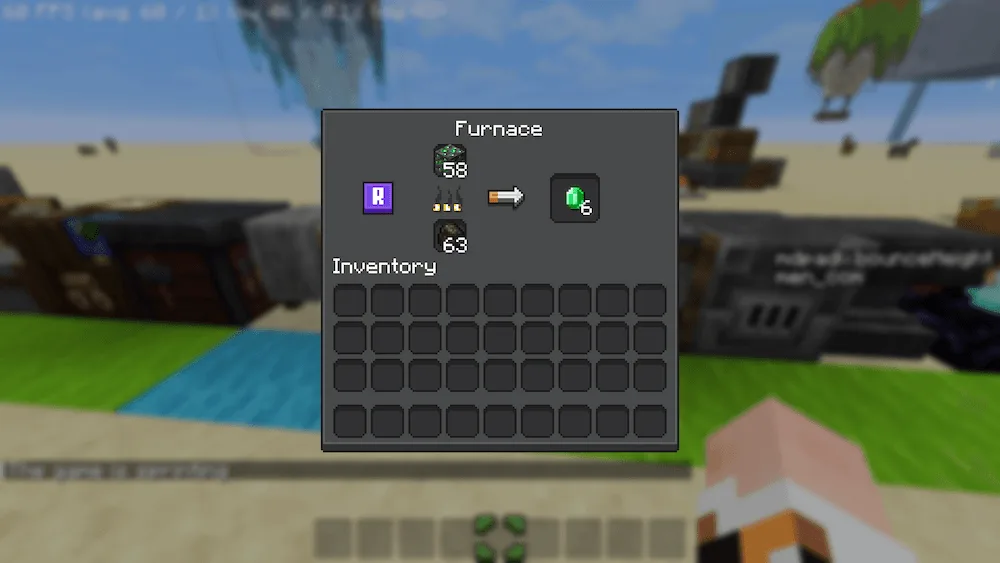
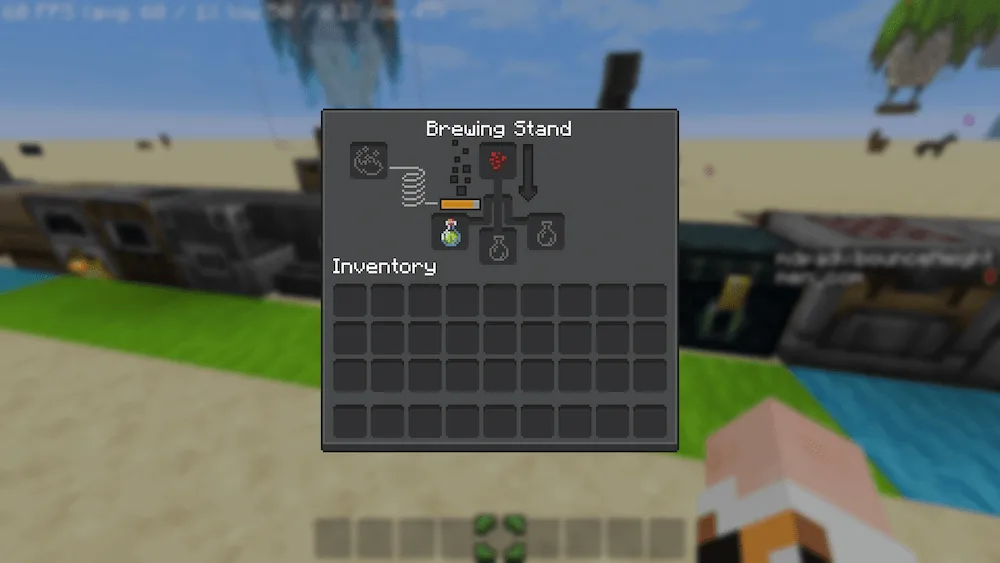
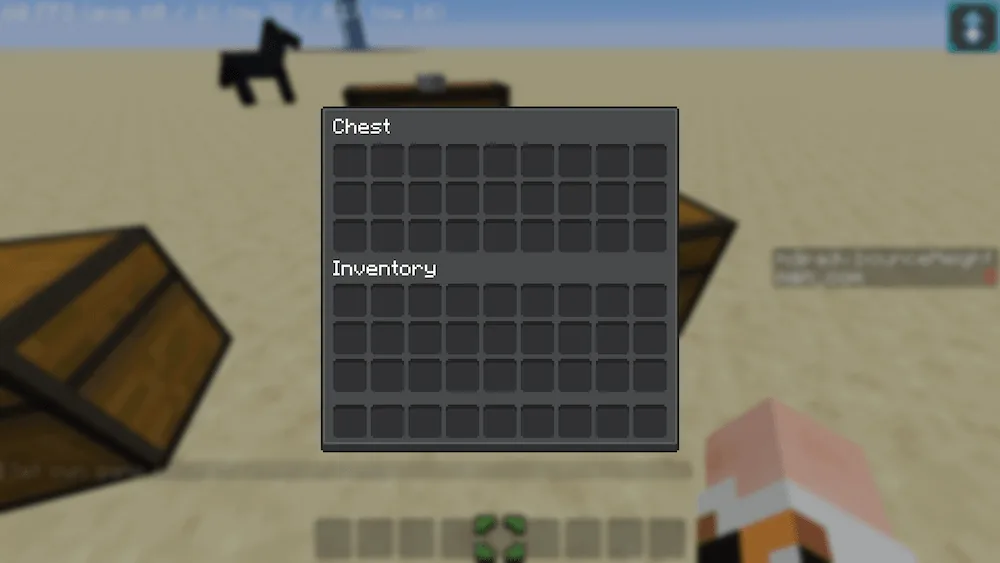
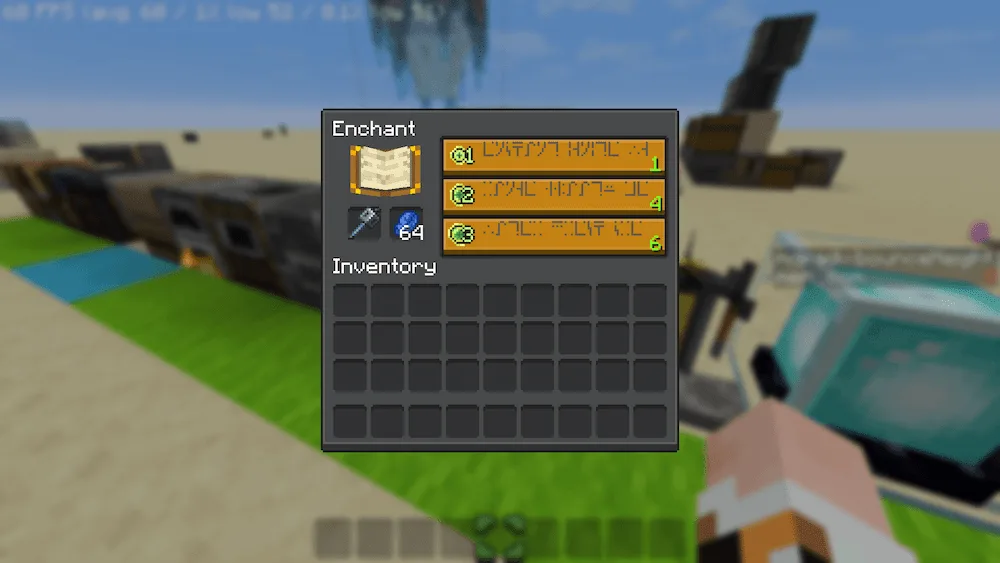
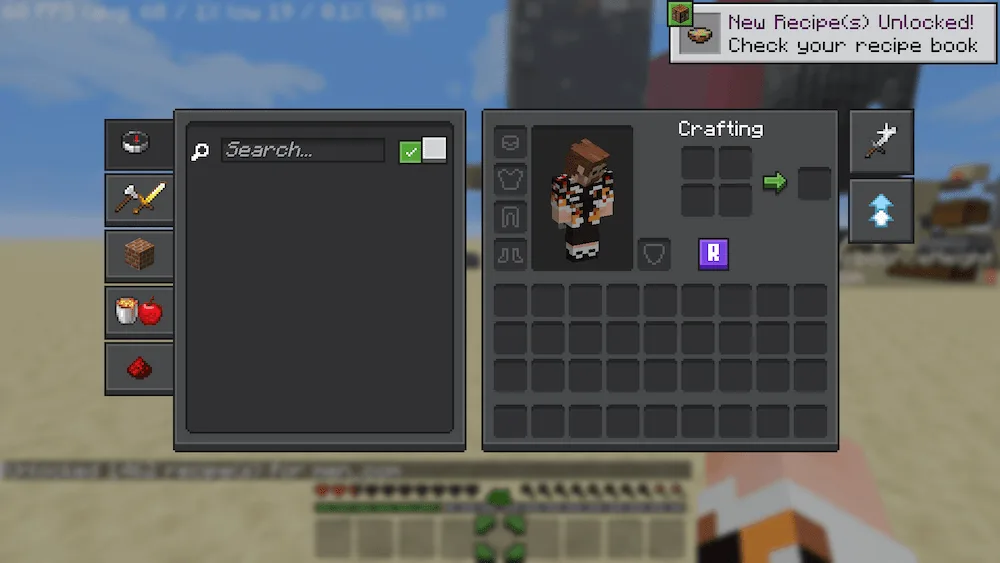
new Minecraft IU home screen inventory hotbar server list settings funace Brewing Stand chest enchanting table recipe book ui
new Minecraft IU
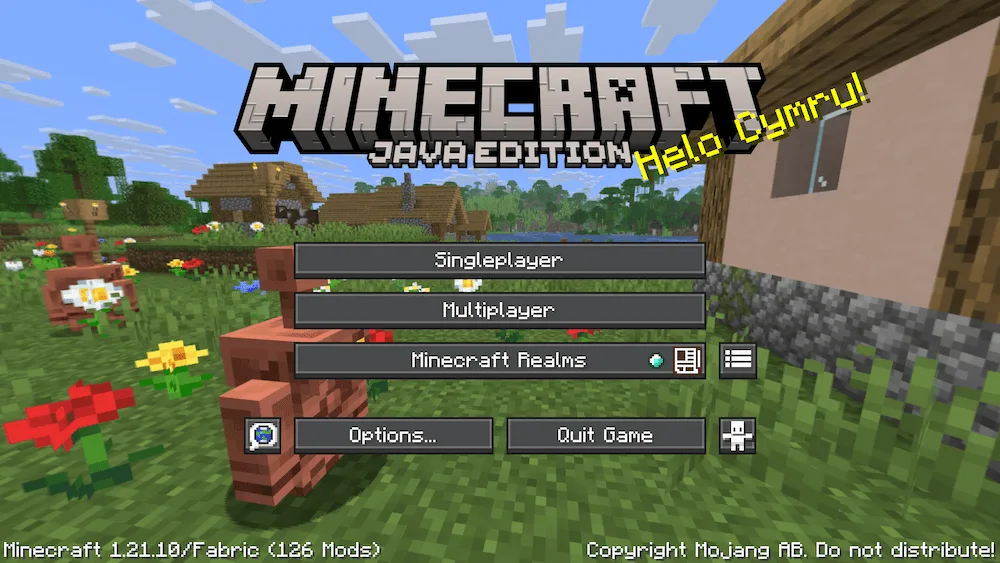
home screen
inventory
hotbar
server list
settings
funace
Brewing Stand
chest
enchanting table
recipe book ui

Want your Minecraft Java interface to look as cool and modern as the official Mojang websites or the Bedrock edition? Then you need the OreUI Reimagined resource pack. This pack completely updates your game’s User Interface (UI) to match that fresh, sleek design language that Mojang has been using.

Say goodbye to the super classic (and maybe a bit old-school) Java menus. With OreUI Reimagined, your screens will look cleaner, more cohesive, and totally updated. If you like a polished, modern aesthetic and want your Java game to feel current with the official design style, just drop this resource pack in and enjoy the smooth new look.

  1. 1. First you need download OreUI Reimagined.
  2. 2. Copy or move the downloaded ZIP into .minecraft/resourcepacks folder.
  3. 3. Launch Minecraft and go to Options → Resource Packs…
  4. 4. Select the pack in the left column, click the arrow to move it to the active side, then click Done. Enjoy!

Download OreUI Reimagined Resource Pack

Type Game version File version Loaders Download
R Release
1.21.10 v0.0.1 File
R Release
1.21.9 v0.0.1 File

OreUI Reimagined Minecraft Resource Pack

2 files • 1.21.10

Download