logo responsive
/

rotrBLOCKS Minecraft Resource Pack

26.2, 26.1.2, 1.21.11, 1.20.6, 1.19.4, 1.18.2, 1.16.5

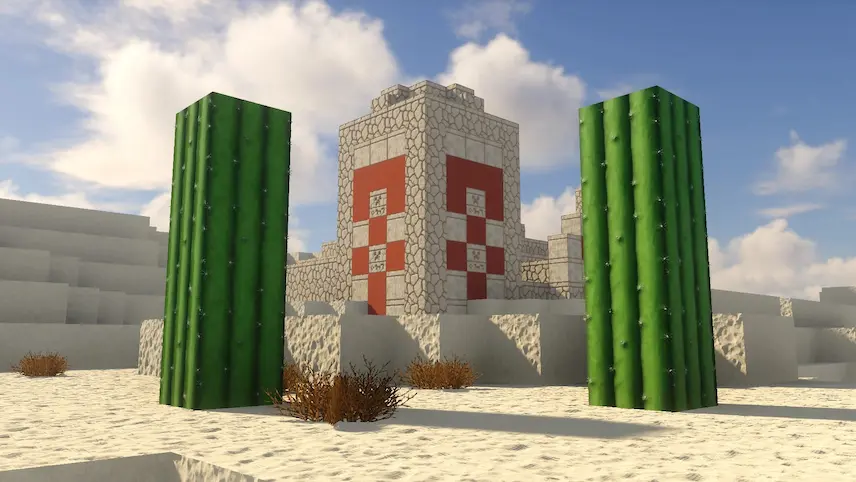
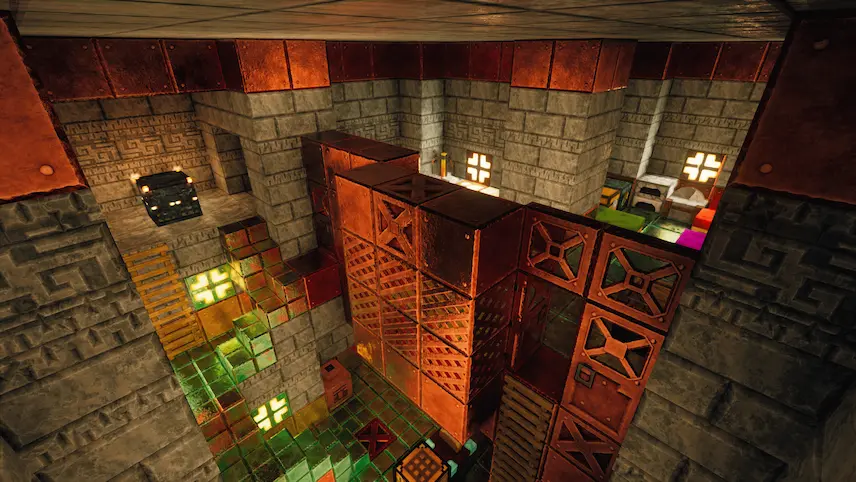
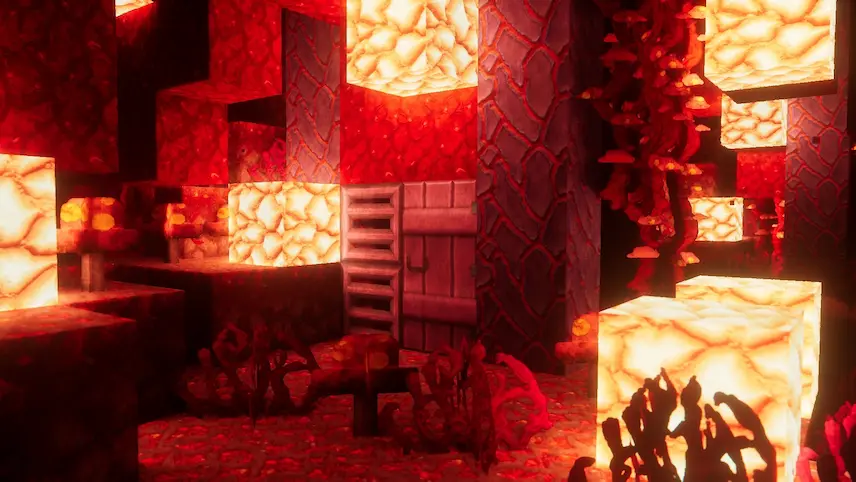
to many blocks pale garden cave redstone desert chamber crimson forest
to many blocks
pale garden
cave
redstone
desert
chamber
crimson forest

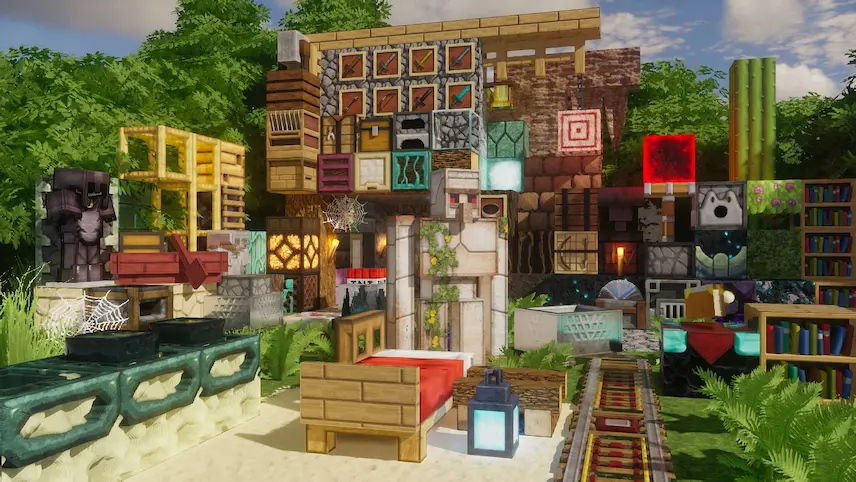
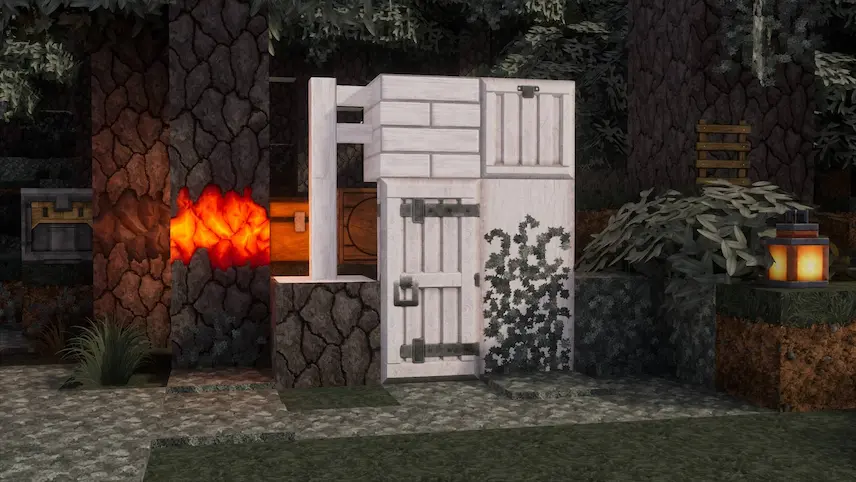
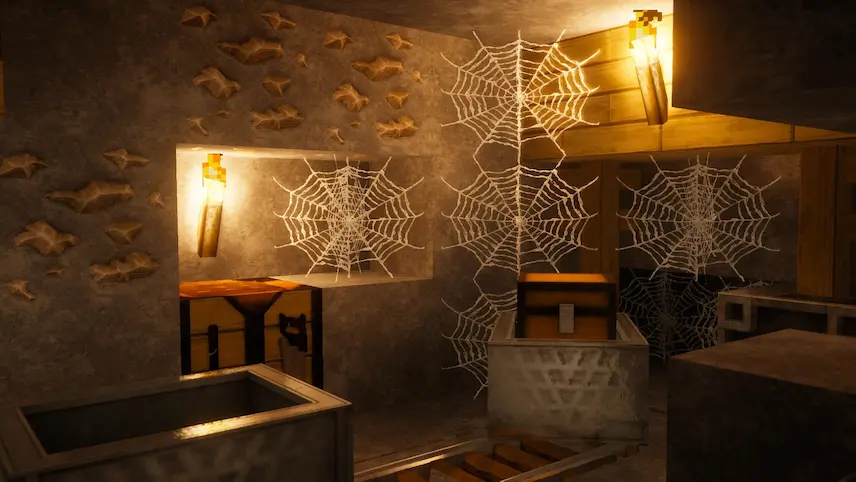
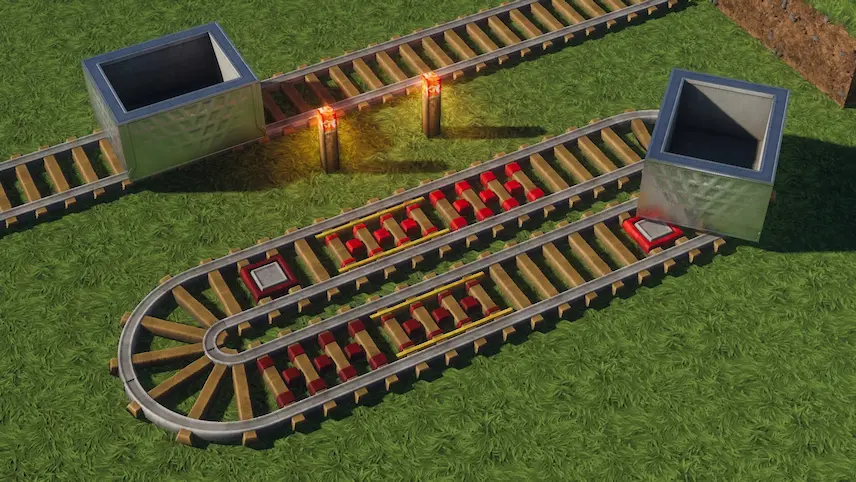
rotrBLOCKS is the perfect PBR/POM resource pack that enhances the classic vanilla look of Minecraft without overwhelming it. It refines textures with subtle improvements while preserving the familiar charm we all love. I appreciate how it uses advanced lighting and parallax techniques to bring out more detail and depth, making the game feel both authentic and visually striking.

If you’re looking to upgrade your Minecraft experience with a resource pack that respects the vanilla aesthetic yet offers high-definition enhancements, rotrBLOCKS is the ideal choice.
  1. 1. First you need download rotrBLOCKS.
  2. 2. Copy or move the downloaded ZIP into .minecraft/resourcepacks folder.
  3. 3. Launch Minecraft and go to Options → Resource Packs…
  4. 4. Select the pack in the left column, click the arrow to move it to the active side, then click Done. Enjoy!

Download rotrBLOCKS Resource Pack

Type Game version File version Loaders Download
R Release
26.2 v86 File
R Release
26.1.x v86 File
R Release
1.21.x v86 File
R Release
1.20.x v86 File
R Release
1.19.x v86 File
R Release
1.18.2 v86 File
R Release
1.17.1 v86 File
R Release
1.16.5 v86 File

rotrBLOCKS Minecraft Resource Pack

8 files • 26.2, 26.1.2, 1.21.11, 1.20.6, 1.19.4, 1.18.2, 1.16.5

Download