logo responsive
/

Visual: Armor Trims Minecraft Resource Pack

26.2, 26.1.2, 1.21.11

Trim GUI Featured Image Example Items Ingredients Consistency
Trim GUI
Featured Image
Example Items
Ingredients
Consistency

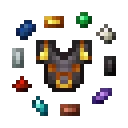
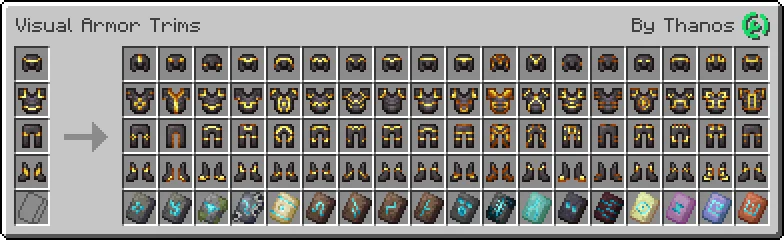
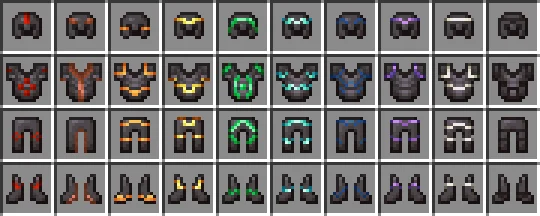
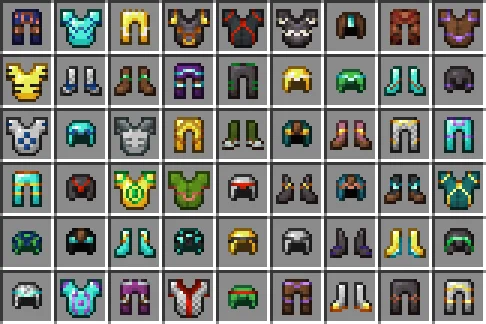
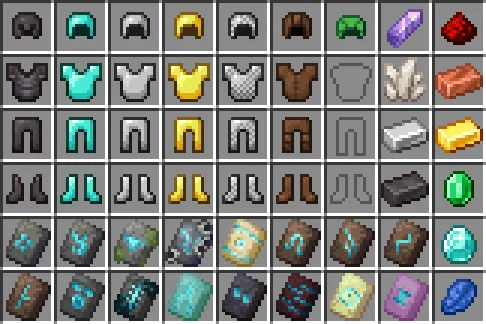
Visual: Armor Trims is a Minecraft resource pack that gives each armor trim its own unique texture in the GUI, matching the appearance it has when applied to armor. In vanilla Minecraft, trim items share the same basic icon and only change color, making it difficult to tell different trims apart at a glance.

This pack redesigns the trim item textures so you can easily distinguish between patterns such as Coast, Silence, and other armor trims directly from your inventory. It is a simple visual improvement that makes collecting, organizing, and choosing armor trims much easier while staying close to the vanilla Minecraft style.

  1. 1. First you need download Visual: Armor Trims.
  2. 2. Copy or move the downloaded ZIP into .minecraft/resourcepacks folder.
  3. 3. Launch Minecraft and go to Options → Resource Packs…
  4. 4. Select the pack in the left column, click the arrow to move it to the active side, then click Done. Enjoy!

Download Visual: Armor Trims Resource Pack

Type Game version File version Loaders Download
R Release
26.2 v4.2 File
R Release
26.1.2 v4.2 File
R Release
1.21.x v4.2 File
R Release
1.20.x v1.1 File

Visual: Armor Trims Minecraft Resource Pack

4 files • 26.2, 26.1.2, 1.21.11

Download