logo responsive
/

Icons Minecraft Resource Pack

26.1.2, 1.21.11, 1.20.6, 1.19.4, 1.18.2

home screen tooltips server ui Single Player menu change languaje Options menu Saturation Points
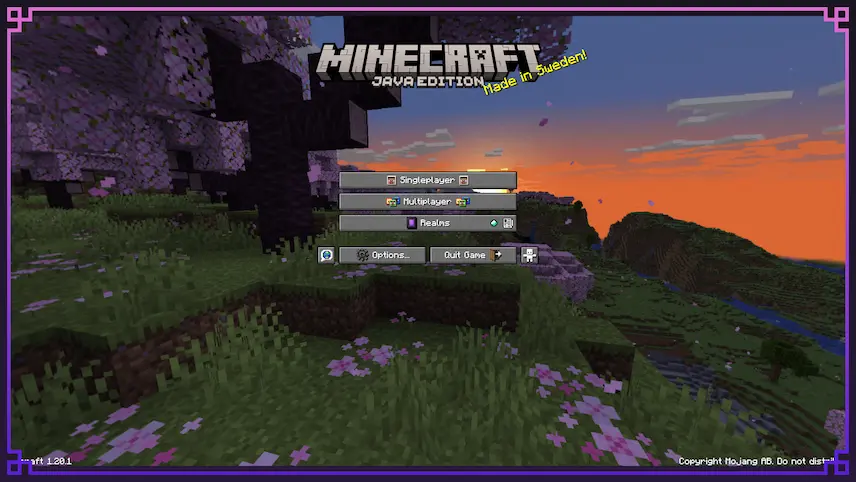
home screen
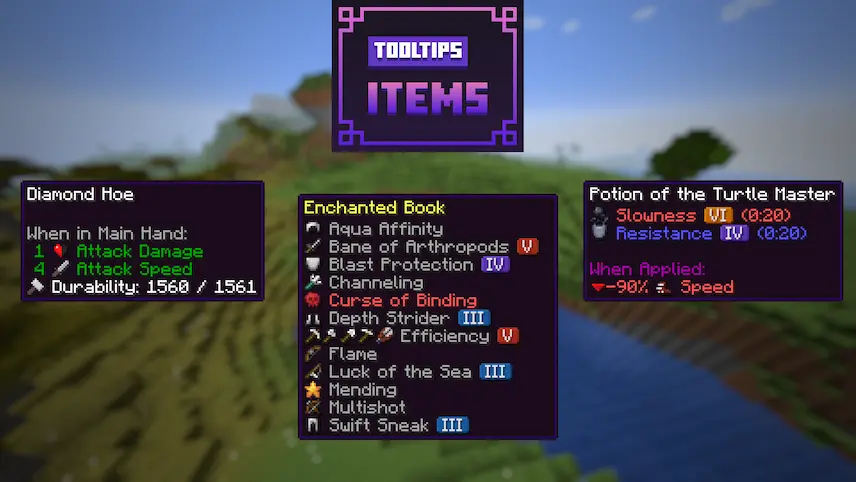
tooltips
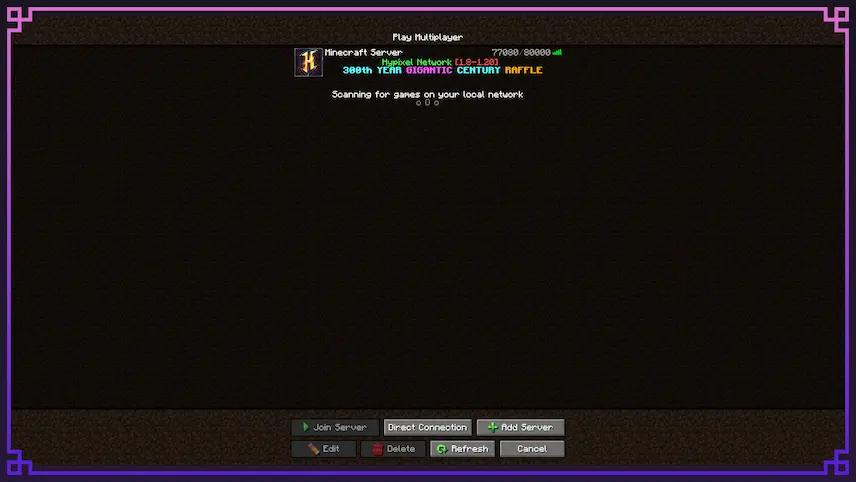
server ui
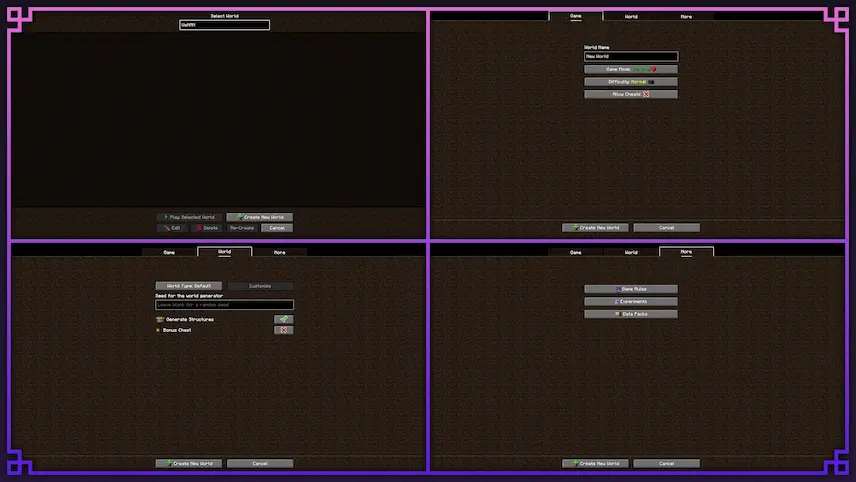
Single Player menu
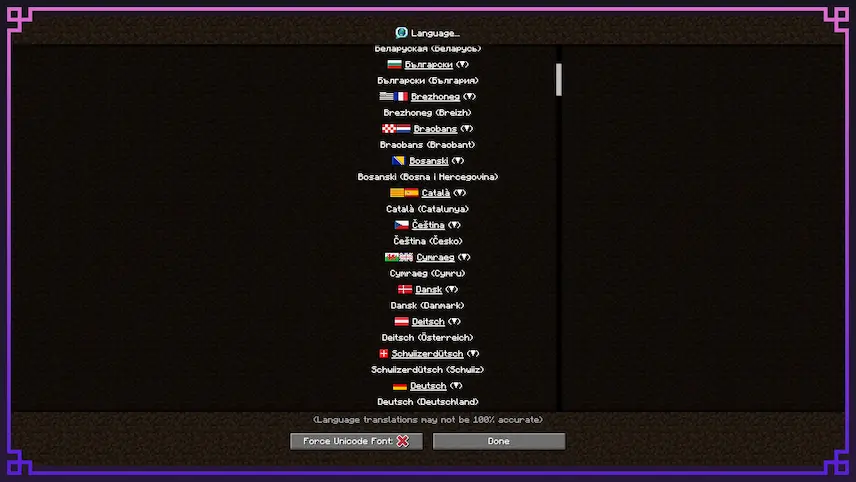
change languaje
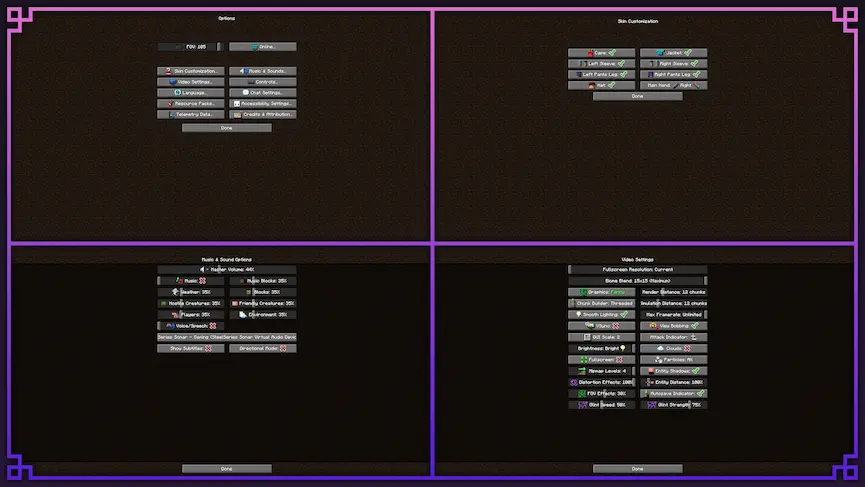
Options menu
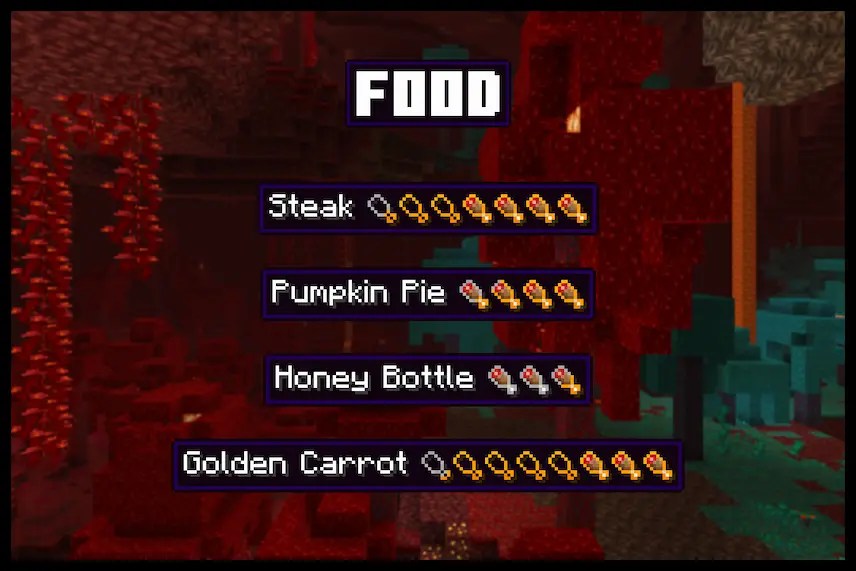
Saturation Points

Icons is a unique Minecraft resource pack that adds visual flair to your game by placing small icons across menus, GUIs, subtitles, and more. Wherever text appears, this pack finds creative ways to include helpful or decorative symbols, making the interface feel more modern and polished without changing the core gameplay. It’s a subtle yet effective way to improve your experience, especially if you enjoy visual clarity and extra detail in your menus.

The pack works by using custom Unicode characters along with Minecraft’s language files to insert icons seamlessly into the game. This lightweight resource pack enhances both immersion and usability without impacting performance, making it a great option for players who want a clean, informative UI. If you’re looking for a texture pack that boosts the look of Minecraft’s interface in a smart and simple way, Icons is a great choice.
  1. 1. First you need download Icons.
  2. 2. Copy or move the downloaded ZIP into .minecraft/resourcepacks folder.
  3. 3. Launch Minecraft and go to Options → Resource Packs…
  4. 4. Select the pack in the left column, click the arrow to move it to the active side, then click Done. Enjoy!

Download Icons Resource Pack

Type Game version File version Loaders Download
R Release
26.1.x v1.13.3 File
R Release
1.21.x v1.13.3 File
R Release
1.20.x v1.13.3 File
R Release
1.19.x v1.9.1 File
R Release
1.18.2 v1.7.1 File
R Release
1.17.1 v1.7.1 File
R Release
1.16.5 v1.6.2 File

Icons Minecraft Resource Pack

7 files • 26.1.2, 1.21.11, 1.20.6, 1.19.4, 1.18.2

Download