logo responsive
/

Allay Girls Minecraft Resource Pack

1.21.11, 1.20.6, 1.19.4, 1.18.2

screenshot in game 1 variants screenshot in game 2 screenshot in game 3 screenshot in game 4 screenshot in game 5 screenshot in game 6 screenshot in game 7
screenshot in game 1
variants
screenshot in game 2
screenshot in game 3
screenshot in game 4
screenshot in game 5
screenshot in game 6
screenshot in game 7

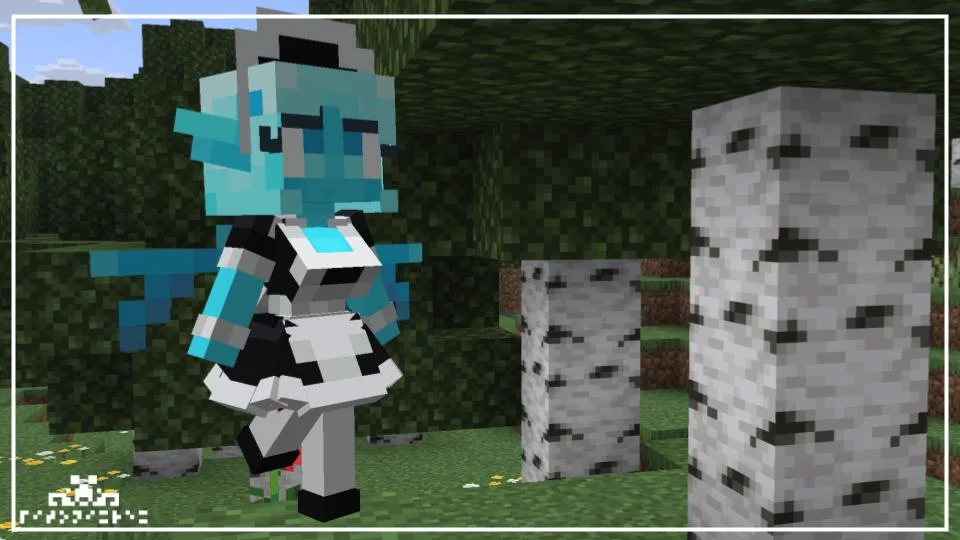
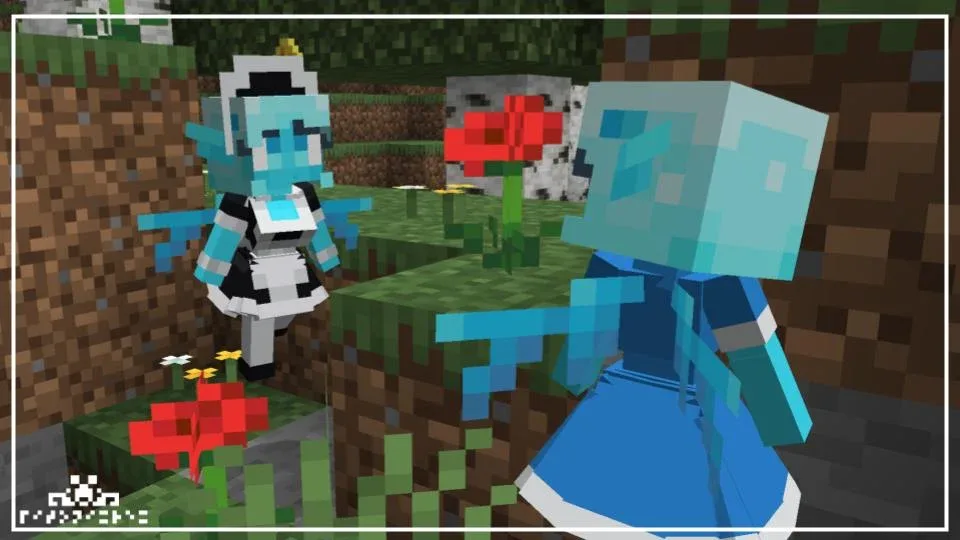
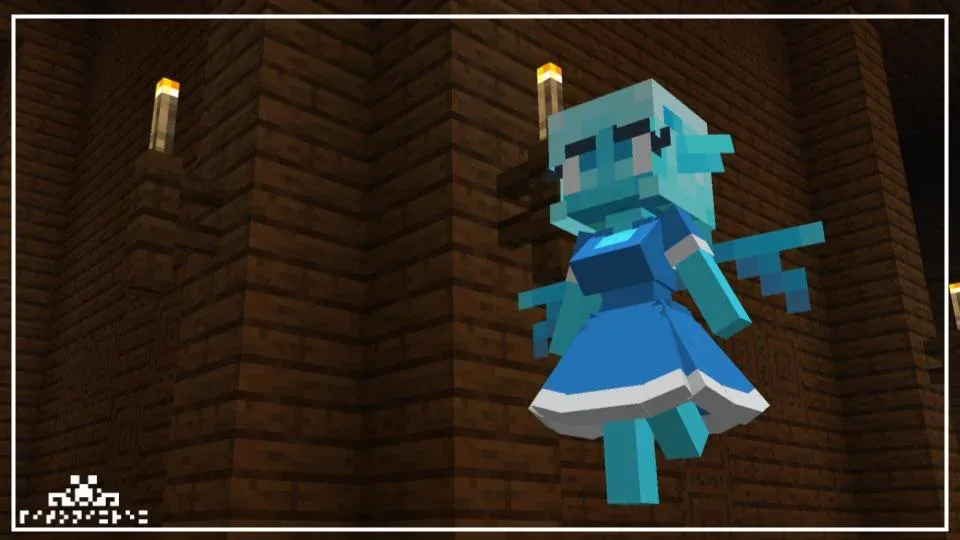
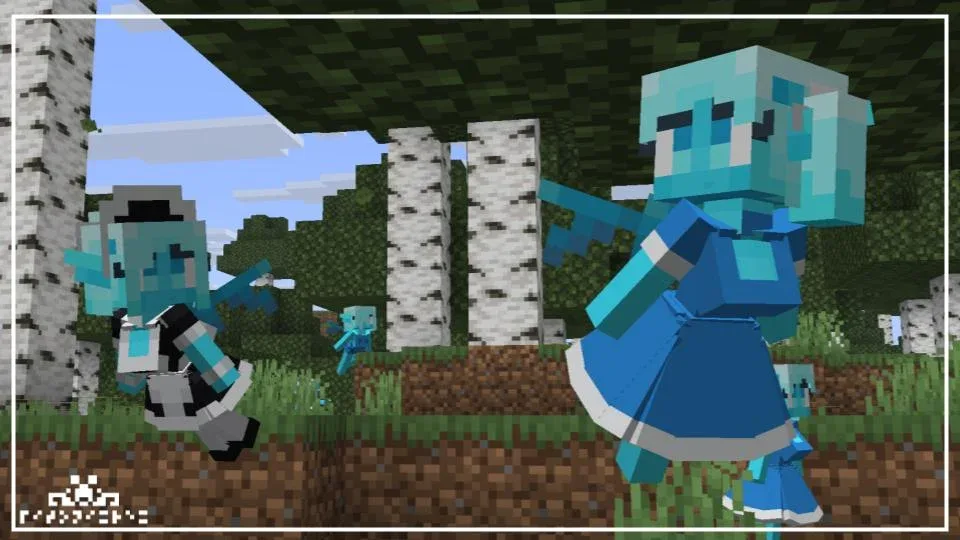
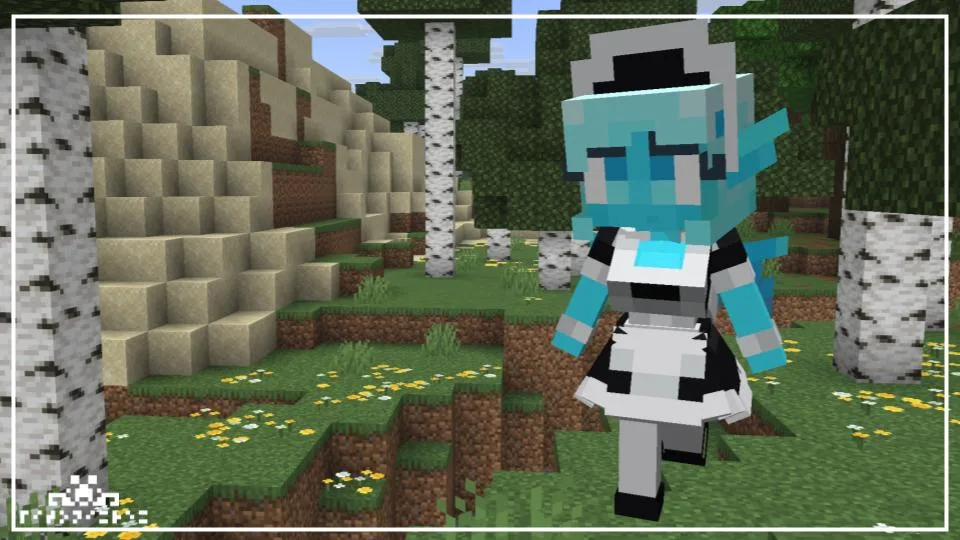
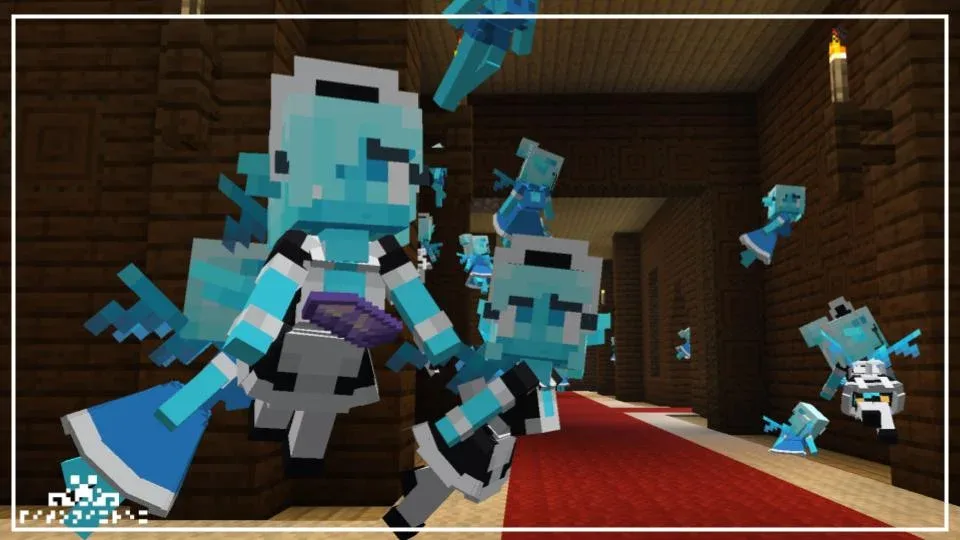
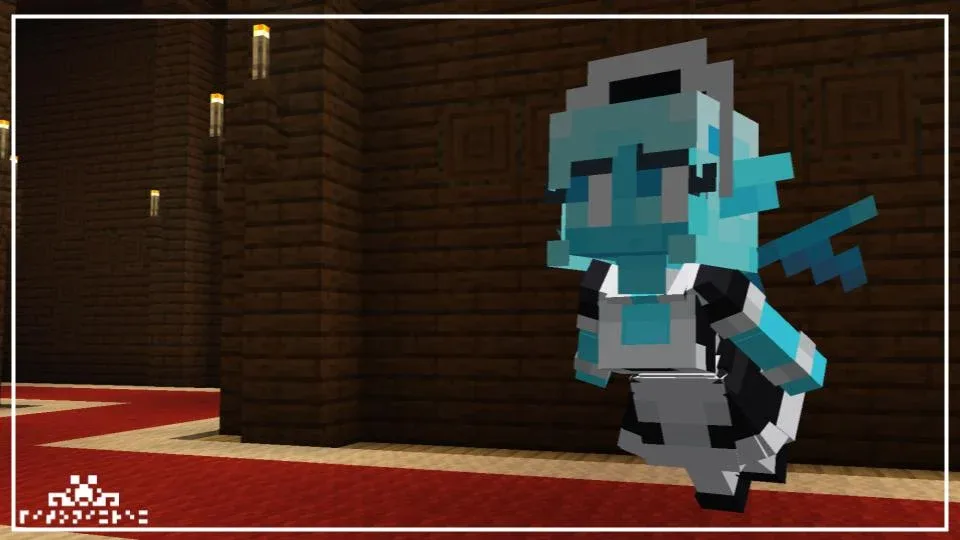
If you’re a fan of the Allay but think they could use a more unique look, the Allay Girls resource pack is a pretty cool pick. It completely transforms the little blue helpers into stylized “Allay Girls” with custom 3D models and way more expressive faces. They still keep that magical, floaty vibe, but now they have themed outfits and softer proportions that make them stand out much more than the original vanilla versions.

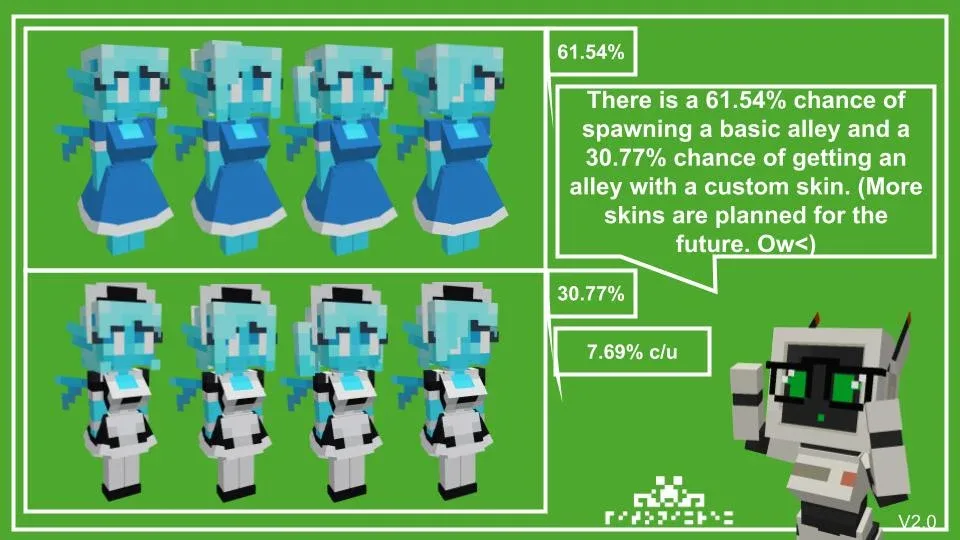
The pack uses a random spawning system, so you won’t see the same girl every time. There’s about a 60% chance for the default look, but there are also several rare custom skins with a much lower spawn rate, making it fun to see which one you find. Just keep in mind that you’ll need a mod like OptiFine or the EMF/ETF combo for the custom models to actually show up in your game. If you want to make your world feel a bit more like an anime or a fantasy RPG, this is a solid addition.
Fabric

  1. 1. Download, execute the Fabric installer, choose Client, select your Minecraft version, and click Install.
  2. 2. Download the Fabric API matching that Minecraft version.
  3. 3. Download Allay Girls or any additional Fabric-compatible mods you want.
  4. 4. Place the Fabric API and all mods into .minecraft/mods folder.
  5. 5. Open the Minecraft Launcher, select the new Fabric profile, and press Play. Enjoy!

Forge

  1. 1. Download, execute the Forge installer, choose Client, and click Install.
  2. 3. Download Allay Girls or any additional Forge-compatible mods you want.
  3. 4. Place all mods into .minecraft/mods folder.
  4. 5. Open the Minecraft Launcher, select the new Forge profile, and press Play. Enjoy!

NeoForge

  1. 1. Download, execute the NeoForge installer, choose Client, and click Install.
  2. 3. Download Allay Girls or any additional NeoForge-compatible mods you want.
  3. 4. Place all mods into .minecraft/mods folder.
  4. 5. Open the Minecraft Launcher, select the new NeoForge profile, and press Play. Enjoy!

Download Allay Girls Resource Pack

Type Game version File version Loaders Download
R Release
1.21.x v2.0 File
R Release
1.20.x v2.0 File
R Release
1.19.x v2.0 File
R Release
1.18.2 v2.0 File
R Release
1.17.1 v2.0 File
R Release
1.16.5 v2.0 File

Allay Girls Minecraft Resource Pack

6 files • 1.21.11, 1.20.6, 1.19.4, 1.18.2

Download