logo responsive
/

Effortless Building Minecraft Mod

26.2, 26.1.2, 1.21.11, 1.19.4, 1.18.2, 1.16.5

Build Modes radial menu Building a wall 1 Building a wall 2 Mirror settings Array settings Radial mirror settings Randomizer Bag Randomizer Bag recipes
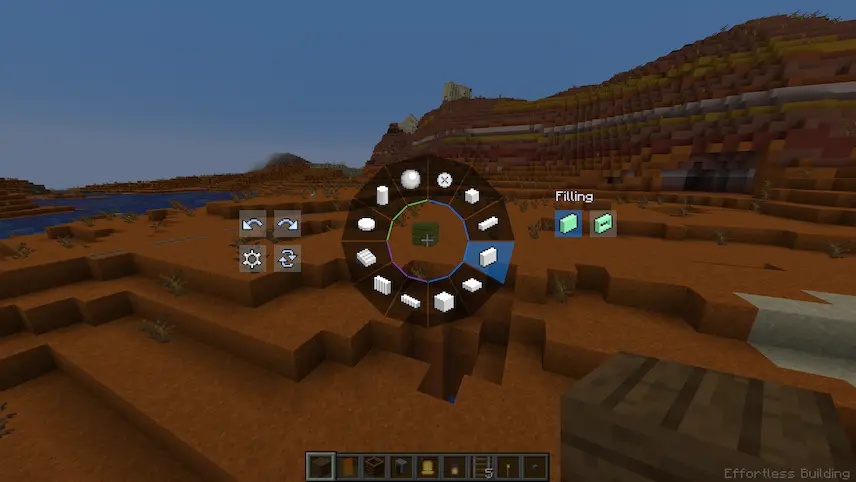
Build Modes radial menu
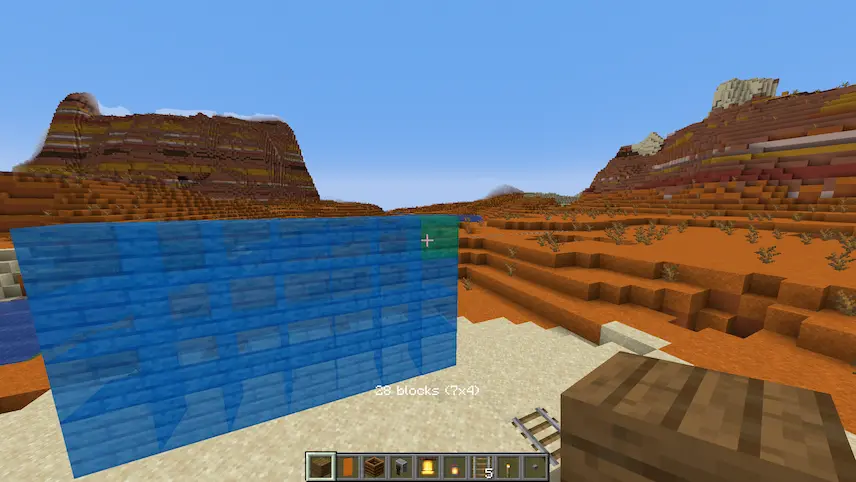
Building a wall 1
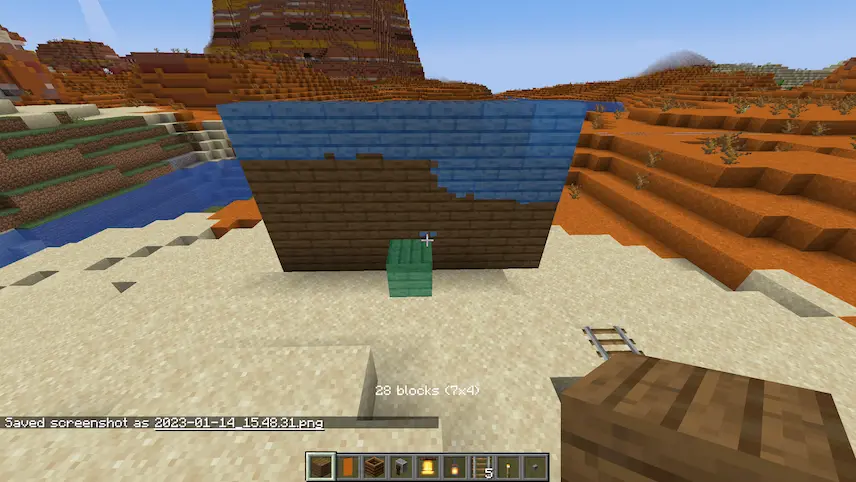
Building a wall 2
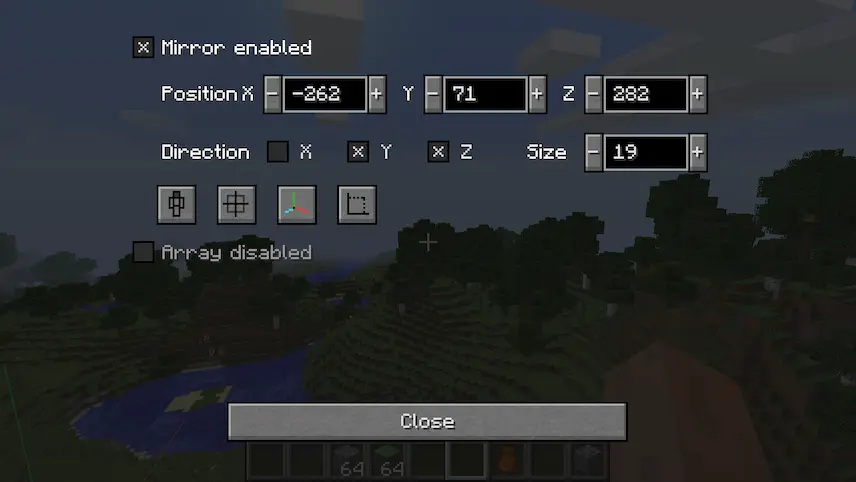
Mirror settings
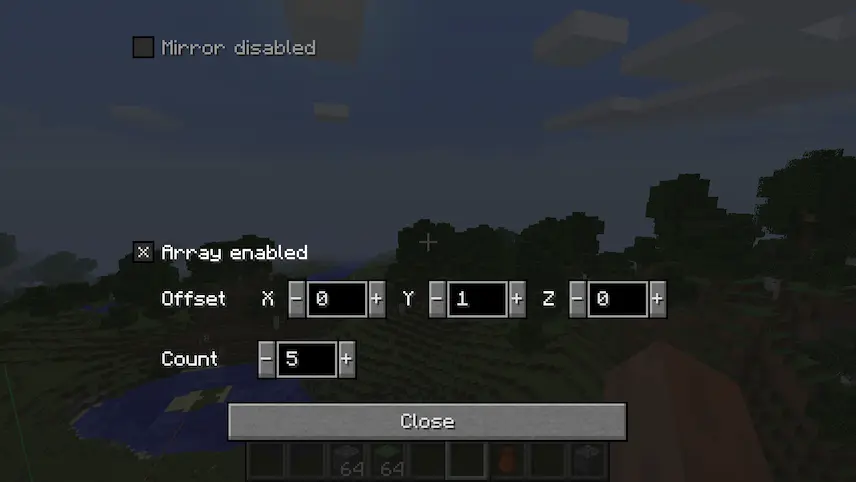
Array settings
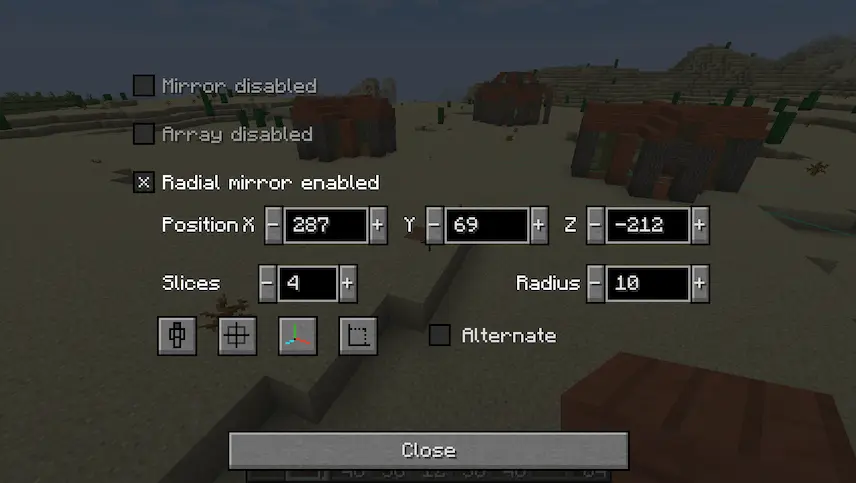
Radial mirror settings
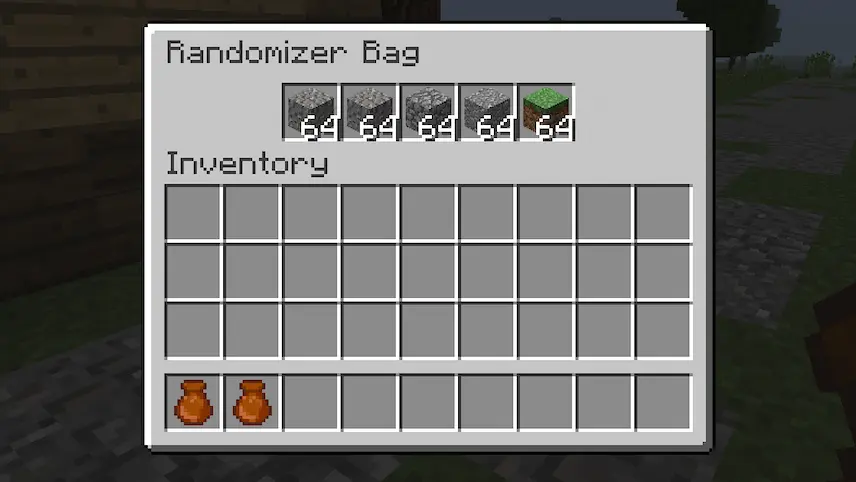
Randomizer Bag
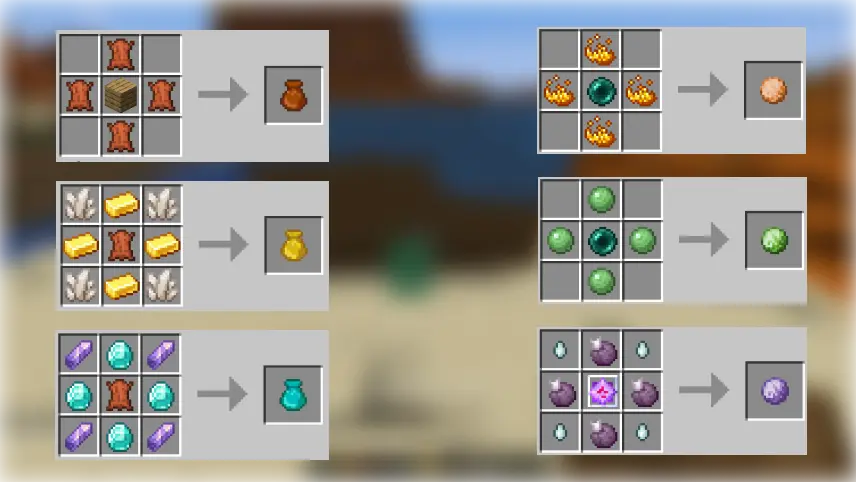
Randomizer Bag recipes

Effortless Building is a Minecraft mod designed to make block placement faster and more efficient, perfect for players who love large builds or detailed designs. While many mods focus on breaking blocks, this one brings the same level of convenience to building by adding smart tools like mirrors, arrays, and a block randomizer. Whether you’re creating symmetrical structures or placing varied textures, the mod helps you do it all much faster without sacrificing creativity.

With features like real-time mirroring, build mode switching, and quick block replacement, this Minecraft mod streamlines the entire building process. You can create complex patterns, repeat sections with ease, and even randomize block placement for natural-looking builds. Everything works in both survival and creative mode, making it a powerful tool for builders of all playstyles.


Fabric

  1. 1. Download, execute the Fabric installer, choose Client, select your Minecraft version, and click Install.
  2. 2. Download the Fabric API matching that Minecraft version.
  3. 3. Download Effortless Building or any additional Fabric-compatible mods you want.
  4. 4. Place the Fabric API and all mods into .minecraft/mods folder.
  5. 5. Open the Minecraft Launcher, select the new Fabric profile, and press Play. Enjoy!

Forge

  1. 1. Download, execute the Forge installer, choose Client, and click Install.
  2. 3. Download Effortless Building or any additional Forge-compatible mods you want.
  3. 4. Place all mods into .minecraft/mods folder.
  4. 5. Open the Minecraft Launcher, select the new Forge profile, and press Play. Enjoy!

NeoForge

  1. 1. Download, execute the NeoForge installer, choose Client, and click Install.
  2. 3. Download Effortless Building or any additional NeoForge-compatible mods you want.
  3. 4. Place all mods into .minecraft/mods folder.
  4. 5. Open the Minecraft Launcher, select the new NeoForge profile, and press Play. Enjoy!

Download Effortless Building Mod

Type Game version File version Loaders Download
R Release
26.2 v4.3 File
R Release
26.2 v4.3 File
R Release
26.1.2 v4.3
Fabric
File
R Release
26.1.2 v4.3
NeoForge
File
R Release
1.21.11 v4.3
Fabric NeoForge
File
R Release
1.21.1 v4.2
Fabric NeoForge
File
R Release
1.20.1 v3.11
Forge
File
R Release
1.19.4 v3.7
Forge
File
R Release
1.19.2 v3.5
Forge
File
R Release
1.18.2 v2.40
Forge
File
R Release
1.17.1 v2.31
Forge
File
R Release
1.16.5 v2.32
Forge
File

Effortless Building Minecraft Mod

12 files • 26.2, 26.1.2, 1.21.11, 1.19.4, 1.18.2, 1.16.5

Download