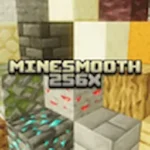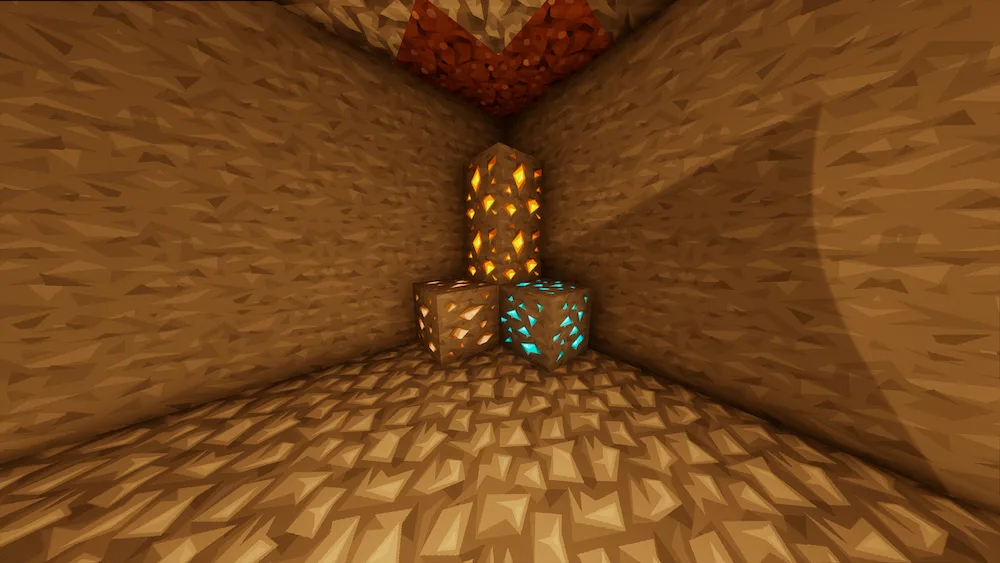
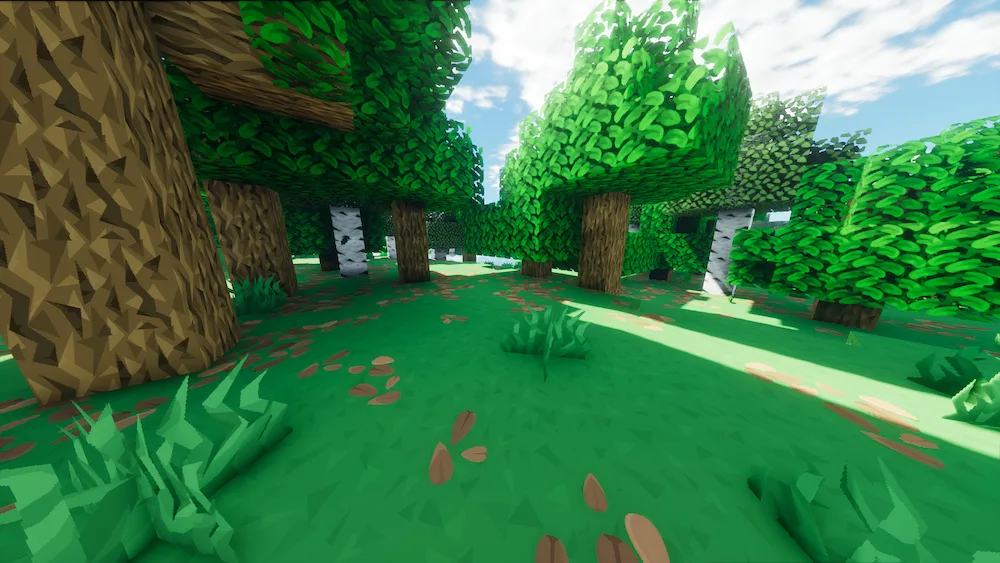
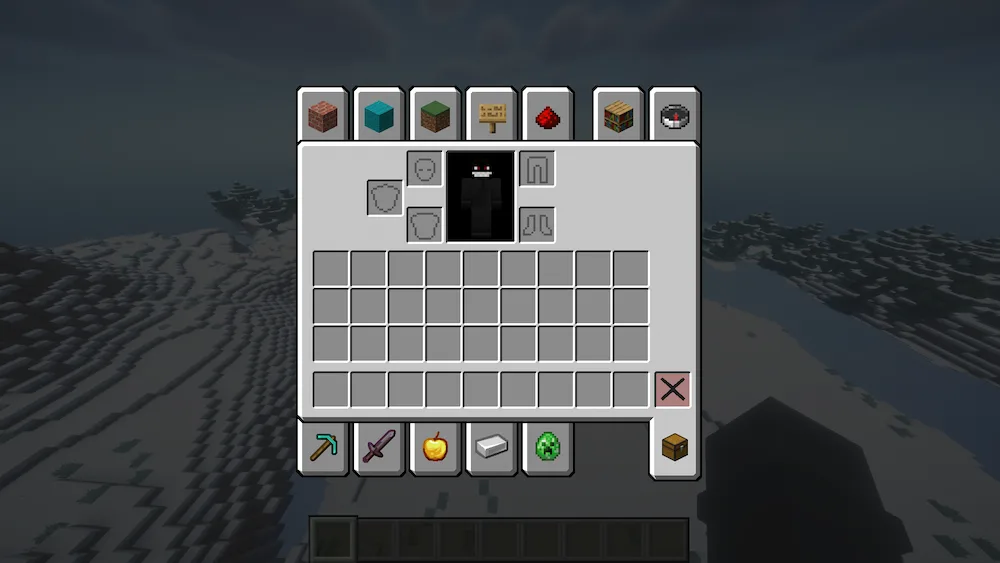
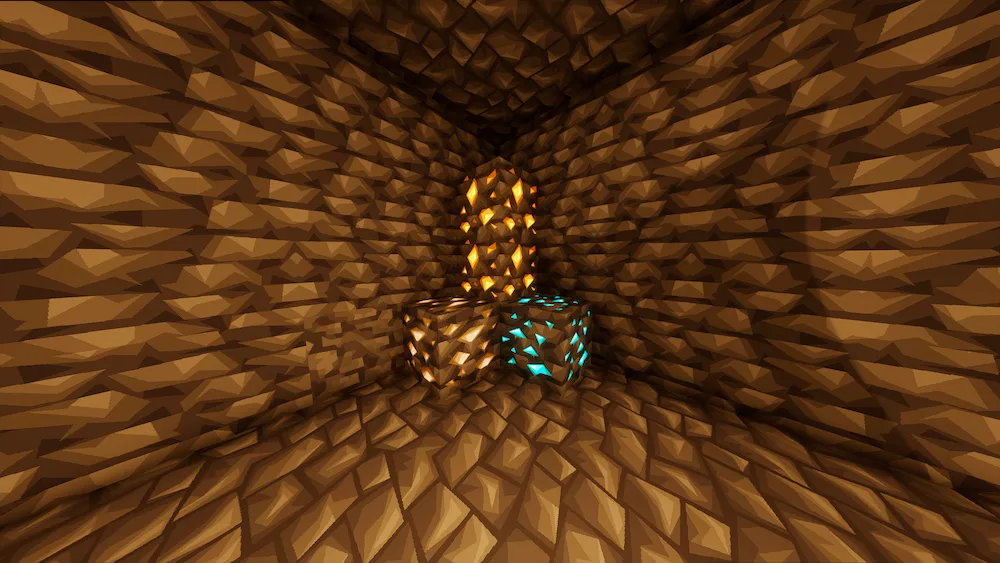
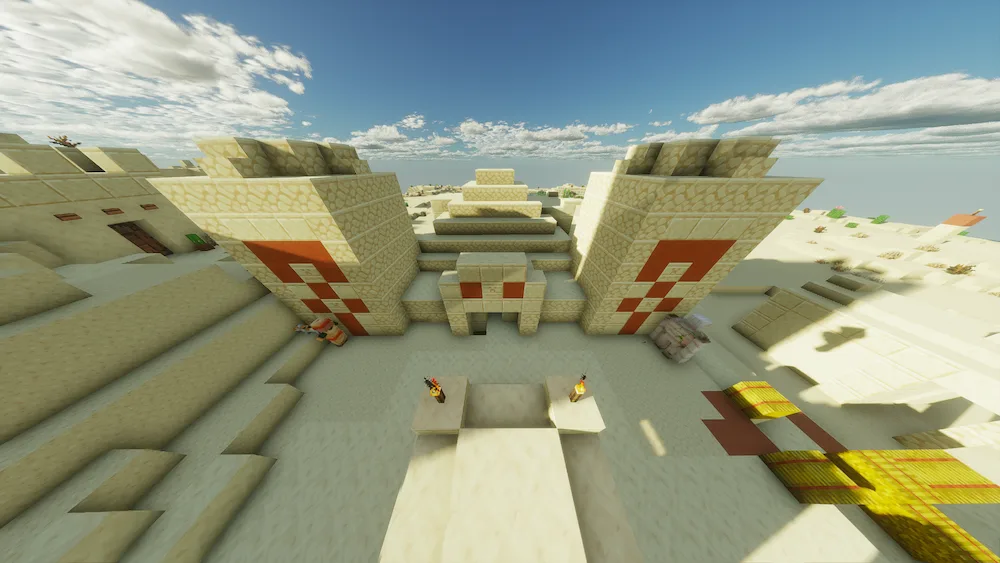
If you’ve ever felt like the default Minecraft blocks look a bit too pixelated or rough, MineSmooth 256x is going to be your new favorite thing. This resource pack is basically the ultimate HD upgrade for anyone who wants a cleaner, more premium look without losing that classic game feel. It takes the original textures and smooths them out with a massive 256x resolution, giving every block a refined and slightly cartoony vibe. It makes the whole world feel much more alive and polished, which is great if you spend a lot of time building and want your base to look top-tier.
What’s cool about this pack is how it improves visual comfort without making the game feel like a totally different project. The textures are super easy on the eyes and help with readability, so you won’t get that visual clutter when looking at busy landscapes. It keeps the faithful style we all love but adds a level of detail that makes every session feel more immersive. Plus, with weekly updates, the pack is always staying fresh and compatible with the latest blocks. It’s a perfect choice for anyone who wants their game to look high-end while keeping the soul of vanilla Minecraft intact.





 Tags
Tags