logo responsive
/

Language Reload Minecraft Mod

1.21.11, 1.20.6, 1.19.4, 1.18.2

Use language fallbacks and switch languages with no delay Use a search box to switch languages even faster Reload languages with F3 + J Cycle through two languages with Shift + F3 + J
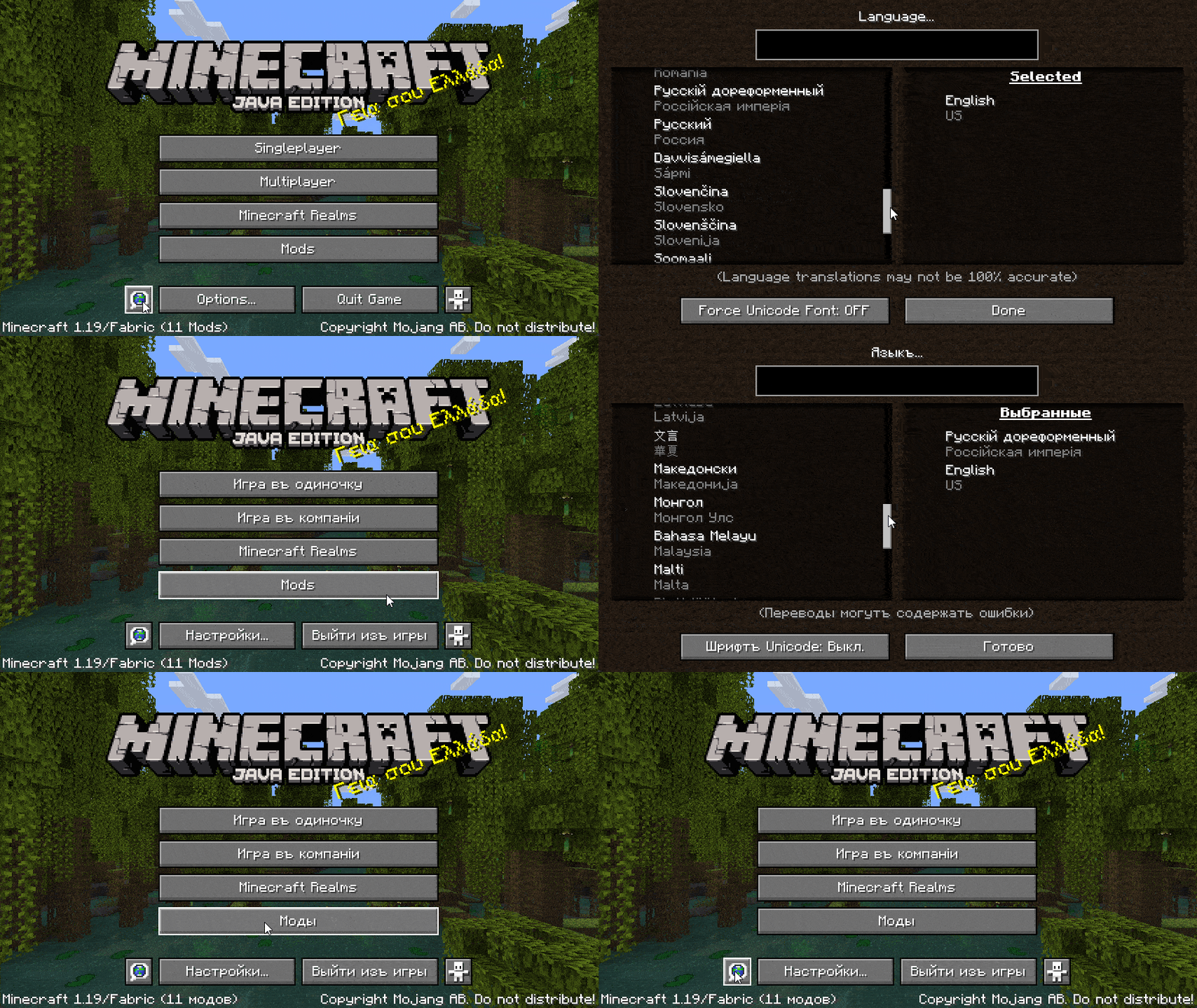
Use language fallbacks and switch languages with no delay
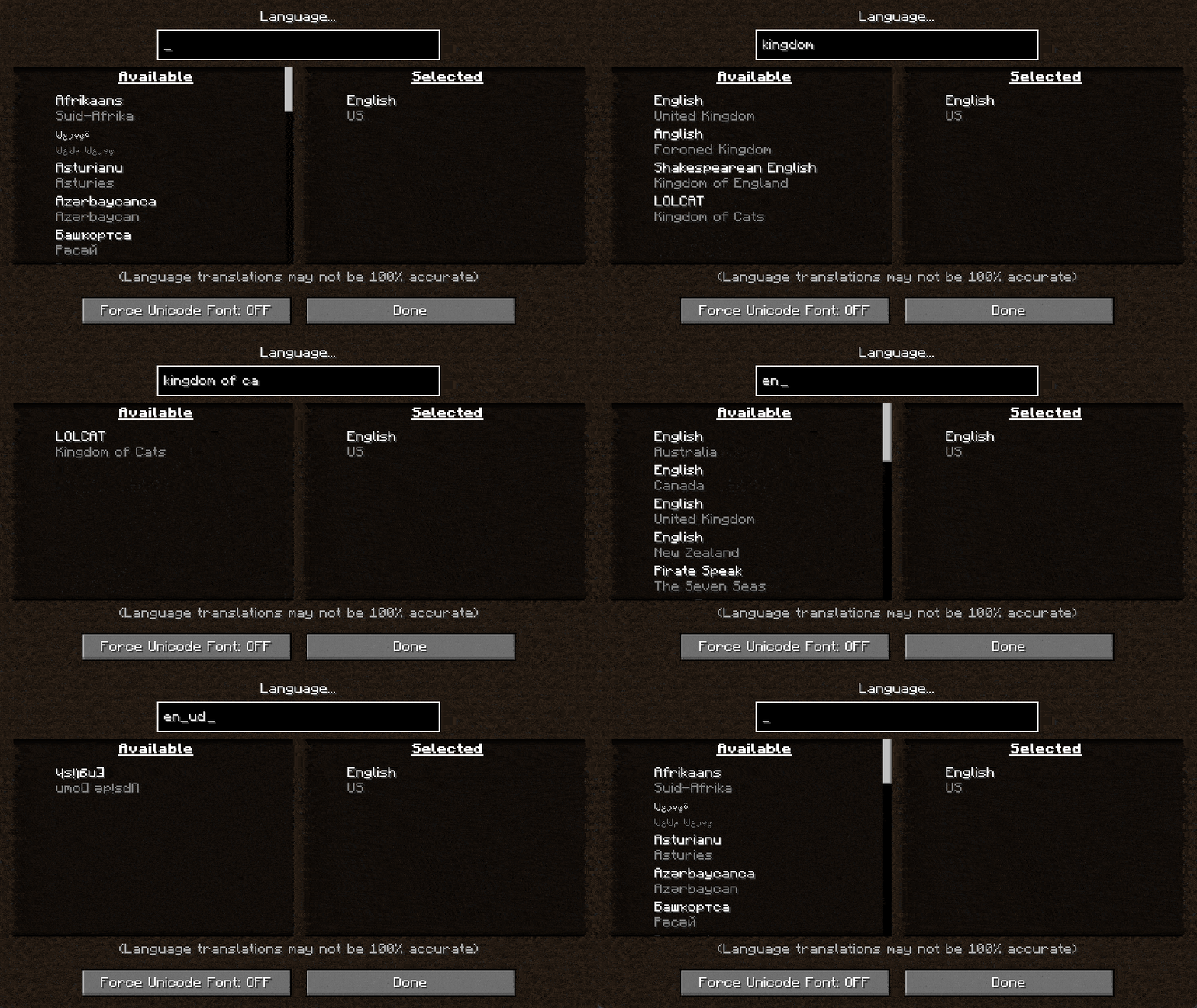
Use a search box to switch languages even faster
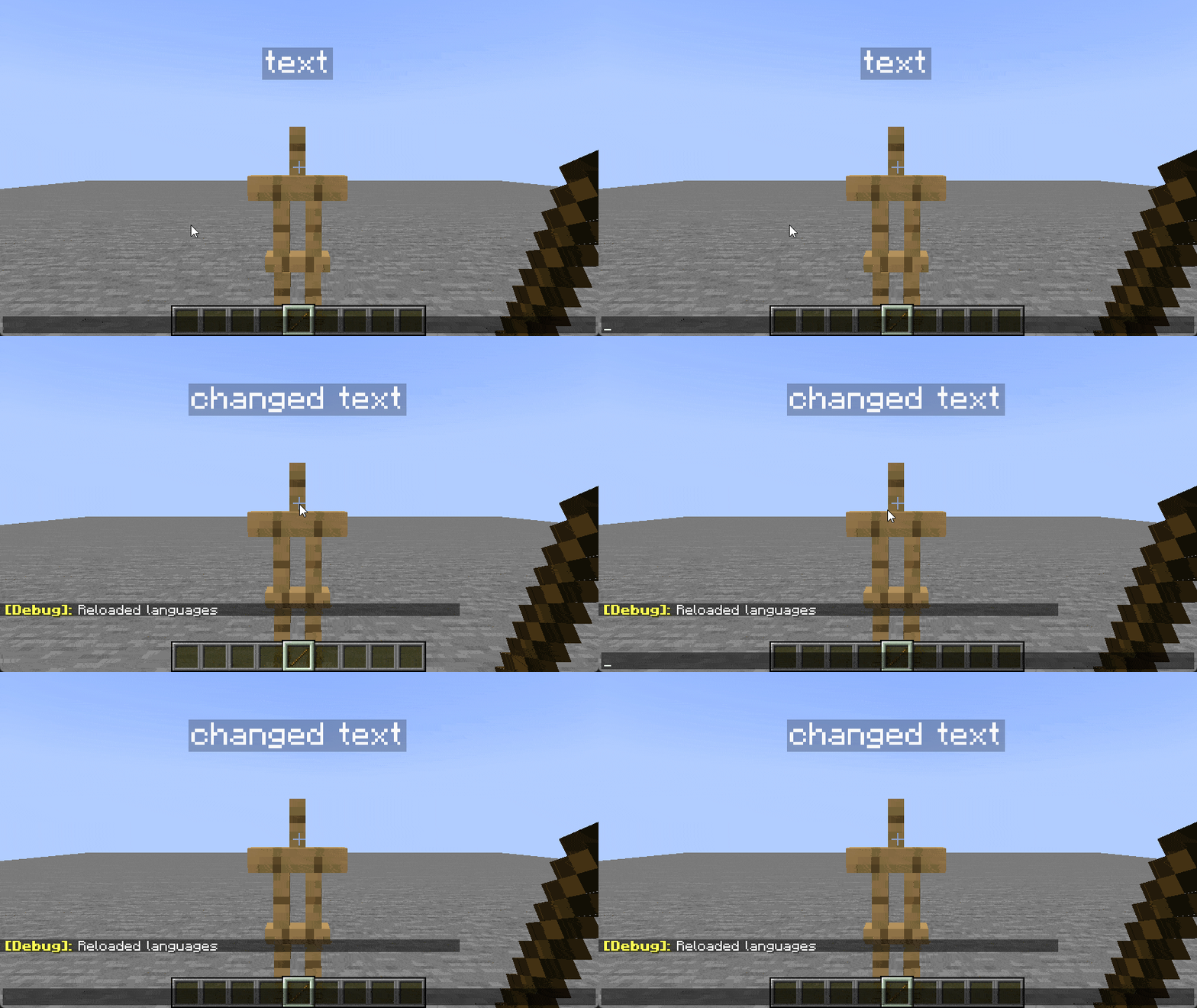
Reload languages with F3 + J
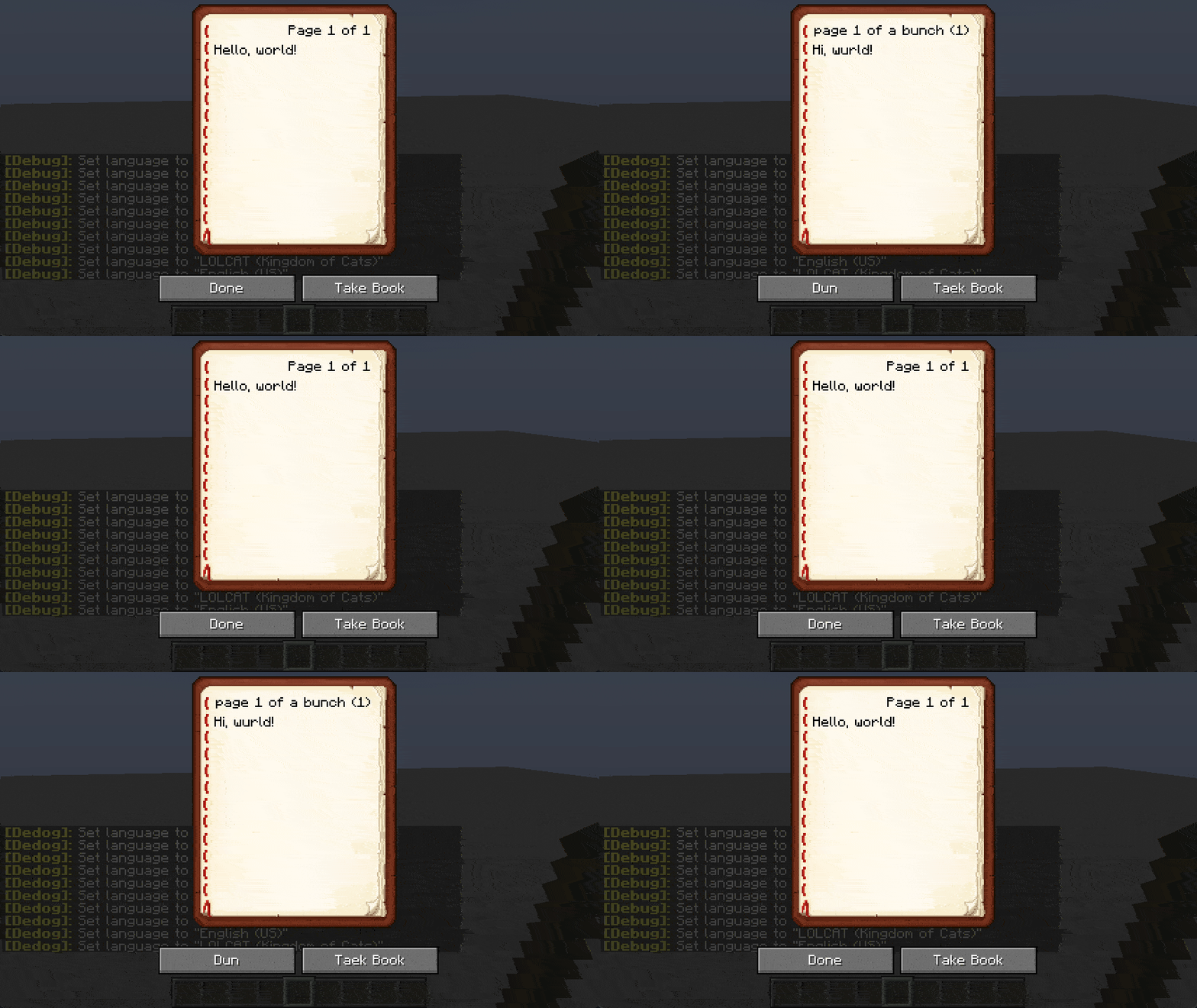
Cycle through two languages with Shift + F3 + J

Language Reload is a handy Minecraft mod for Fabric that makes switching languages in-game faster and more intuitive. Instead of waiting for the entire resource pack to reload, you can change your language on the fly and see the new translations instantly. The mod adds a search box to the language menu, so you can quickly find “Español,” “Deutsch,” or any other locale without scrolling through a long list. You can also select multiple languages at once—each translation you choose layers on top of the others—so you can mix and match regional variants or fallback languages.

Beyond simple switching, this Fabric mod brings powerful features for multilingual players and server communities. You can search for items in the creative inventory and recipe book using any of your selected languages, making it easy to find “épée” or “Espada” even if your game is set to another locale. Automatic detection will pick up your preferred language if none is set in options.txt, and handy shortcuts like F3 + J for reloading languages or Shift + F3 + J for cycling through them keep you moving without interrupting gameplay. Language Reload enhances your Minecraft experience by removing translation roadblocks and letting you focus on building, exploring, and crafting.


Fabric

  1. 1. Download, execute the Fabric installer, choose Client, select your Minecraft version, and click Install.
  2. 2. Download the Fabric API matching that Minecraft version.
  3. 3. Download Language Reload or any additional Fabric-compatible mods you want.
  4. 4. Place the Fabric API and all mods into .minecraft/mods folder.
  5. 5. Open the Minecraft Launcher, select the new Fabric profile, and press Play. Enjoy!

Forge

  1. 1. Download, execute the Forge installer, choose Client, and click Install.
  2. 3. Download Language Reload or any additional Forge-compatible mods you want.
  3. 4. Place all mods into .minecraft/mods folder.
  4. 5. Open the Minecraft Launcher, select the new Forge profile, and press Play. Enjoy!

NeoForge

  1. 1. Download, execute the NeoForge installer, choose Client, and click Install.
  2. 3. Download Language Reload or any additional NeoForge-compatible mods you want.
  3. 4. Place all mods into .minecraft/mods folder.
  4. 5. Open the Minecraft Launcher, select the new NeoForge profile, and press Play. Enjoy!

Download Language Reload Mod

Type Game version File version Loaders Download
R Release
1.21.11 v1.7.5
Fabric
File
R Release
1.21.10 v1.7.5
Fabric
File
R Release
1.21.8 v1.7.5
Fabric
File
R Release
1.21.5 v1.7.5
Fabric
File
R Release
1.21.4 v1.7.5
Fabric
File
R Release
1.21.3 v1.7.5
Fabric
File
R Release
1.21.1 v1.7.5
Fabric
File
R Release
1.20.6 v1.7.5
Fabric
File
R Release
1.20.4 v1.7.5
Fabric
File
R Release
1.20.1 v1.7.5
Fabric
File
R Release
1.19.4 v1.6.1
Fabric
File
R Release
1.19.2 v1.6.1
Fabric
File
R Release
1.18.2 v1.5.4
Fabric
File
R Release
1.17.1 v1.2
Fabric
File

Language Reload Minecraft Mod

14 files • 1.21.11, 1.20.6, 1.19.4, 1.18.2

Download