logo responsive
/

Enderscape Minecraft Mod

26.2, 26.1.2, 1.21.11, 1.19.2, 1.18.2

End Highlands Corrupt Barrens Celestial Grove Magnia Fields Veiled Woodlands New End City Mirestone Ruins Left Behind Home Away From Home On The Flipside Large Celestial Grove Midnight Magnia Fields Midnight Corrupt Barrens Midnight Celestial Grove Midnight Veiled Woodlands
End Highlands
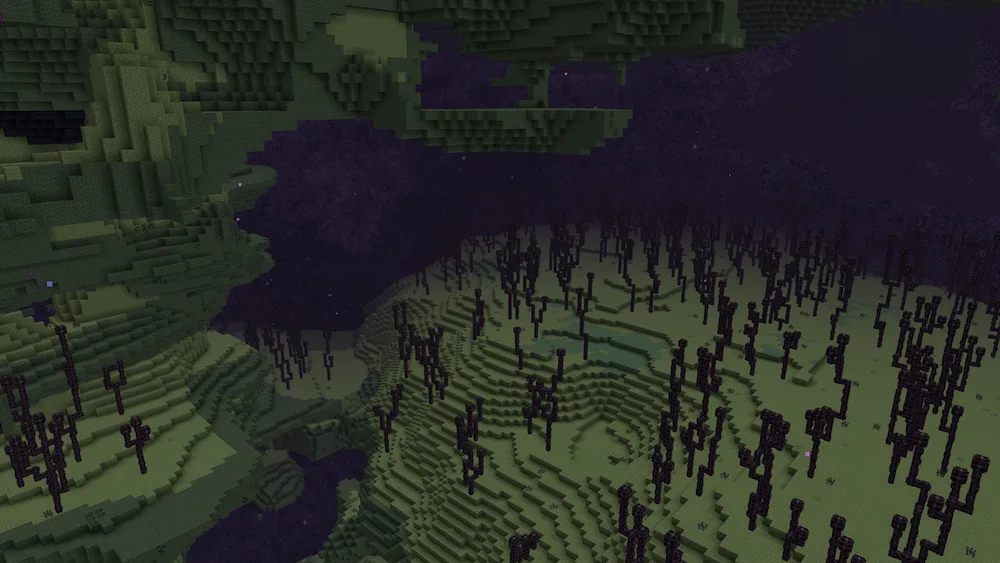
Corrupt Barrens
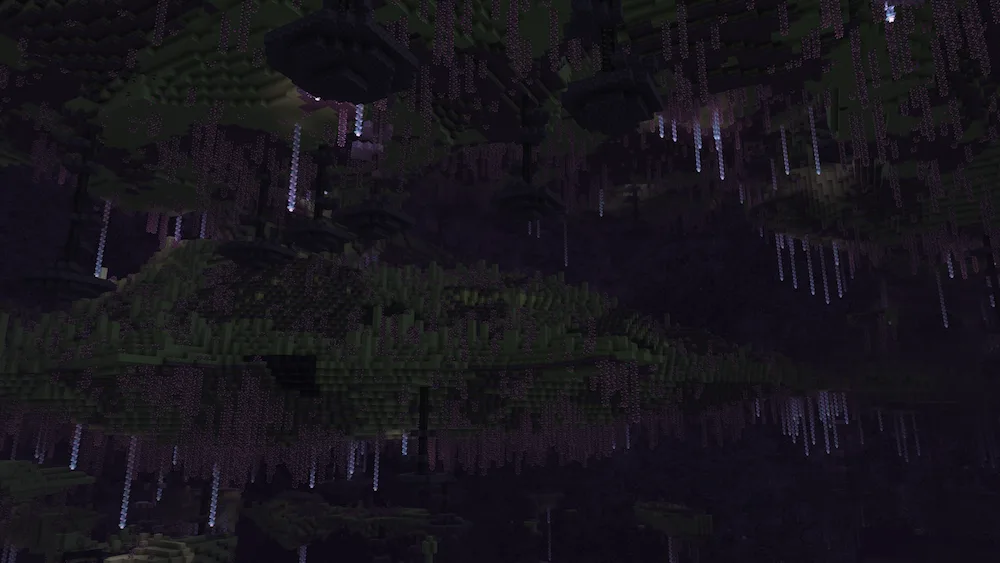
Celestial Grove
Magnia Fields
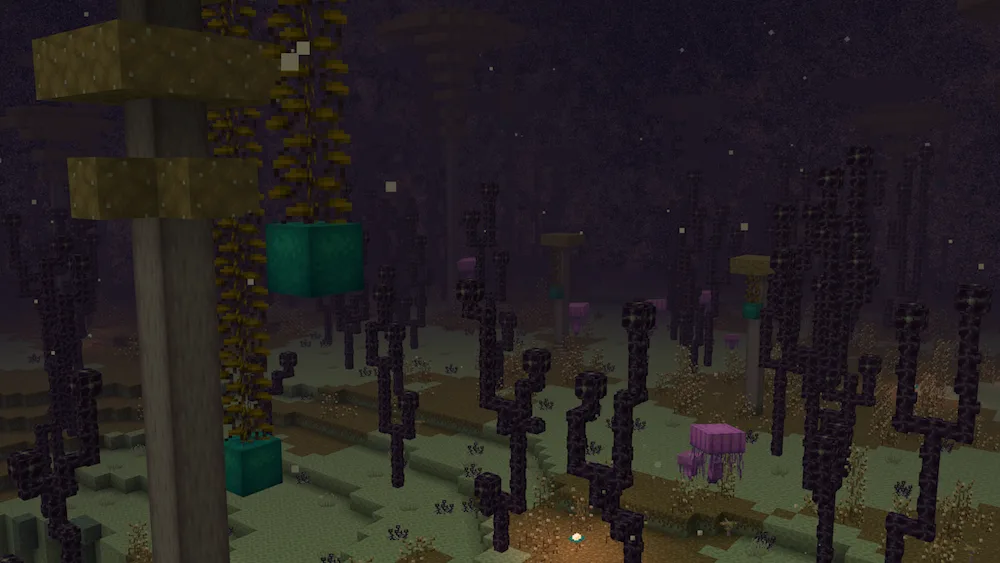
Veiled Woodlands
New End City
Mirestone Ruins
Left Behind
Home Away From Home
On The Flipside
Large Celestial Grove
Midnight Magnia Fields
Midnight Corrupt Barrens
Midnight Celestial Grove
Midnight Veiled Woodlands

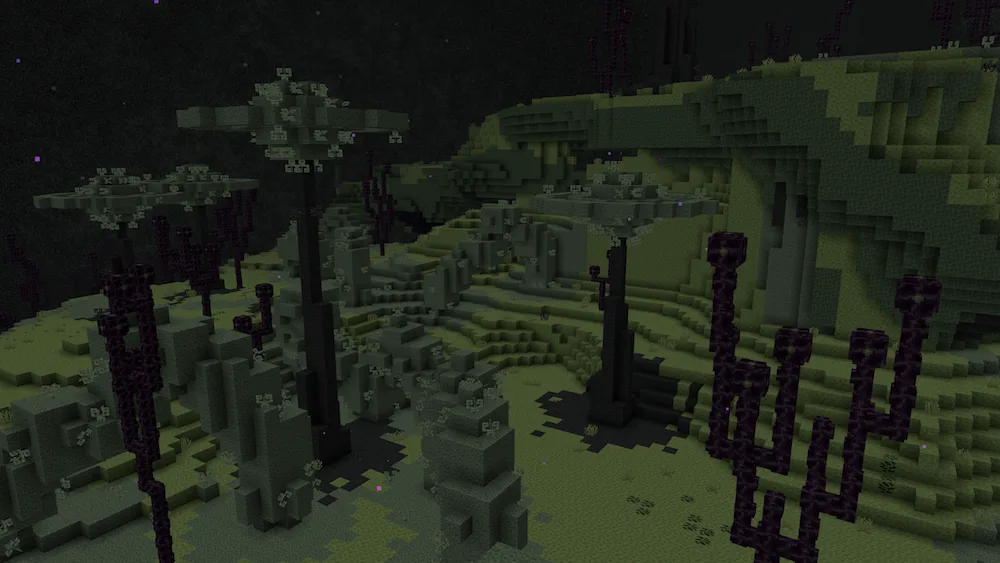
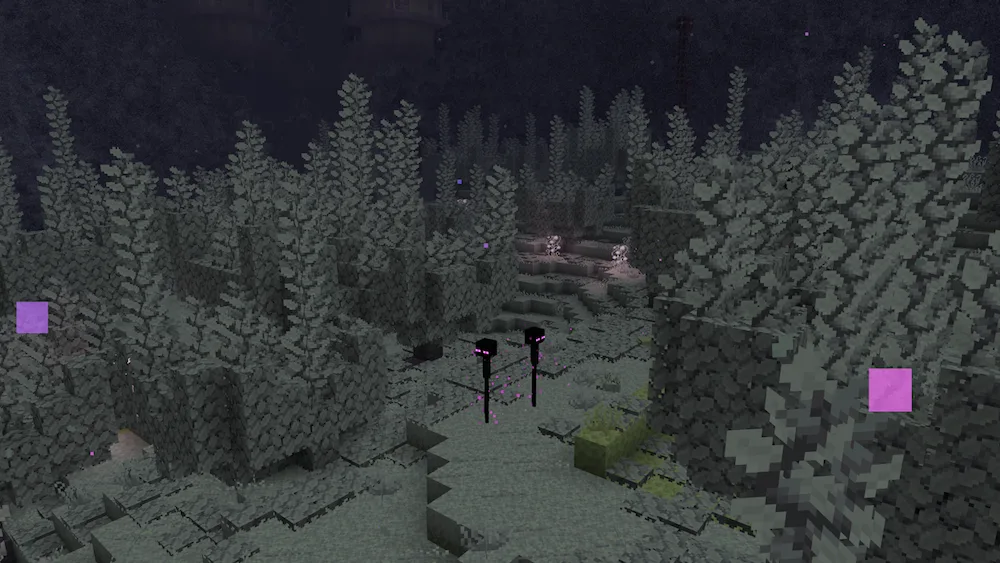
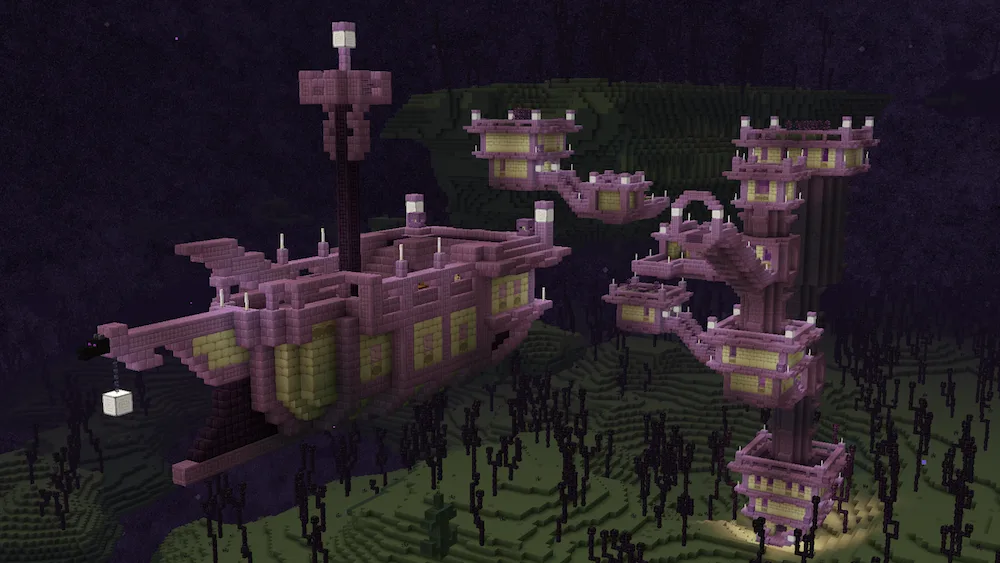
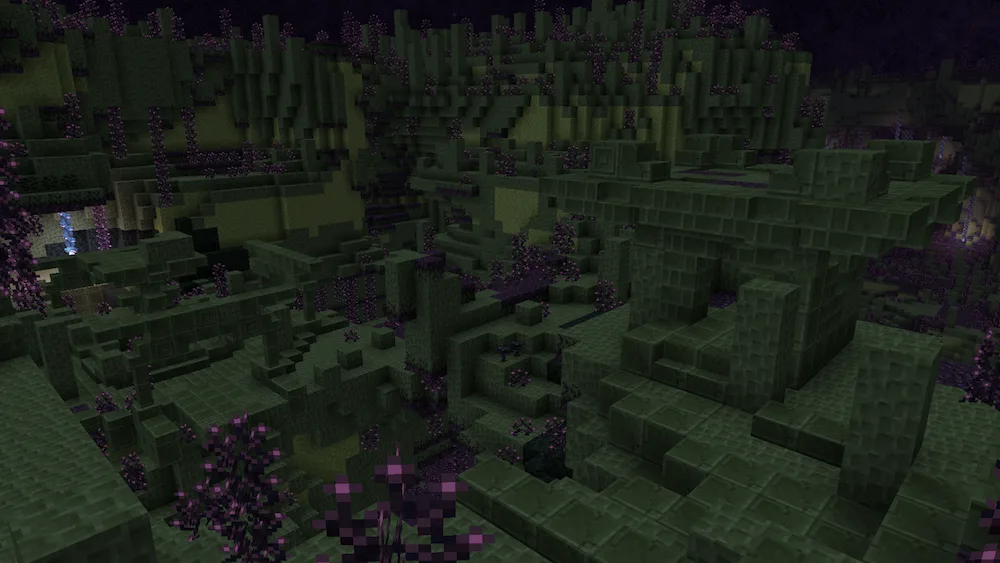
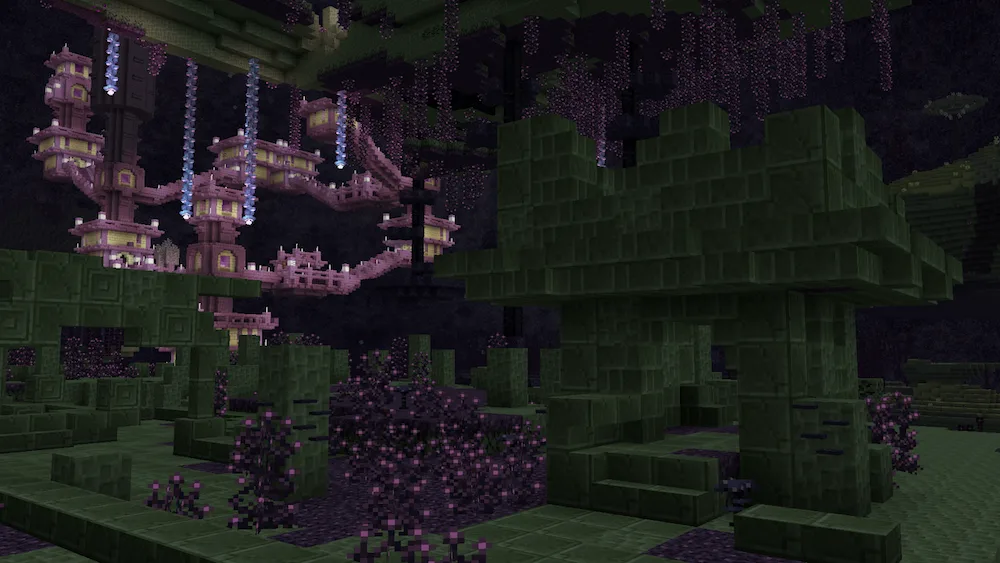
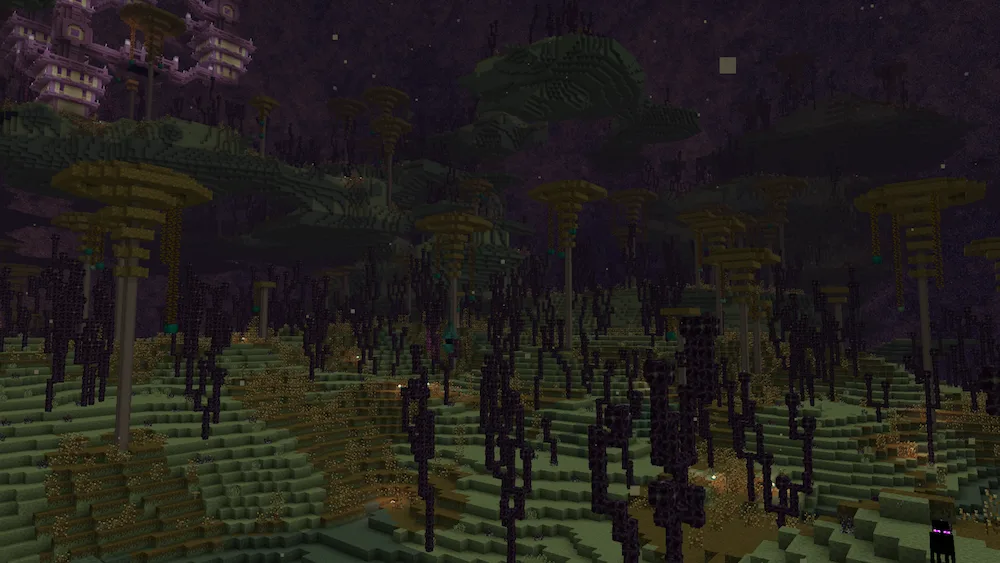
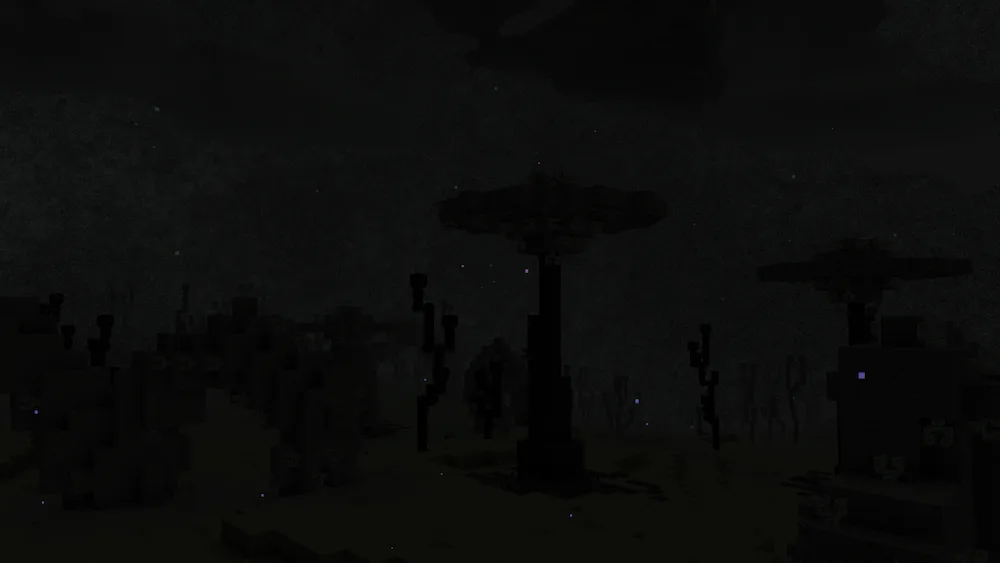
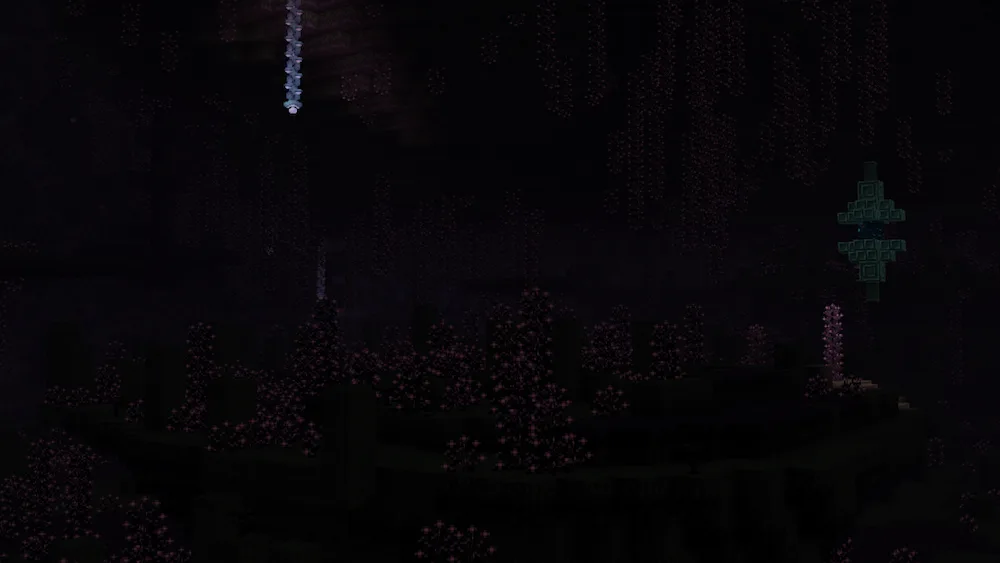
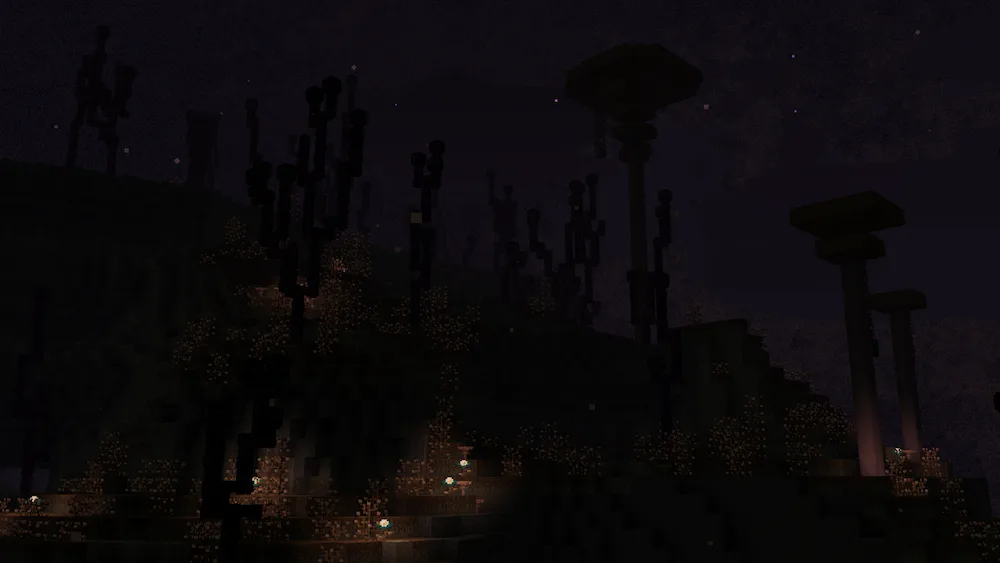
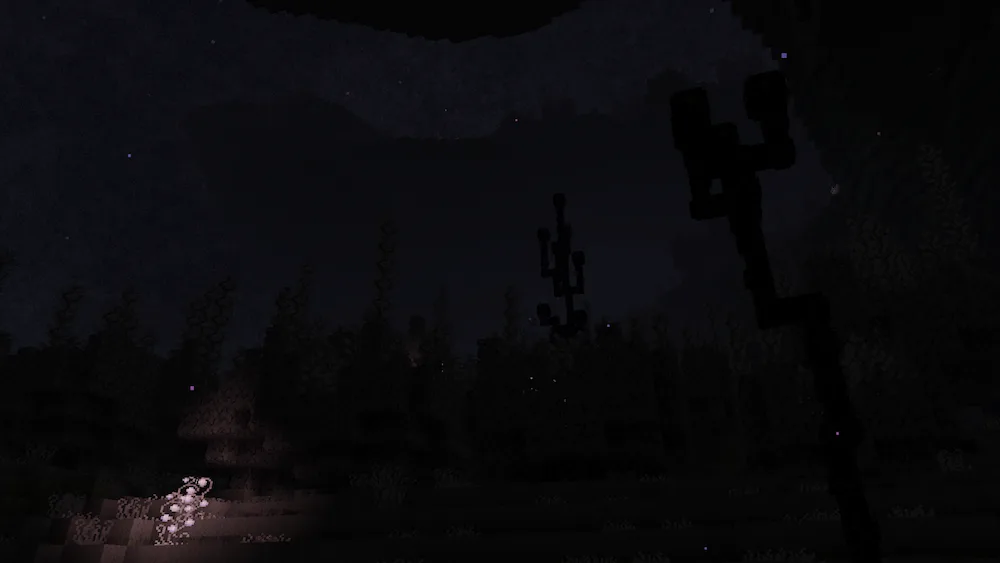
If you think the End dimension feels empty and boring, Enderscape is here to change that completely. This mod is a total overhaul that adds four brand-new biomes and totally revamps the world generation to make the dimension feel alive. The developers put a ton of work into the vibes, adding hundreds of unique sounds and a whole new soundtrack, along with custom lighting and fog for every area. It makes exploring the End feel much more atmospheric and rewarding than the original void we’ve been playing in for years.

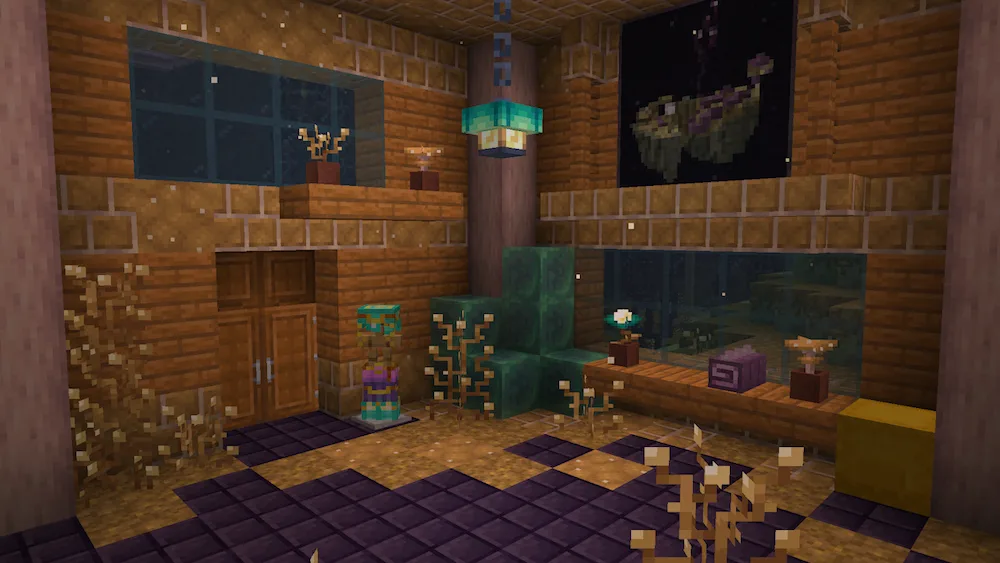
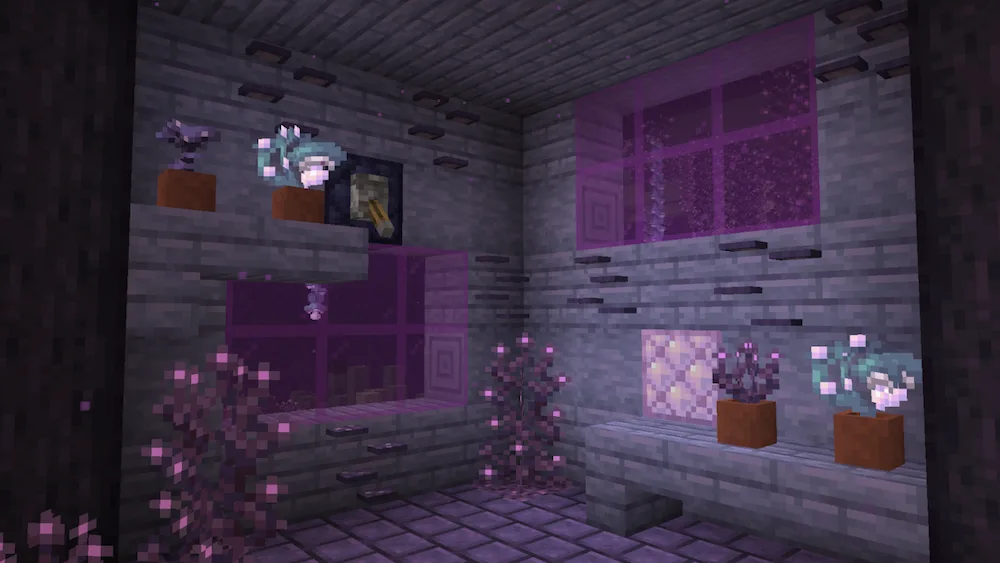
The 2.0 update brings even more cool stuff, like overhauled Strongholds with better loot and new gear like Shadoline Armor, which actually lets you sneak past mobs without being detected. You can also craft new Daggers that deal insane backstab damage or use Nebulite to power up your tools with the new Resonance system. Plus, there are tons of awesome new building blocks like Void Lanterns and Shadoline Chains to give your bases a dark, mysterious look. It’s basically the End update we’ve all been waiting for.


Fabric

  1. 1. Download, execute the Fabric installer, choose Client, select your Minecraft version, and click Install.
  2. 2. Download the Fabric API matching that Minecraft version.
  3. 3. Download Enderscape or any additional Fabric-compatible mods you want.
  4. 4. Place the Fabric API and all mods into .minecraft/mods folder.
  5. 5. Open the Minecraft Launcher, select the new Fabric profile, and press Play. Enjoy!

Forge

  1. 1. Download, execute the Forge installer, choose Client, and click Install.
  2. 3. Download Enderscape or any additional Forge-compatible mods you want.
  3. 4. Place all mods into .minecraft/mods folder.
  4. 5. Open the Minecraft Launcher, select the new Forge profile, and press Play. Enjoy!

NeoForge

  1. 1. Download, execute the NeoForge installer, choose Client, and click Install.
  2. 3. Download Enderscape or any additional NeoForge-compatible mods you want.
  3. 4. Place all mods into .minecraft/mods folder.
  4. 5. Open the Minecraft Launcher, select the new NeoForge profile, and press Play. Enjoy!

Download Enderscape Mod

Type Game version File version Loaders Download
R Release
26.2 v3.0.1
Fabric
File
R Release
26.1.2 v3.0.1
Fabric
File
R Release
1.21.11 v2.1.0
Fabric
File
R Release
1.21.10 v2.1.0
Fabric
File
R Release
1.21.8 v1.1.3
Fabric
File
R Release
1.21.5 v1.1.3
Fabric
File
R Release
1.21.4 v1.0.9
Fabric
File
R Release
1.21.1 v2.1.0
Fabric
File
B Beta
1.19.2 v0.4.1
Fabric
File
B Beta
1.18.2 v0.3.4
Fabric
File
B Beta
1.17.1 v0.3.4
Fabric
File

Enderscape Minecraft Mod

11 files • 26.2, 26.1.2, 1.21.11, 1.19.2, 1.18.2

Download