logo responsive
/

Handcrafted Minecraft Mod

1.21.1, 1.20.6, 1.19.4

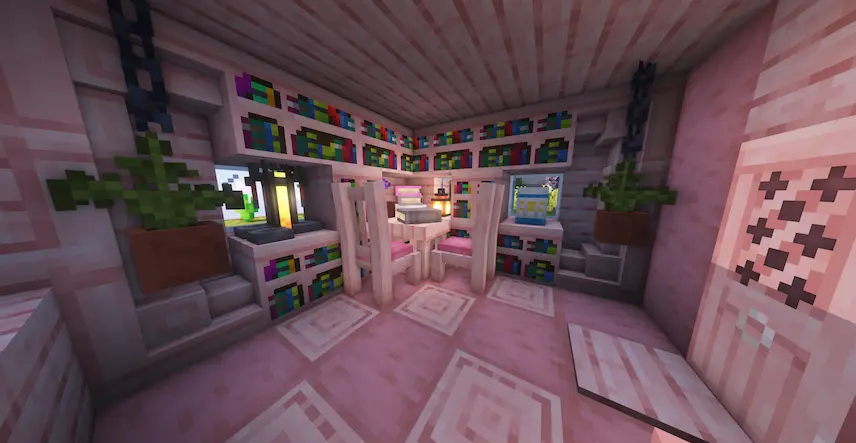
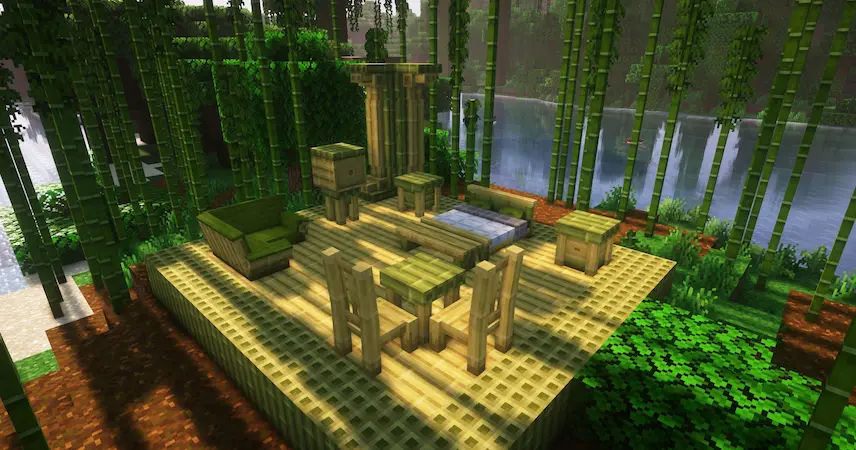
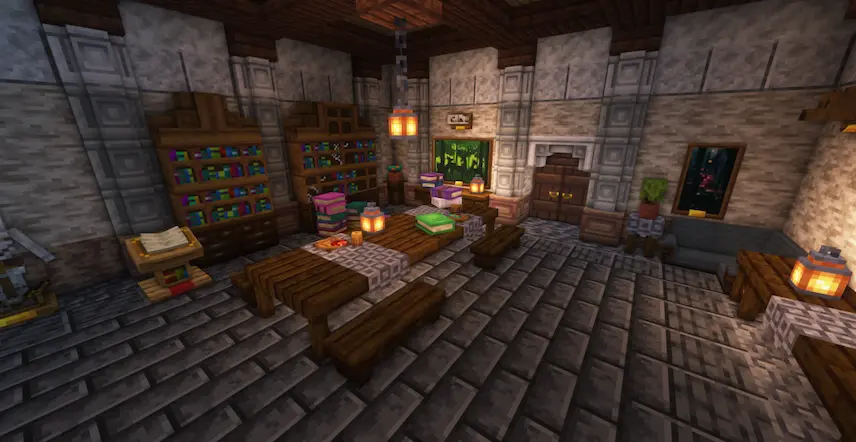
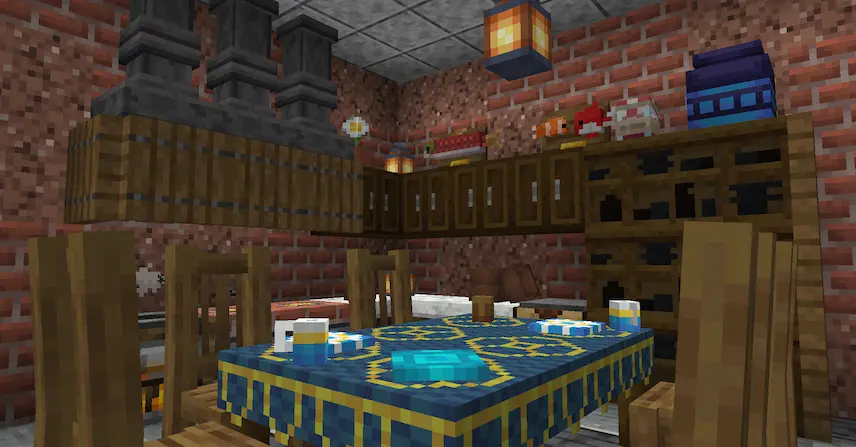
bedrom cherry bossom home bambu castle home new blocks
bedrom
cherry bossom home
bambu
castle
home
new blocks

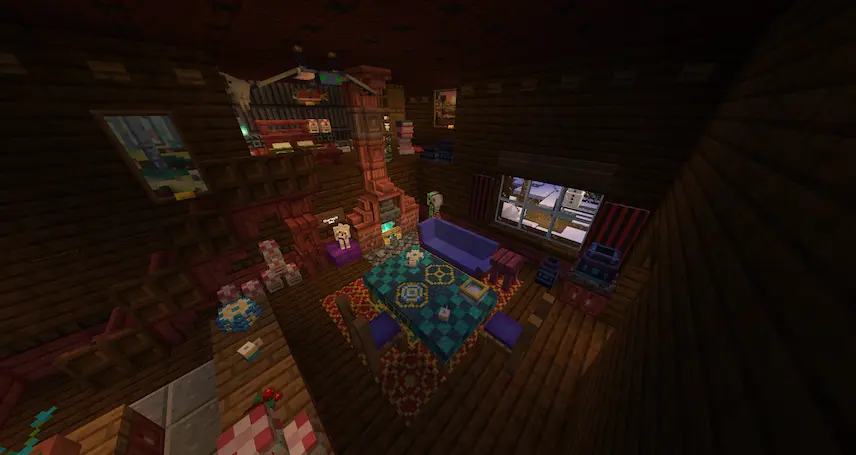
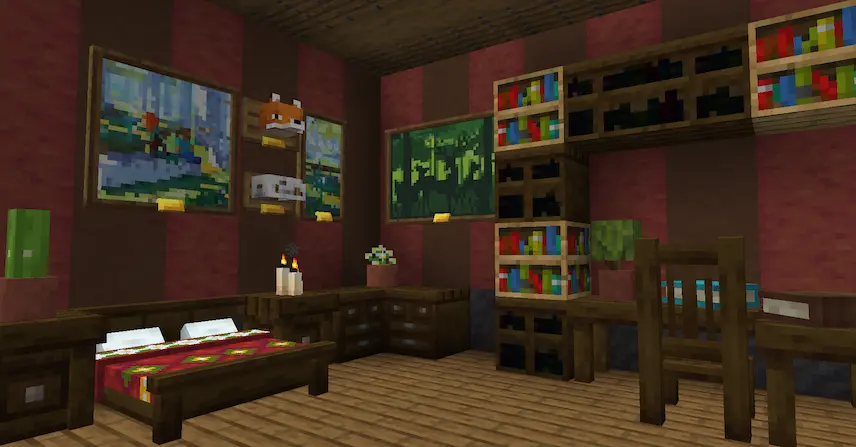
Handcrafted! is the ultimate Minecraft furniture mod that lets you transform bland, blocky houses into cozy, personalized homes bursting with style. Whether you’re dreaming of a mystical fantasy castle, a gritty steampunk workshop, a rustic medieval tavern, or a sleek modern villa, this mod has you covered with over 250 beautifully designed furniture pieces. From elegant chairs and sturdy tables to decorative benches and functional desks, every item adds character and charm to your builds. I love how it blends seamlessly with vanilla Minecraft while offering endless creative possibilities—no more settling for empty rooms or repetitive designs.

I’ve used this mod to spruce up my own builds, and it’s amazing how quickly a few well-placed furnishings can bring a space to life. The attention to detail in each piece makes decorating feel fun and intuitive, whether you’re crafting a grand hall or a cozy cottage.


Fabric

  1. 1. Download, execute the Fabric installer, choose Client, select your Minecraft version, and click Install.
  2. 2. Download the Fabric API matching that Minecraft version.
  3. 3. Download Handcrafted or any additional Fabric-compatible mods you want.
  4. 4. Place the Fabric API and all mods into .minecraft/mods folder.
  5. 5. Open the Minecraft Launcher, select the new Fabric profile, and press Play. Enjoy!

Forge

  1. 1. Download, execute the Forge installer, choose Client, and click Install.
  2. 3. Download Handcrafted or any additional Forge-compatible mods you want.
  3. 4. Place all mods into .minecraft/mods folder.
  4. 5. Open the Minecraft Launcher, select the new Forge profile, and press Play. Enjoy!

NeoForge

  1. 1. Download, execute the NeoForge installer, choose Client, and click Install.
  2. 3. Download Handcrafted or any additional NeoForge-compatible mods you want.
  3. 4. Place all mods into .minecraft/mods folder.
  4. 5. Open the Minecraft Launcher, select the new NeoForge profile, and press Play. Enjoy!

Download Handcrafted Mod

Type Game version File version Loaders Download
R Release
1.21.1 v4.0.3
Fabric
File
R Release
1.21.1 v4.0.3
NeoForge
File
R Release
1.21 v4.0.1
Fabric
File
R Release
1.21 v4.0.1
NeoForge
File
R Release
1.20.4 v3.2.1
Fabric
File
R Release
1.20.4 v3.2.1
NeoForge
File
R Release
1.20.1 v3.0.6
Fabric
File
R Release
1.20.1 v3.0.6
Forge
File
R Release
1.19.4 v2.2.0
Fabric
File
R Release
1.19.4 v2.2.0
Forge
File
R Release
1.19.2 v2.0.6
Fabric
File
R Release
1.19.2 v2.0.6
Forge
File

Handcrafted Minecraft Mod

12 files • 1.21.1, 1.20.6, 1.19.4

Download