logo responsive
/

Backpacked Minecraft Mod

1.21.1, 1.20.6, 1.19.4, 1.18.2, 1.16.5

more backpacks nether backpack backpack custom models enchantings craft
more backpacks
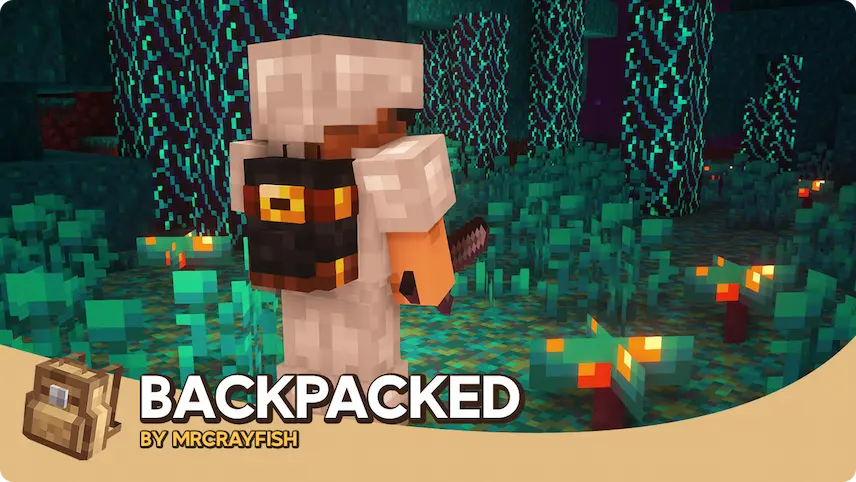
nether backpack
backpack
custom models
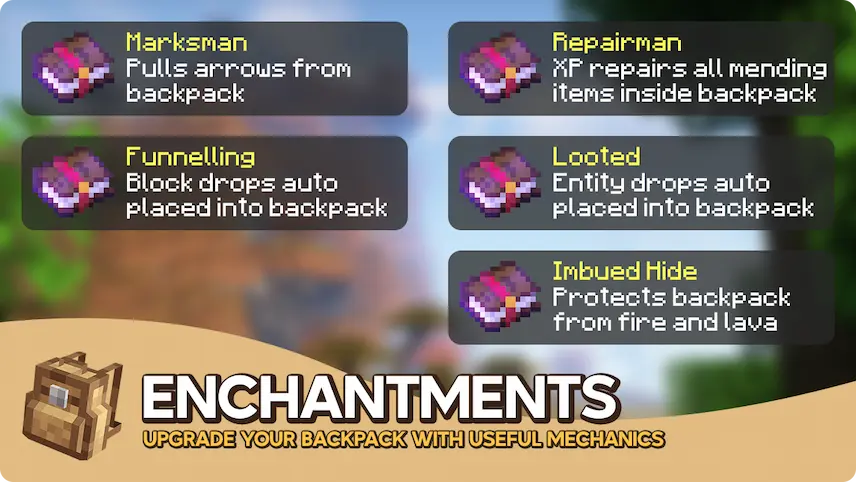
enchantings
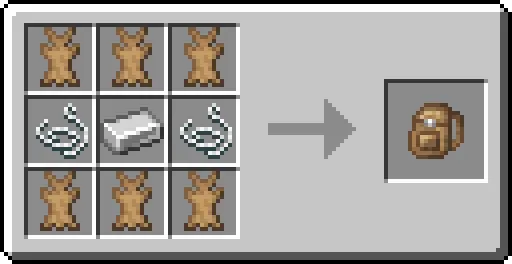
craft

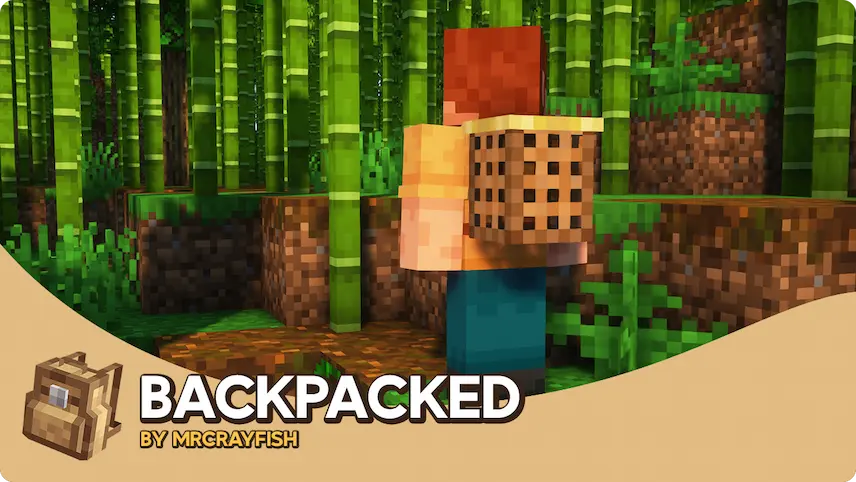
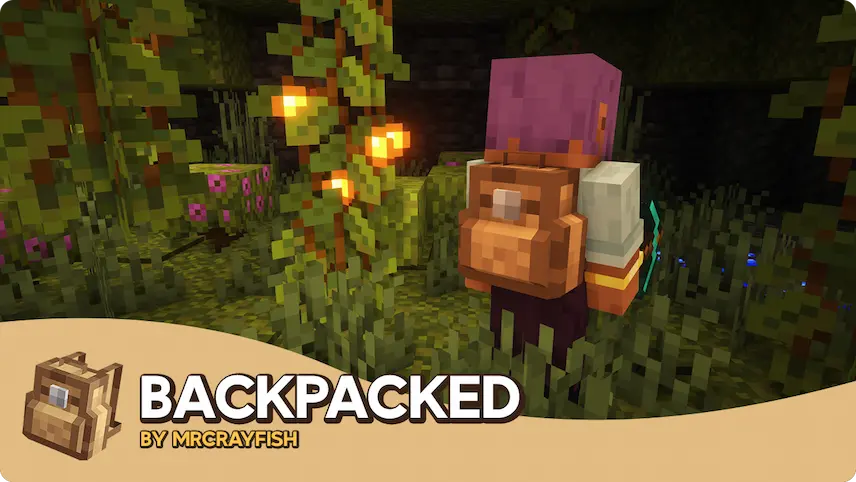
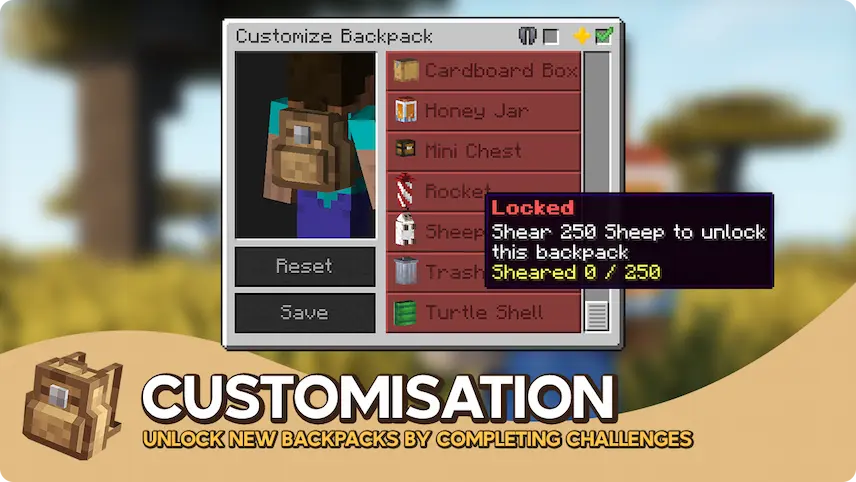
Backpacked is a Minecraft mod that adds a new way to carry more items by giving each player a backpack you can open with the press of a key. Beyond just extra storage, the mod lets you earn new backpack styles by completing in-game challenges, so you can unlock unique models and show off your progress. You can even place special shelves in your world to display the backpacks you have collected, and hoppers can move items in and out of them.

The mod also introduces a pickpocket feature that lets you share items by sneaking up behind another player and accessing their pack. If you would rather keep your gear secure, you can turn that feature off in the settings. Backpacked offers many options for customization, from changing the size of the backpack’s inventory to keeping it when you die. Designed to match Minecraft’s usual menus and art, the mod fits right into any world, and it works smoothly with other add-ons like Curios or Baubles for even more compatibility.

Fabric

  1. 1. Download, execute the Fabric installer, choose Client, select your Minecraft version, and click Install.
  2. 2. Download the Fabric API matching that Minecraft version.
  3. 3. Download Backpacked or any additional Fabric-compatible mods you want.
  4. 4. Place the Fabric API and all mods into .minecraft/mods folder.
  5. 5. Open the Minecraft Launcher, select the new Fabric profile, and press Play. Enjoy!

Forge

  1. 1. Download, execute the Forge installer, choose Client, and click Install.
  2. 3. Download Backpacked or any additional Forge-compatible mods you want.
  3. 4. Place all mods into .minecraft/mods folder.
  4. 5. Open the Minecraft Launcher, select the new Forge profile, and press Play. Enjoy!

NeoForge

  1. 1. Download, execute the NeoForge installer, choose Client, and click Install.
  2. 3. Download Backpacked or any additional NeoForge-compatible mods you want.
  3. 4. Place all mods into .minecraft/mods folder.
  4. 5. Open the Minecraft Launcher, select the new NeoForge profile, and press Play. Enjoy!

Download Backpacked Mod

Type Game version File version Loaders Download
B Beta
1.21.1 v3.0.0
Fabric
File
B Beta
1.21.1 v3.0.0
NeoForge
File
B Beta
1.20.6 v3.0.0
Fabric
File
B Beta
1.20.6 v3.0.0
Forge
File
B Beta
1.20.6 v3.0.0
NeoForge
File
B Beta
1.20.4 v3.0.0
Fabric
File
B Beta
1.20.4 v3.0.0
Forge
File
B Beta
1.20.4 v3.0.0
NeoForge
File
B Beta
1.20.1 v3.0.0
Fabric
File
B Beta
1.20.1 v3.0.0
Forge
File
R Release
1.20.1 v2.2.5
Forge
File
R Release
1.19.4 v2.1.14
Forge
File
R Release
1.19.2 v2.1.13
Forge
File
R Release
1.18.2 v2.1.13
Forge
File
R Release
1.16.5 v2.1.13
Forge
File

Backpacked Minecraft Mod

15 files • 1.21.1, 1.20.6, 1.19.4, 1.18.2, 1.16.5

Download