logo responsive
/

Unique Dark Hotbar Minecraft Resource Pack

1.21.10, 1.20.6, 1.19.4, 1.18.2

thumbnail in-game
thumbnail
in-game

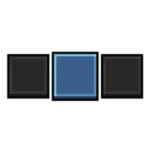
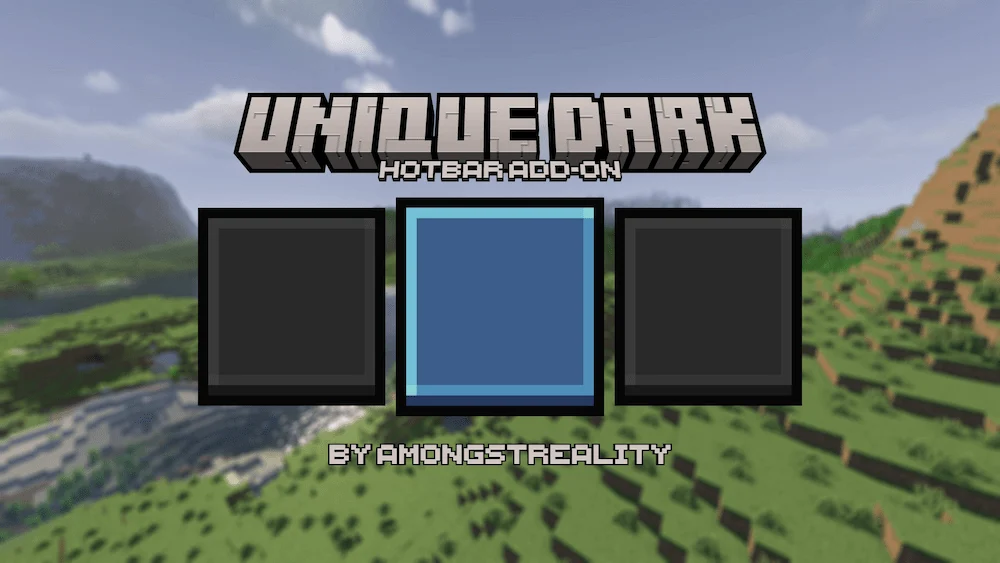
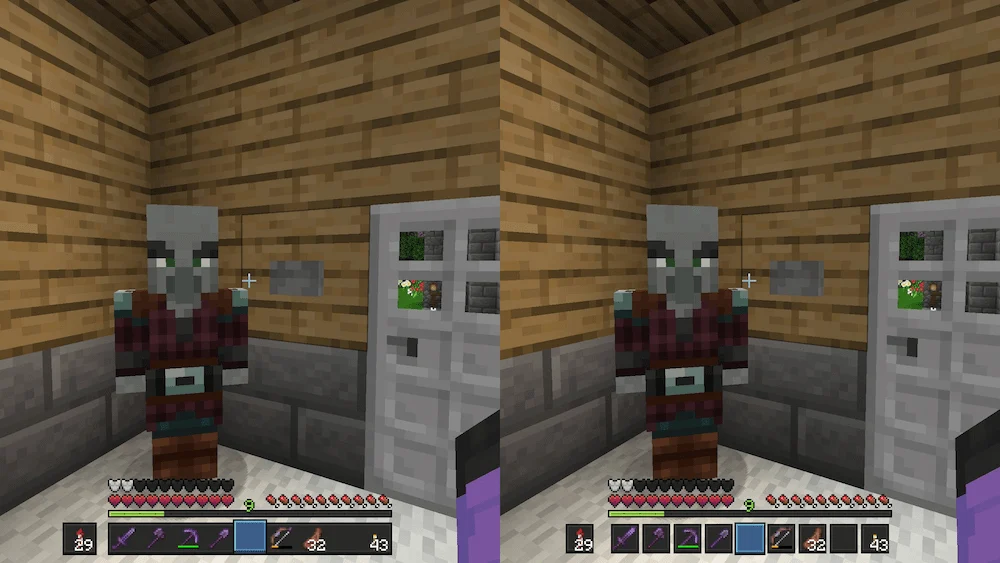
Unique Dark Hotbar is a Minecraft Resource Pack add-on that gives your hotbar a sleek new look with deep blue and black tones. Designed with a minimalist style, it creates a modern and elegant interface that feels both clean and immersive while keeping the game’s original charm intact.

This pack perfectly complements the Unique Dark Resource Pack, offering a smooth and stylish upgrade for players who enjoy simple yet visually appealing designs. Whether you are mining, building, or exploring, the Unique Dark Hotbar makes your gameplay feel more refined and enjoyable without adding unnecessary clutter.
  1. 1. First you need download Unique Dark Hotbar.
  2. 2. Copy or move the downloaded ZIP into .minecraft/resourcepacks folder.
  3. 3. Launch Minecraft and go to Options → Resource Packs…
  4. 4. Select the pack in the left column, click the arrow to move it to the active side, then click Done. Enjoy!

Download Unique Dark Hotbar Resource Pack

Type Game version File version Loaders Download
R Release
1.21.x v1.0 File
R Release
1.20.6 v1.0 File
R Release
1.20.4 v1.0 File
R Release
1.20.1 v1.0 File
R Release
1.19.x v1.0 File
R Release
1.18.2 v1.0 File
R Release
1.17.1 v1.0 File
R Release
1.16.5 v1.0 File

Unique Dark Hotbar Minecraft Resource Pack

8 files • 1.21.10, 1.20.6, 1.19.4, 1.18.2

Download