
logo responsive
/

Traveler’s Backpack Minecraft Mod

1.21.5, 1.20.6, 1.19.4, 1.18.2

Snow Backpack skin Supporter Star Badge Warden Backpack skin Sandstone Backpack skin Upgrades Update items upgrades
Snow Backpack skin
Supporter Star Badge
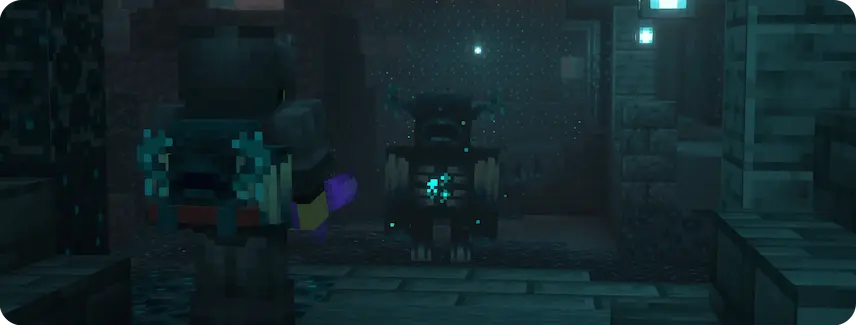
Warden Backpack skin
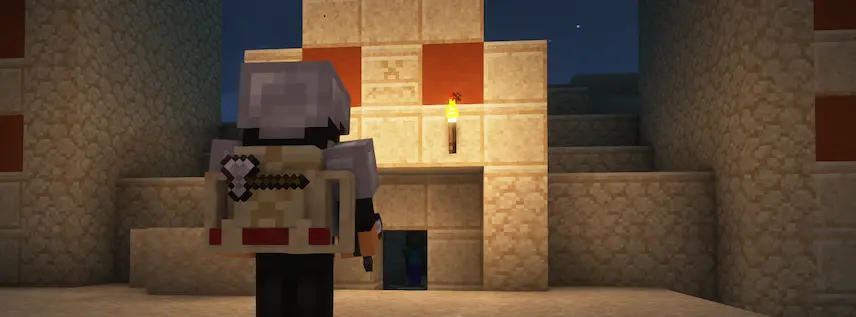
Sandstone Backpack skin
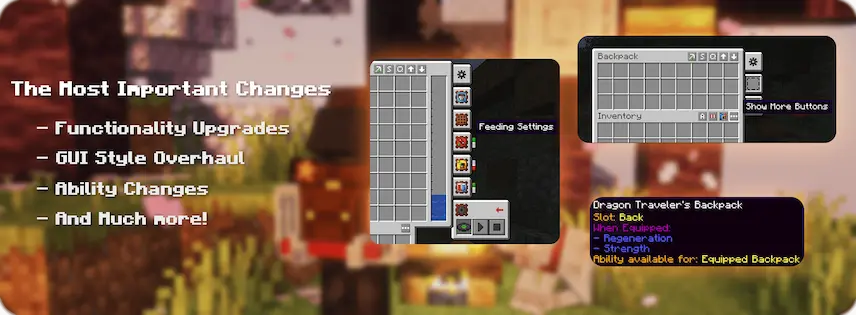
Upgrades Update
items
upgrades

Traveler’s Backpack Mod is a Minecraft mod that gives you a handy backpack you can wear or place like a block. To open it, hold it in your main hand and right-click, or press B when it’s on your back. You can equip it by clicking the Equip button in its menu or by putting it in the back slot if you use Curios or Trinkets. The backpack even shows on your character’s back and works with hoppers or pipes when placed in the world.

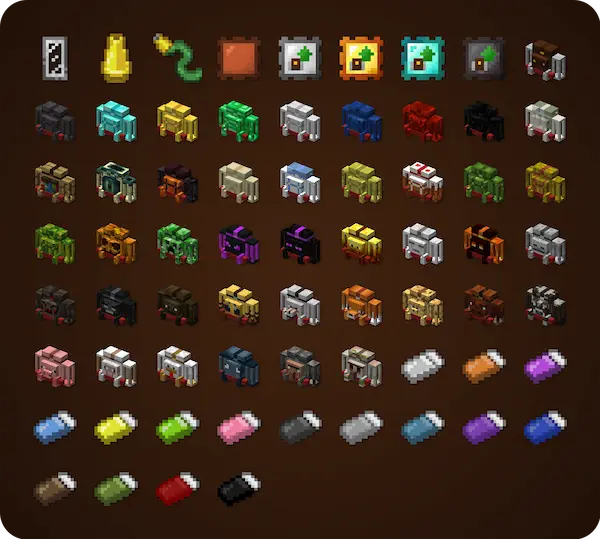
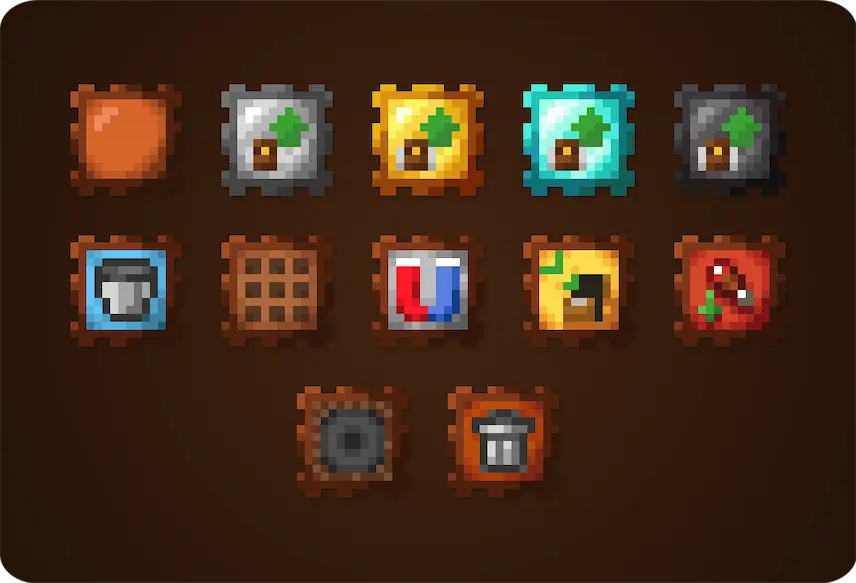
This mod offers five upgrade levels—Leather, Iron, Gold, Diamond, and Netherite—each giving more storage, extra slots for upgrades, and tool slots. You can add special modules like fluid tanks, a crafting table, auto pickup, item sorting, a feeding system, a void to delete items, or even a jukebox. It also has buttons to sort your items, quick stack to move items fast, and transfer to move everything at once. With over 45 backpack designs and custom dye options, plus special abilities you can turn on or off, this mod makes managing your gear simple and fun.


Fabric

  1. 1. Download, execute the Fabric installer, choose Client, select your Minecraft version, and click Install.
  2. 2. Download the Fabric API matching that Minecraft version.
  3. 3. Download Traveler’s Backpack or any additional Fabric-compatible mods you want.
  4. 4. Place the Fabric API and all mods into .minecraft/mods folder.
  5. 5. Open the Minecraft Launcher, select the new Fabric profile, and press Play. Enjoy!

Forge

  1. 1. Download, execute the Forge installer, choose Client, and click Install.
  2. 3. Download Traveler’s Backpack or any additional Forge-compatible mods you want.
  3. 4. Place all mods into .minecraft/mods folder.
  4. 5. Open the Minecraft Launcher, select the new Forge profile, and press Play. Enjoy!

NeoForge

  1. 1. Download, execute the NeoForge installer, choose Client, and click Install.
  2. 3. Download Traveler’s Backpack or any additional NeoForge-compatible mods you want.
  3. 4. Place all mods into .minecraft/mods folder.
  4. 5. Open the Minecraft Launcher, select the new NeoForge profile, and press Play. Enjoy!

Download Traveler’s Backpack Mod

Type Game version File version Loaders Download
R Release
1.21.5 v10.5.2
Fabric
File
R Release
1.21.5 v10.5.1
NeoForge
File
R Release
1.21.4 v10.4.13
Fabric
File
R Release
1.21.4 v10.4.11
NeoForge
File
R Release
1.21.1 v10.1.23
Fabric
File
R Release
1.21.1 v10.1.22
NeoForge
File
R Release
1.20.6 v10.1.23
Fabric
File
R Release
1.20.6 v9.6.0
Forge
File
R Release
1.20.6 v9.6.3
NeoForge
File
R Release
1.20.4 v9.4.6
Fabric
File
R Release
1.20.4 v9.4.3
Forge
File
R Release
1.20.4 v9.4.4
NeoForge
File
R Release
1.20.1 v9.1.37
Fabric
File
R Release
1.20.1 v9.1.39
Forge
File
R Release
1.19.4 v8.4.15
Fabric
File
R Release
1.19.4 v8.4.20
Forge
File
R Release
1.19.2 v8.2.40
Fabric
File
R Release
1.19.2 v8.2.41
Forge
File
R Release
1.18.2 v7.1.43
Fabric
File
R Release
1.18.2 v7.1.49
Forge
File
R Release
1.17.1 v6.0.38
Fabric
File
R Release
1.17.1 v6.0.52
Forge
File
R Release
1.16.5 v5.4.38
Fabric
File
R Release
1.16.5 v5.4.51
Forge
File
R Release
1.12.2 v1.0.35
Forge
File

Traveler’s Backpack Minecraft Mod

25 files • 1.21.5, 1.20.6, 1.19.4, 1.18.2

Download