logo responsive
/

Inmis Minecraft Mod

1.21.1, 1.20.1, 1.19.2, 1.18.2, 1.16.5

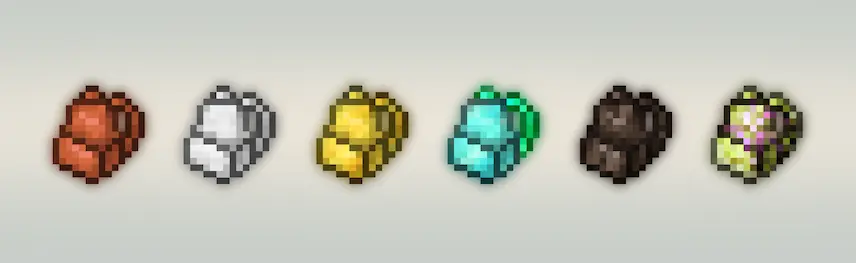
Inmis backpacks variants diamond backpack leather backpack
Inmis backpacks variants
diamond backpack
leather backpack

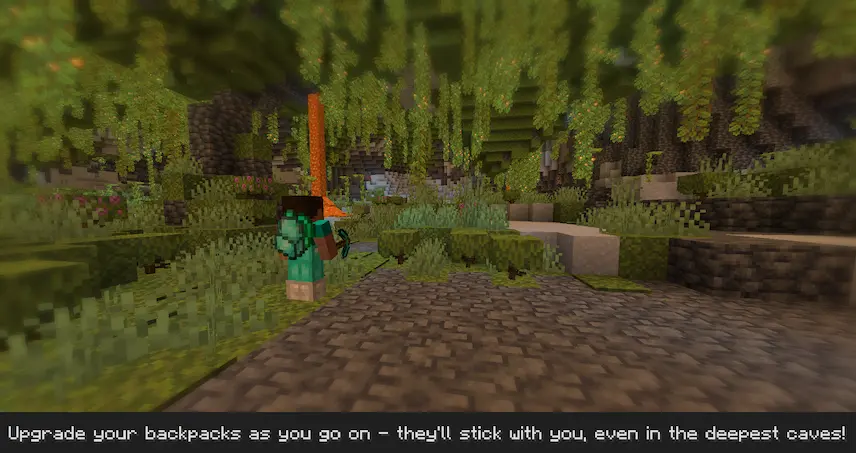
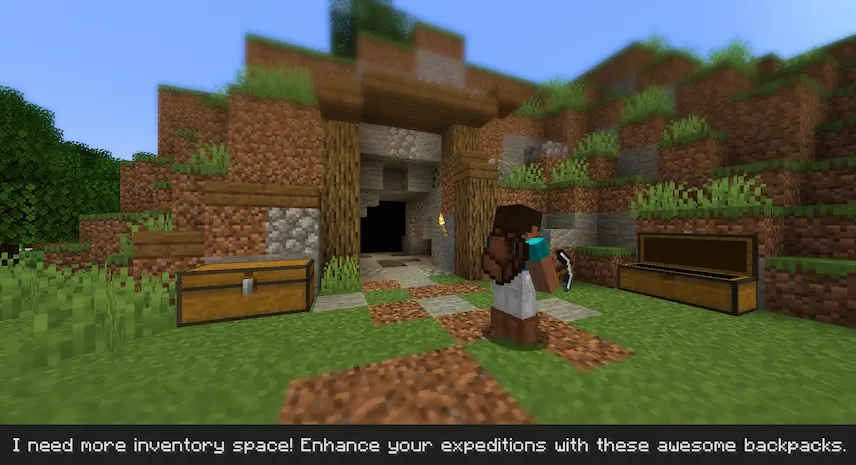
Inmis is a Minecraft mod that adds a fully functional backpack system to the game, designed specifically for use with the Fabric Loader. With this mod, players can carry more items while exploring, building, or mining without having to constantly return to storage chests. You can easily open a backpack by right-clicking it in your inventory or pressing the B key to quickly access the first available one. For even more convenience, backpacks can be worn in the chestplate armor slot, giving you seamless access to your extra inventory space.

This Minecraft mod also offers enhanced compatibility when paired with the Trinkets mod. If both mods are installed, you can equip Inmis backpacks in the dedicated backpack slot provided by Trinkets, keeping your armor slot free while still enjoying expanded storage. Whether you are gathering resources or going on long adventures, Inmis improves your overall experience by keeping your inventory organized and your hands free. It’s a great choice for players who want a clean and useful way to manage extra items in a vanilla-friendly way.

Fabric

  1. 1. Download, execute the Fabric installer, choose Client, select your Minecraft version, and click Install.
  2. 2. Download the Fabric API matching that Minecraft version.
  3. 3. Download Inmis or any additional Fabric-compatible mods you want.
  4. 4. Place the Fabric API and all mods into .minecraft/mods folder.
  5. 5. Open the Minecraft Launcher, select the new Fabric profile, and press Play. Enjoy!

Forge

  1. 1. Download, execute the Forge installer, choose Client, and click Install.
  2. 3. Download Inmis or any additional Forge-compatible mods you want.
  3. 4. Place all mods into .minecraft/mods folder.
  4. 5. Open the Minecraft Launcher, select the new Forge profile, and press Play. Enjoy!

NeoForge

  1. 1. Download, execute the NeoForge installer, choose Client, and click Install.
  2. 3. Download Inmis or any additional NeoForge-compatible mods you want.
  3. 4. Place all mods into .minecraft/mods folder.
  4. 5. Open the Minecraft Launcher, select the new NeoForge profile, and press Play. Enjoy!

Download Inmis Mod

Type Game version File version Loaders Download
R Release
1.21.1 v2.8.1
Fabric
File
R Release
1.20.1 v2.7.2
Fabric
File
R Release
1.19.2 v2.7.1
Fabric
File
R Release
1.18.2 v2.6.0
Fabric
File
R Release
1.17.1 v2.3.2
Fabric
File
R Release
1.16.5 v2.2.1
Fabric
File

Inmis Minecraft Mod

6 files • 1.21.1, 1.20.1, 1.19.2, 1.18.2, 1.16.5

Download