logo responsive
/

Quick Skin Minecraft Mod

1.21.11, 1.20.1

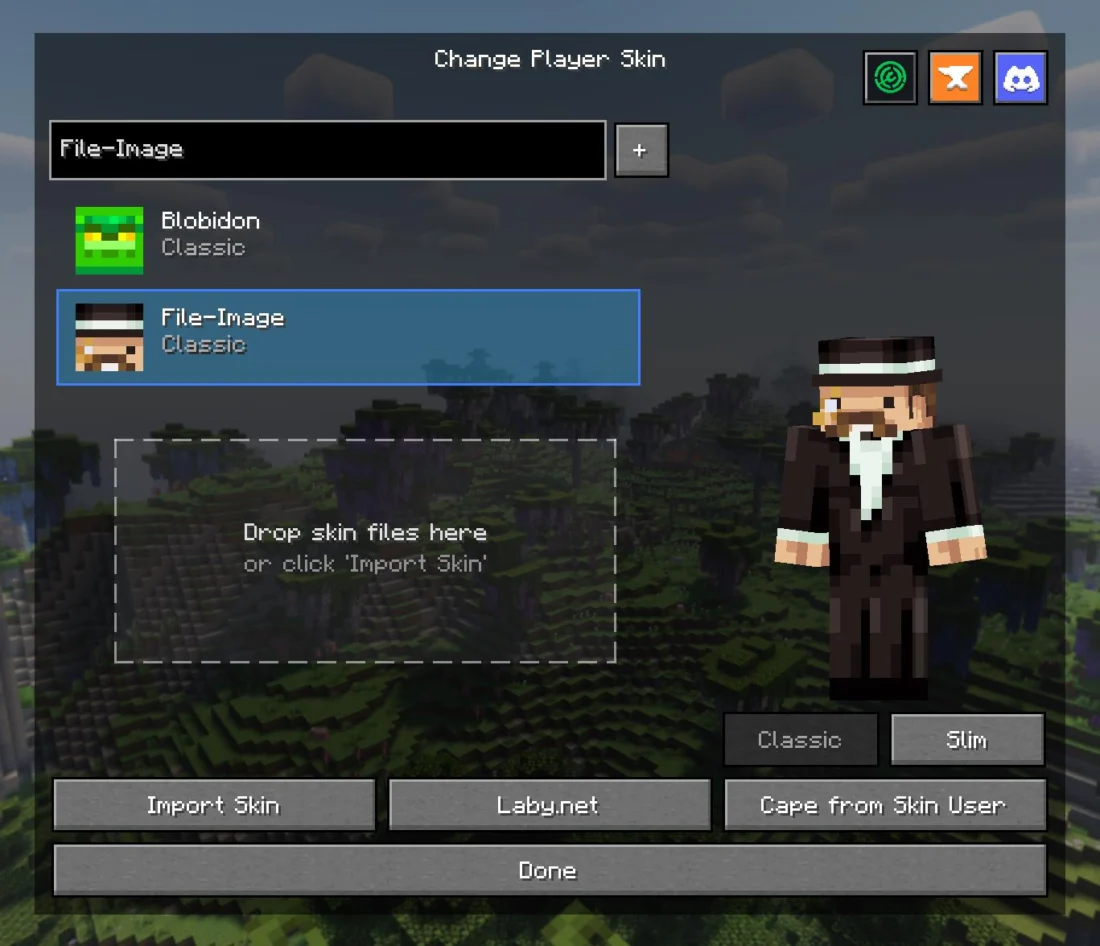
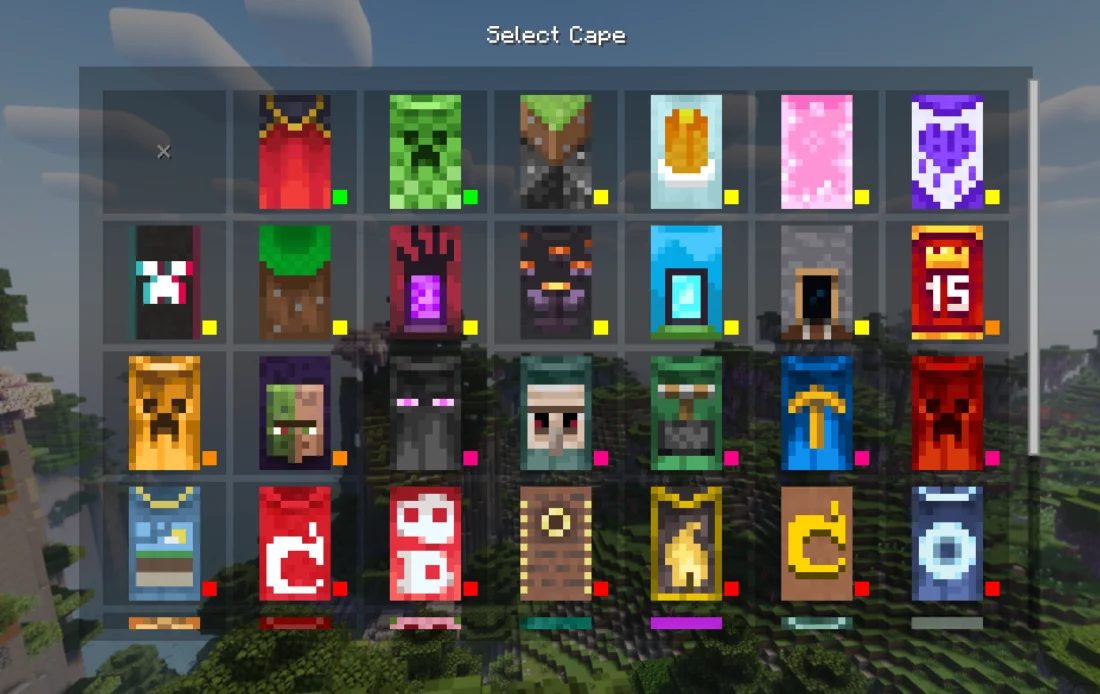
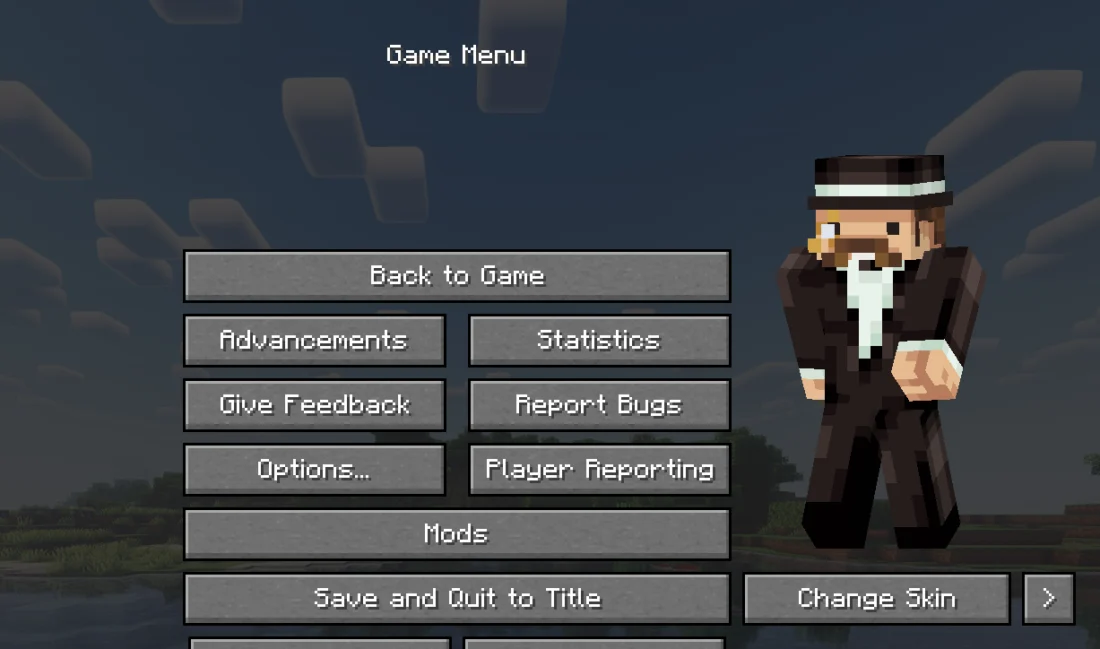
Skin selector Cape Selector In Game Menu Start Skin with transparency Custom capes with transparency HD Skins Preview
Skin selector
Cape Selector
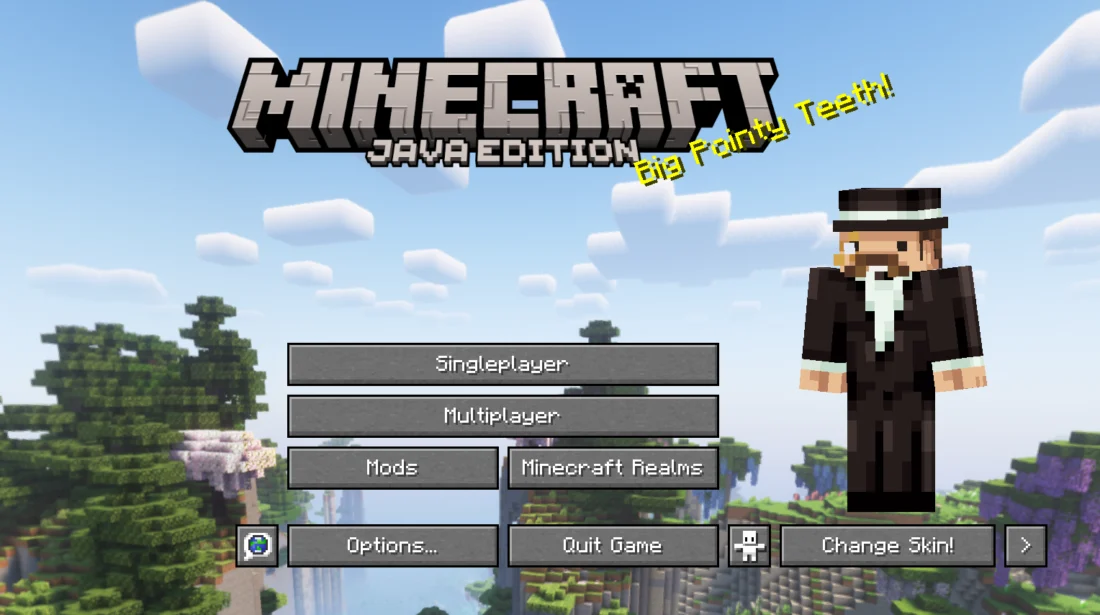
In Game Menu
Start
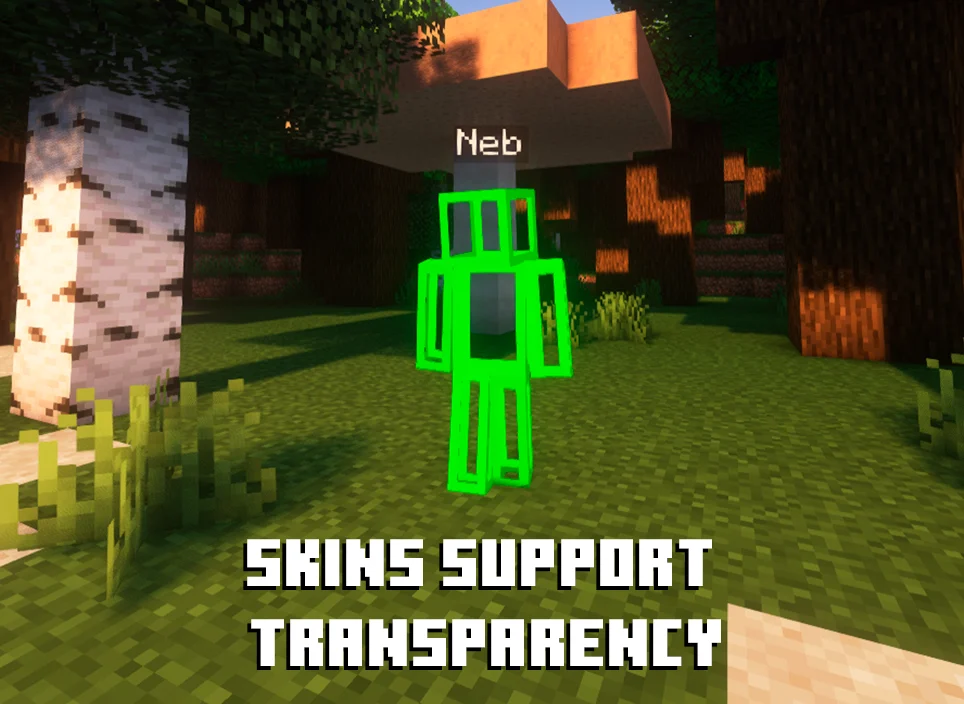
Skin with transparency
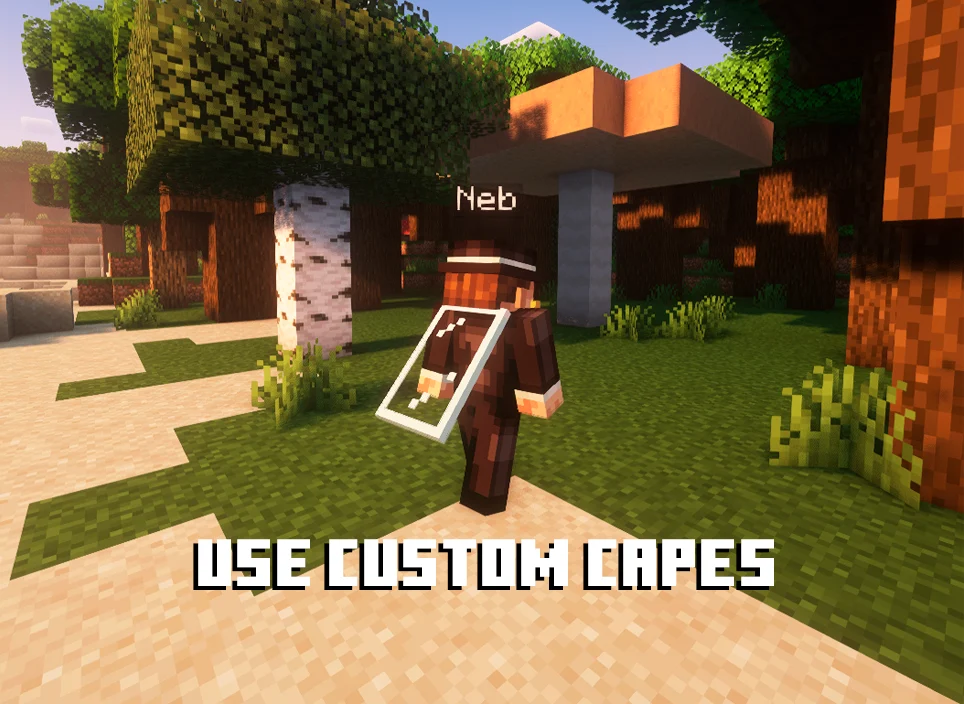
Custom capes with transparency
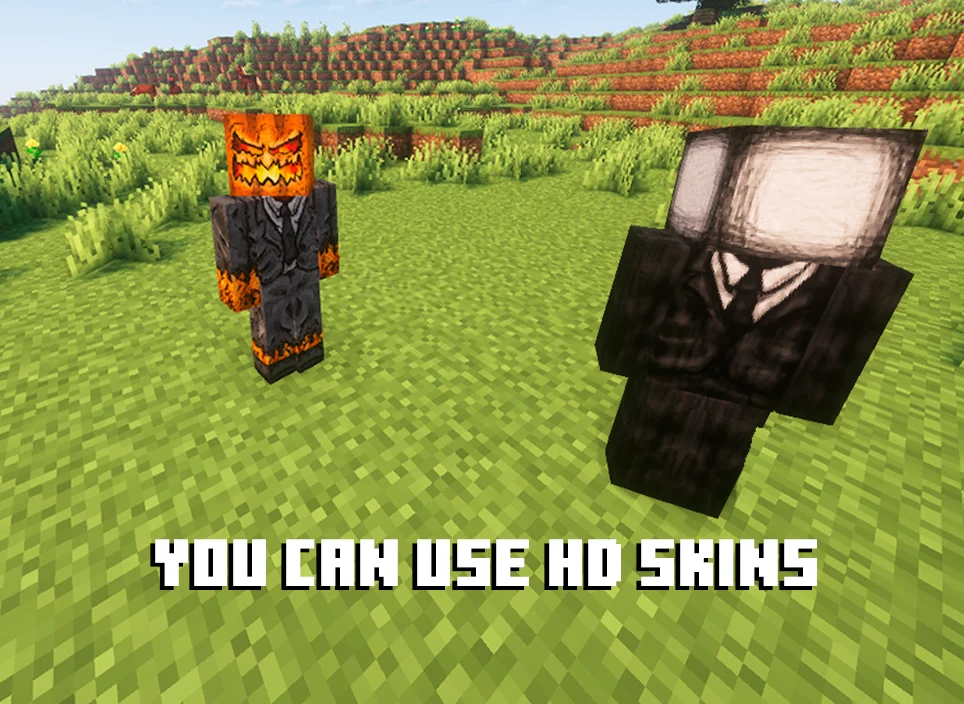
HD Skins Preview

Quick Skin completely overhauls Minecraft’s skin management system, letting you change and customize your appearance directly from inside the game. Its dedicated GUI allows you to save skins by username, import local skin files, switch between Classic and Slim models, and equip custom capes without leaving Minecraft.

The mod also supports high resolution skins beyond the standard 64×64 format, automatically handling older 64×32 skins and optimizing previews for better performance while keeping the full resolution in game. You can also use animated GIF capes with adjustable playback speed, FPS, memory usage, and animation limits. Quick Skin is compatible with popular customization and utility mods including 3D Skin Layers, Ears, Customizable Player Models, Essential, and ReplayMod.


Fabric

  1. 1. Download, execute the Fabric installer, choose Client, select your Minecraft version, and click Install.
  2. 2. Download the Fabric API matching that Minecraft version.
  3. 3. Download Quick Skin or any additional Fabric-compatible mods you want.
  4. 4. Place the Fabric API and all mods into .minecraft/mods folder.
  5. 5. Open the Minecraft Launcher, select the new Fabric profile, and press Play. Enjoy!

Forge

  1. 1. Download, execute the Forge installer, choose Client, and click Install.
  2. 3. Download Quick Skin or any additional Forge-compatible mods you want.
  3. 4. Place all mods into .minecraft/mods folder.
  4. 5. Open the Minecraft Launcher, select the new Forge profile, and press Play. Enjoy!

NeoForge

  1. 1. Download, execute the NeoForge installer, choose Client, and click Install.
  2. 3. Download Quick Skin or any additional NeoForge-compatible mods you want.
  3. 4. Place all mods into .minecraft/mods folder.
  4. 5. Open the Minecraft Launcher, select the new NeoForge profile, and press Play. Enjoy!

Download Quick Skin Mod

Type Game version File version Loaders Download
R Release
1.21.11 v2.6.2.5
Fabric
File
R Release
1.21.11 v2.6.2.5
NeoForge
File
R Release
1.21.10 v2.6.2.5
Fabric
File
R Release
1.21.10 v2.6.2.5
NeoForge
File
R Release
1.21.8 v2.6.2.4
Fabric
File
R Release
1.21.8 v2.6.2.4
NeoForge
File
R Release
1.21.5 v2.6.2.4
Fabric
File
R Release
1.21.5 v2.6.2.4
NeoForge
File
R Release
1.21.4 v2.6.2.4
Fabric
File
R Release
1.21.4 v2.6.2.4
NeoForge
File
R Release
1.21.1 v2.6.2.4
Fabric
File
R Release
1.21.1 v2.6.2.4
NeoForge
File
R Release
1.20.1 v2.6.2.4
Fabric
File
R Release
1.20.1 v2.6.2.4
Forge
File

Quick Skin Minecraft Mod

14 files • 1.21.11, 1.20.1

Download