logo responsive
/

EmbellishCraft Minecraft Mod

1.21.1, 1.20.1, 1.19.2, 1.18.2

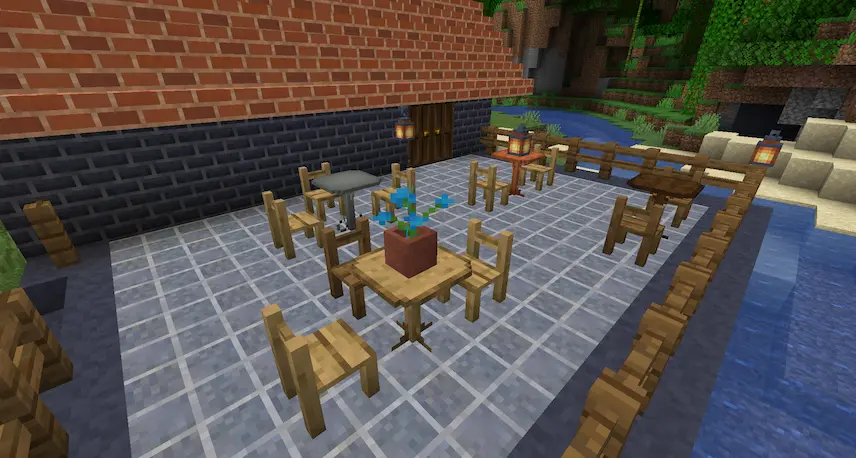
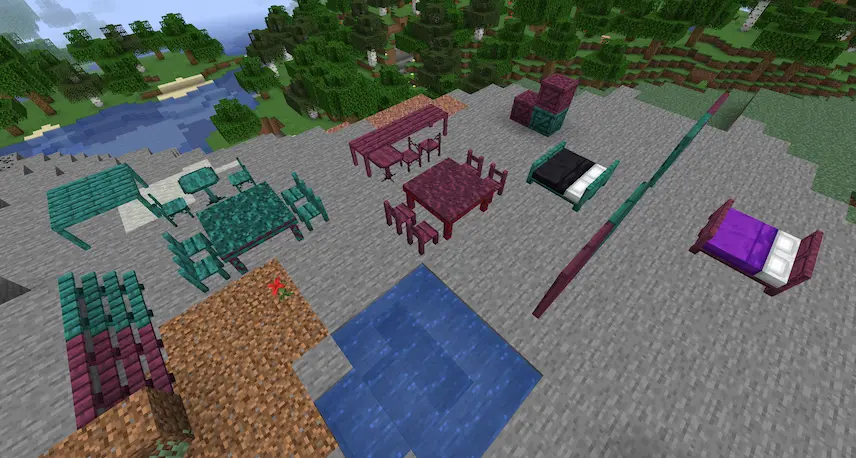
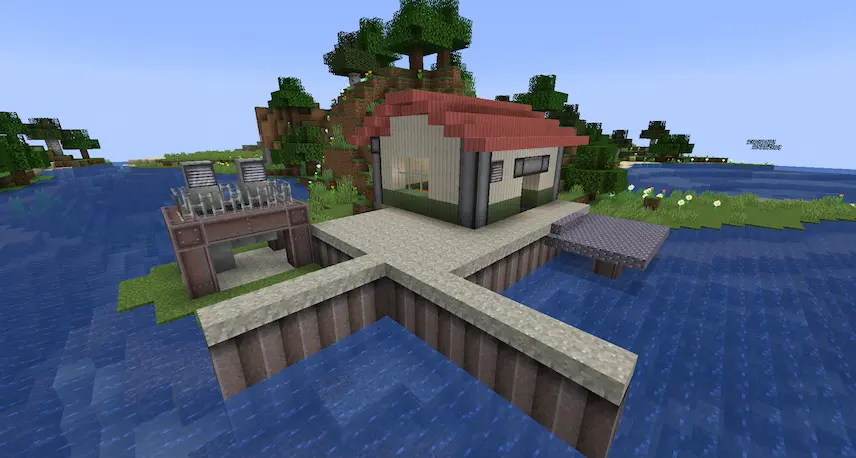
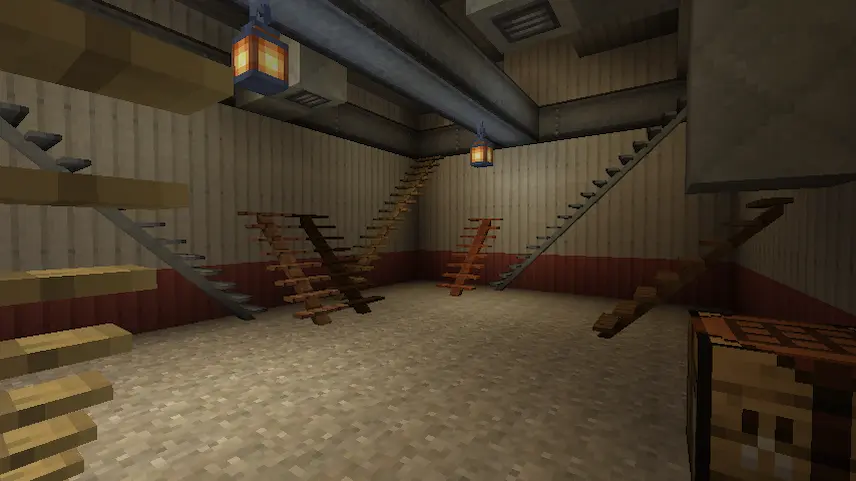
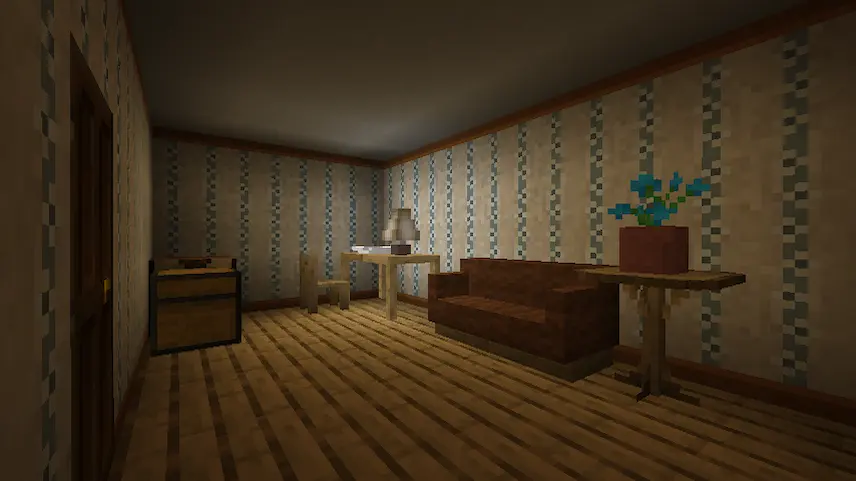
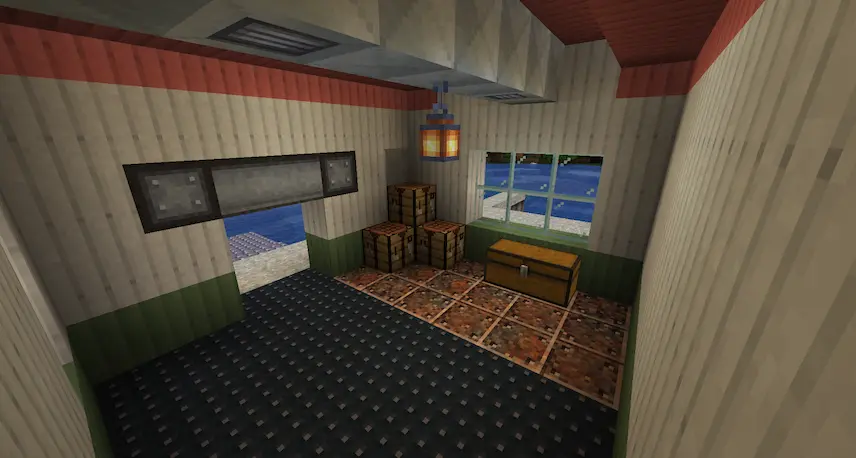
table and chairs beds and furnitures Metallic and concrete blocks stairs lamp, sofa, and plants metalic blocks
table and chairs
beds and furnitures
Metallic and concrete blocks
stairs
lamp, sofa, and plants
metalic blocks

EmbellishCraft is a Minecraft mod that expands your building palette with a wide array of decorative blocks designed purely for aesthetic creativity. From ornate columns and colorful trim pieces to elegant railings and decorative beams, each block helps you add unique style to homes, castles, or cityscapes. While most of these bricks, slabs, and molding pieces serve no functional purpose beyond decoration, they make it easy to craft intricate facades and detailed interiors without relying on complex redstone or machinery. A handful of items—such as chairs and special doors—offer simple interactivity, letting you place functional seating or add themed entrances that open and close like vanilla doors.

Because EmbellishCraft introduces so many new blocks and crafting recipes, it’s best paired with Just Enough Items (JEI) for quick reference. With JEI installed, you can instantly look up any decorative block’s recipe and identify its purpose without digging through crafting tables. This streamlined workflow allows you to focus on designing and building rather than memorizing ingredients. Whether you’re constructing a grand cathedral, a cozy cottage, or a sprawling mansion, EmbellishCraft enhances your Minecraft gameplay by making every build feel more polished and visually engaging.


Fabric

  1. 1. Download, execute the Fabric installer, choose Client, select your Minecraft version, and click Install.
  2. 2. Download the Fabric API matching that Minecraft version.
  3. 3. Download EmbellishCraft or any additional Fabric-compatible mods you want.
  4. 4. Place the Fabric API and all mods into .minecraft/mods folder.
  5. 5. Open the Minecraft Launcher, select the new Fabric profile, and press Play. Enjoy!

Forge

  1. 1. Download, execute the Forge installer, choose Client, and click Install.
  2. 3. Download EmbellishCraft or any additional Forge-compatible mods you want.
  3. 4. Place all mods into .minecraft/mods folder.
  4. 5. Open the Minecraft Launcher, select the new Forge profile, and press Play. Enjoy!

NeoForge

  1. 1. Download, execute the NeoForge installer, choose Client, and click Install.
  2. 3. Download EmbellishCraft or any additional NeoForge-compatible mods you want.
  3. 4. Place all mods into .minecraft/mods folder.
  4. 5. Open the Minecraft Launcher, select the new NeoForge profile, and press Play. Enjoy!

Download EmbellishCraft Mod

Type Game version File version Loaders Download
R Release
1.21.5 v8.0.0.4
NeoForge
File
R Release
1.20.1 v7.0.0.0
Forge
File
R Release
1.19.2 v6.0.0.0
Forge
File
R Release
1.18.2 v5.0.1.0
Forge
File
R Release
1.17.1 v4.0.0.0
Forge
File
R Release
1.16.5 v3.4.0.0
Forge
File

EmbellishCraft Minecraft Mod

6 files • 1.21.1, 1.20.1, 1.19.2, 1.18.2

Download