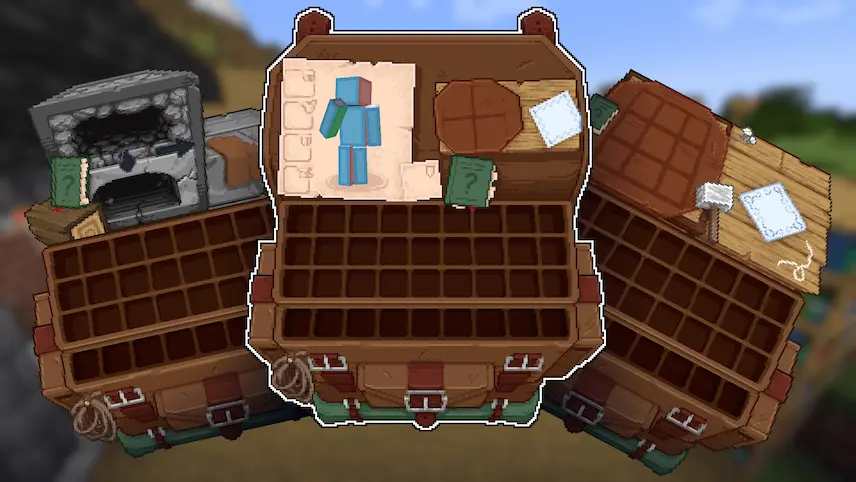
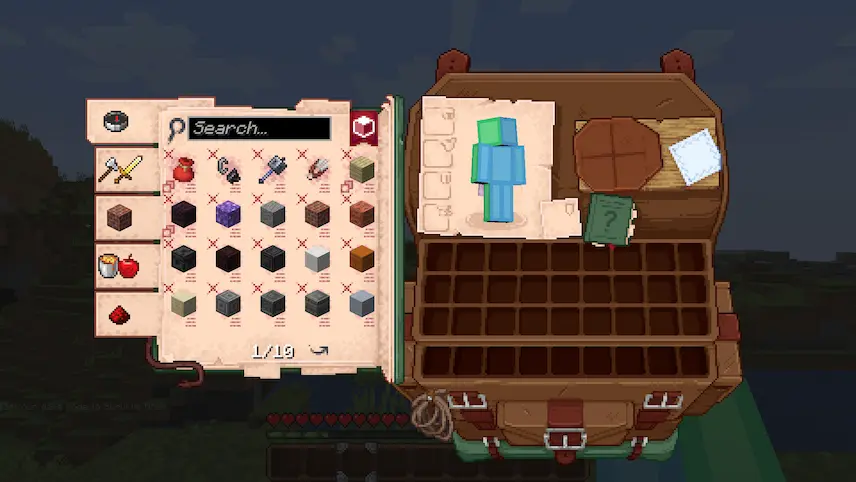
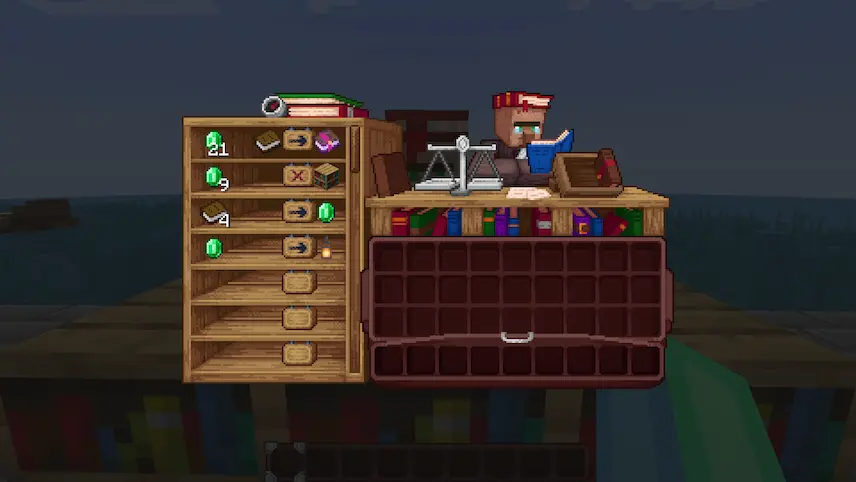
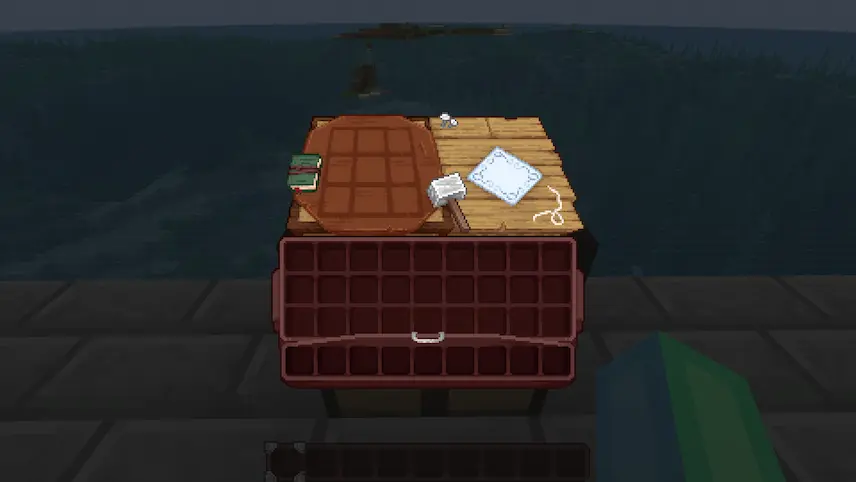
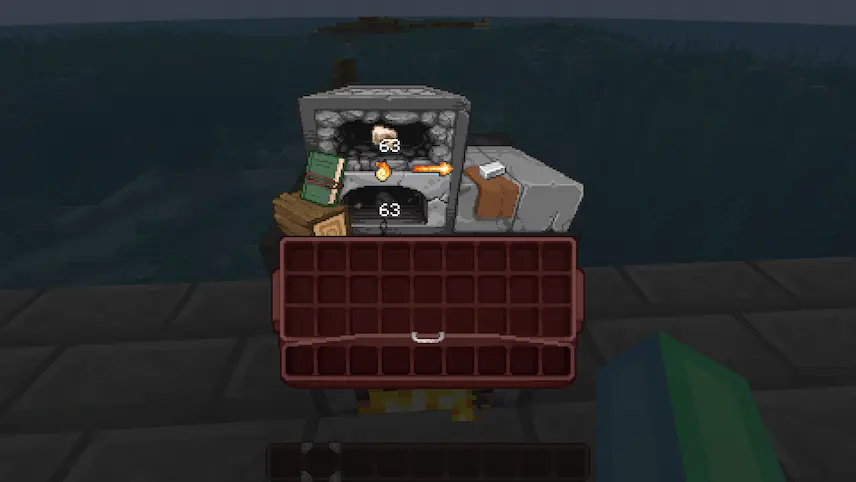
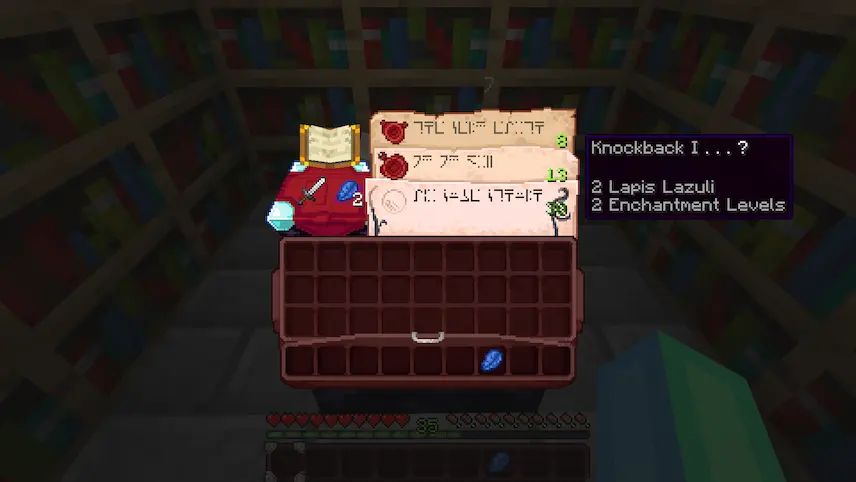
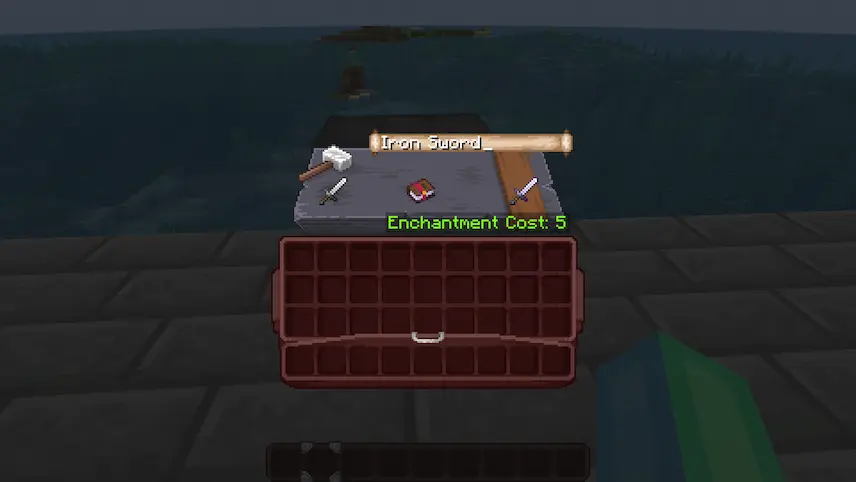
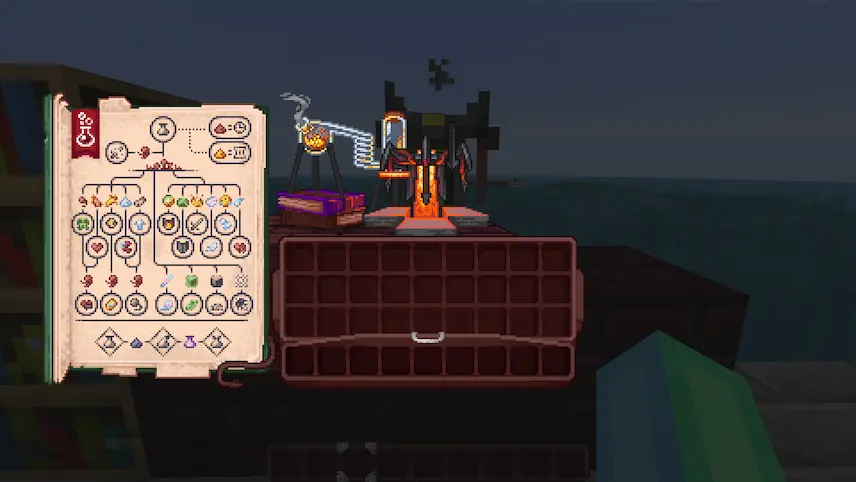
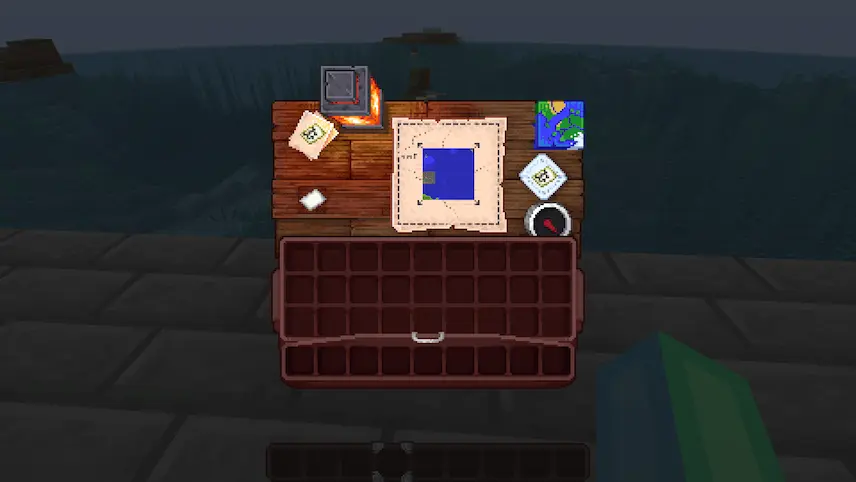
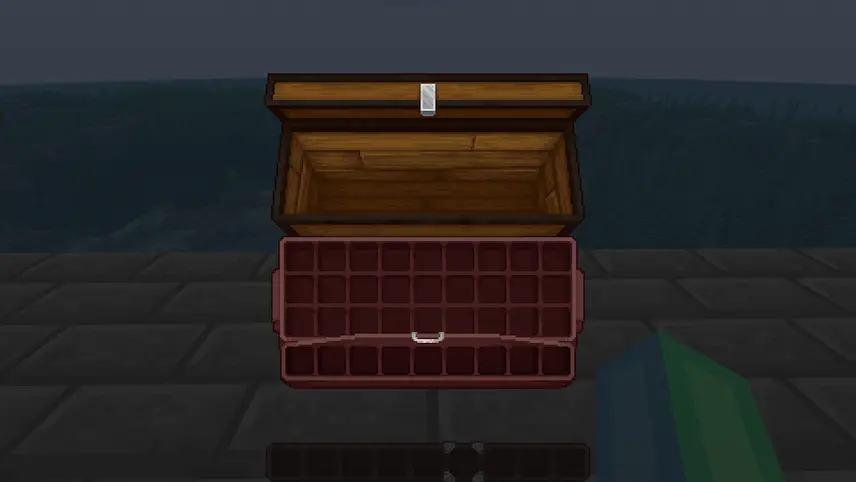
Shrimp’s Immersive Interfaces is a Minecraft resource pack that transforms every grey GUI box into a tiny window onto the world you’re interacting with. Whether you’re opening your inventory, checking a chest, or smelting ore in a furnace, each screen now features a small pixel art scene that reflects the block or menu you’re using. Instead of staring at plain menus, you’ll see cozy campfires in the furnace UI, woodland clearings behind your crafting grid, and other charming backdrops that bring personality to every interface.
Installation is as simple as dropping the pack into your resource packs folder and enabling it in the game settings—no other mods or heavy configurations required. Because it only alters the GUI textures, performance stays smooth, making Shrimp’s Immersive Interfaces ideal for any setup, from solo survival to busy multiplayer servers. By adding these delightful visual touches, this resource pack enhances immersion and turns routine tasks—like sorting inventory or smelting metals—into a more engaging, atmospheric experience.


 Tags
Tags