logo responsive
/

Armory Conglomery Minecraft Resource Pack

1.21.11, 1.20.6, 1.19.4

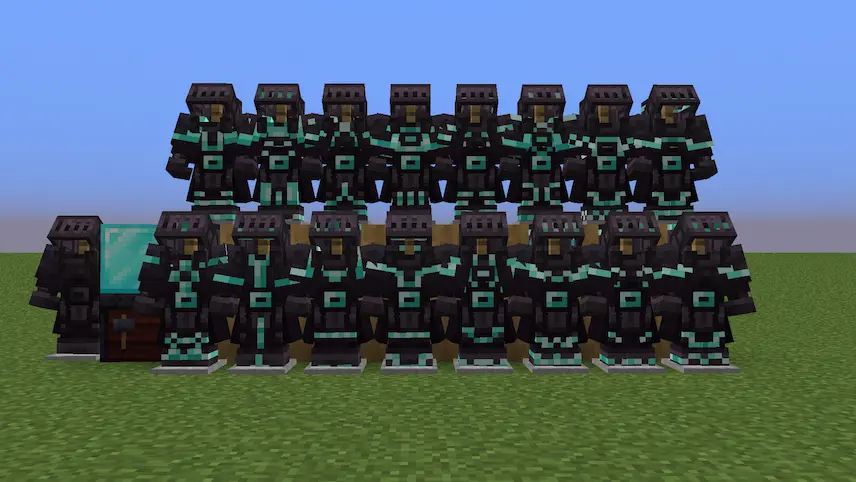
render all armors All armors Armors trims
render all armors
All armors
Armors trims

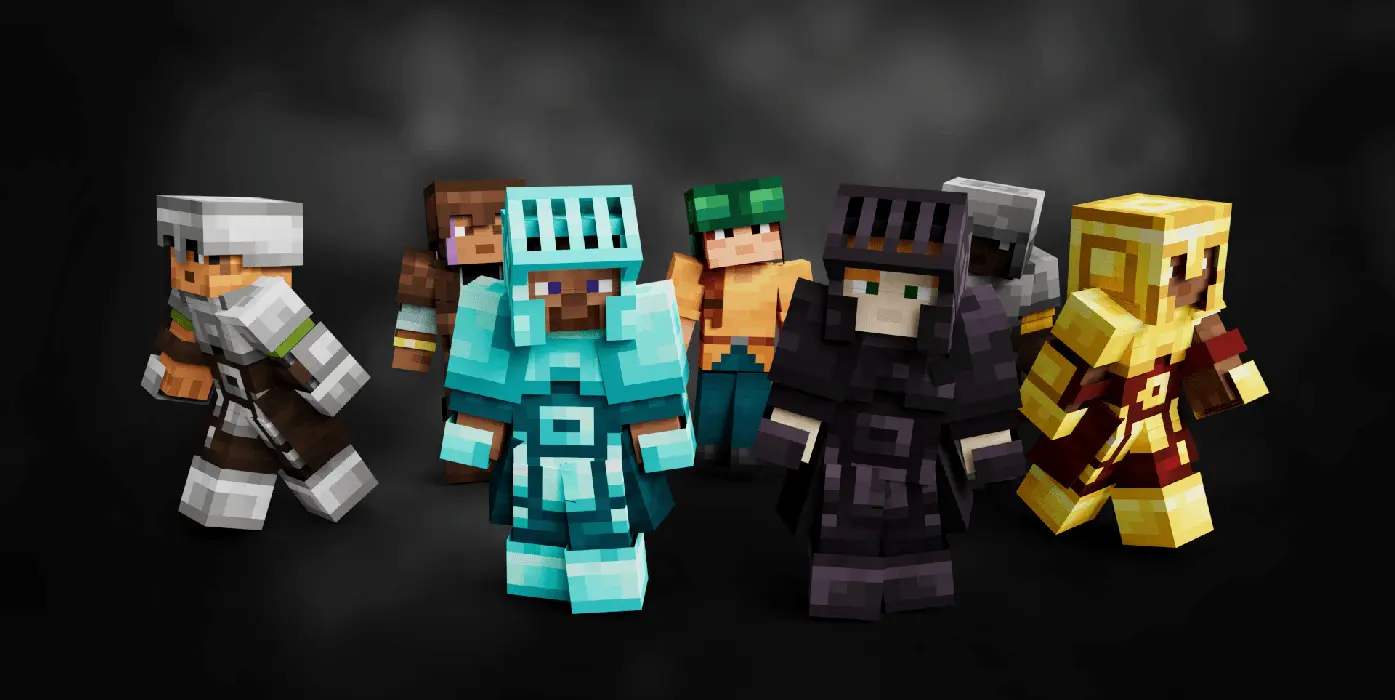
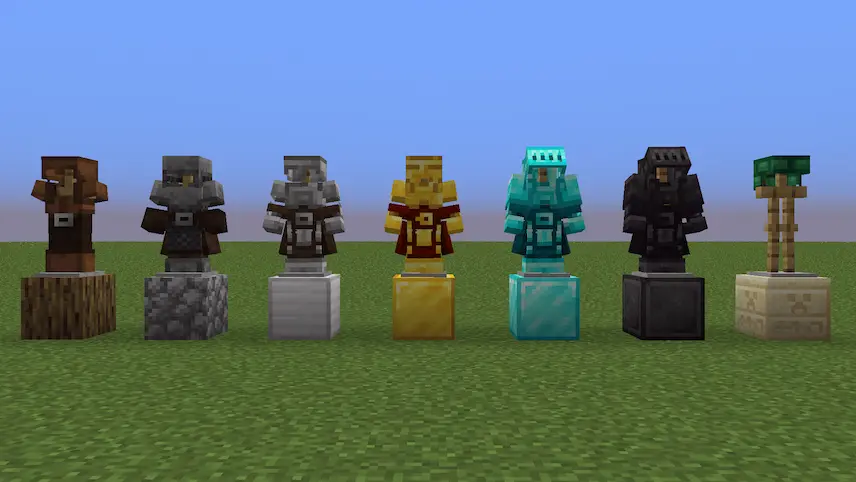
Armory Conglomery is the ultimate Minecraft texture pack for players who crave realistic, jaw-dropping armor designs without compromising performance! Exclusively built for Entity Model Features (EMF), this pack overhauls every armor set with intricate details, sleek textures, and 3D elements that make your gear look like it’s straight out of a medieval forge. From diamond plate mail to netherite battle suits, each piece feels weighty and authentic. Just note: OptiFine won’t cut it here—EMF’s advanced model editing unlocks visuals vanilla can’t match.


  1. 1. First you need download Armory Conglomery.
  2. 2. Copy or move the downloaded ZIP into .minecraft/resourcepacks folder.
  3. 3. Launch Minecraft and go to Options → Resource Packs…
  4. 4. Select the pack in the left column, click the arrow to move it to the active side, then click Done. Enjoy!

Download Armory Conglomery Resource Pack

Type Game version File version Loaders Download
R Release
1.21.x v2.2 File
R Release
1.20.x v2.2 File
R Release
1.19.x v2.2 File

Armory Conglomery Minecraft Resource Pack

3 files • 1.21.11, 1.20.6, 1.19.4

Download