logo responsive
/

defrosted Minecraft Resource Pack

26.2, 26.1.2, 1.21.11

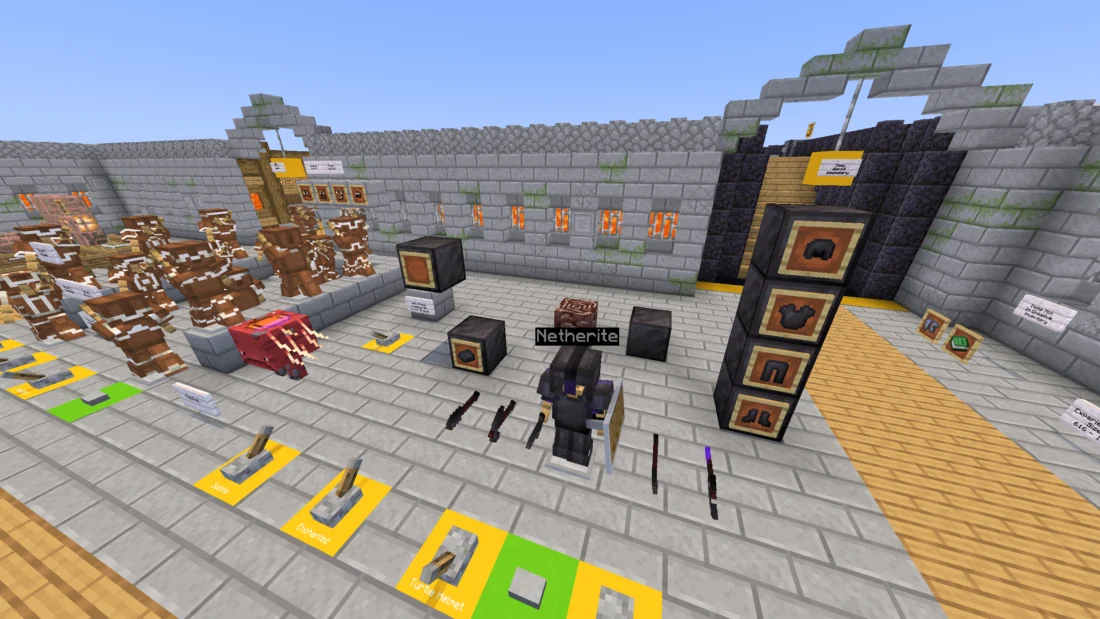
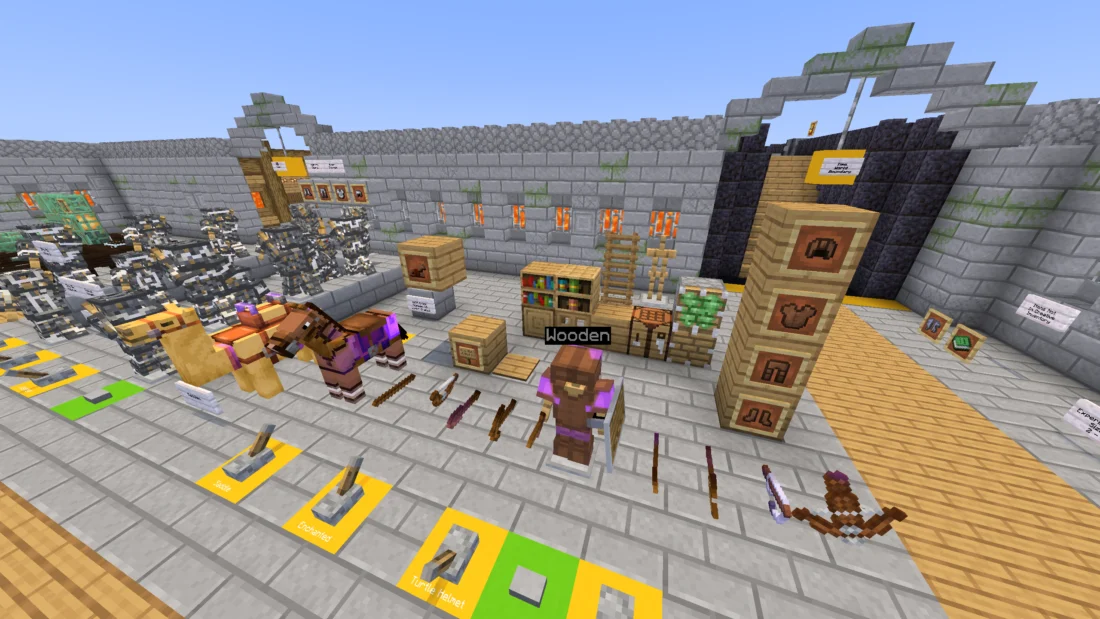
banner all blocks and items defrosted pink - galatea defrosted pink - galatea 2 defrosted pink - forest diamond tools & armor gold tools & armor stone/chainmail tools & armor iron tools & armor netherite tools & armor wooden/leather tools & armor blocks
banner
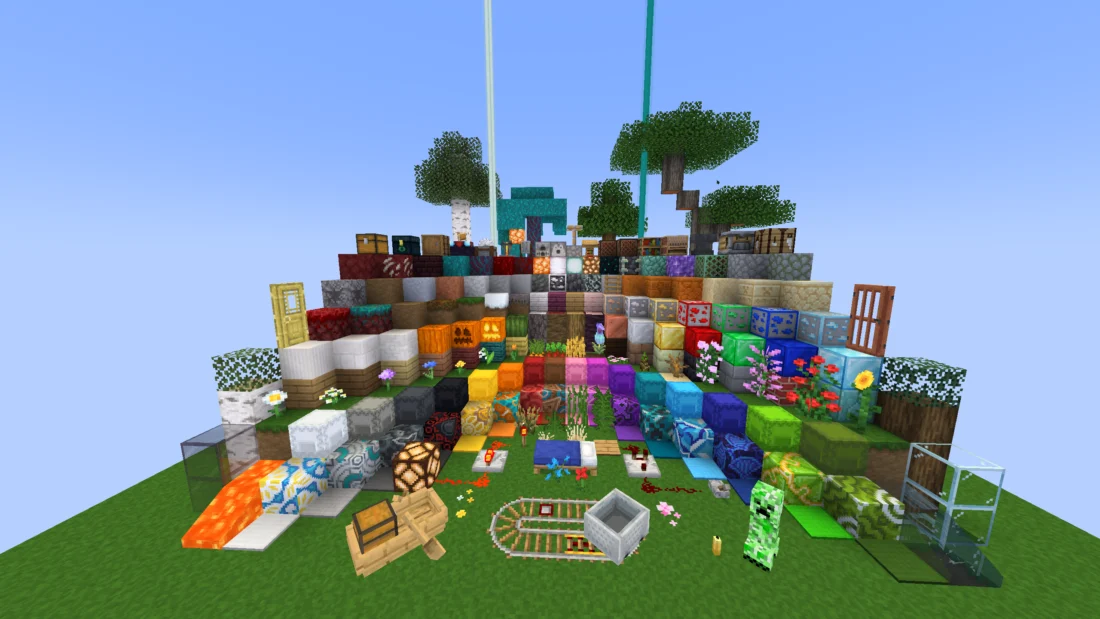
all blocks and items
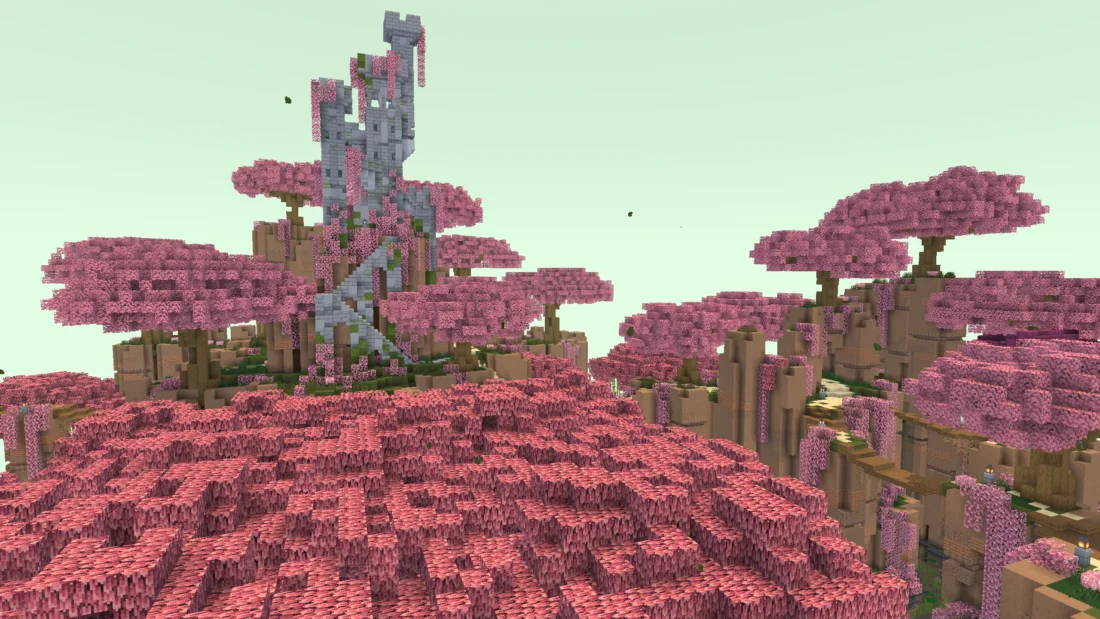
defrosted pink - galatea
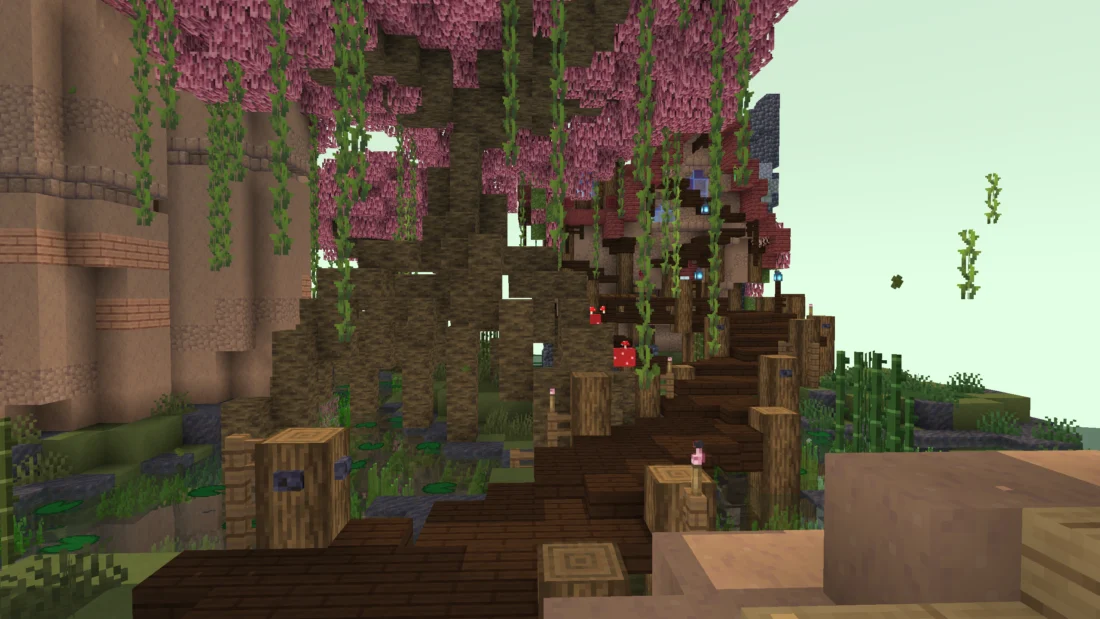
defrosted pink - galatea 2
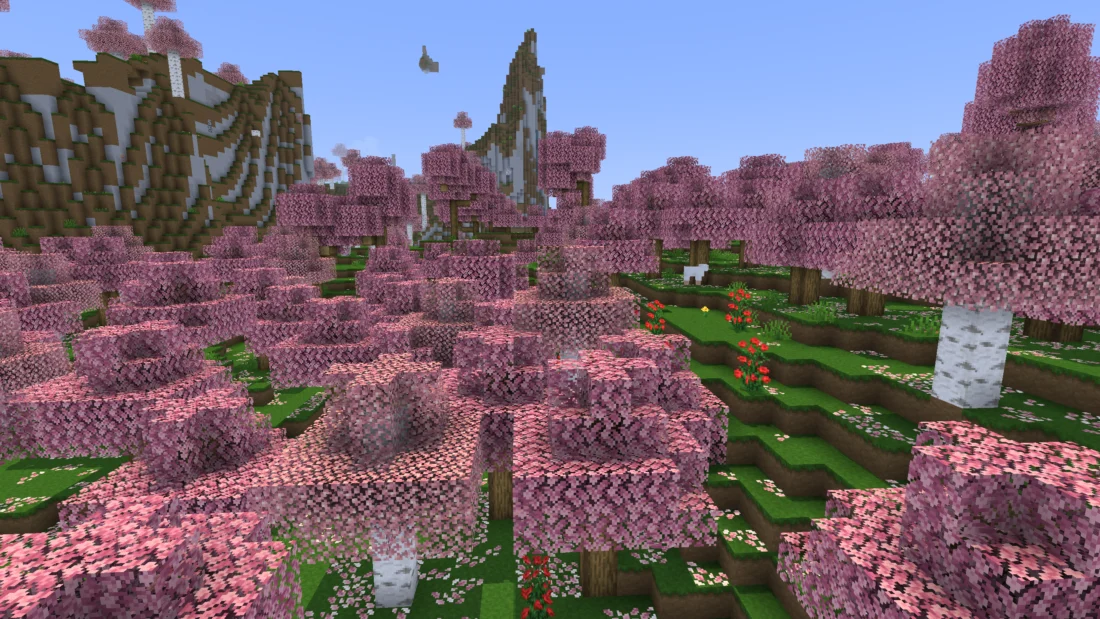
defrosted pink - forest
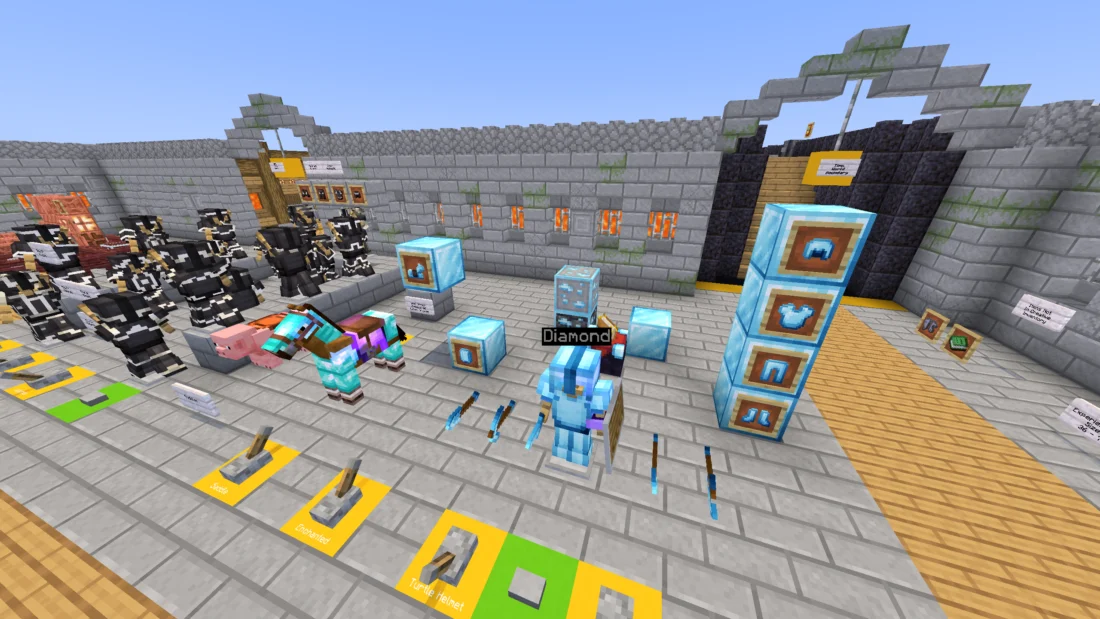
diamond tools & armor
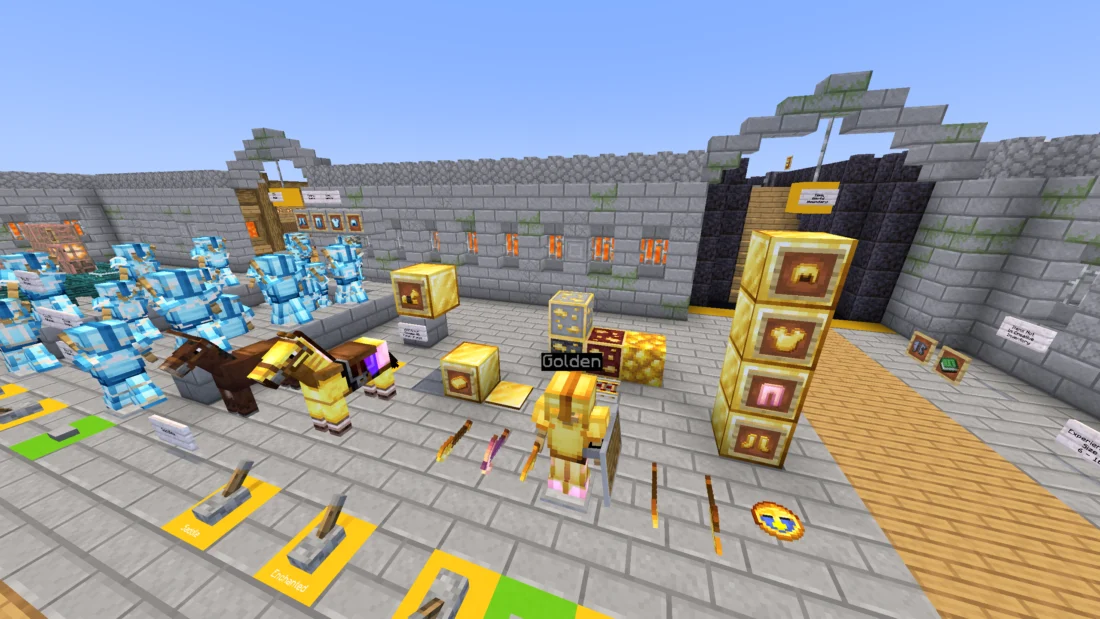
gold tools & armor
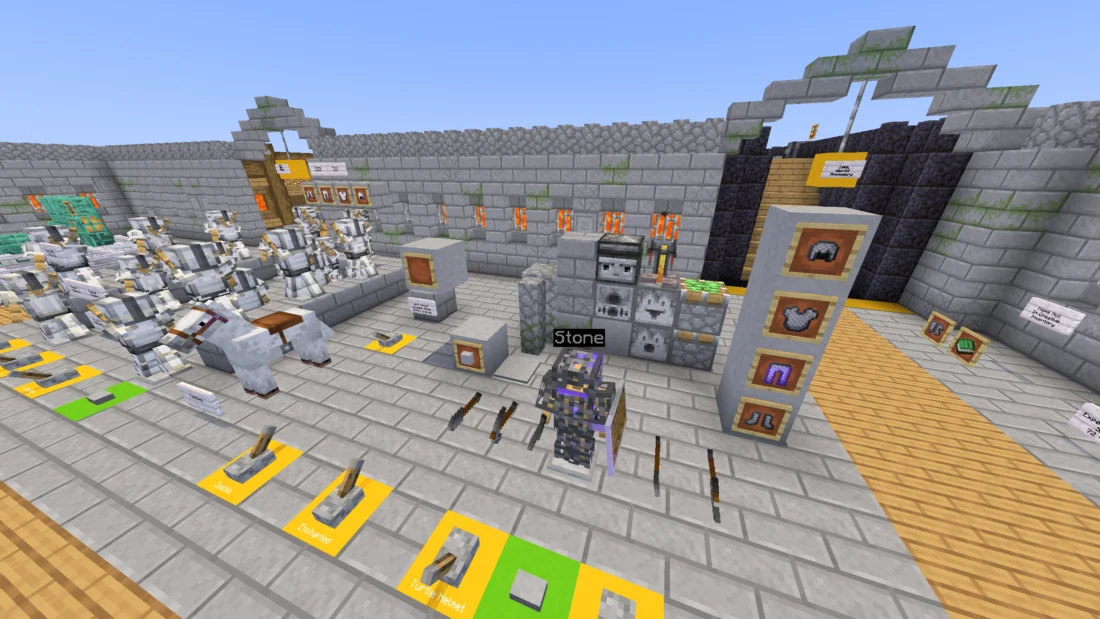
stone/chainmail tools & armor
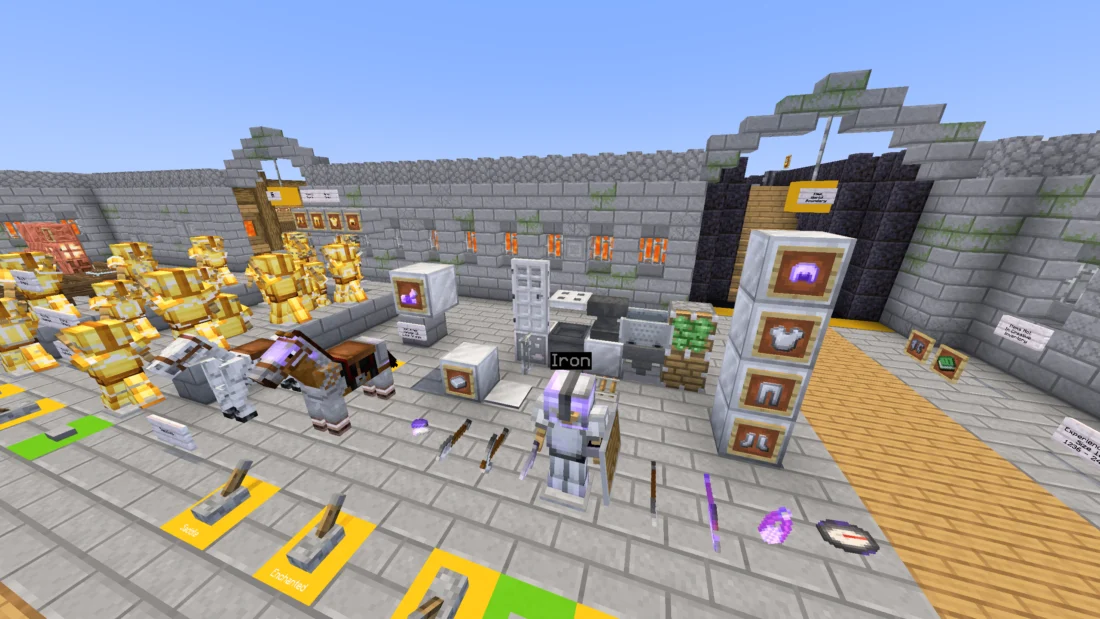
iron tools & armor
netherite tools & armor
wooden/leather tools & armor
blocks

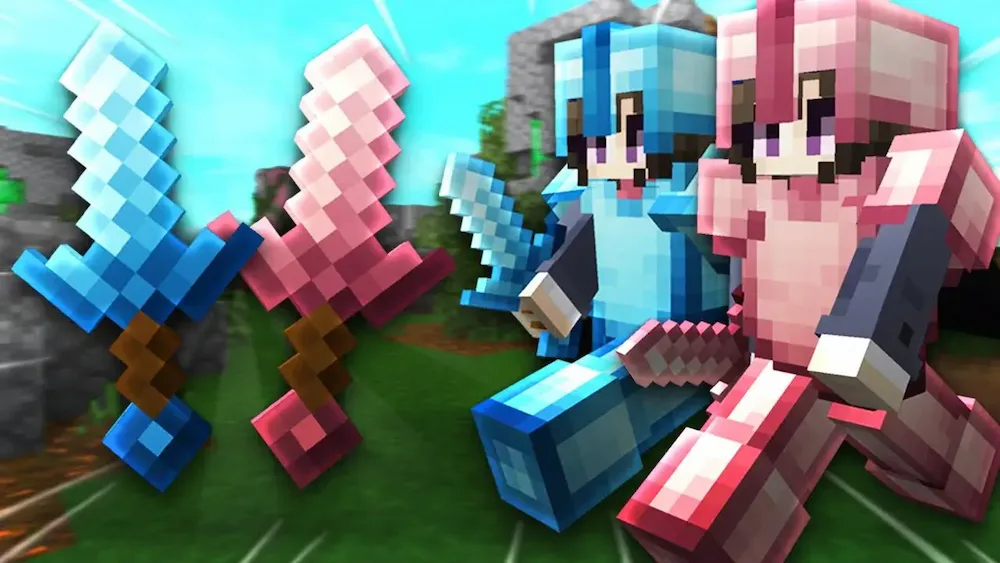
Defrosted is a Minecraft resource pack that gives the game a fresh visual style with custom colors and skies. It is designed to enhance the vanilla experience while adding its own atmosphere and visual identity.

The pack is updated sparingly as the creator is working on other projects, and some textures may be missing on newer Minecraft versions due to the large number of updates released since its original version. For the best experience, Skyboxify and PolyTone are recommended to enable the pack’s custom skies and colors.
  1. 1. First you need download defrosted.
  2. 2. Copy or move the downloaded ZIP into .minecraft/resourcepacks folder.
  3. 3. Launch Minecraft and go to Options → Resource Packs…
  4. 4. Select the pack in the left column, click the arrow to move it to the active side, then click Done. Enjoy!

Download defrosted Resource Pack

Type Game version File version Loaders Download
R Release
26.2 v1.4.1 File
R Release
26.1.2 v1.4.1 File
R Release
1.21.x v1.4.1 File

defrosted Minecraft Resource Pack

3 files • 26.2, 26.1.2, 1.21.11

Download