logo responsive
/

Colourful Containers Dark Mode GUI Minecraft Resource Pack

26.2, 26.1.2, 1.21.11, 1.20.1

intentory enchanting table tables chests brewing redstone furnaces beacon GUI
intentory
enchanting table
tables
chests
brewing
redstone
furnaces
beacon GUI

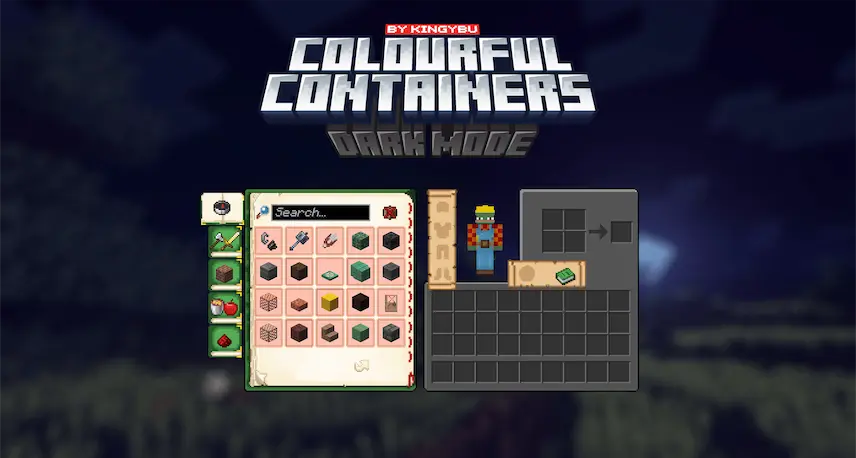
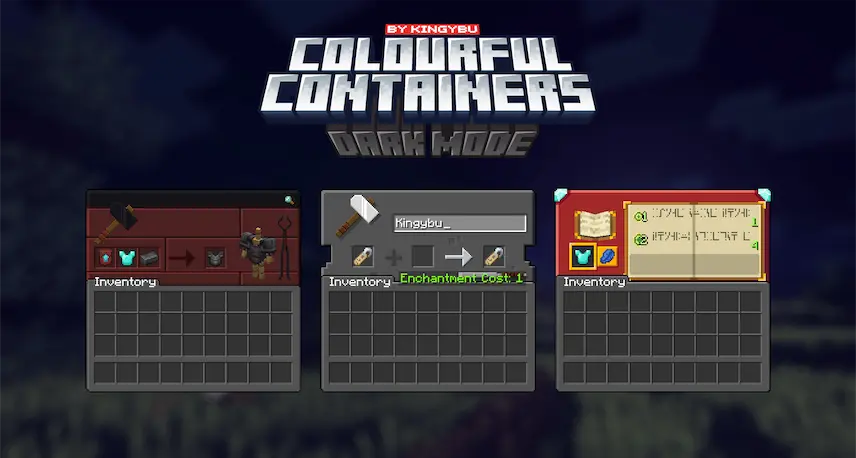
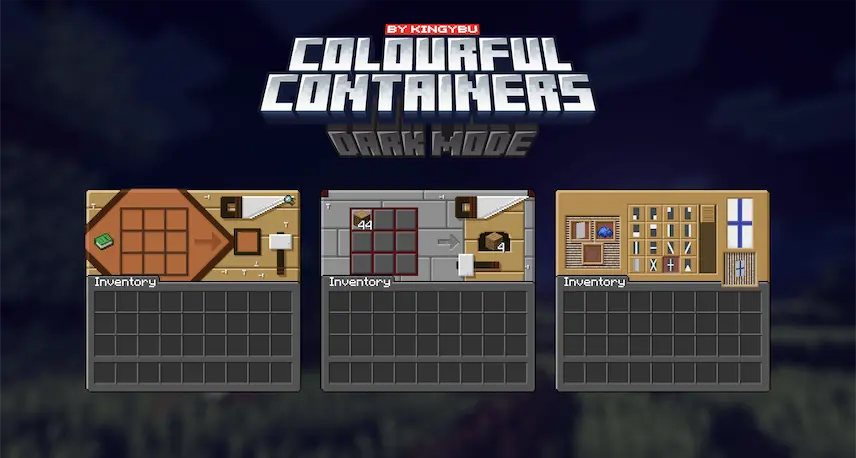
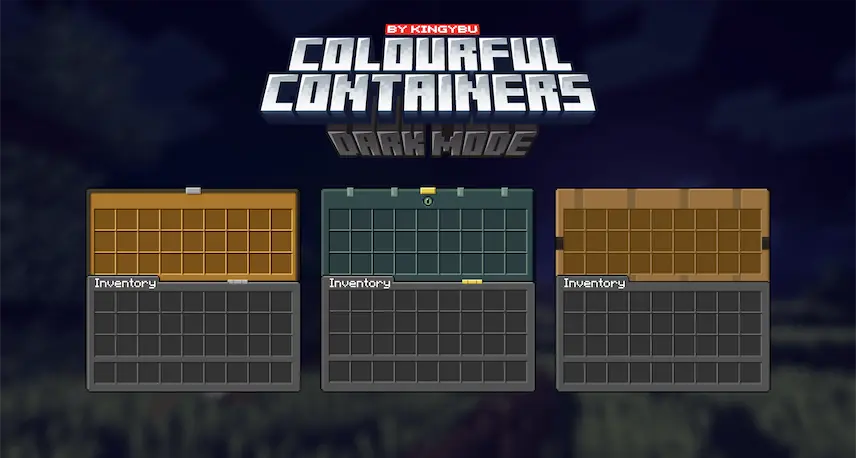
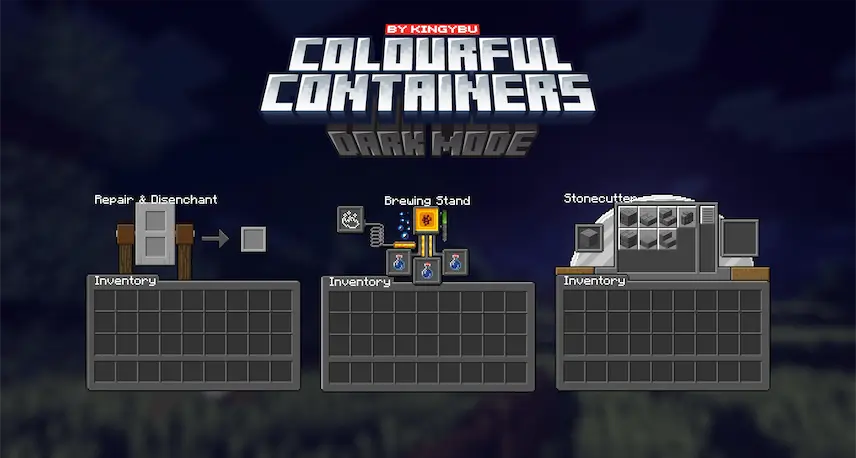
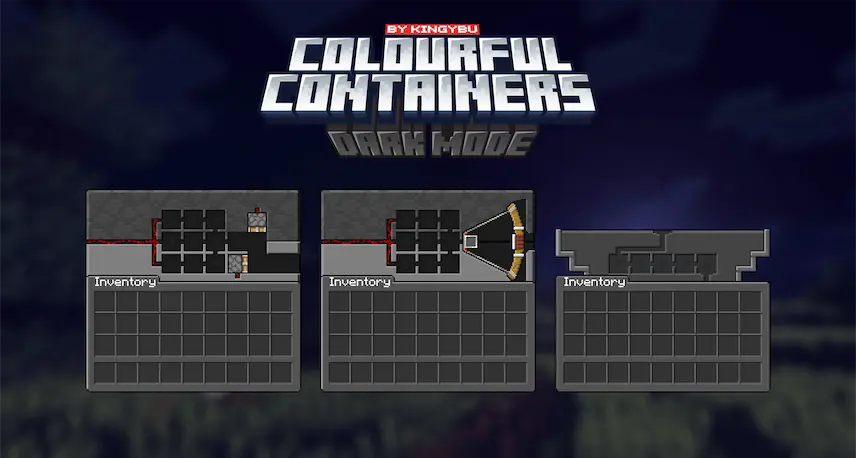
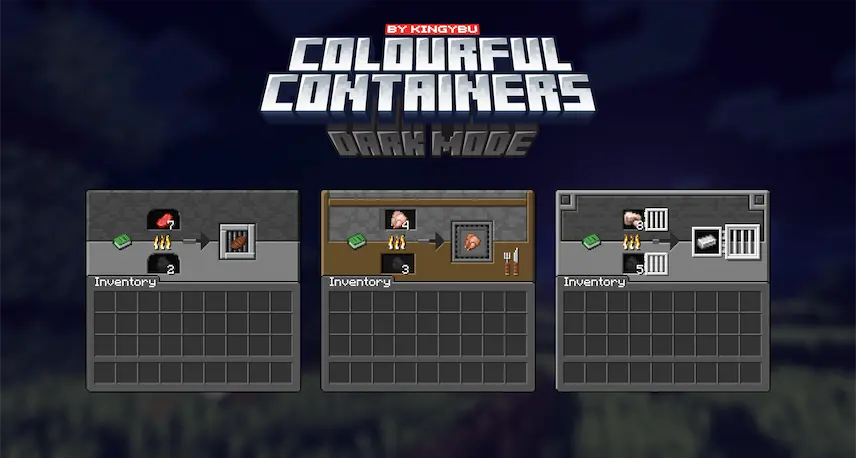
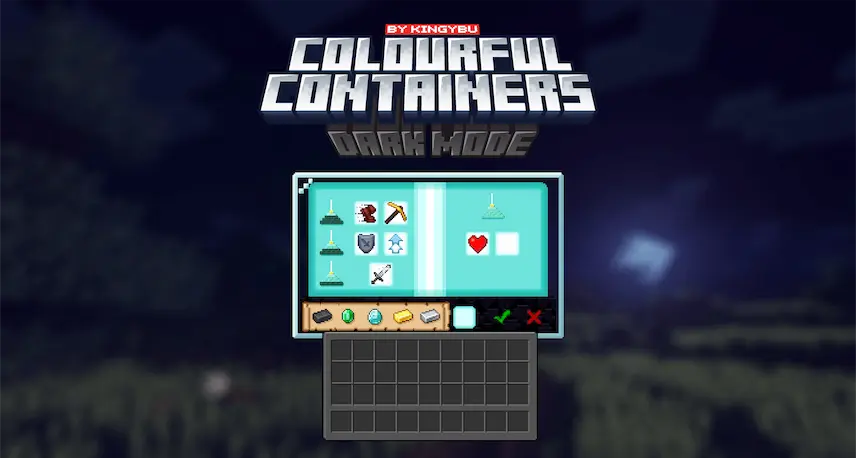
Colourful Containers Dark Mode GUI Resource Pack is my solution to Minecraft’s dull, repetitive menus. I created this pack to match the vibrant colors of your favorite blocks, transforming the crafting tablefurnace, and enchanting table GUIs into visually stunning interfaces. Each menu is inspired by its block, with some even featuring animated designs that bring a touch of life to your inventory screens.

The dark mode version adds a sleek, modern twist, making every interaction feel fresh and immersive. Whether you’re crafting, smelting, or enchanting, this pack ensures your menus are as colorful and dynamic as your builds.

  1. 1. First you need download Colourful Containers Dark Mode GUI.
  2. 2. Copy or move the downloaded ZIP into .minecraft/resourcepacks folder.
  3. 3. Launch Minecraft and go to Options → Resource Packs…
  4. 4. Select the pack in the left column, click the arrow to move it to the active side, then click Done. Enjoy!

Download Colourful Containers Dark Mode GUI Resource Pack

Type Game version File version Loaders Download
R Release
26.2 File
R Release
26.1.x File
R Release
1.21.x File
R Release
1.20.x File
R Release
1.19.x File
R Release
1.18.x File
R Release
1.17.x File
R Release
1.16.x File

Colourful Containers Dark Mode GUI Minecraft Resource Pack

8 files • 26.2, 26.1.2, 1.21.11, 1.20.1

Download