logo responsive
/

Punchy – First person animations Minecraft Mod

26.2, 26.1.2, 1.21.11, 1.20.1

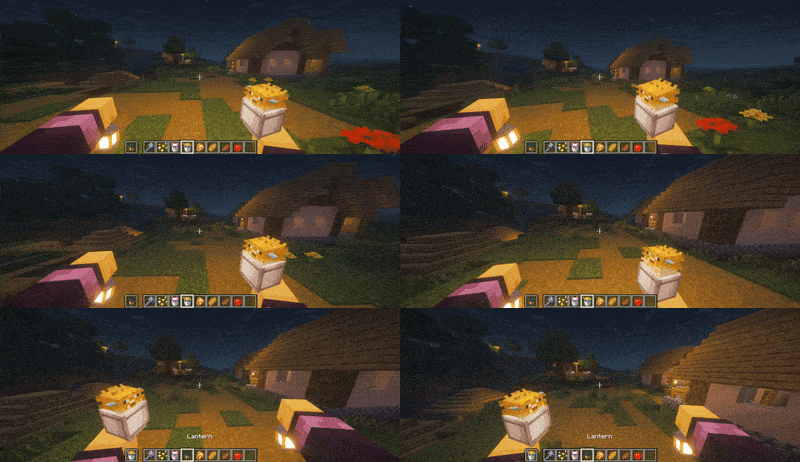
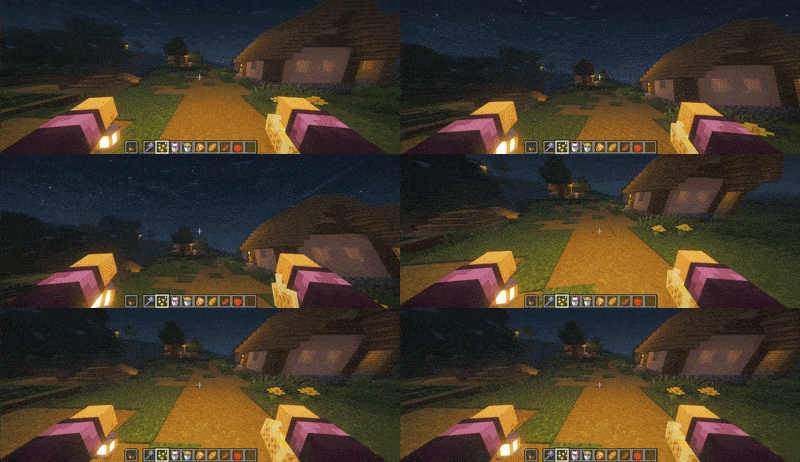
items animation spear animation mace on hand axolot on hand puffer fish on hand Cherry Leaves on hand

items animation
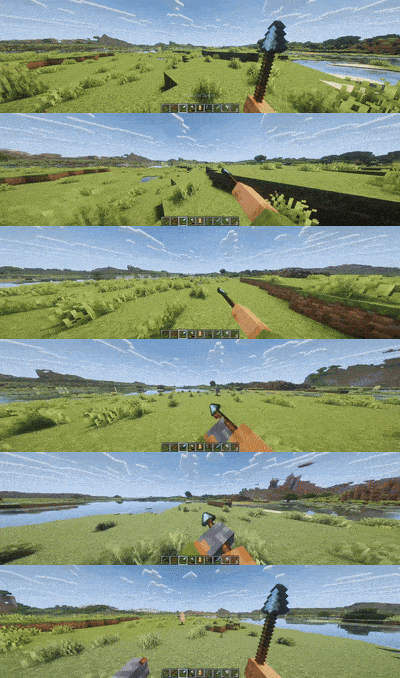
spear animation
mace on hand
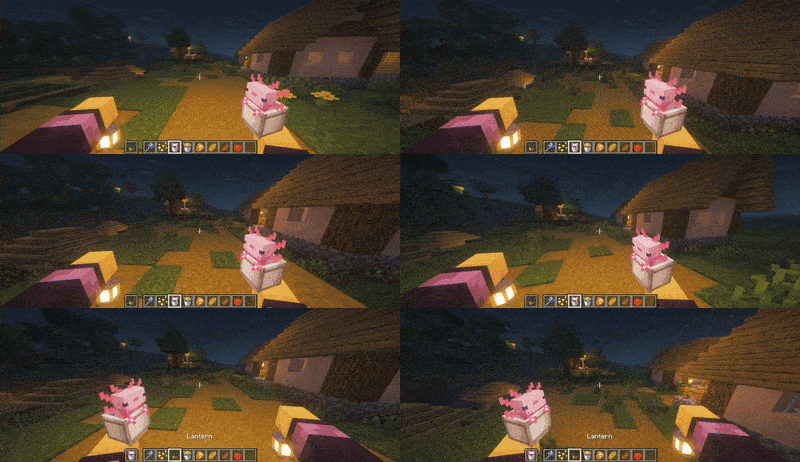
axolot on hand
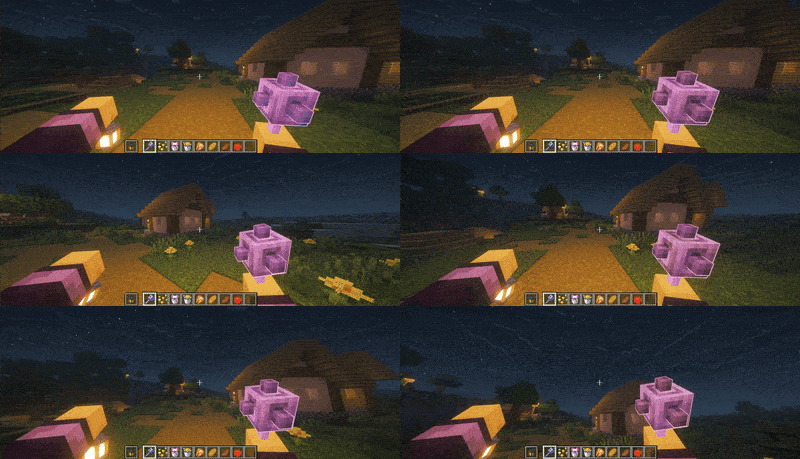
puffer fish on hand
Cherry Leaves on hand

Punchy Mod is a cool mod that throws in a bunch of awesome first-person animations, making your hands and actions much more noticeable. This isn’t just a tiny visual tweak; it makes using tools and items look seriously immersive.

You’ll notice the difference right away when you use certain objects. For example, when you use a bow, you can actually see your character place the arrow before drawing it back. The mod also adds custom animations for using tools, holding a shield, and other actions, giving everything you do a smooth, detailed visual flair. If you want your hands to be more visible and your actions to feel more impactful and realistic when you play, this mod is a great way to boost your visual experience.

Punchy Settings:
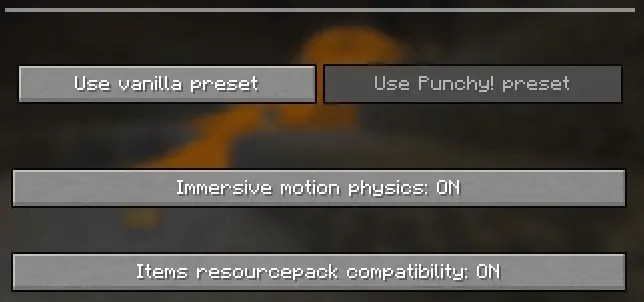
mod settings

Recommended Resource Packs:

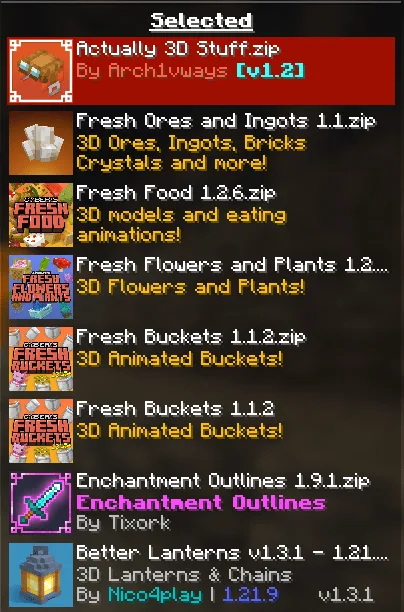
resource pack supports

Fabric

  1. 1. Download, execute the Fabric installer, choose Client, select your Minecraft version, and click Install.
  2. 2. Download the Fabric API matching that Minecraft version.
  3. 3. Download Punchy – First person animations or any additional Fabric-compatible mods you want.
  4. 4. Place the Fabric API and all mods into .minecraft/mods folder.
  5. 5. Open the Minecraft Launcher, select the new Fabric profile, and press Play. Enjoy!

Forge

  1. 1. Download, execute the Forge installer, choose Client, and click Install.
  2. 3. Download Punchy – First person animations or any additional Forge-compatible mods you want.
  3. 4. Place all mods into .minecraft/mods folder.
  4. 5. Open the Minecraft Launcher, select the new Forge profile, and press Play. Enjoy!

NeoForge

  1. 1. Download, execute the NeoForge installer, choose Client, and click Install.
  2. 3. Download Punchy – First person animations or any additional NeoForge-compatible mods you want.
  3. 4. Place all mods into .minecraft/mods folder.
  4. 5. Open the Minecraft Launcher, select the new NeoForge profile, and press Play. Enjoy!

Download Punchy – First person animations Mod

Type Game version File version Loaders Download
R Release
26.2 v2.6.0
Fabric
File
R Release
26.2 v2.6.0
Forge
File
R Release
26.2 v2.6.0
NeoForge
File
R Release
26.1.x v2.6.0
Fabric
File
R Release
26.1.x v2.6.0
Forge
File
R Release
26.1.x v2.6.0
NeoForge
File
R Release
1.21.11 v2.6.0
Fabric
File
R Release
1.21.11 v2.6.0
Forge
File
R Release
1.21.11 v2.6.0
NeoForge
File
B Beta
1.21.10 v1.0.7
Fabric
File
B Beta
1.21.10 v1.0.7
Forge
File
B Beta
1.21.10 v1.0.7
NeoForge
File
B Beta
1.21.8 v1.0.7
Fabric
File
B Beta
1.21.8 v1.0.7
Forge
File
B Beta
1.21.8 v1.0.7
NeoForge
File
R Release
1.21.5 v2.6.0
Fabric
File
R Release
1.21.5 v2.6.0
Forge
File
R Release
1.21.5 v2.6.0
NeoForge
File
R Release
1.21.1 v2.6.0
Fabric
File
R Release
1.21.1 v2.6.0
Forge
File
R Release
1.21.1 v2.6.0
NeoForge
File
R Release
1.20.1 v2.6.0
Fabric
File
R Release
1.20.1 v2.6.0
Forge
File

Punchy – First person animations Minecraft Mod

23 files • 26.2, 26.1.2, 1.21.11, 1.20.1

Download