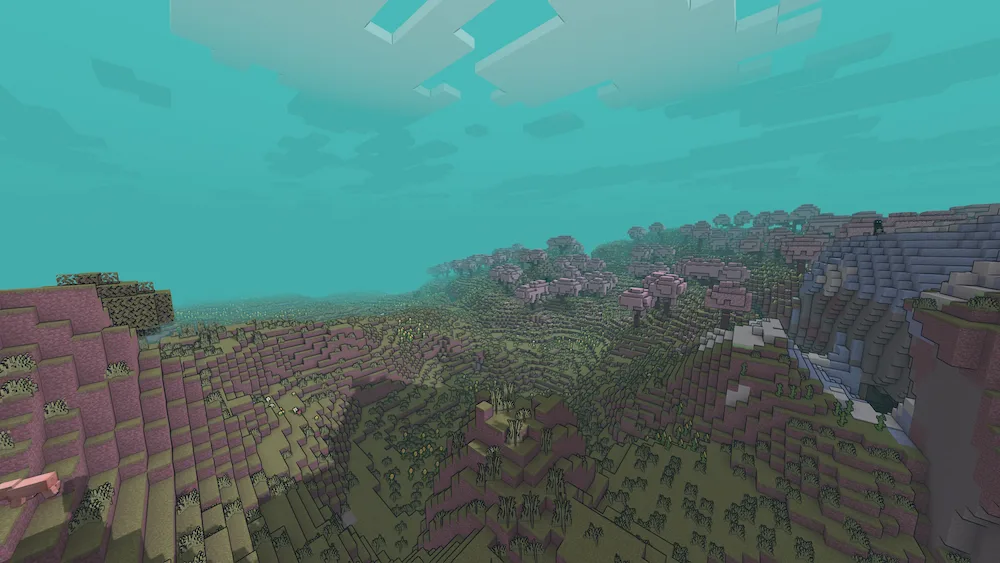
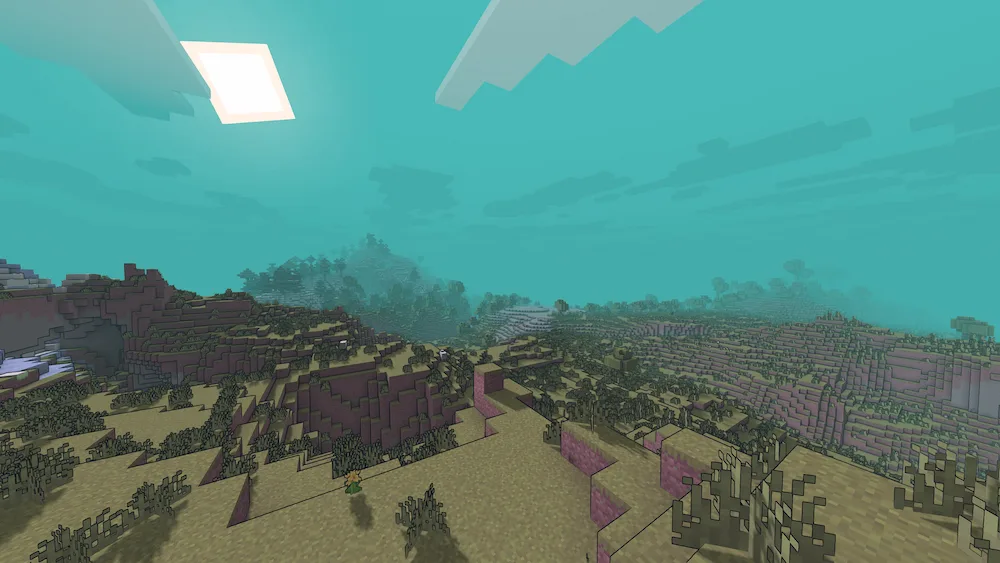
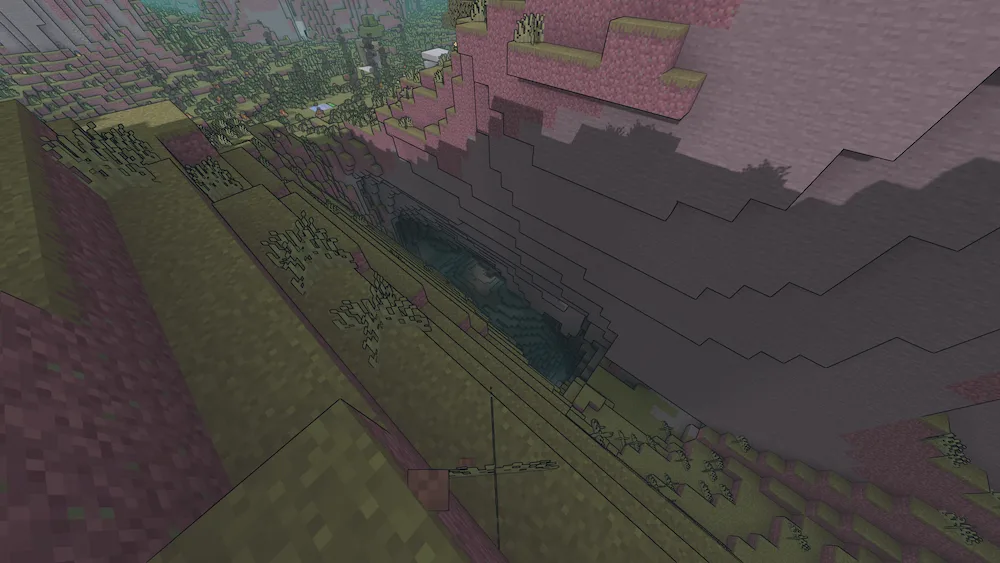
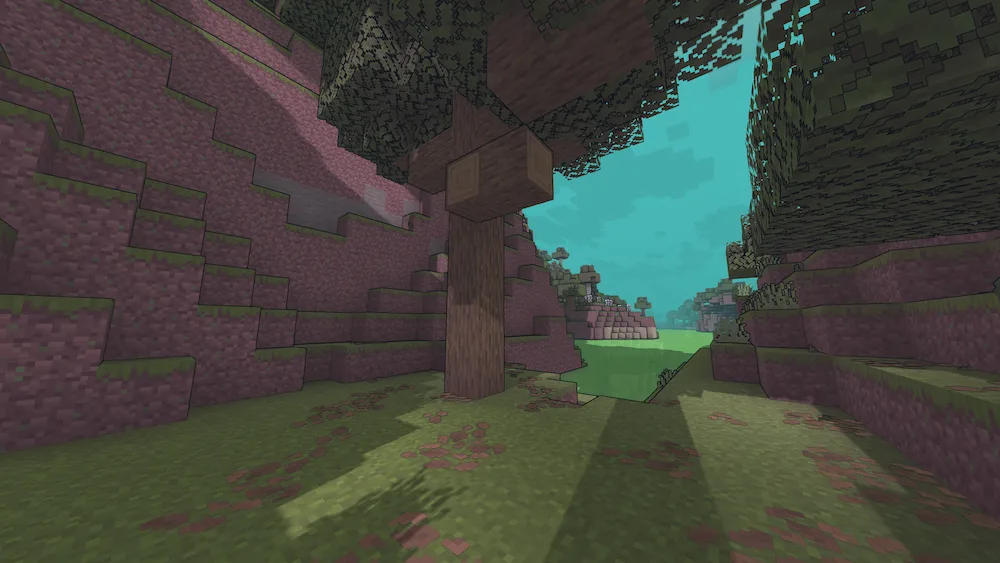
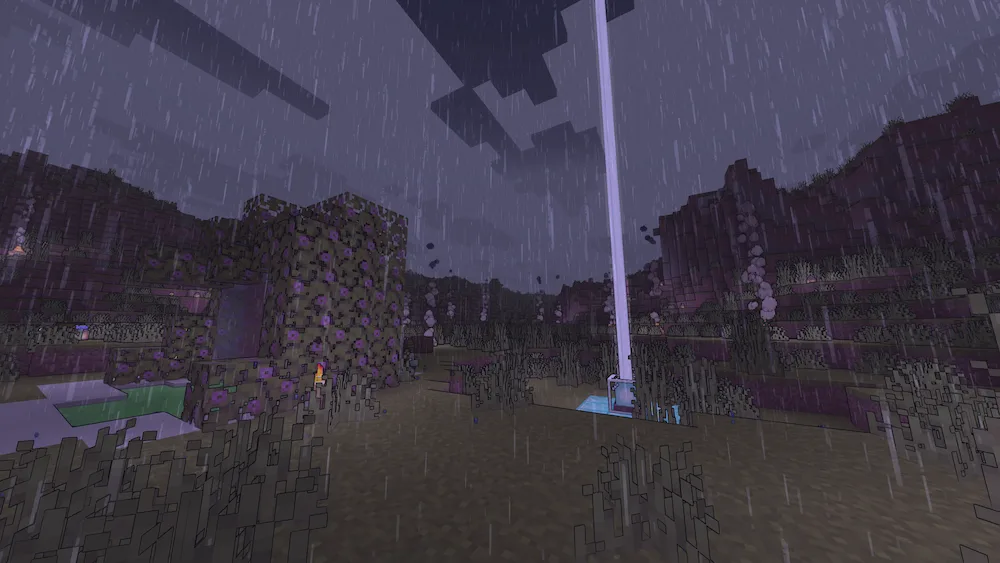
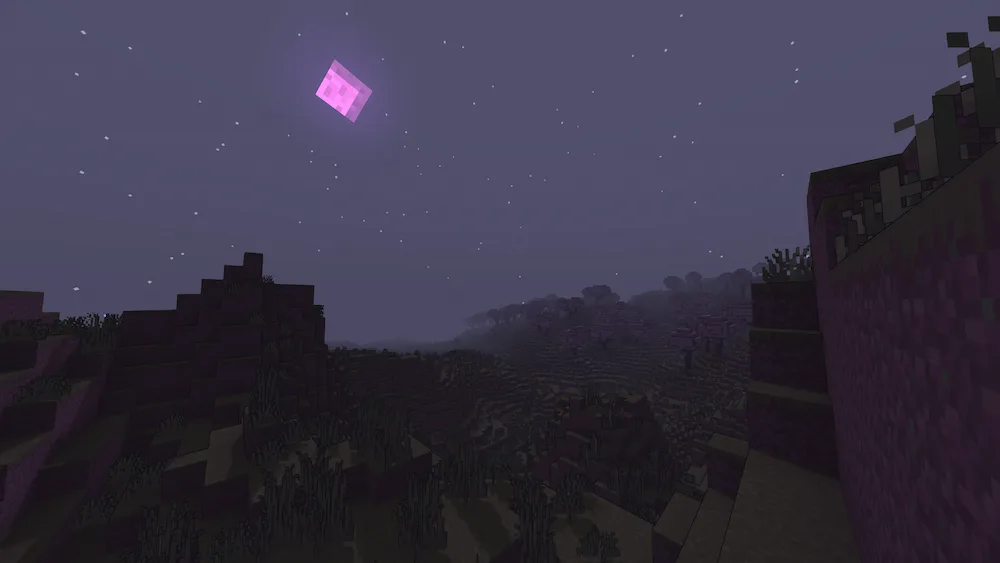
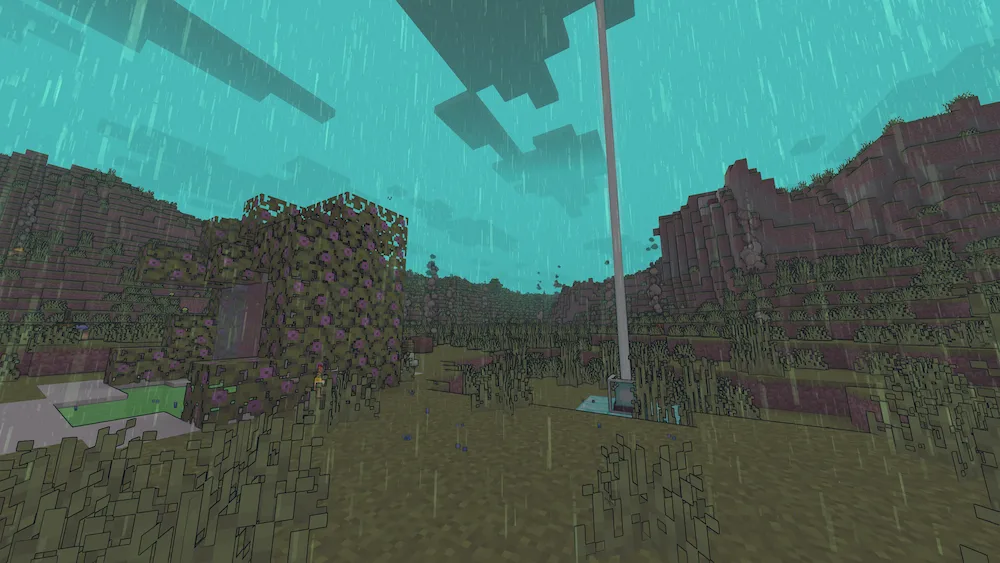
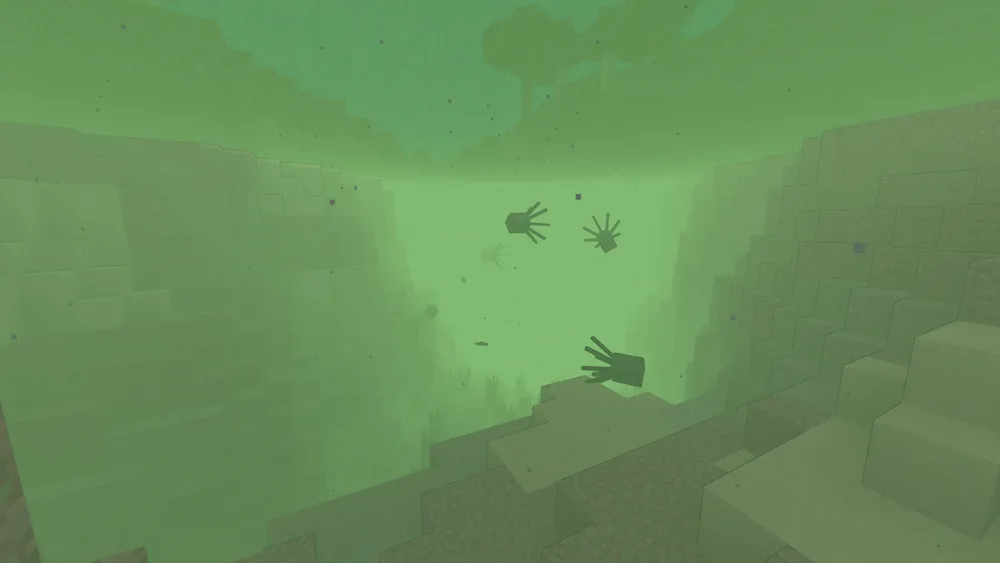
If you’ve ever wanted Minecraft to look like a post-apocalyptic comic book, Miasma is the shader for you. It uses a heavy cel-shading style that’ll feel super familiar if you’ve ever played Borderlands, but with a much darker twist. Instead of just making things look “cartoony,” it transforms your entire world into a toxic, acidic planet. The air looks venomous, the lighting feels distorted, and the whole atmosphere gives off a vibe that the world is literally breathing poison.
It’s an amazing choice for anyone building horror maps or just looking for a bold, artistic look for their next video. The way the light bends and the soil looks like it’s decaying makes exploring even the most basic biomes feel completely different and a bit unsettling. If you’re bored of realistic shaders and want something that feels like a stylized fever dream, Miasma is definitely worth a download to see your world in a whole new, “deadly” light.




 Tags
Tags