logo responsive
/

Mellow Minecraft Shaders

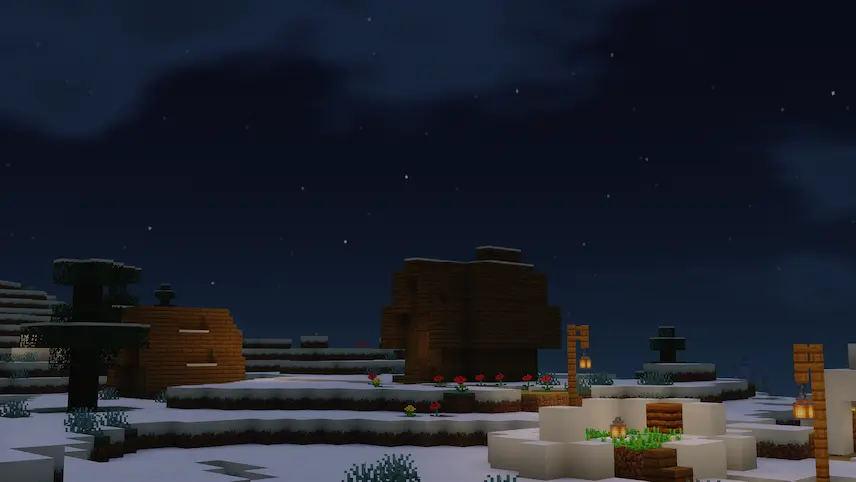
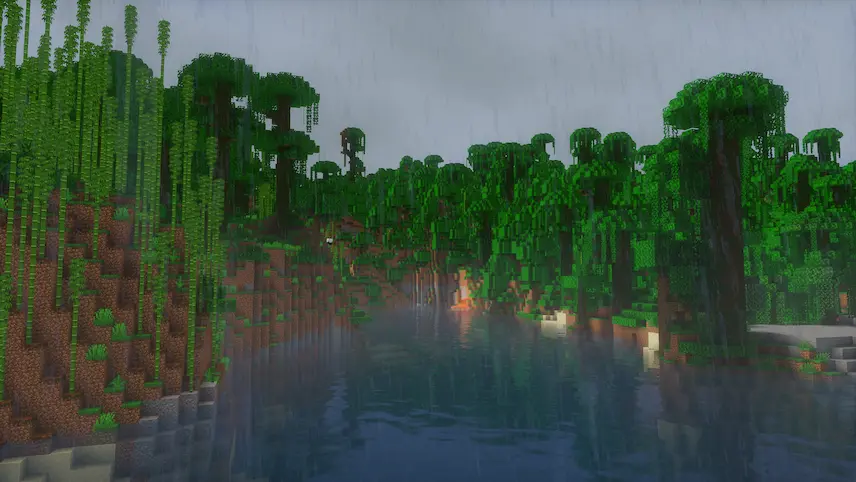
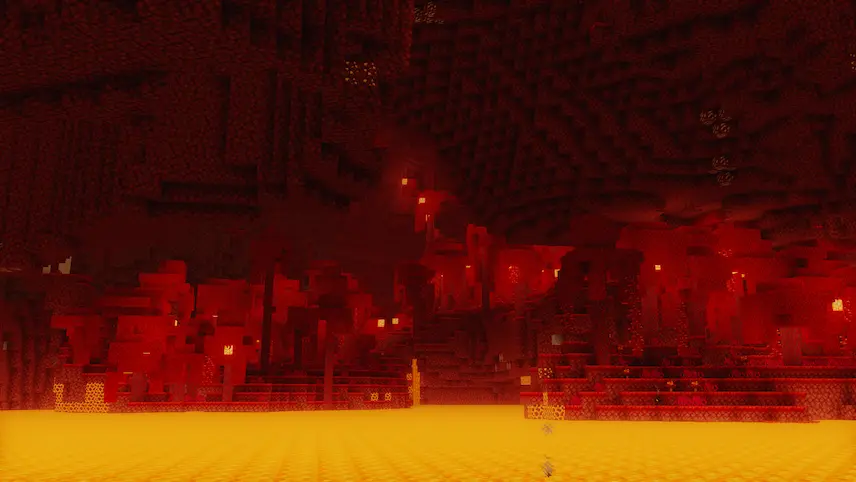
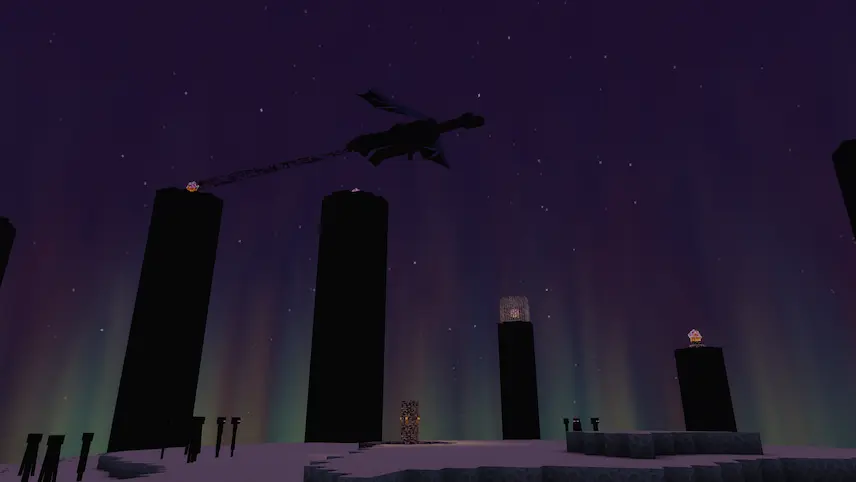
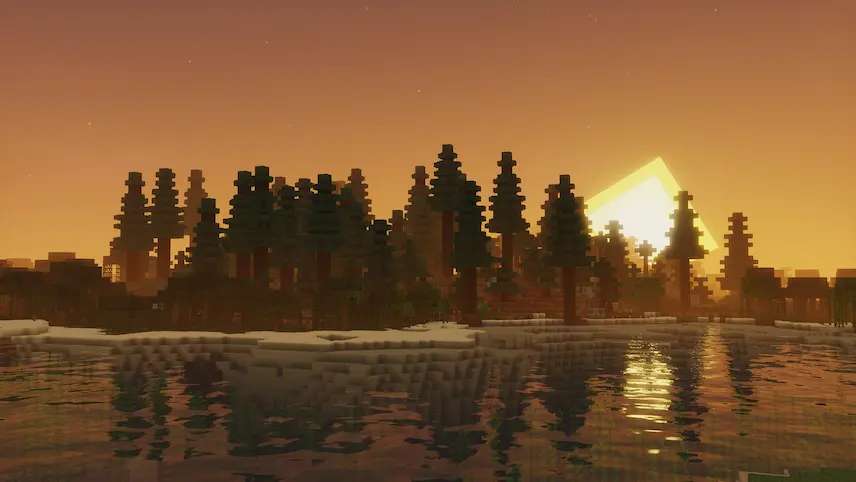
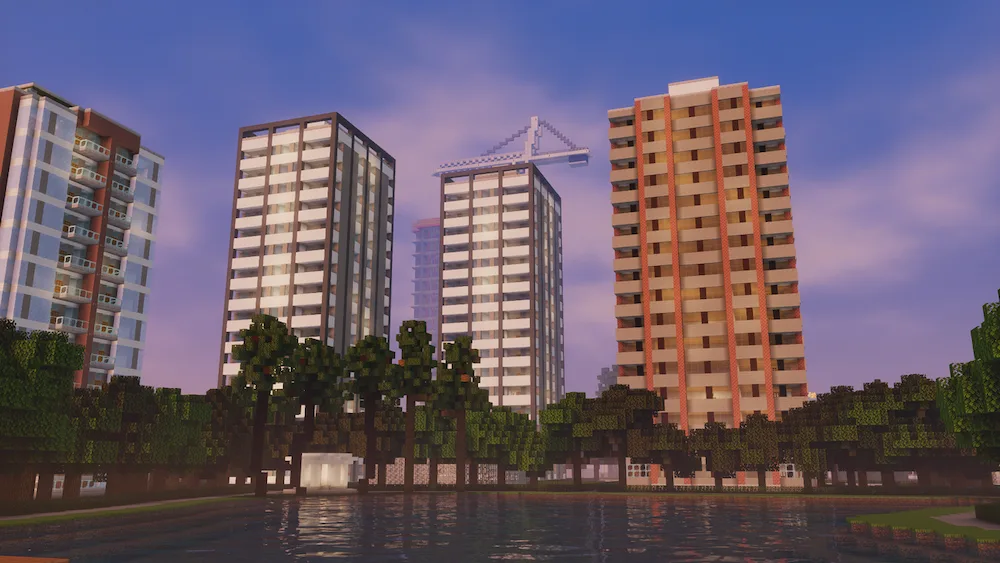
sunset on lake buildings cold night rainning on jungle nether end
sunset on lake
buildings
cold night
rainning on jungle
nether
end

Mellow Shaders is the way to go if you want a soft, painterly vibe without making your PC struggle. It’s designed to be super lightweight while adding those essential “pretty” features like bloom, wavy plants, and realistic clouds. One of the best parts is how much control you get over the lighting colors and saturation, so you can really dial in that cozy, warm atmosphere. It’s a perfect middle ground for players who want a “Vanilla+” look that actually feels alive.

The compatibility is also a huge win, especially if you love using big technical mods. It’s built to work perfectly with Distant Horizons and Voxy, so you can see for miles with beautiful fog and shadows. It supports modern GPUs on Windows and Linux, and while it’s mainly tested on 1.17 and up (including 1.21.1), it’s pretty stable on the latest Iris versions. If you want a shader that makes your world look like a moving painting while keeping your FPS high, you should definitely check this out.
Fabric

  1. 1. Download, execute the Fabric installer, choose Client, select your Minecraft version, and click Install.
  2. 2. Download the Fabric API matching that Minecraft version.
  3. 3. Download Mellow or any additional Fabric-compatible mods you want.
  4. 4. Place the Fabric API and all mods into .minecraft/mods folder.
  5. 5. Open the Minecraft Launcher, select the new Fabric profile, and press Play. Enjoy!

Forge

  1. 1. Download, execute the Forge installer, choose Client, and click Install.
  2. 3. Download Mellow or any additional Forge-compatible mods you want.
  3. 4. Place all mods into .minecraft/mods folder.
  4. 5. Open the Minecraft Launcher, select the new Forge profile, and press Play. Enjoy!

NeoForge

  1. 1. Download, execute the NeoForge installer, choose Client, and click Install.
  2. 3. Download Mellow or any additional NeoForge-compatible mods you want.
  3. 4. Place all mods into .minecraft/mods folder.
  4. 5. Open the Minecraft Launcher, select the new NeoForge profile, and press Play. Enjoy!

Download Mellow Shaders

Type Game version File version Loaders Download
R Release
Mellow Shaders v3.3
OptiFine Iris
File
R Release
Mellow Shaders v3.1.1
OptiFine Iris
File
R Release
Mellow Shaders v3.1.1
OptiFine Iris
File

Mellow Minecraft Shaders

3 files

Download