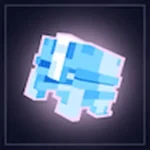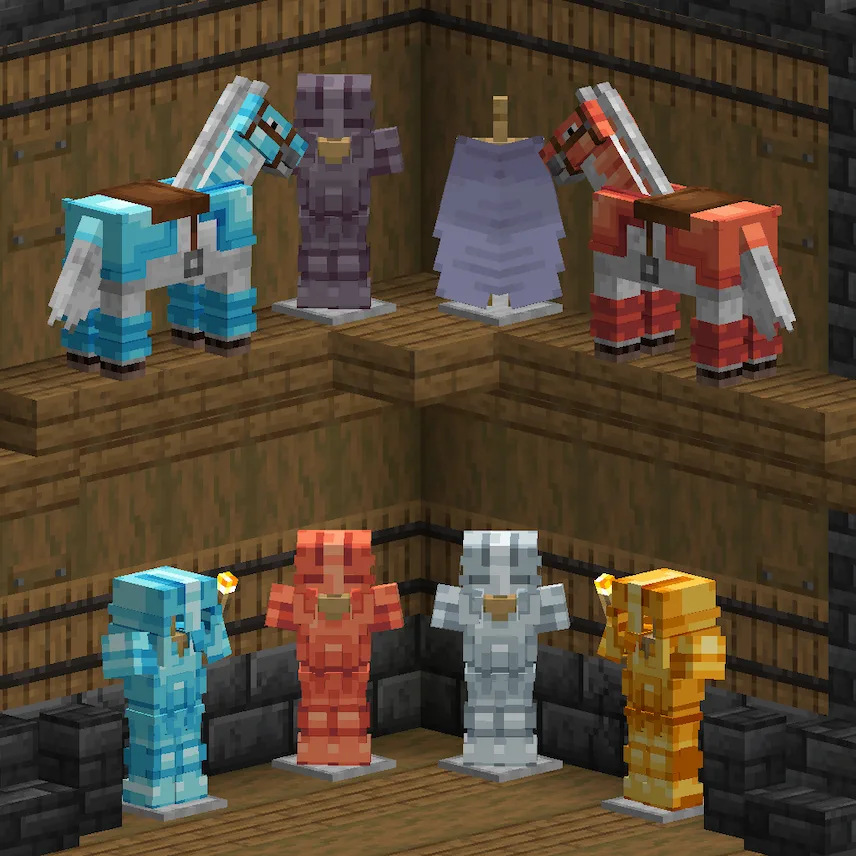
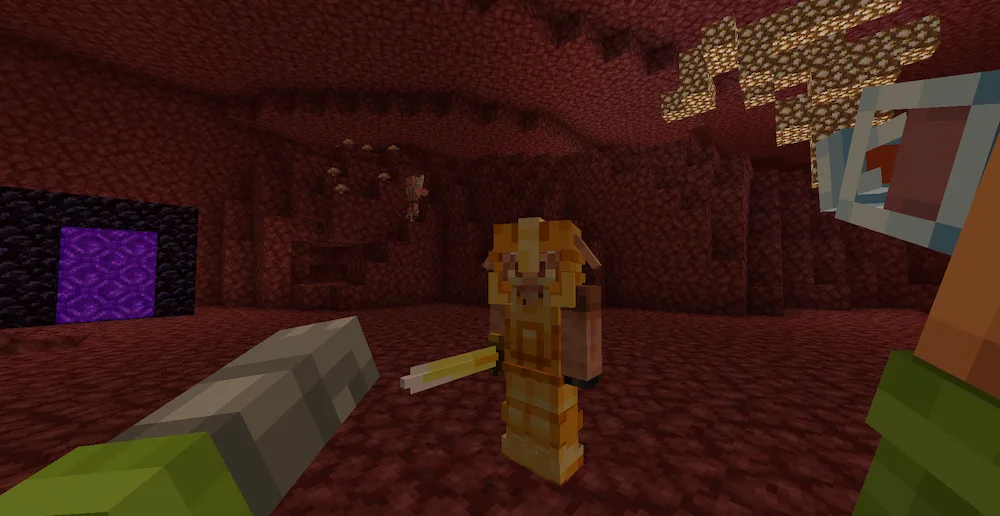
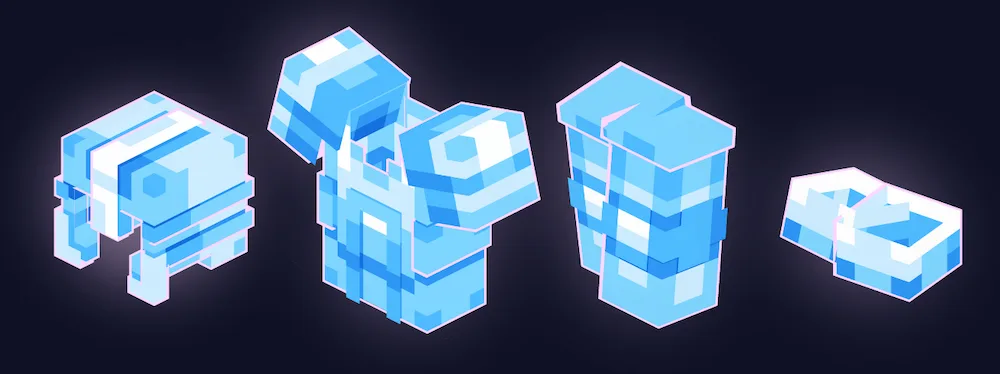
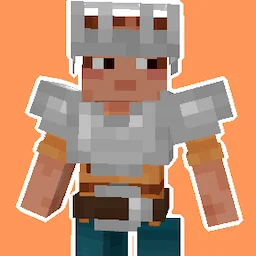
If you want your gear to look way more epic, the Glowing 3D Armor resource pack is a total game-changer. It completely overhauls how your armor sets look, giving them custom textures that actually stand out. Instead of the flat, boring look of vanilla Minecraft, this pack adds 3D models for armor items and even gives them unique outlines whenever they are enchanted. It makes your character look much more detailed and powerful while you are exploring or fighting mobs.
This pack is actually a smaller subpack of the Glowing 3D Tools project, so it is perfect if you only want the armor changes without having to install a bunch of extra stuff. It is a great alternative for players who want a fresh, modern look for their gear while keeping the gameplay simple. Whether you are showing off your diamond suit or glowing in the dark with enchantments, this resource pack makes everything look much better.


 Tags
Tags