logo responsive
/

Geophilic Minecraft Mod

26.2, 26.1.2, 1.21.11, 1.20.6, 1.19.4

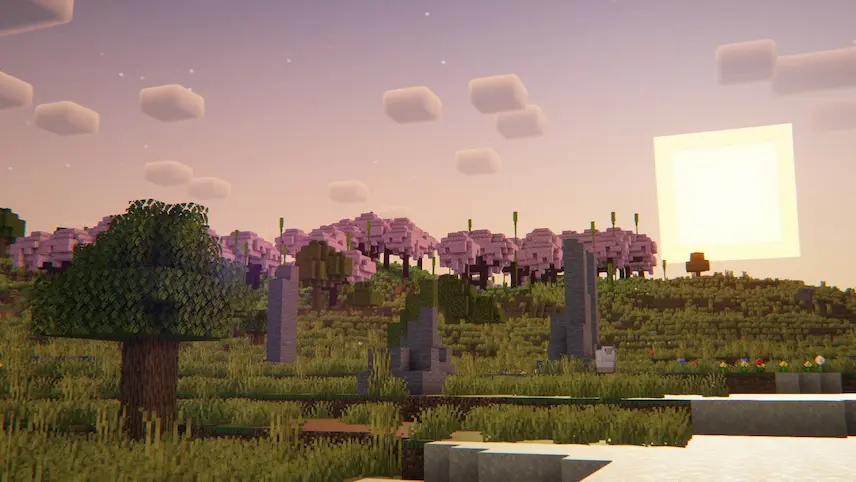
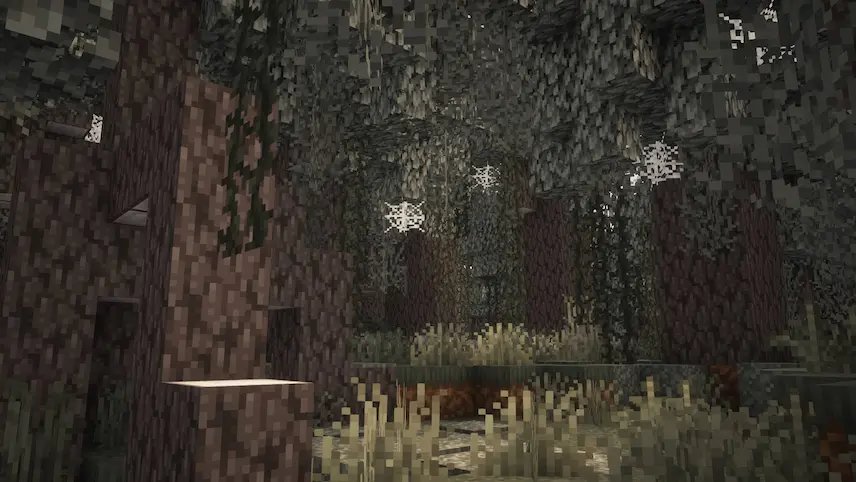
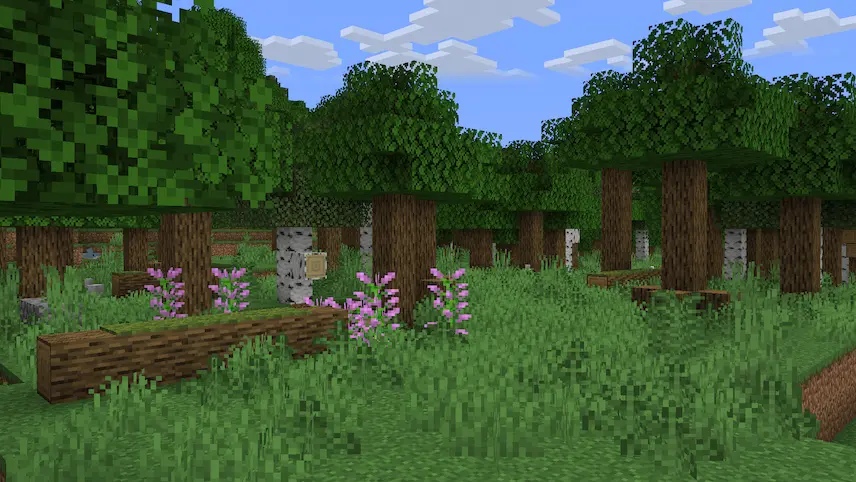
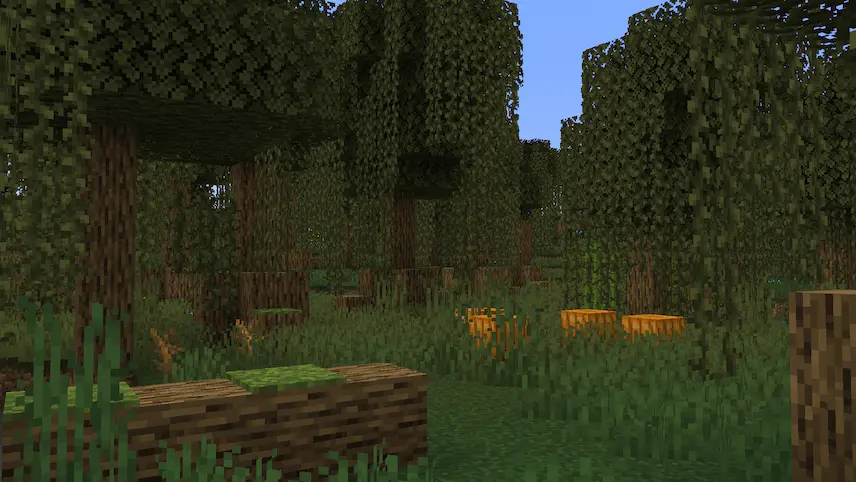
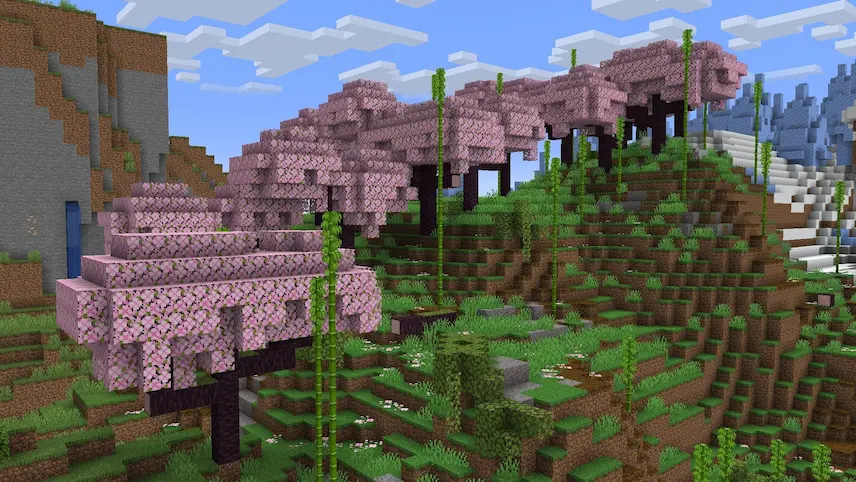
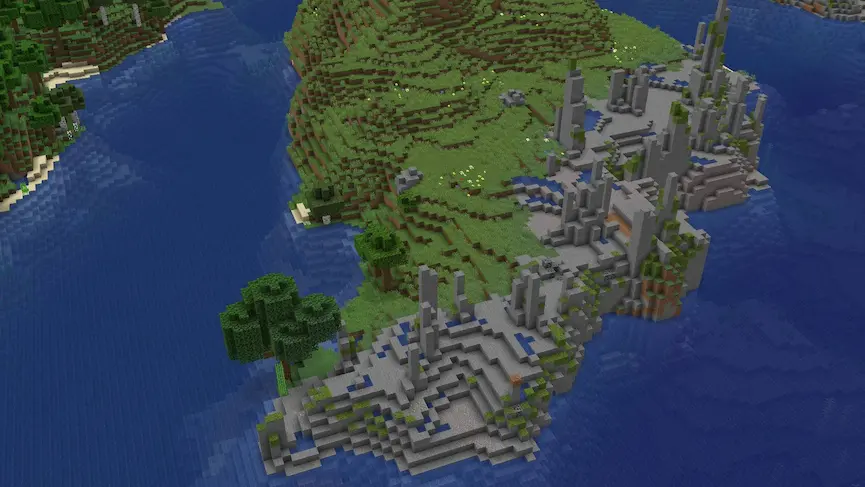
taiga pale forest forest swamp cherry bossom island
taiga
pale forest
forest
swamp
cherry bossom
island

Geophilic is a finely tuned datapack and mod that subtly enhances your vanilla Overworld without disrupting its core gameplay. Inspired by scrapped illustrations from the original Wild Update, Geophilic introduces light yet impactful environmental refinements—such as fallen trees, natural forest clearings, boulders, tree stumps, bushes, and lush moss—while keeping the vanilla block palette intact. By making minor adjustments like improved tall tree generation to prevent head bumps, this mod preserves the authentic progression of Minecraft. It’s an ideal choice for players seeking a seamless and immersive adventure within a more vibrant, naturally reimagined landscape.

Designed for both datapack and Fabric mod integrations, Geophilic is perfect for those who want to experience subtle terrain improvements in their survival, creative, or exploration worlds. If you’re searching for a “Minecraft vanilla Overworld biome enhancement mod” or a “datapack for natural terrain improvements,” Geophilic delivers exactly that. Experience the difference today and explore a redefined Minecraft world that remains true to its original charm. Download Geophilic now and step into a world where every biome feels freshly alive without compromising the vanilla essence.


Fabric

  1. 1. Download, execute the Fabric installer, choose Client, select your Minecraft version, and click Install.
  2. 2. Download the Fabric API matching that Minecraft version.
  3. 3. Download Geophilic or any additional Fabric-compatible mods you want.
  4. 4. Place the Fabric API and all mods into .minecraft/mods folder.
  5. 5. Open the Minecraft Launcher, select the new Fabric profile, and press Play. Enjoy!

Forge

  1. 1. Download, execute the Forge installer, choose Client, and click Install.
  2. 3. Download Geophilic or any additional Forge-compatible mods you want.
  3. 4. Place all mods into .minecraft/mods folder.
  4. 5. Open the Minecraft Launcher, select the new Forge profile, and press Play. Enjoy!

NeoForge

  1. 1. Download, execute the NeoForge installer, choose Client, and click Install.
  2. 3. Download Geophilic or any additional NeoForge-compatible mods you want.
  3. 4. Place all mods into .minecraft/mods folder.
  4. 5. Open the Minecraft Launcher, select the new NeoForge profile, and press Play. Enjoy!

Download Geophilic Mod

Type Game version File version Loaders Download
R Release
26.2 v3.6
Forge Fabric NeoForge
File
R Release
26.1.x v3.6
Forge Fabric NeoForge
File
R Release
1.21.x v3.6
Forge Fabric NeoForge
File
R Release
1.20.x v3.6
Forge Fabric NeoForge
File
R Release
1.19.4 v2.0.0
Forge Fabric
File
R Release
1.19.2 v2.0.0
Forge Fabric
File

Geophilic Minecraft Mod

6 files • 26.2, 26.1.2, 1.21.11, 1.20.6, 1.19.4

Download