logo responsive
/

Fresh Flower Pots Minecraft Resource Pack

26.2, 26.1.2, 1.21.11, 1.20.1

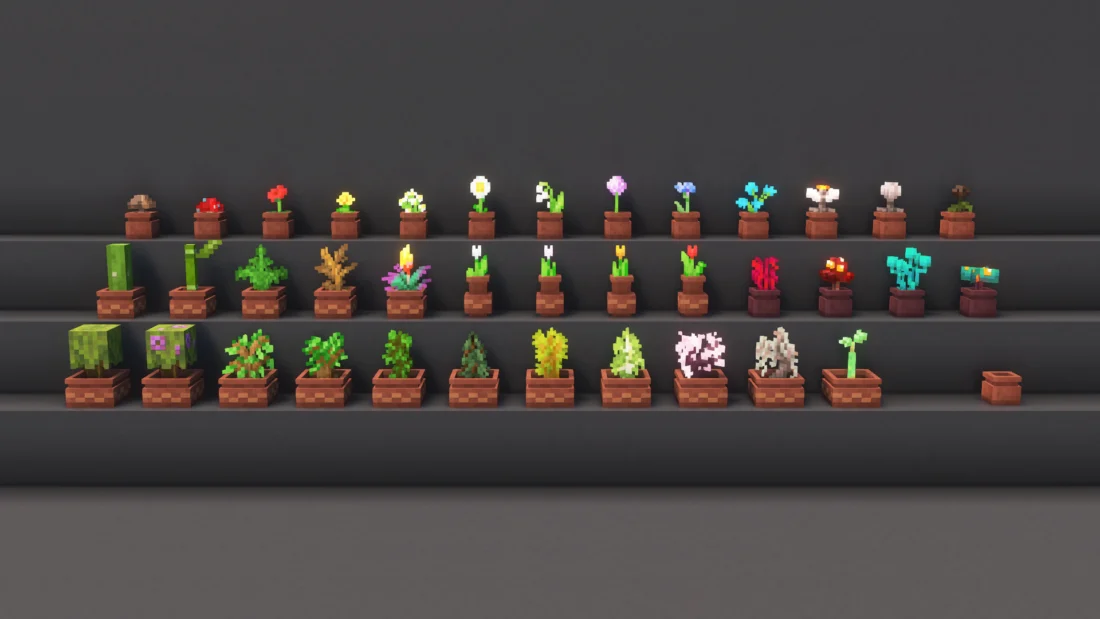
All potted Plants Flower Pot Variants Decorated Pots with Flower Pots Potted Azalea Bush Potted Cactus
All potted Plants
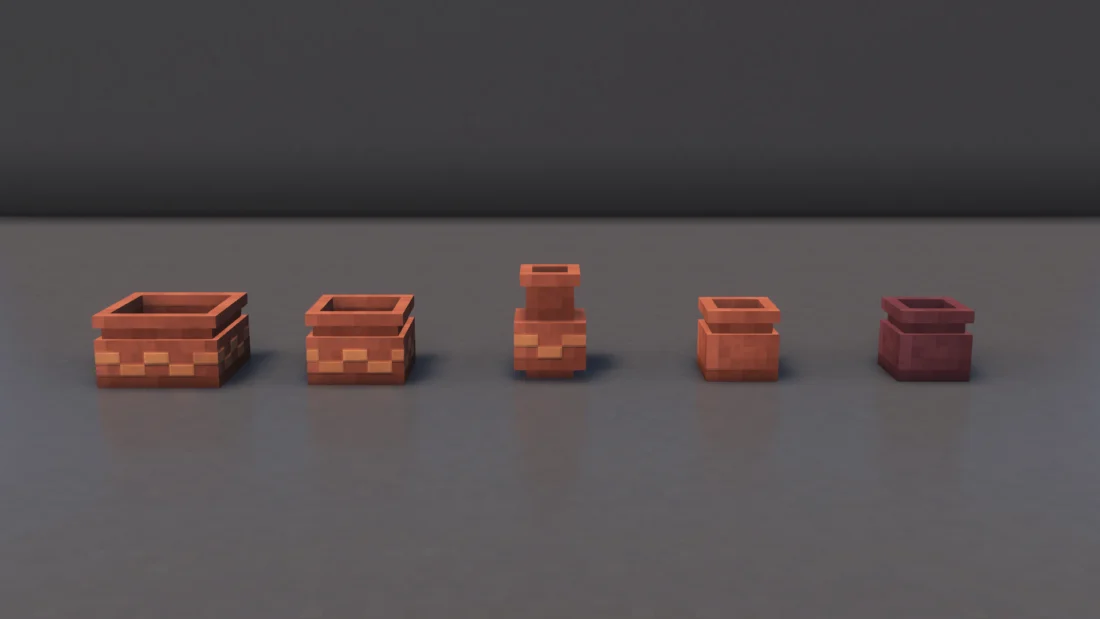
Flower Pot Variants
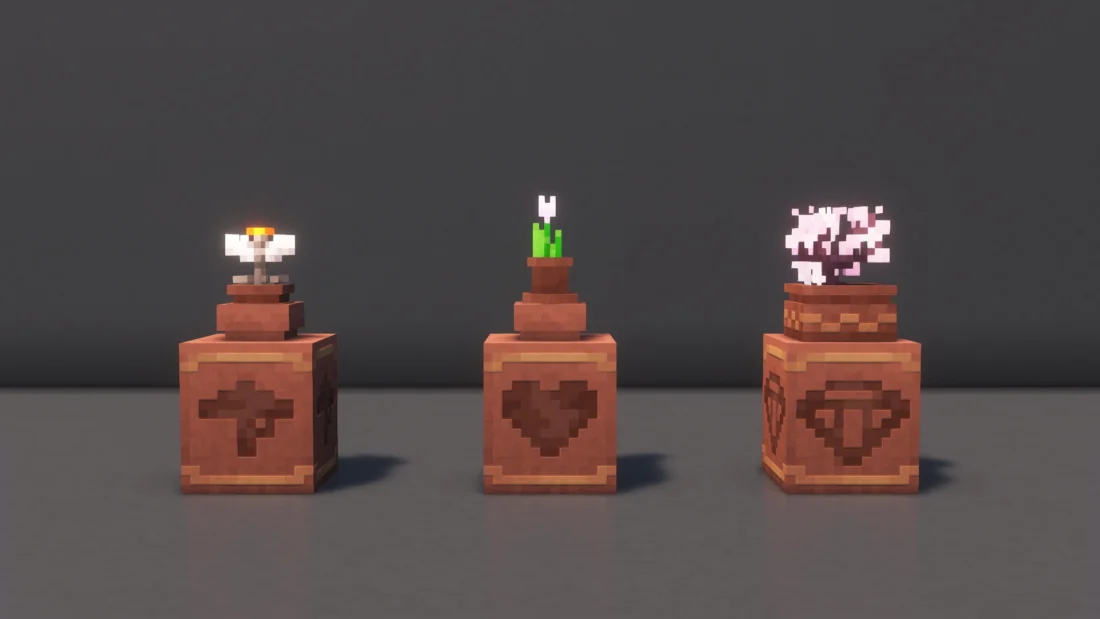
Decorated Pots with Flower Pots
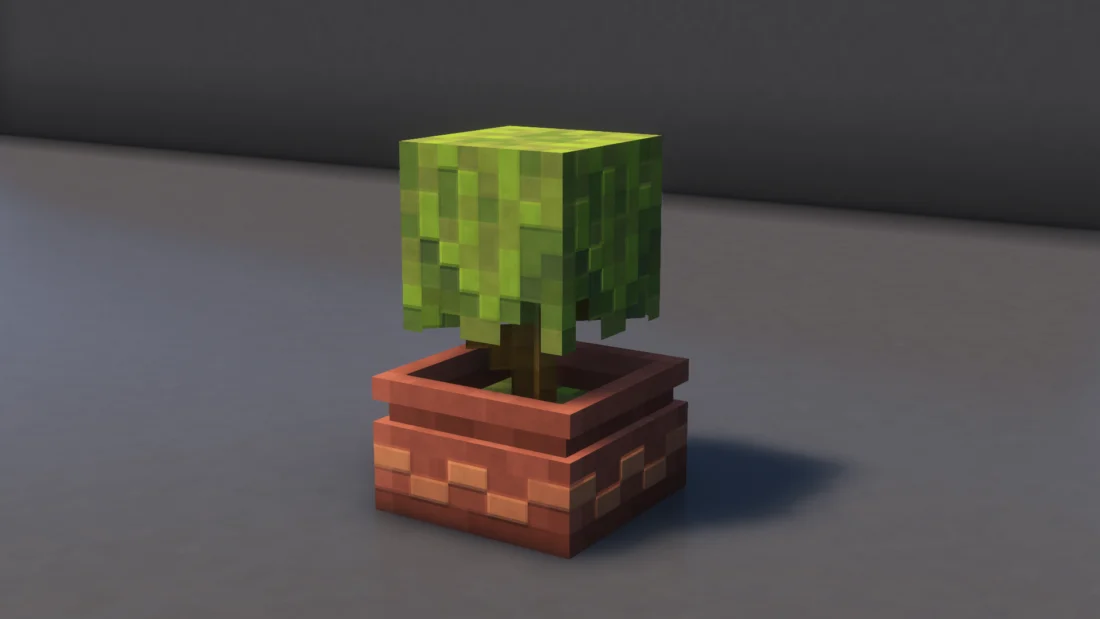
Potted Azalea Bush
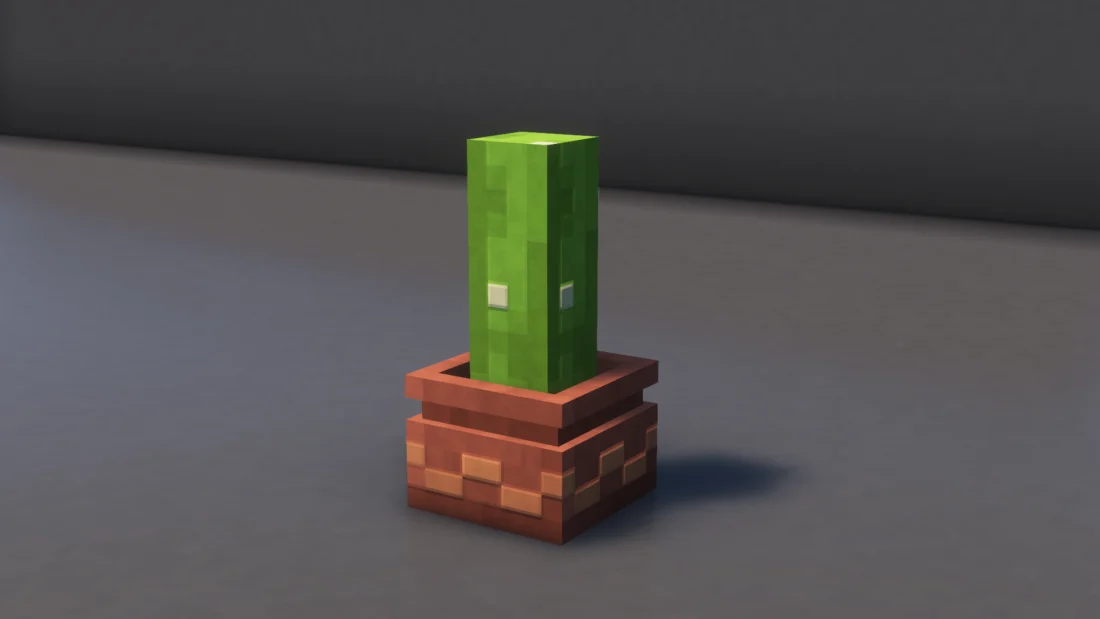
Potted Cactus

Fresh Flower Pots gives Minecraft flower pots a more natural and detailed appearance by adding unique models based on the plant placed inside them. The pack also introduces different soil types and includes various visual tweaks and fixes, making flower pots fit better into builds while keeping the familiar vanilla style.


  1. 1. First you need download Fresh Flower Pots.
  2. 2. Copy or move the downloaded ZIP into .minecraft/resourcepacks folder.
  3. 3. Launch Minecraft and go to Options → Resource Packs…
  4. 4. Select the pack in the left column, click the arrow to move it to the active side, then click Done. Enjoy!

Download Fresh Flower Pots Resource Pack

Type Game version File version Loaders Download
R Release
26.2 v1.5.3 File
R Release
26.1.2 v1.5.3 File
R Release
1.21.x v1.5.3 File
R Release
1.20.x v1.5.3 File

Fresh Flower Pots Minecraft Resource Pack

4 files • 26.2, 26.1.2, 1.21.11, 1.20.1

Download