logo responsive
/

Distant Horizons Minecraft Mod

26.2, 26.1.2, 1.21.11, 1.20.6, 1.19.4, 1.18.2, 1.16.5

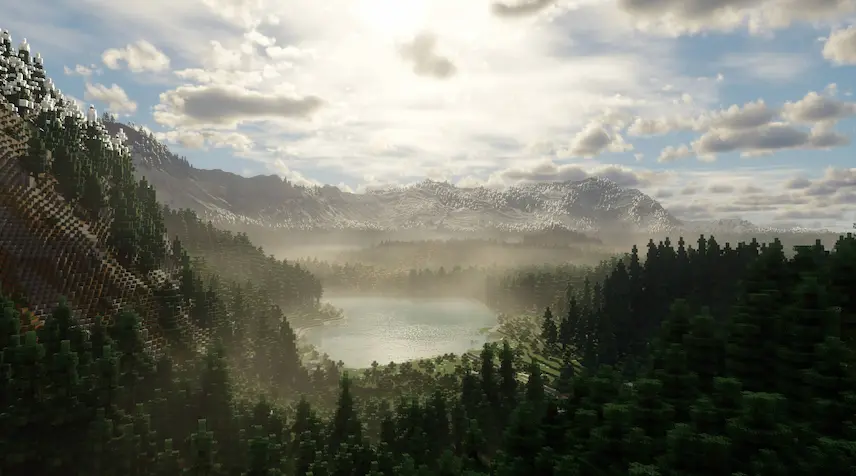
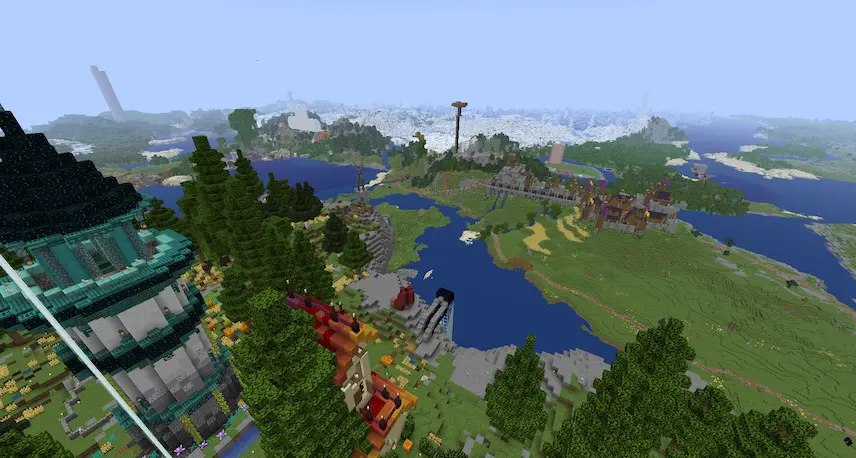
Combined with Iris shaders large render chunks render chunks at different detail levels the nether Distant Horizons with shaders the end
Combined with Iris shaders
large render chunks
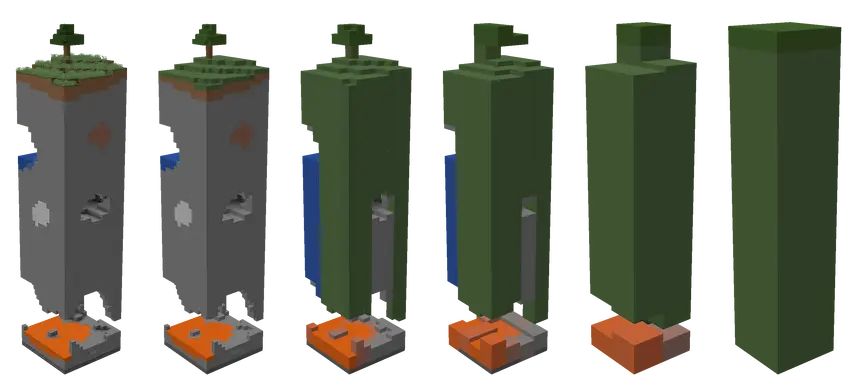
render chunks at different detail levels
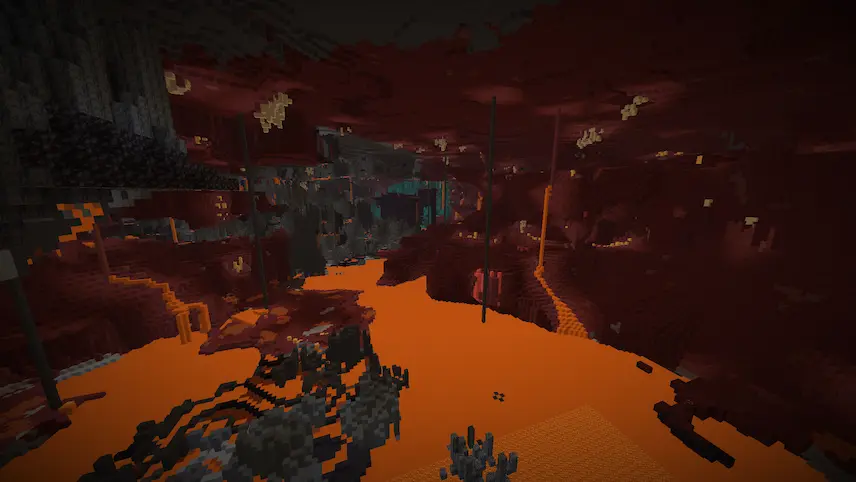
the nether
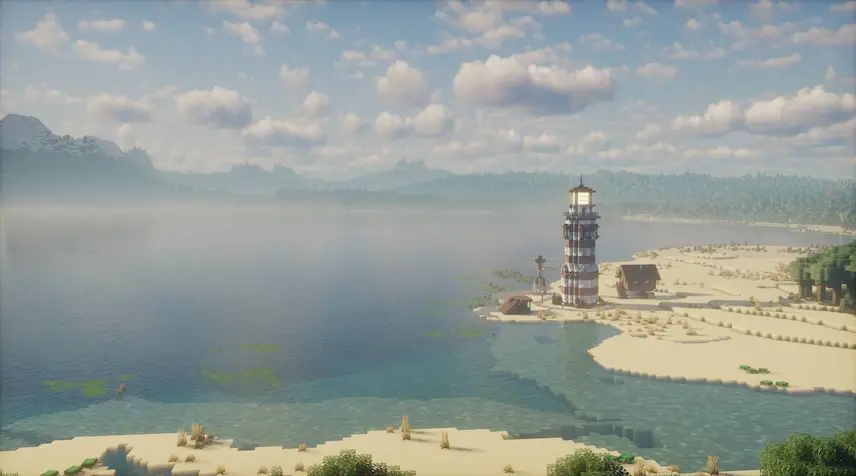
Distant Horizons with shaders
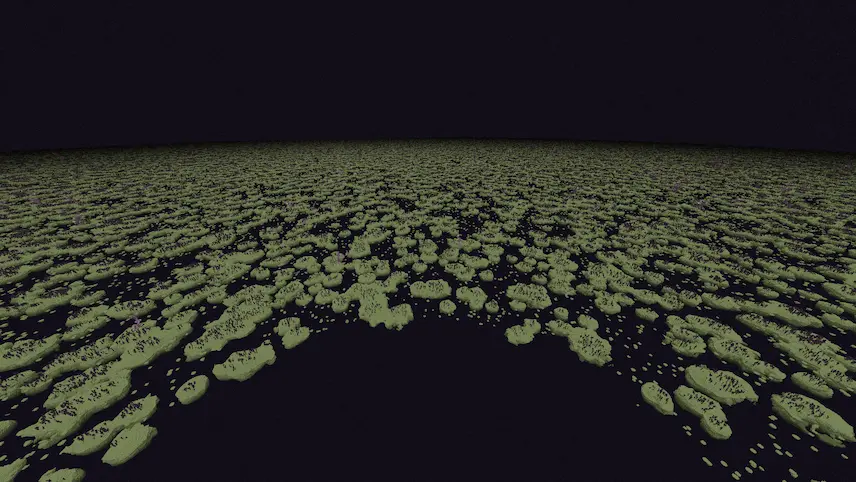
the end

I recently discovered Distant Horizons, a Minecraft mod that completely transforms the way I explore my world. By extending the view distance with simplified terrain, this mod not only boosts game performance but also allows me to see far beyond the default limits. Now, I can finally appreciate the full scale of my mountain-top lookout tower and other distant builds, making every adventure more immersive and visually rewarding.

What I love about Distant Horizons is how it seamlessly blends improved performance with a broader, more expansive view of my Minecraft landscape. This mod opens up my world to breathtaking vistas while maintaining a smooth, lag-free experience. If you’re ready to elevate your gameplay and see your creations like never before, click the link and try Distant Horizons today—you won’t be disappointed!

Fabric

  1. 1. Download, execute the Fabric installer, choose Client, select your Minecraft version, and click Install.
  2. 2. Download the Fabric API matching that Minecraft version.
  3. 3. Download Distant Horizons or any additional Fabric-compatible mods you want.
  4. 4. Place the Fabric API and all mods into .minecraft/mods folder.
  5. 5. Open the Minecraft Launcher, select the new Fabric profile, and press Play. Enjoy!

Forge

  1. 1. Download, execute the Forge installer, choose Client, and click Install.
  2. 3. Download Distant Horizons or any additional Forge-compatible mods you want.
  3. 4. Place all mods into .minecraft/mods folder.
  4. 5. Open the Minecraft Launcher, select the new Forge profile, and press Play. Enjoy!

NeoForge

  1. 1. Download, execute the NeoForge installer, choose Client, and click Install.
  2. 3. Download Distant Horizons or any additional NeoForge-compatible mods you want.
  3. 4. Place all mods into .minecraft/mods folder.
  4. 5. Open the Minecraft Launcher, select the new NeoForge profile, and press Play. Enjoy!

Download Distant Horizons Mod

Type Game version File version Loaders Download
B Beta
26.2 v3.1.2b
Fabric NeoForge
File
B Beta
26.1.x v3.1.2b
Fabric NeoForge
File
B Beta
1.21.11 v3.1.2b
Fabric NeoForge
File
B Beta
1.21.10 v3.1.2b
Fabric NeoForge
File
B Beta
1.21.8 v3.1.2b
Fabric NeoForge
File
B Beta
1.21.5 v3.1.2b
Fabric NeoForge
File
B Beta
1.21.4 v3.1.2b
Fabric NeoForge
File
B Beta
1.21.3 v3.1.2b
Fabric NeoForge
File
B Beta
1.21.1 v3.1.2b
Fabric NeoForge
File
B Beta
1.20.6 v3.1.2b
Fabric NeoForge
File
B Beta
1.20.4 v3.1.2b
Forge Fabric
File
B Beta
1.20.1 v3.1.2b
Forge Fabric
File
B Beta
1.19.4 v3.1.2b
Forge Fabric
File
B Beta
1.19.2 v3.1.2b
Forge Fabric
File
B Beta
1.18.2 v3.1.2b
Forge Fabric
File
B Beta
1.17.1 v3.1.2b
Forge Fabric
File
B Beta
1.16.5 v3.1.2b
Forge Fabric
File

Distant Horizons Minecraft Mod

17 files • 26.2, 26.1.2, 1.21.11, 1.20.6, 1.19.4, 1.18.2, 1.16.5

Download