logo responsive
/

Alex’s Caves Minecraft Mod

1.20.1

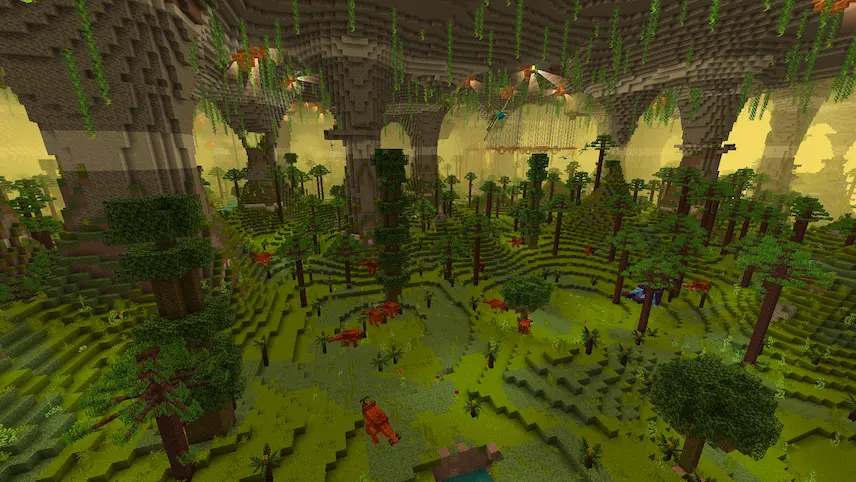
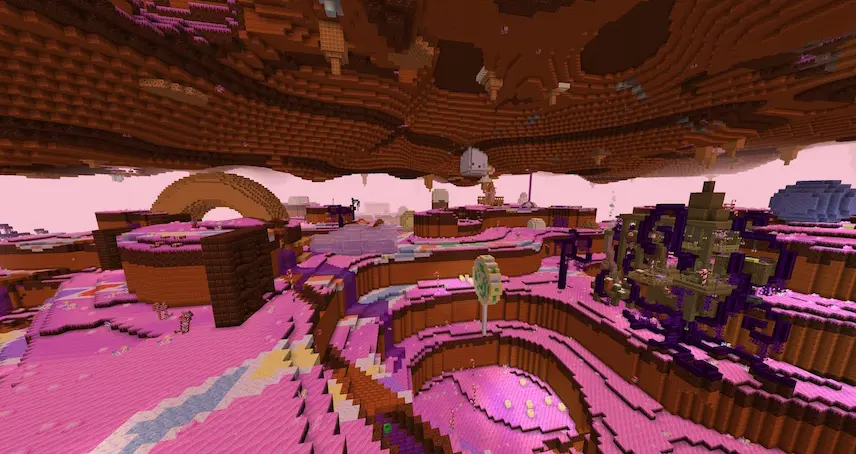
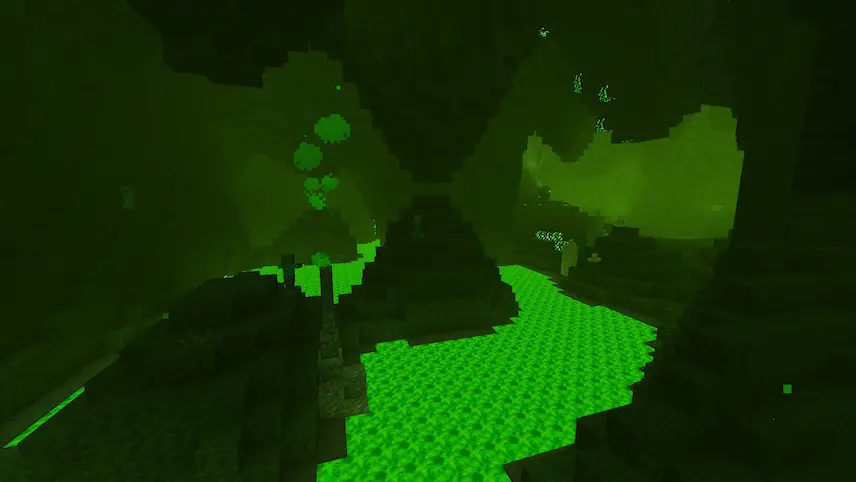
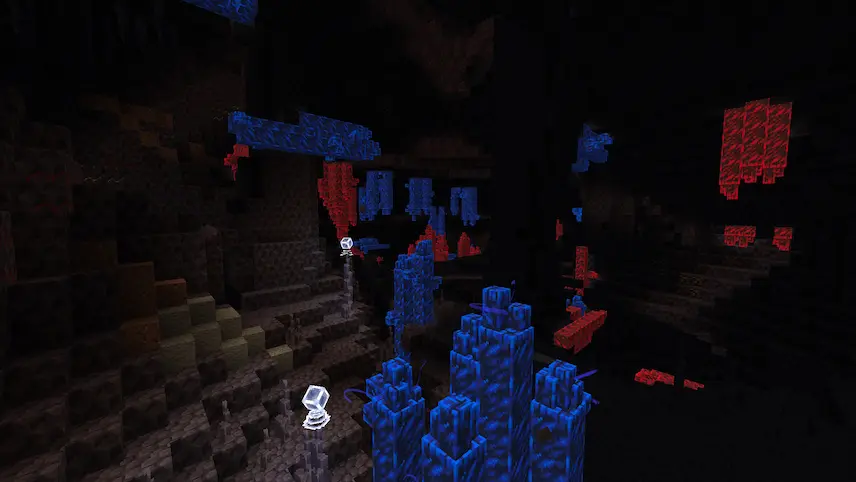
primal caves candy caves toxic caves magnetic caves forlorn caves
primal caves
candy caves
toxic caves
magnetic caves
forlorn caves

Alex’s Caves is an exciting mod for Minecraft 1.20.1 that introduces six unique cave biomes to the Overworld, transforming your underground adventures. These biomes—Magnetic Caves, Primordial Caves, Toxic Caves, Abyssal Chasm, Forlorn Hollows, and Candy Cavity—are rare and filled with distinctive blocks, items, mobs, and gameplay mechanics. To embark on your exploration, you must first locate an Underground Cabin in the Overworld. Inside, you’ll discover loot barrels containing cave tablets and a Cave Compendium, which serves as a comprehensive guide to help you navigate and understand the new biomes added by this mod.

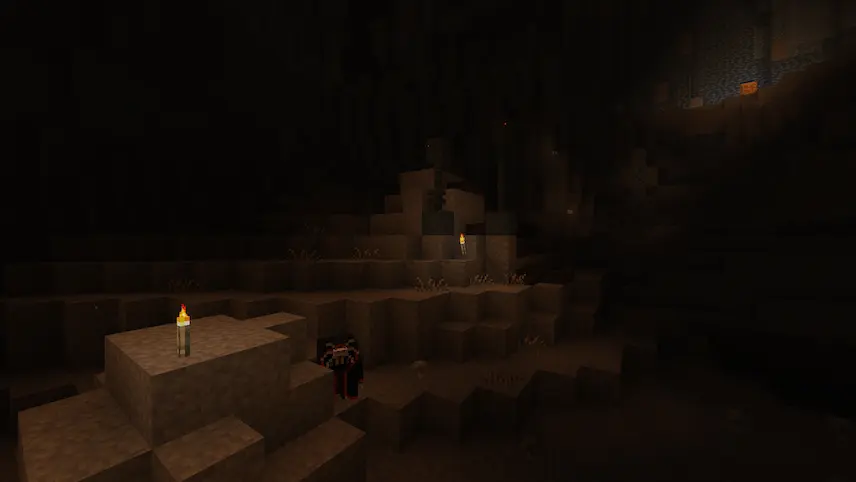
The visual design of Alex’s Caves is impressive, with each biome featuring its own ambient particles, fog effects, and lighting that enhance the overall atmosphere. To fully appreciate the beauty of these caves, it’s recommended to play without shaders, as they can sometimes distort the unique aesthetics of the biomes. This mod is not only expansive, but also integrates seamlessly with Just Enough Items and Alex’s Mobs for an enriched gameplay experience. I encourage you to dive into the world of Alex’s Caves—discover hidden treasures and unique environments that await beneath the surface!


Fabric

  1. 1. Download, execute the Fabric installer, choose Client, select your Minecraft version, and click Install.
  2. 2. Download the Fabric API matching that Minecraft version.
  3. 3. Download Alex’s Caves or any additional Fabric-compatible mods you want.
  4. 4. Place the Fabric API and all mods into .minecraft/mods folder.
  5. 5. Open the Minecraft Launcher, select the new Fabric profile, and press Play. Enjoy!

Forge

  1. 1. Download, execute the Forge installer, choose Client, and click Install.
  2. 3. Download Alex’s Caves or any additional Forge-compatible mods you want.
  3. 4. Place all mods into .minecraft/mods folder.
  4. 5. Open the Minecraft Launcher, select the new Forge profile, and press Play. Enjoy!

NeoForge

  1. 1. Download, execute the NeoForge installer, choose Client, and click Install.
  2. 3. Download Alex’s Caves or any additional NeoForge-compatible mods you want.
  3. 4. Place all mods into .minecraft/mods folder.
  4. 5. Open the Minecraft Launcher, select the new NeoForge profile, and press Play. Enjoy!

Download Alex’s Caves Mod

Type Game version File version Loaders Download
R Release
1.20.1 v2.0.2
Forge
File

Alex’s Caves Minecraft Mod

1 file • 1.20.1

Download