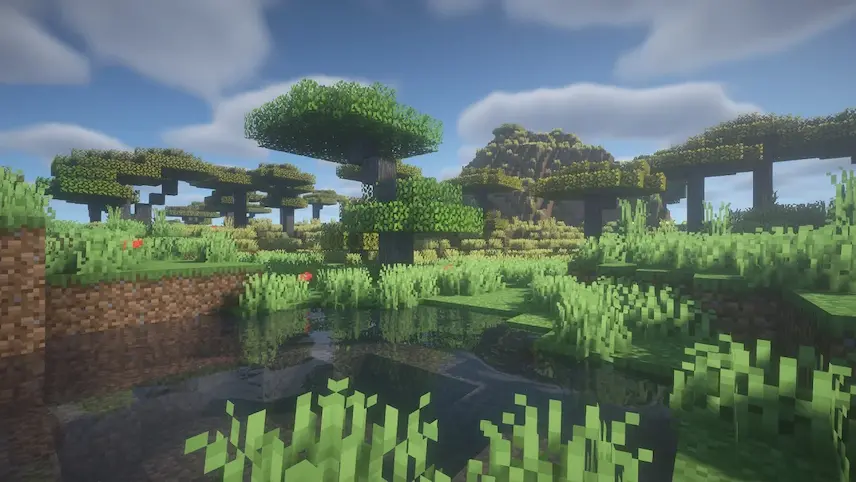
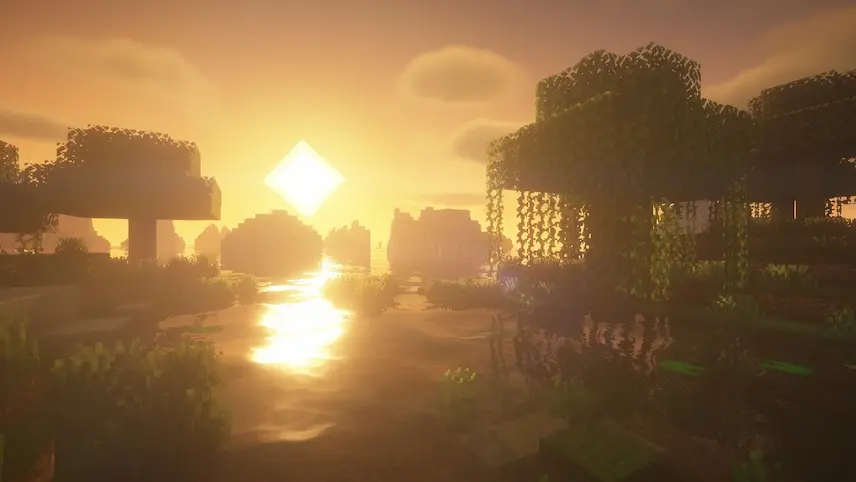
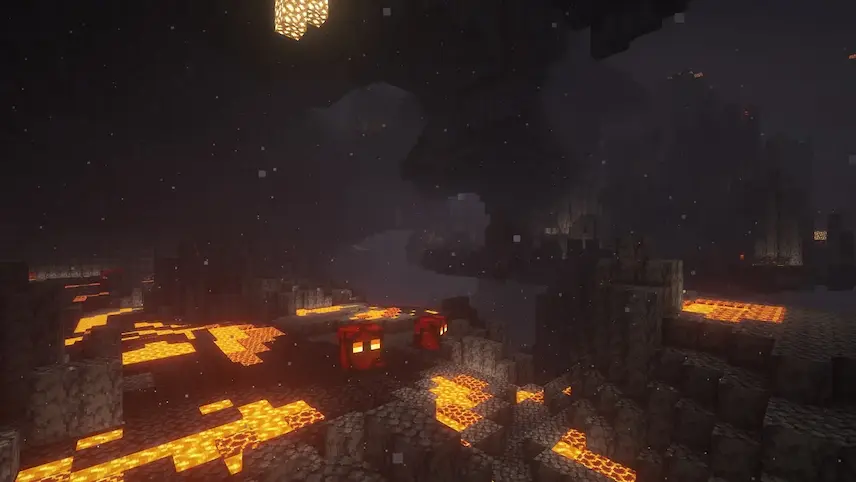
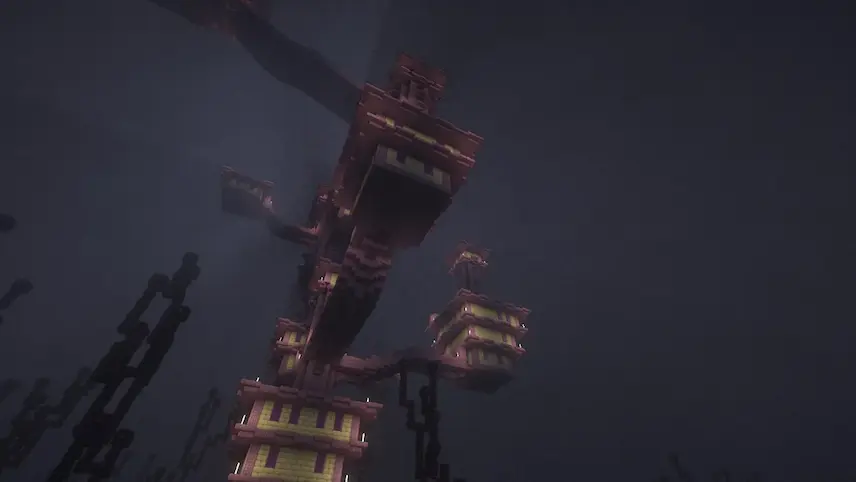
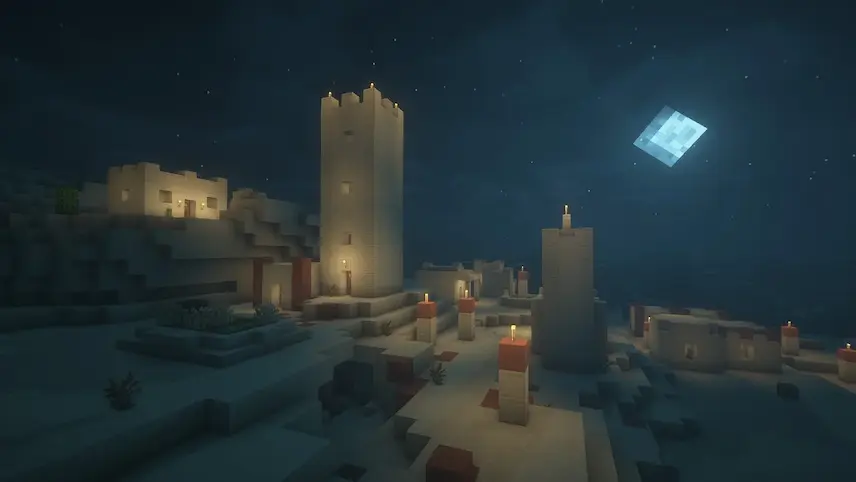
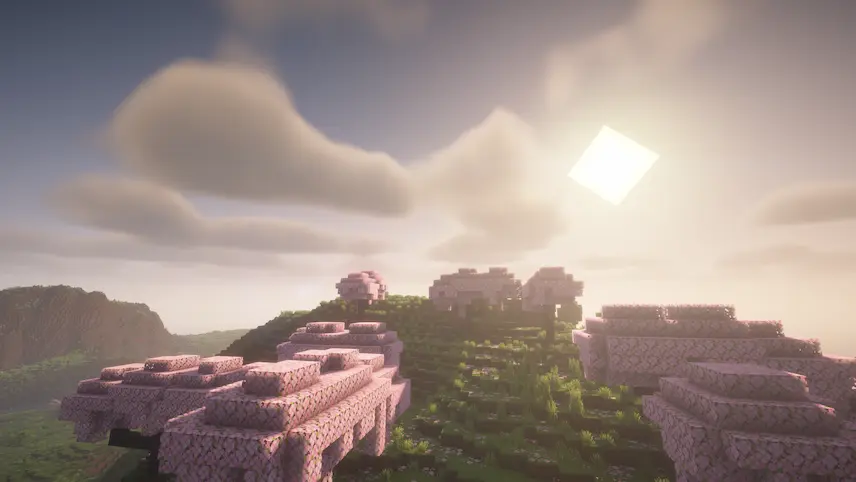
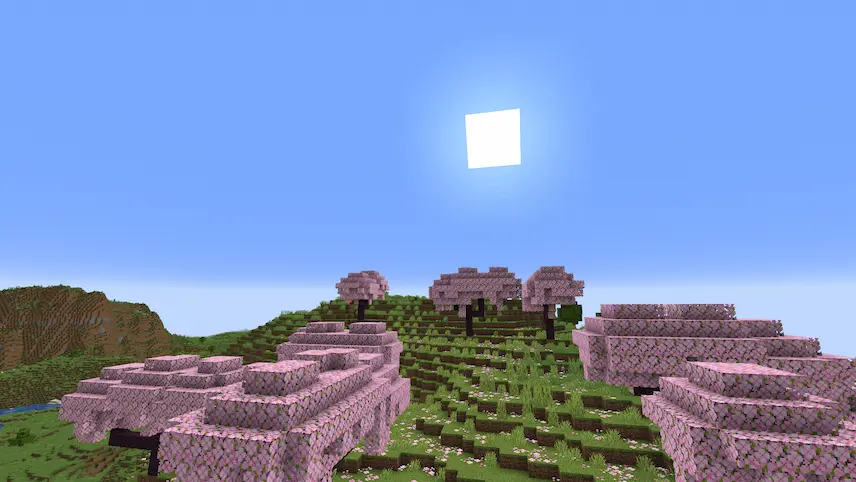
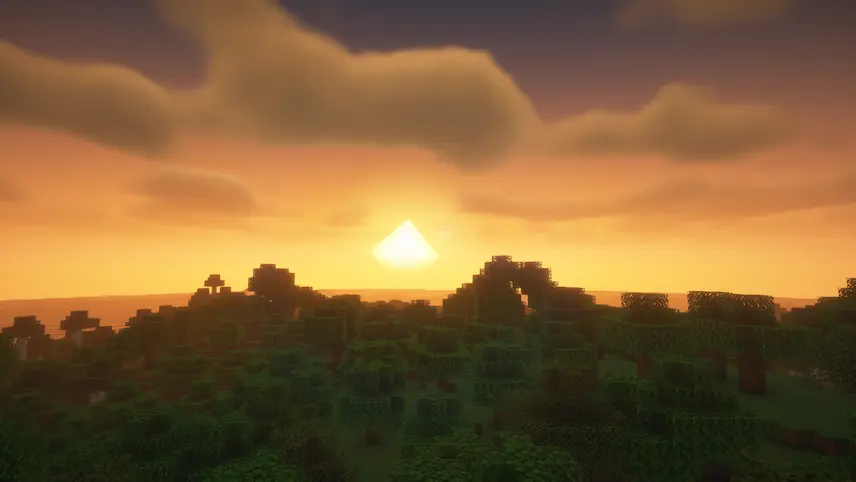
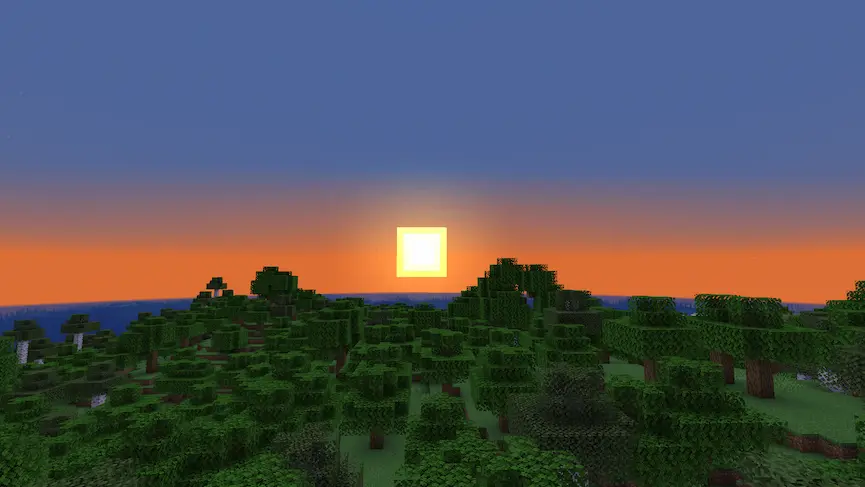
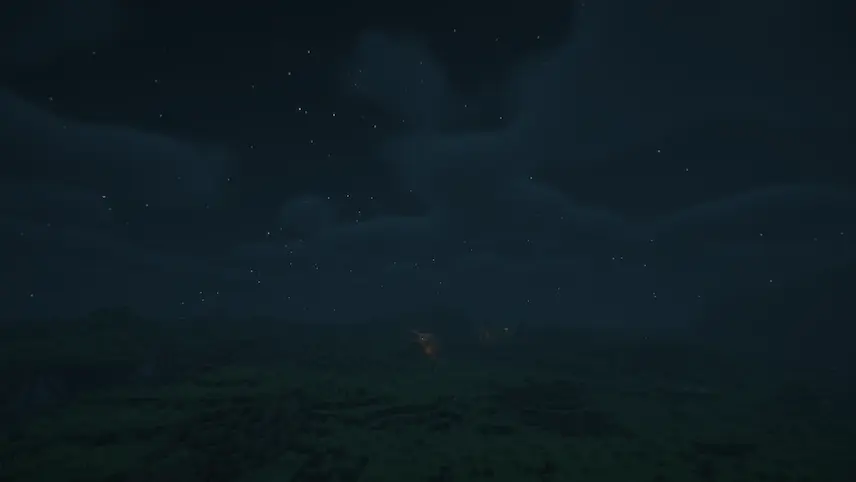
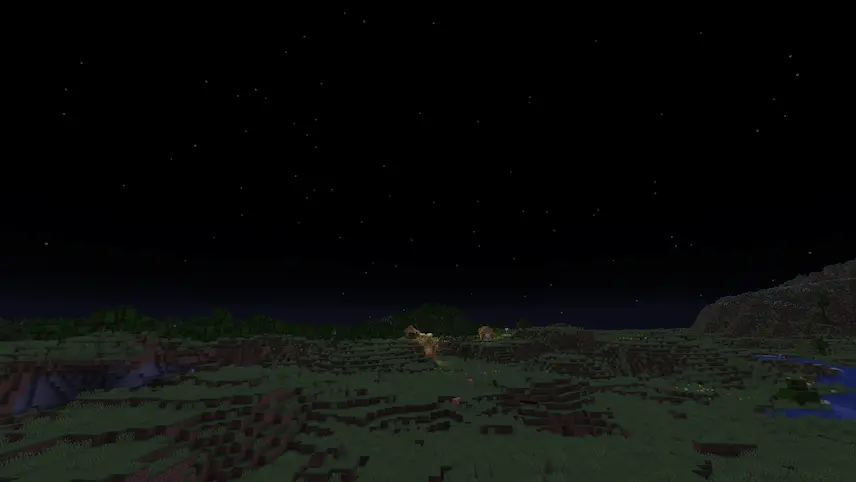
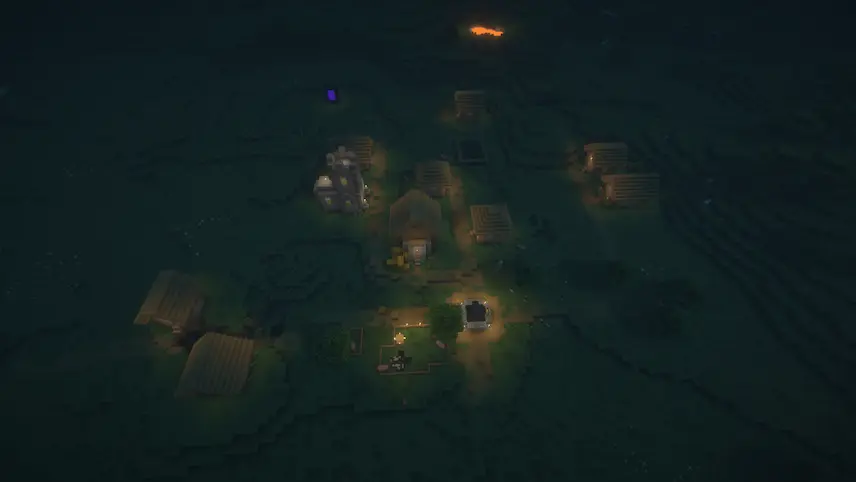
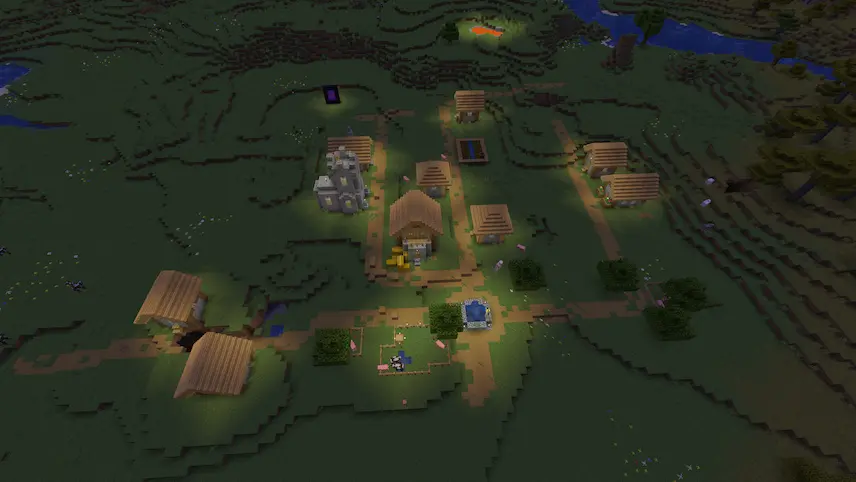
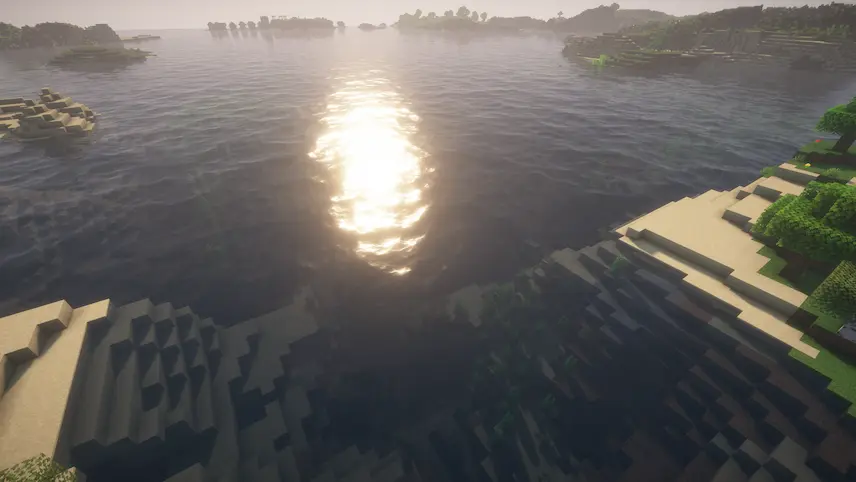
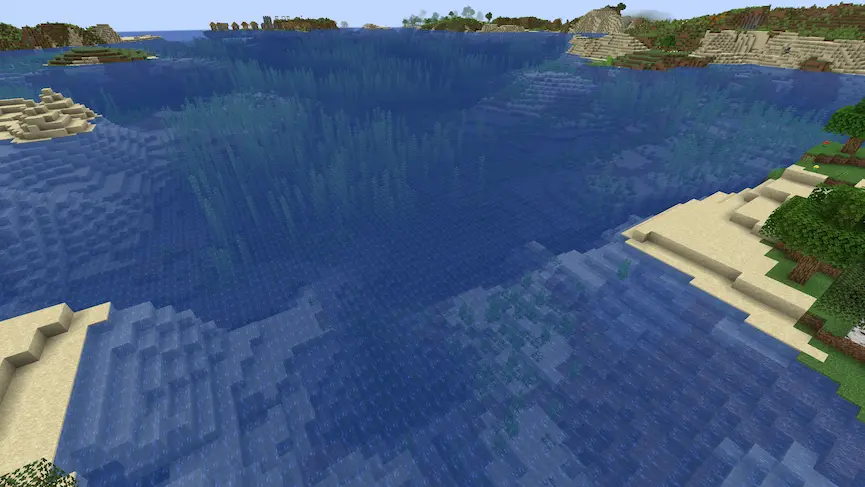
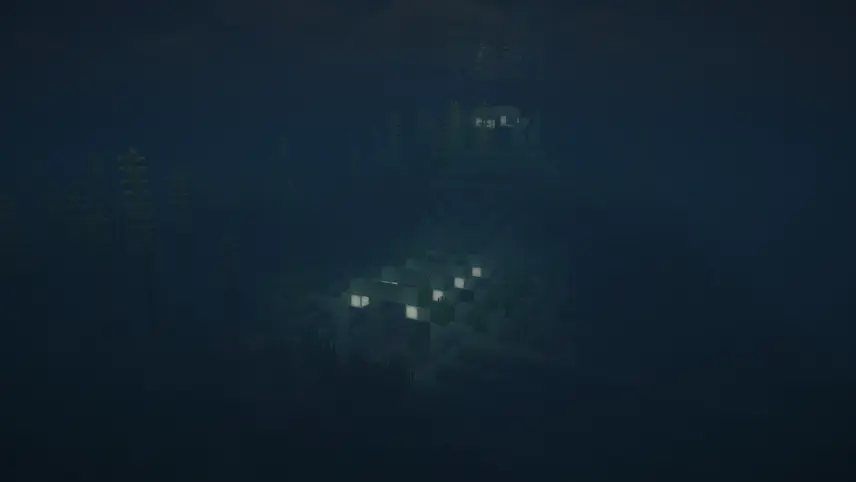
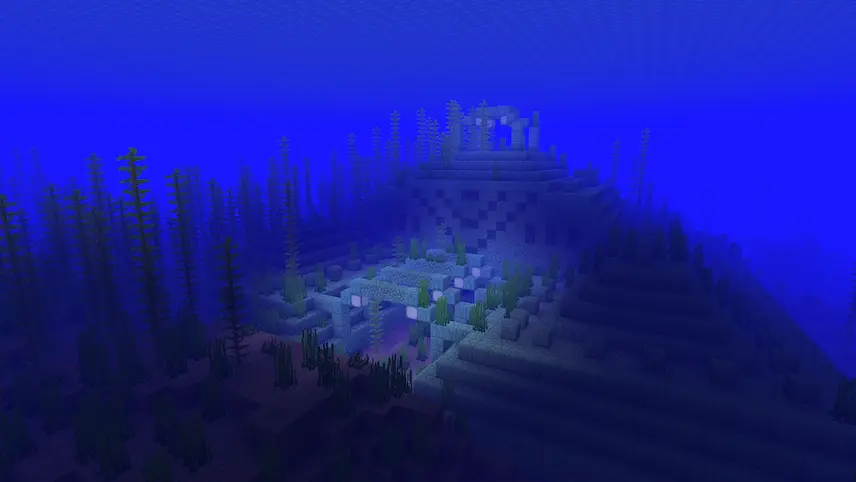
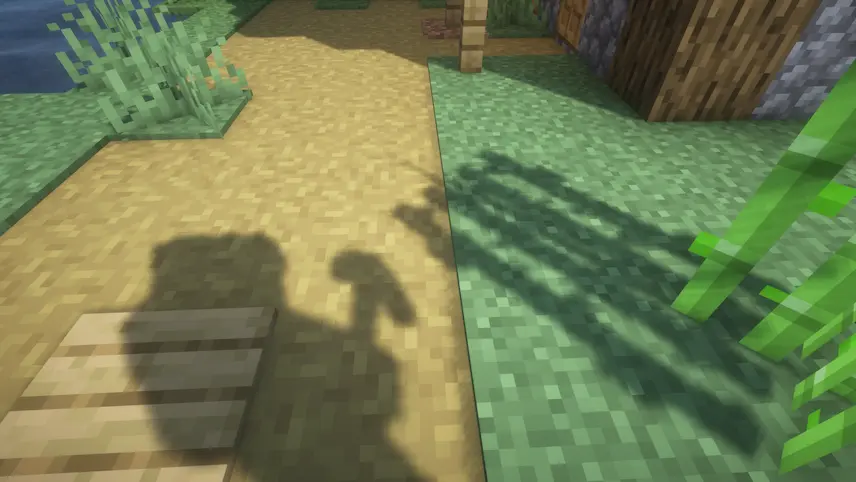
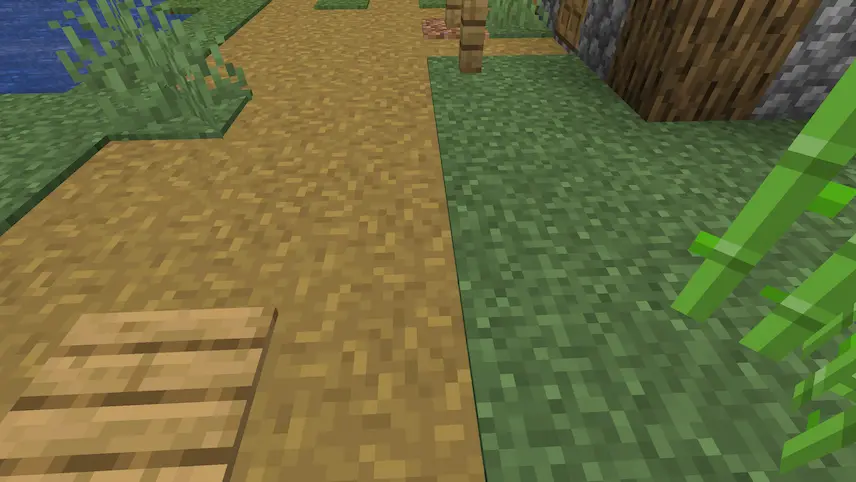
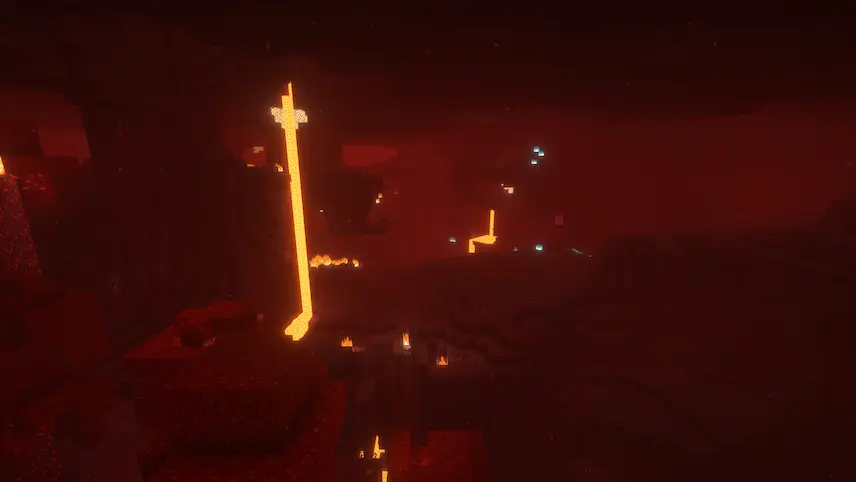
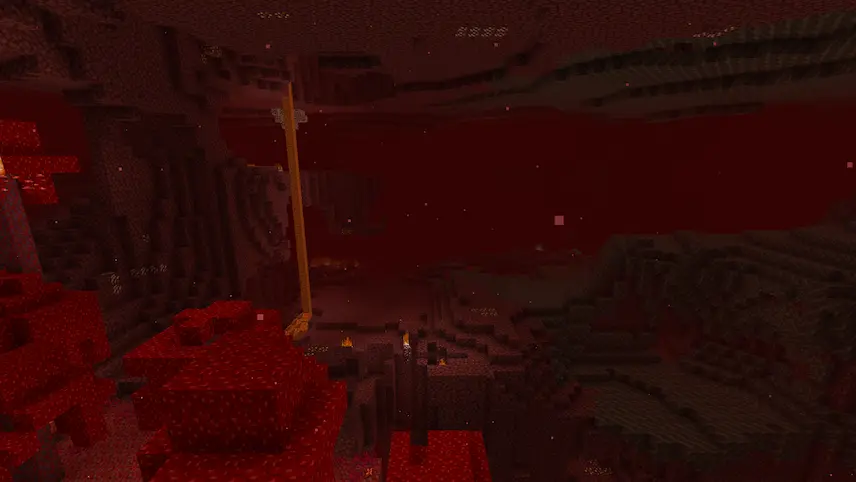
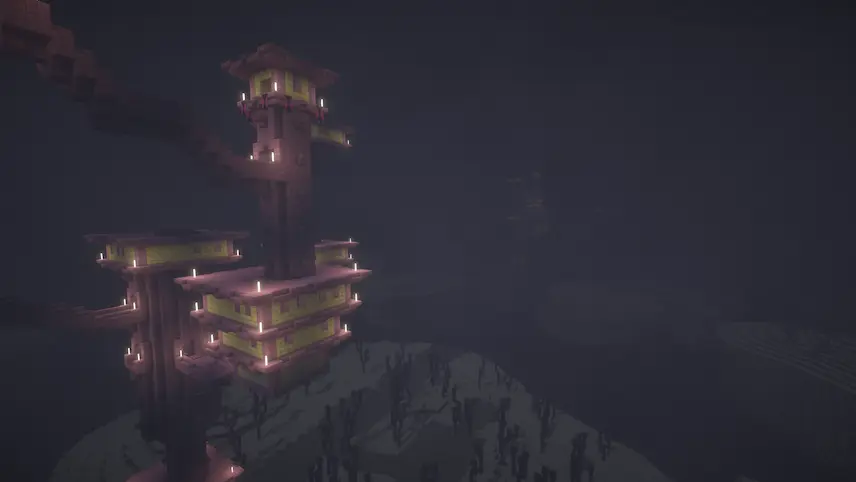
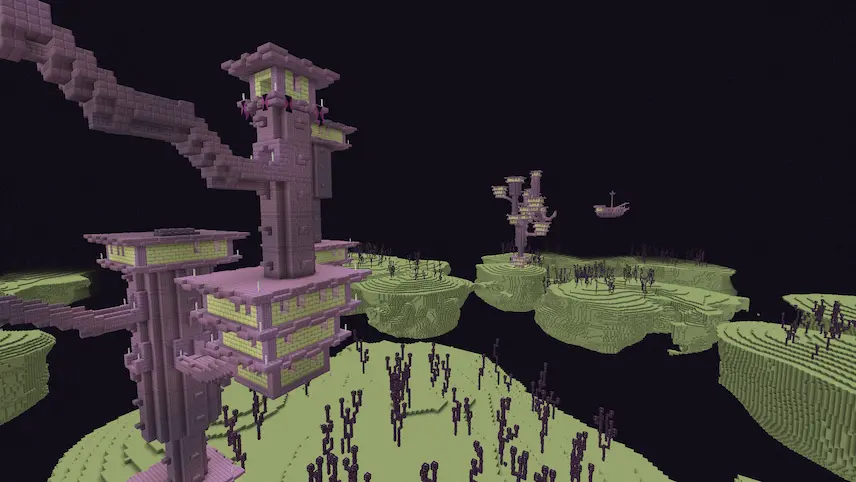
BSL Shaders is an exceptional shader pack designed exclusively for Minecraft: Java Edition, known for its bright and colorful aesthetics that significantly enhance the game’s visual appeal. This shader pack introduces a variety of features, including real-time shadows, volumetric light, ambient occlusion, and customizable clouds and water. With built-in anti-aliasing, BSL Shaders ensures a smoother appearance for blocks and environments. Additionally, players can enjoy advanced effects such as depth of field, motion blur, and cel shading, which all contribute to a more immersive gaming experience.
Having gained immense popularity since its release, BSL Shaders is a must-have for players looking to elevate their Minecraft visuals.


 Tags
Tags