logo responsive
/

Plants & Zombies Minecraft Mod

26.1.2

Familiar Home Impenetrable Defense Chomper on da lily The zombies... They're coming! Snoozin' Shrooms Hungry Flowers Nether Plants You have mail!
Familiar Home
Impenetrable Defense
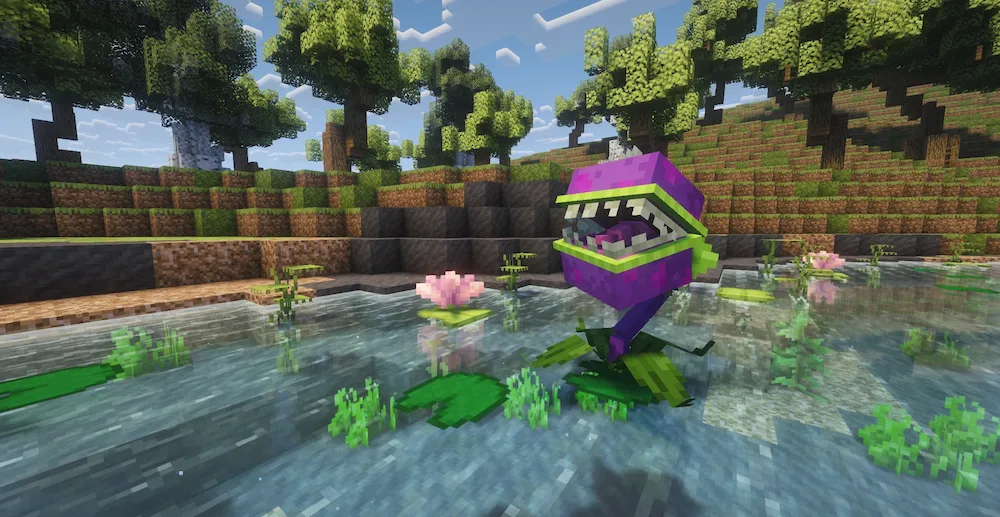
Chomper on da lily
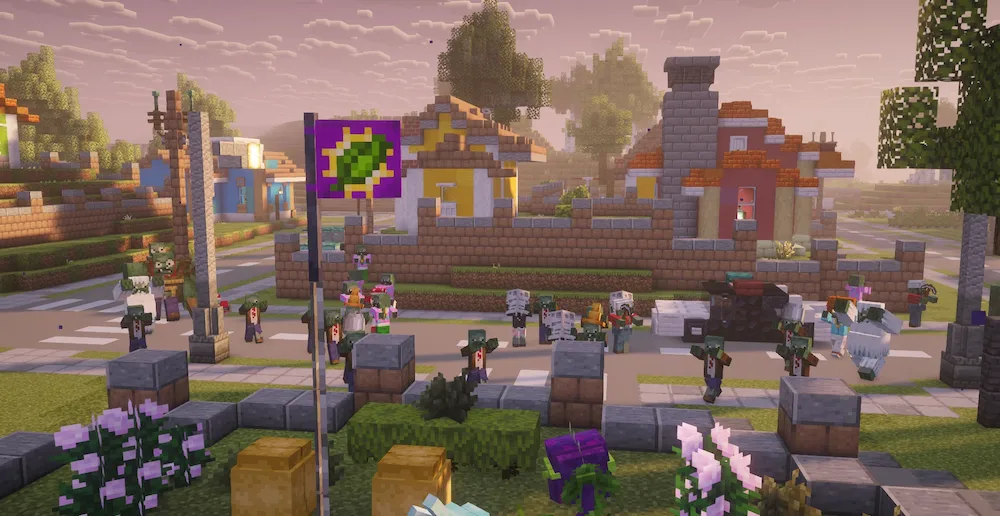
The zombies... They're coming!
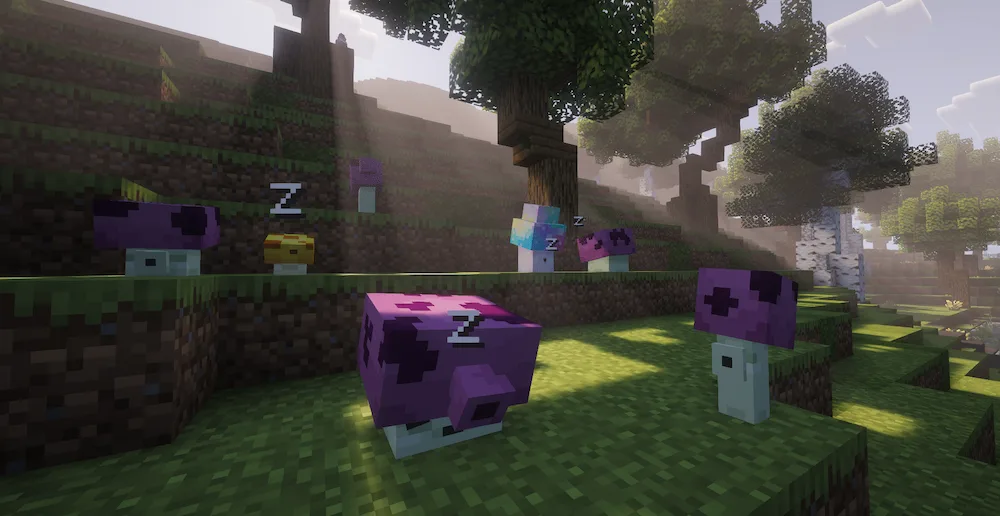
Snoozin' Shrooms
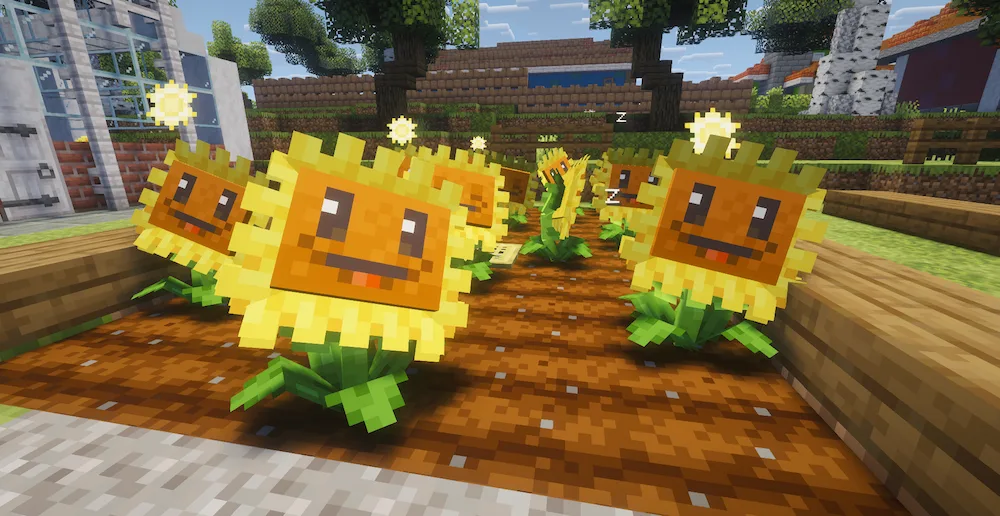
Hungry Flowers
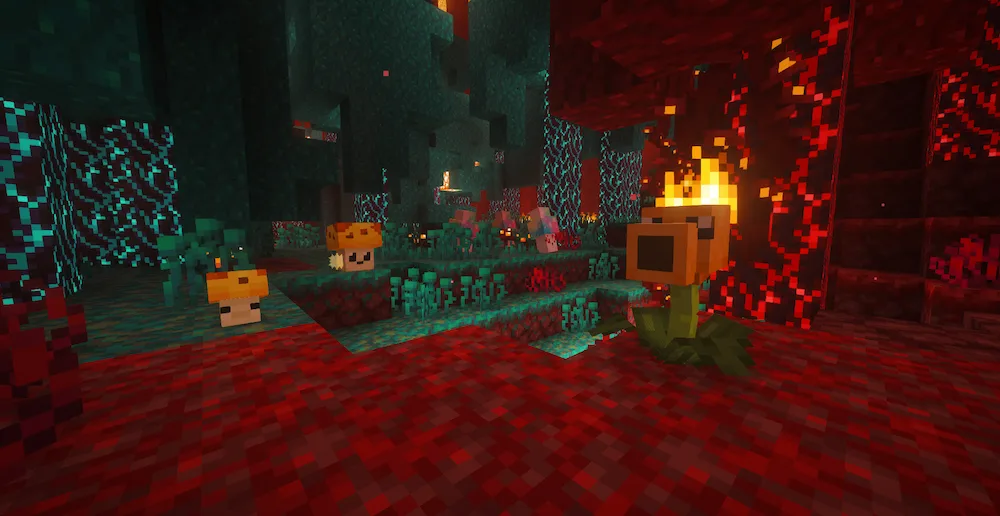
Nether Plants
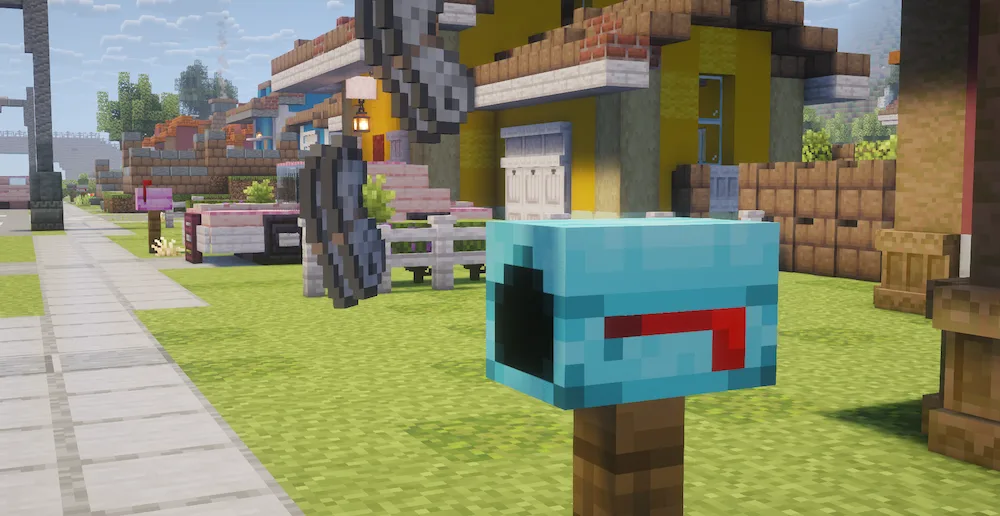
You have mail!

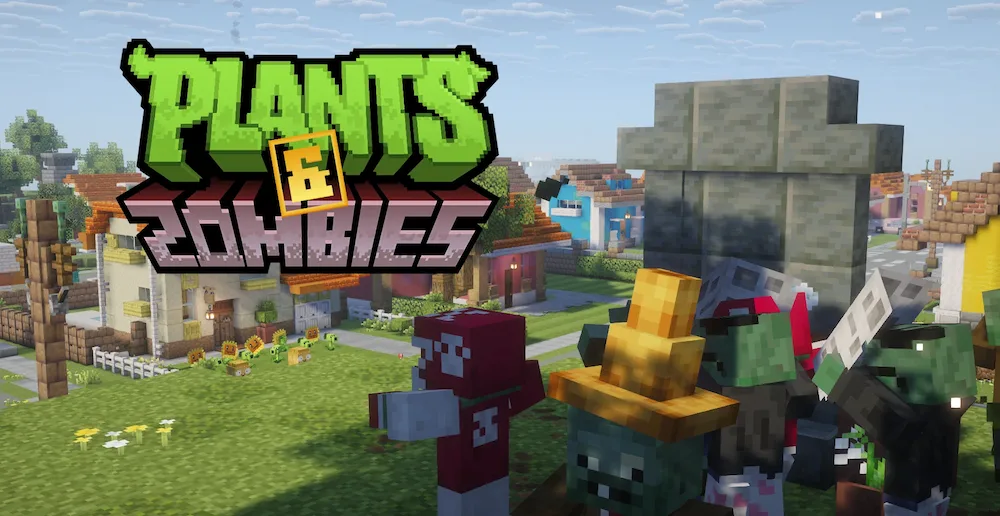
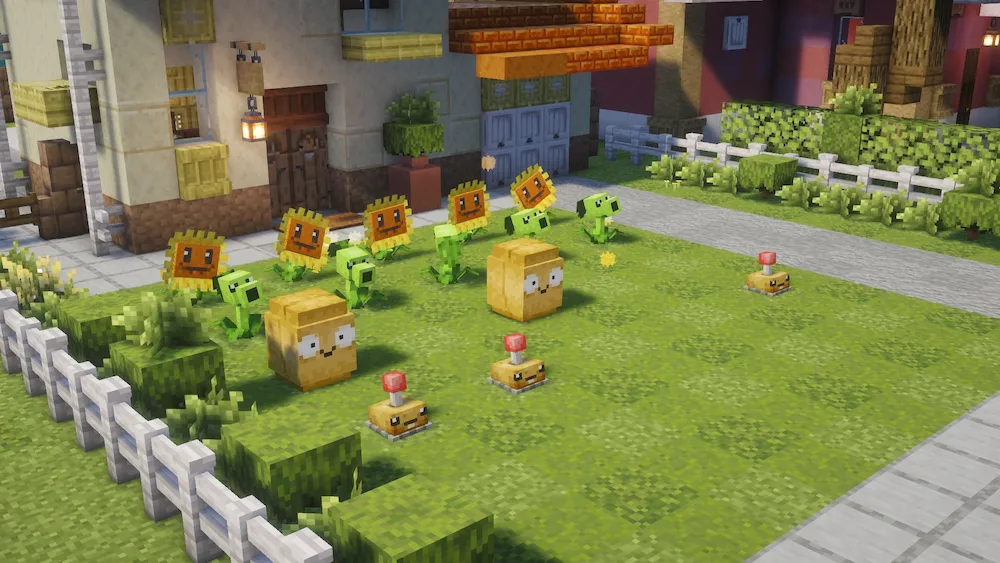
Plants & Zombies is a super cool mod that brings the classic strategy game right into your Minecraft world. It doesn’t just add random skins; it fully integrates the PvZ mechanics into your survival experience with over 20 unique mobs and a bunch of new items. You can find helpful plants naturally spawning in specific biomes, and you’ll need to collect Sun—either from sun-producing plants or by harvesting others—to tame them and get more seeds. It turns your base defense into a whole new game where you have to think about where you place your leafy defenders.

The zombies are also way more dangerous now. You might run into “Leader” Zombies carrying flags that have extra health and can call in reinforcements, making regular nights much more intense. There are even special zombie types that only show up during the new Zombie Raid event! To keep your garden safe, you can place your plants in pots for extra defense against the horde. If you are looking for a fun, survival-friendly way to spice up your world and love the PvZ universe, this mod is a total win.


Fabric

  1. 1. Download, execute the Fabric installer, choose Client, select your Minecraft version, and click Install.
  2. 2. Download the Fabric API matching that Minecraft version.
  3. 3. Download Plants & Zombies or any additional Fabric-compatible mods you want.
  4. 4. Place the Fabric API and all mods into .minecraft/mods folder.
  5. 5. Open the Minecraft Launcher, select the new Fabric profile, and press Play. Enjoy!

Forge

  1. 1. Download, execute the Forge installer, choose Client, and click Install.
  2. 3. Download Plants & Zombies or any additional Forge-compatible mods you want.
  3. 4. Place all mods into .minecraft/mods folder.
  4. 5. Open the Minecraft Launcher, select the new Forge profile, and press Play. Enjoy!

NeoForge

  1. 1. Download, execute the NeoForge installer, choose Client, and click Install.
  2. 3. Download Plants & Zombies or any additional NeoForge-compatible mods you want.
  3. 4. Place all mods into .minecraft/mods folder.
  4. 5. Open the Minecraft Launcher, select the new NeoForge profile, and press Play. Enjoy!

Download Plants & Zombies Mod

Type Game version File version Loaders Download
R Release
26.1.x v1.4.2
Fabric
File

Plants & Zombies Minecraft Mod

1 file • 26.1.2

Download