logo responsive
/

Replay Minecraft Mod

1.21.11, 1.20.6, 1.19.4 1.18.2

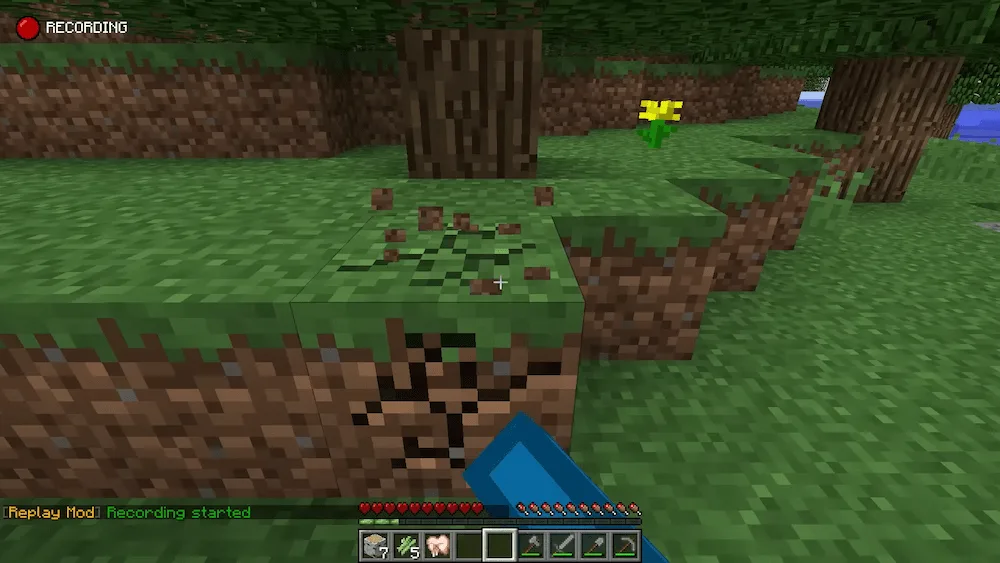
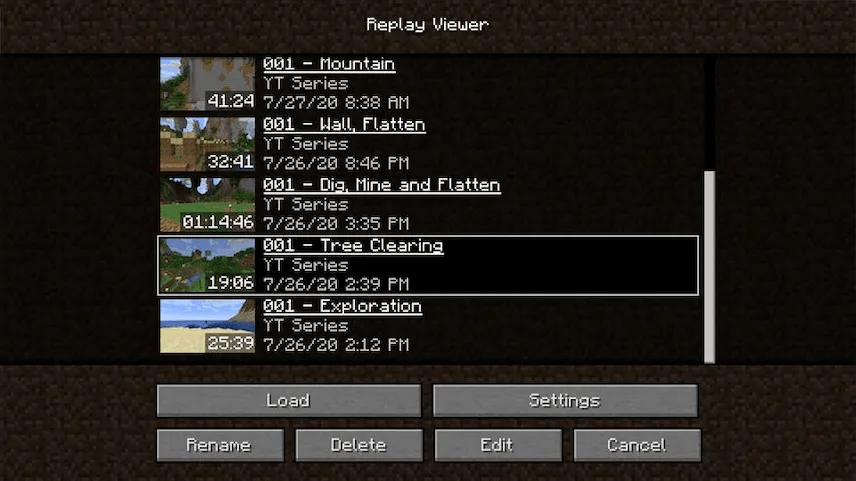
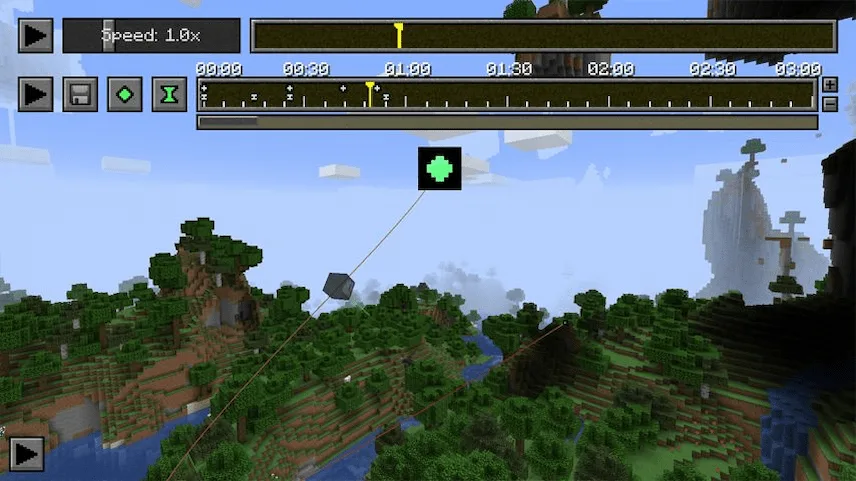
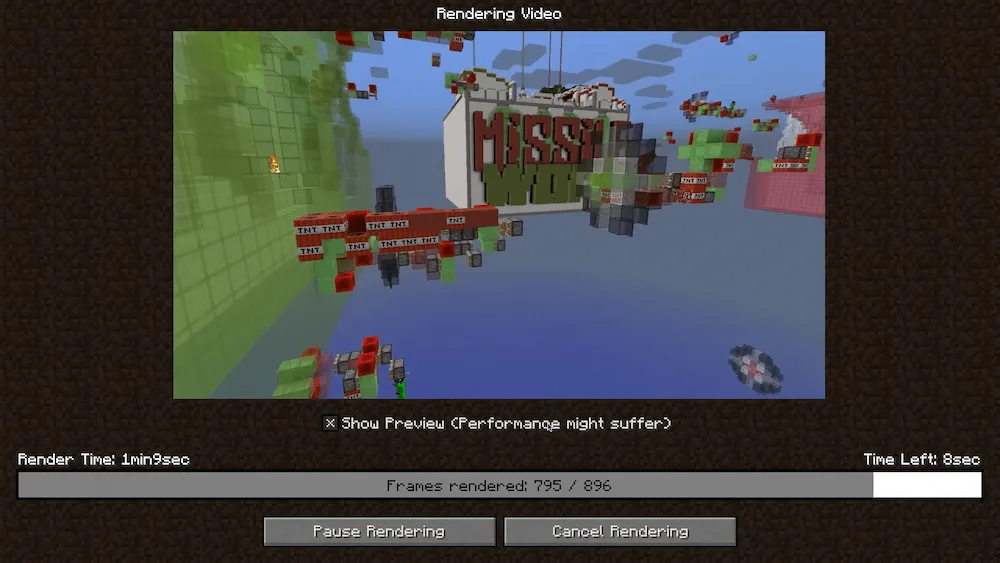
recording select replay keyframes exporting
recording
select replay
keyframes
exporting

Ready to level up your Minecraft content? The ReplayMod is an easy-to-use but super powerful tool that lets you record, replay, and share all your epic gaming moments. This mod is awesome for creating perfect cinematic videos in just a few minutes, even if you don’t have a complicated video editing program outside of Minecraft.

The best part is how lightweight it is. Even a recording that’s over an hour-long takes up less than 10 megabytes, so you can easily send your replay files to your friends to show off your building projects or PvP wins. Since the mod comes with a built-in video creator, you can design stunning camera paths using its simple user interface, giving everyone the ability to make high-quality clips without needing any other software. If you want to capture those awesome moments and turn them into professional-looking videos, you definitely need this mod.

To render your video with Replay Mod you will need to have FFmpeg, watch this tutorial to install it.


Fabric

  1. 1. Download, execute the Fabric installer, choose Client, select your Minecraft version, and click Install.
  2. 2. Download the Fabric API matching that Minecraft version.
  3. 3. Download Replay or any additional Fabric-compatible mods you want.
  4. 4. Place the Fabric API and all mods into .minecraft/mods folder.
  5. 5. Open the Minecraft Launcher, select the new Fabric profile, and press Play. Enjoy!

Forge

  1. 1. Download, execute the Forge installer, choose Client, and click Install.
  2. 3. Download Replay or any additional Forge-compatible mods you want.
  3. 4. Place all mods into .minecraft/mods folder.
  4. 5. Open the Minecraft Launcher, select the new Forge profile, and press Play. Enjoy!

NeoForge

  1. 1. Download, execute the NeoForge installer, choose Client, and click Install.
  2. 3. Download Replay or any additional NeoForge-compatible mods you want.
  3. 4. Place all mods into .minecraft/mods folder.
  4. 5. Open the Minecraft Launcher, select the new NeoForge profile, and press Play. Enjoy!

Download Replay Mod

Type Game version File version Loaders Download
R Release
1.21.11 v2.6.25 File
R Release
1.21.10 v2.6.25
Fabric
File
R Release
1.21.9 v2.6.24
Fabric
File
R Release
1.21.8 v2.6.23
Fabric
File
R Release
1.21.7 v2.6.23
Fabric
File
R Release
1.21.6 v2.6.23
Fabric
File
R Release
1.21.5 v2.6.23
Fabric
File
R Release
1.21.4 v2.6.23
Fabric
File
R Release
1.21.1 v2.6.23
Fabric
File
R Release
1.20.6 v2.6.23
Fabric
File
R Release
1.20.4 v2.6.23
Fabric
File
R Release
1.20.1 v2.6.23
Fabric
File
R Release
1.19.4 v2.6.20
Fabric
File
R Release
1.19.2 v2.6.20
Fabric
File
R Release
1.18.2 v2.6.20
Fabric
File
R Release
1.17.1 v2.6.20
Fabric
File
R Release
1.16.5 v2.6.20
Fabric
File
R Release
1.12.2 v2.6.24
Forge
File

Replay Minecraft Mod

18 files • 1.21.11, 1.20.6, 1.19.4 1.18.2

Download