logo responsive
/

JeanCaves Minecraft Mod

1.21.10

cold chamber redstone chamber items cold caves dry caves amethyst caves redstone caves
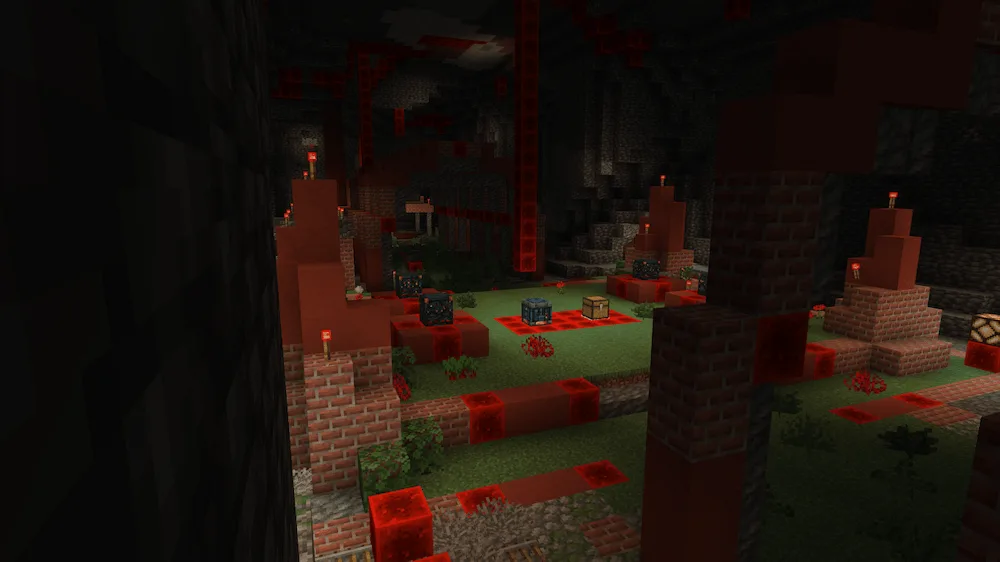
cold chamber
redstone chamber
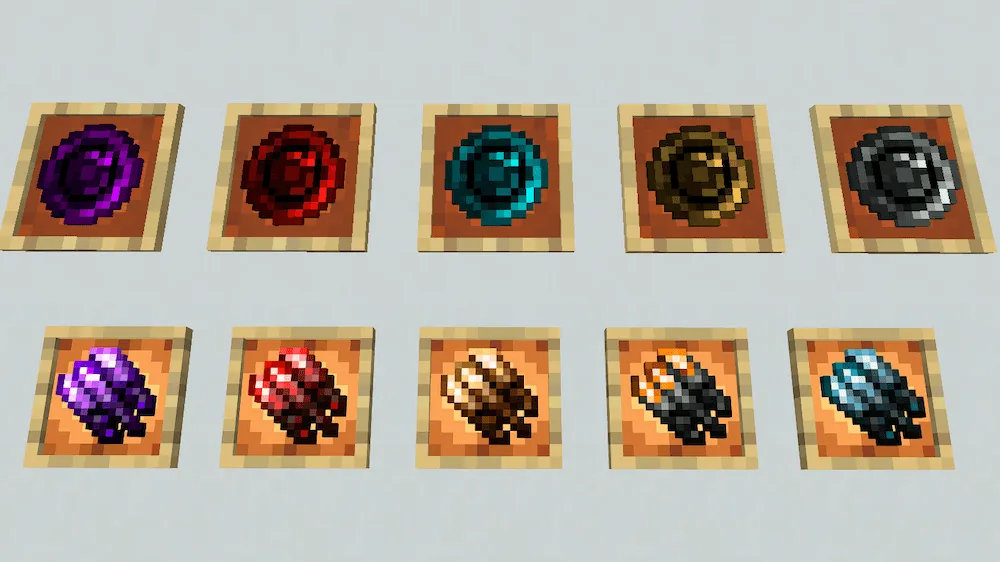
items
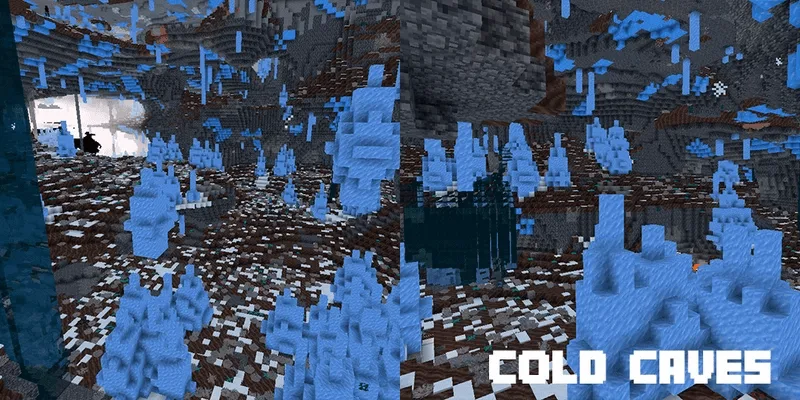
cold caves
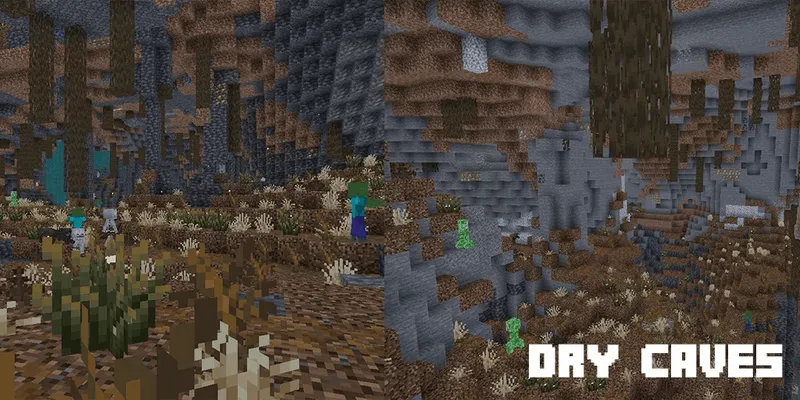
dry caves
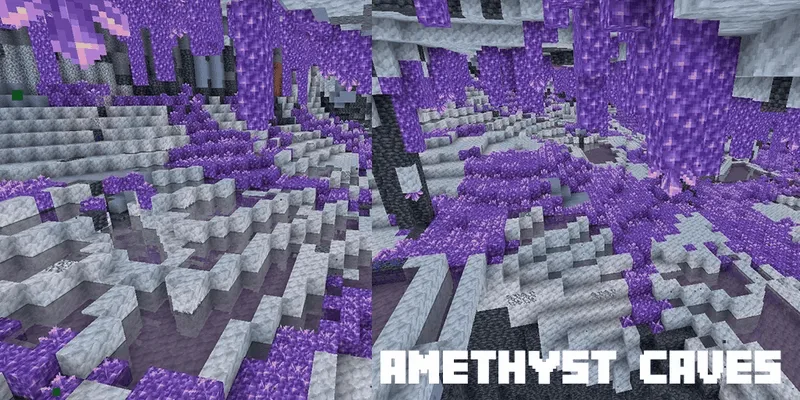
amethyst caves
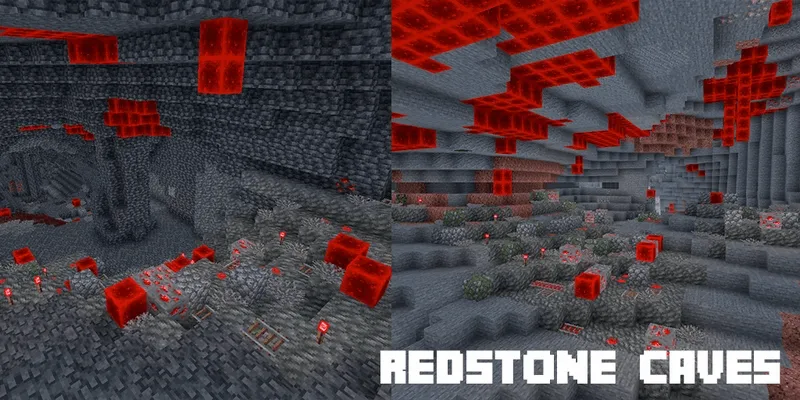
redstone caves

Tired of exploring the same old boring caves? Get ready to dive into the JeanCaves Mod. This awesome addition totally revamps the underground world, adding five killer new biomes to make caving way more exciting. We’re talking Redstone Caves, spooky Amethyst Caves, dry, dusty Dry Caves, super chilly Cold Caves, and the mysterious Pale Caves! The best part is that the mod keeps a great vanilla vibe, so it doesn’t mess up your world generation too much—it just makes it better and more alive.

Not only do you get cool new biomes, but there are also five brand-new structures to hunt down! You’ll find a cool ruin in each biome, and every ruin hides a new music disc for you to collect. Watch out for the custom mobs inside those ruins; if you defeat them, they drop Claws—which look super cool and hit as hard as a diamond sword! Just remember you’ll need Optifine or ETF to see the different mob looks.


Fabric

  1. 1. Download, execute the Fabric installer, choose Client, select your Minecraft version, and click Install.
  2. 2. Download the Fabric API matching that Minecraft version.
  3. 3. Download JeanCaves or any additional Fabric-compatible mods you want.
  4. 4. Place the Fabric API and all mods into .minecraft/mods folder.
  5. 5. Open the Minecraft Launcher, select the new Fabric profile, and press Play. Enjoy!

Forge

  1. 1. Download, execute the Forge installer, choose Client, and click Install.
  2. 3. Download JeanCaves or any additional Forge-compatible mods you want.
  3. 4. Place all mods into .minecraft/mods folder.
  4. 5. Open the Minecraft Launcher, select the new Forge profile, and press Play. Enjoy!

NeoForge

  1. 1. Download, execute the NeoForge installer, choose Client, and click Install.
  2. 3. Download JeanCaves or any additional NeoForge-compatible mods you want.
  3. 4. Place all mods into .minecraft/mods folder.
  4. 5. Open the Minecraft Launcher, select the new NeoForge profile, and press Play. Enjoy!

Download JeanCaves Mod

Type Game version File version Loaders Download
R Release
1.21.10 v1.6
Forge Fabric NeoForge
File
R Release
1.21.8 v1.5
Forge Fabric NeoForge
File
R Release
1.21.7 v1.5
Forge Fabric NeoForge
File
R Release
1.21.6 v1.5
Forge Fabric NeoForge
File
R Release
1.21.5 v1.5
Forge Fabric NeoForge
File

JeanCaves Minecraft Mod

5 files • 1.21.10

Download