logo responsive
/

Faded Conquest II Minecraft Mod

1.20.1

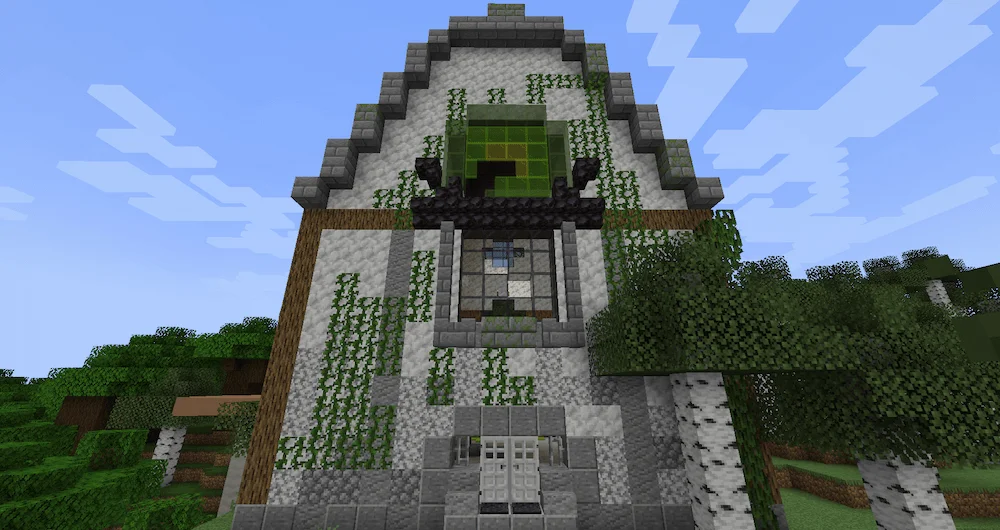
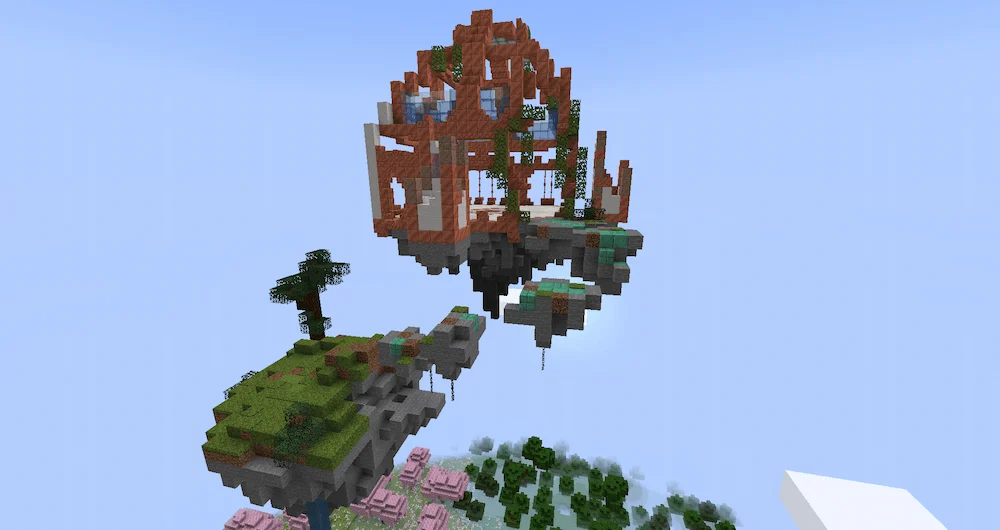
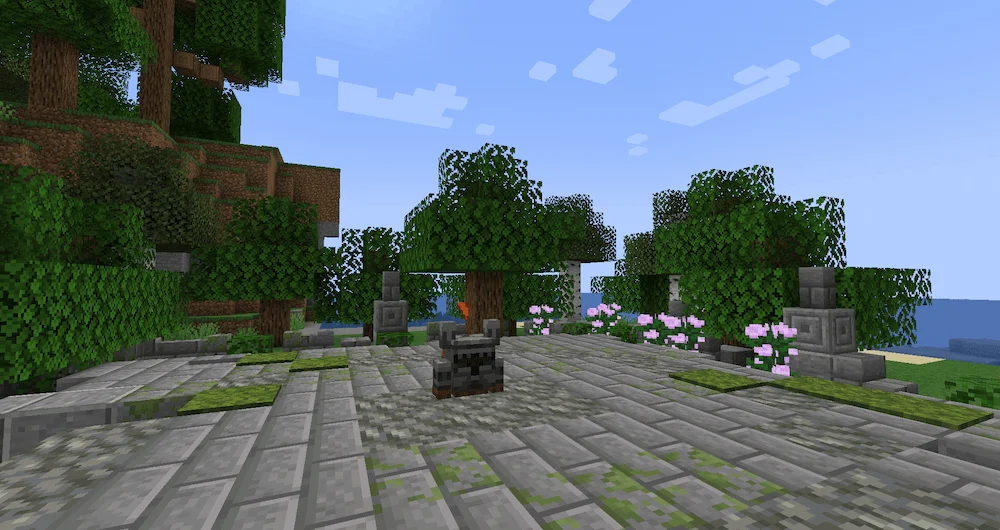
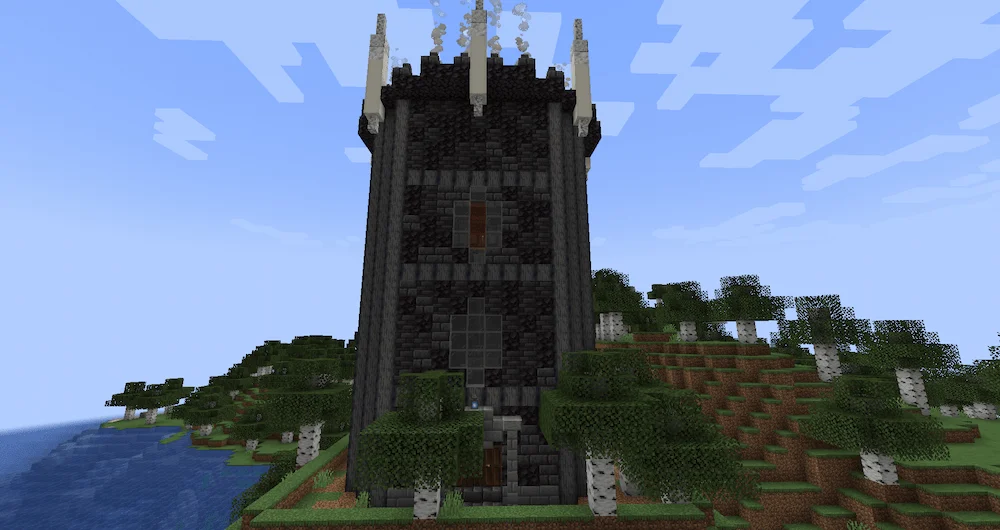
Structure 1 Structure 2 Structure 3 tower The Terrible Ten and The Plaugebringer Radiance Guardian and The Aero Guardian Dyrolian, The Faded King, Vessel Of Calamity and Doomharbour Lich
Structure 1
Structure 2
Structure 3
tower
The Terrible Ten and The Plaugebringer
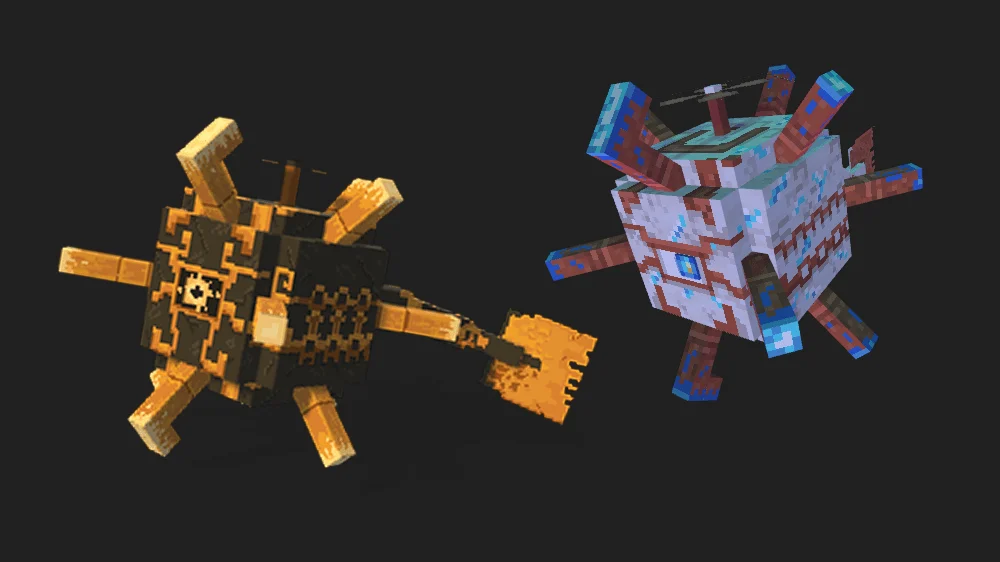
Radiance Guardian and The Aero Guardian
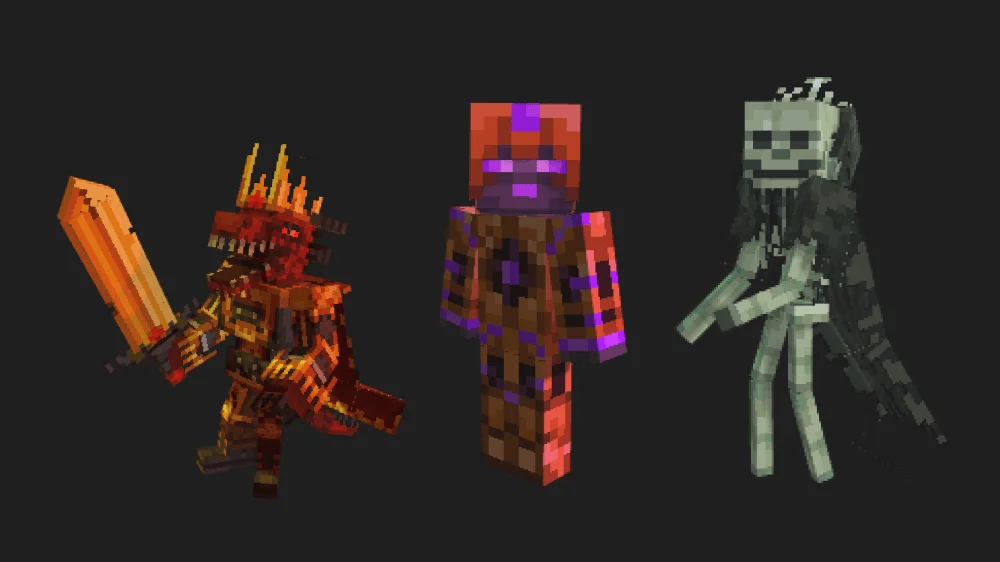
Dyrolian, The Faded King, Vessel Of Calamity and Doomharbour Lich

Ready for a massive boss and structure mod that will test everything you’ve got? Faded Conquest II throws you into a world of ancient lore and wicked warlords, where every enemy fight is huge! Get ready to face legendary foes like Dyrolian, The Faded King, who has two brutal phases with fast dashes and minion summons. Beat him, and you claim the ultra-powerful Conquest Blade!

But that’s just the start. You’ll battle the flying Aero Guardian, which throws lightning and whirlwinds, dropping awesome weapons like The Stormclasher for electric speed. Look out for the spooky Doomharbour Lich in its guarded tower, and prepare for the chaotic group fight against The Terrible Ten knights! Plus, you’ll have to deal with the poisoning Plaugebringer who teleports and summons toxic spikes. This mod is packed with intense, lore-rich fights and cool new structures, giving you a totally new kind of challenge and a ton of epic loot to earn!


Fabric

  1. 1. Download, execute the Fabric installer, choose Client, select your Minecraft version, and click Install.
  2. 2. Download the Fabric API matching that Minecraft version.
  3. 3. Download Faded Conquest II or any additional Fabric-compatible mods you want.
  4. 4. Place the Fabric API and all mods into .minecraft/mods folder.
  5. 5. Open the Minecraft Launcher, select the new Fabric profile, and press Play. Enjoy!

Forge

  1. 1. Download, execute the Forge installer, choose Client, and click Install.
  2. 3. Download Faded Conquest II or any additional Forge-compatible mods you want.
  3. 4. Place all mods into .minecraft/mods folder.
  4. 5. Open the Minecraft Launcher, select the new Forge profile, and press Play. Enjoy!

NeoForge

  1. 1. Download, execute the NeoForge installer, choose Client, and click Install.
  2. 3. Download Faded Conquest II or any additional NeoForge-compatible mods you want.
  3. 4. Place all mods into .minecraft/mods folder.
  4. 5. Open the Minecraft Launcher, select the new NeoForge profile, and press Play. Enjoy!

Download Faded Conquest II Mod

Type Game version File version Loaders Download
B Beta
1.20.1 v1.3.0
Forge
File
R Release
1.20.1 v1.1
Forge
File

Faded Conquest II Minecraft Mod

2 files • 1.20.1

Download