logo responsive
/

Deeper and Darker Minecraft Mod

1.21.1, 1.20.4, 1.19.2

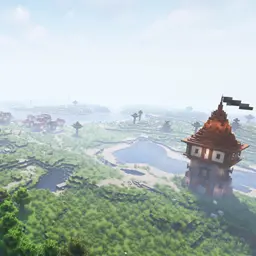
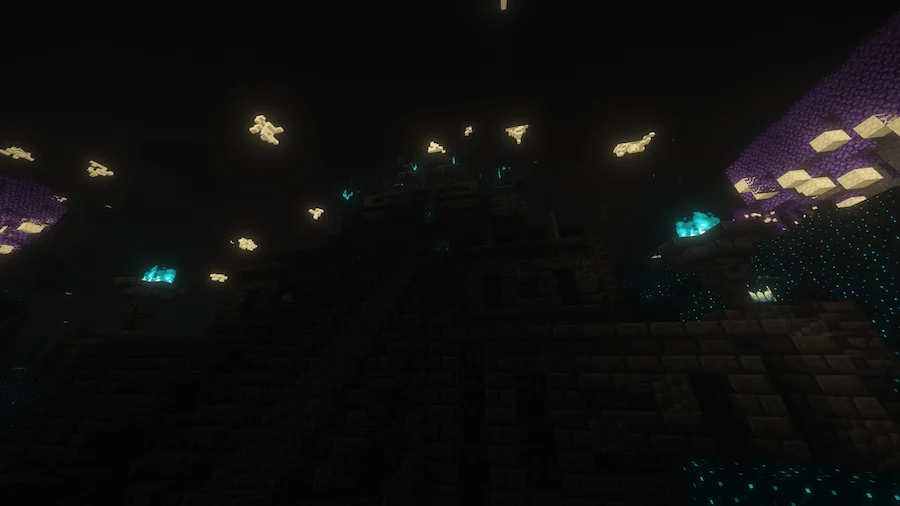
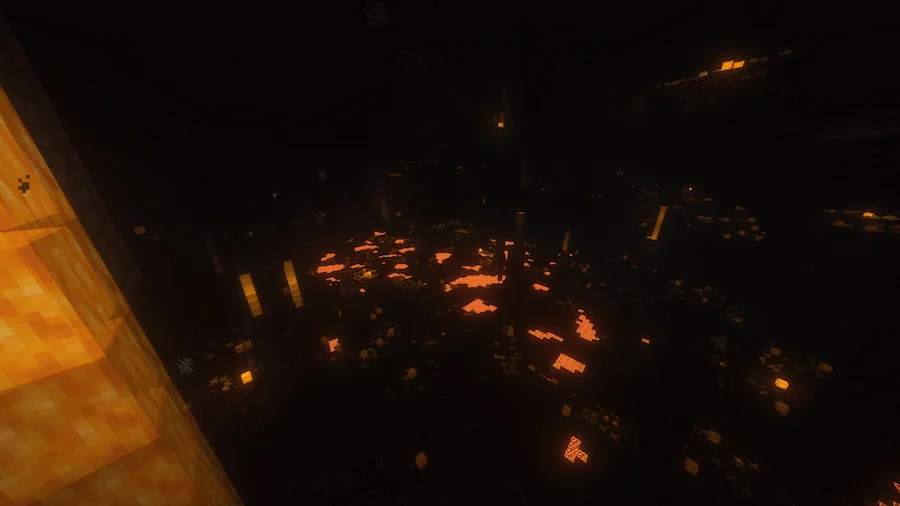
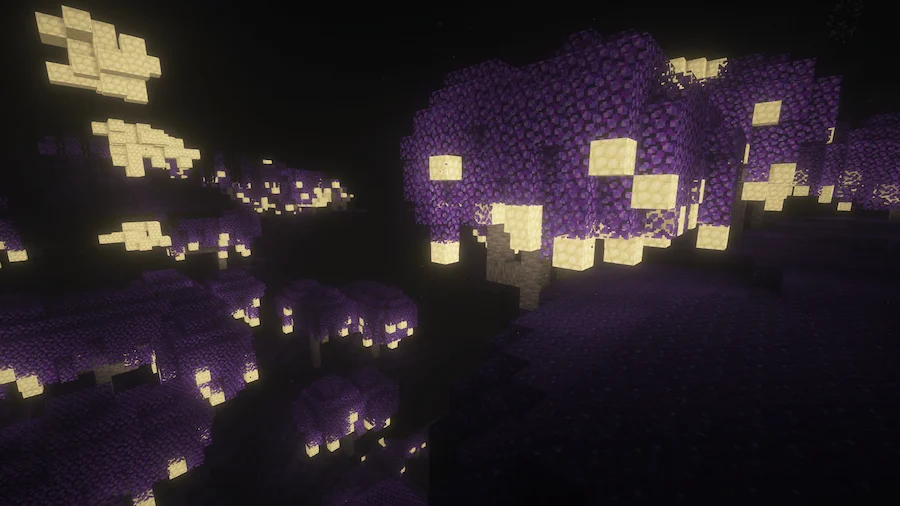
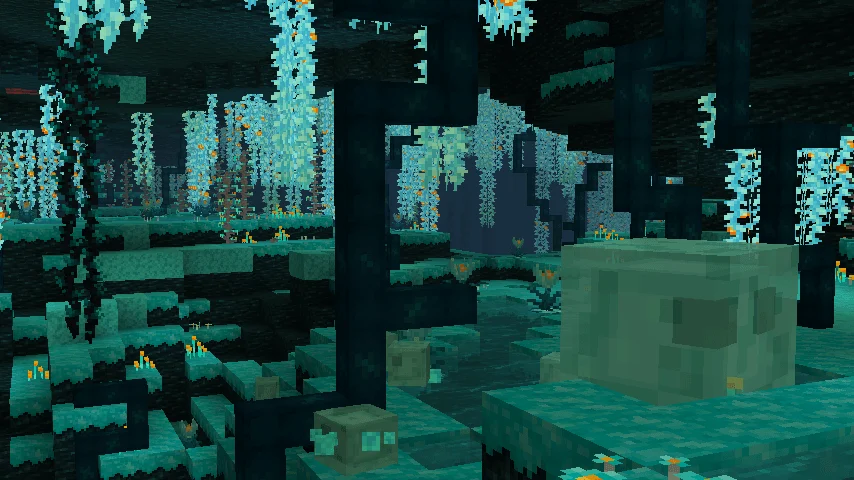
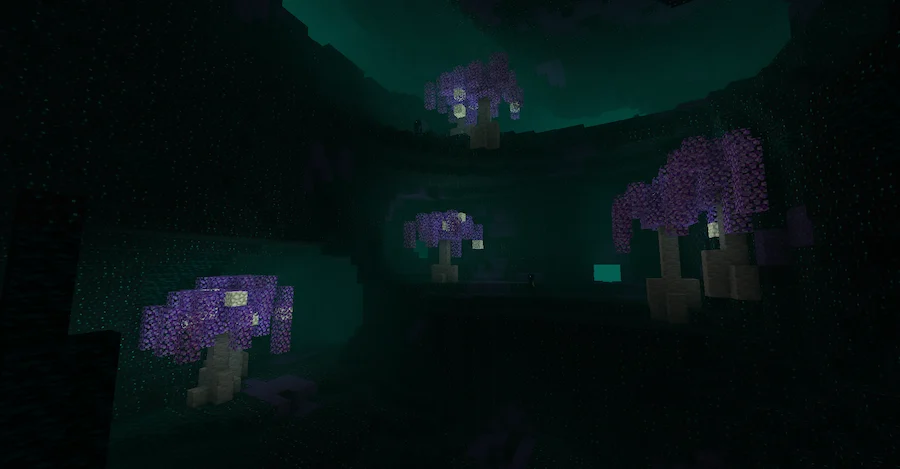
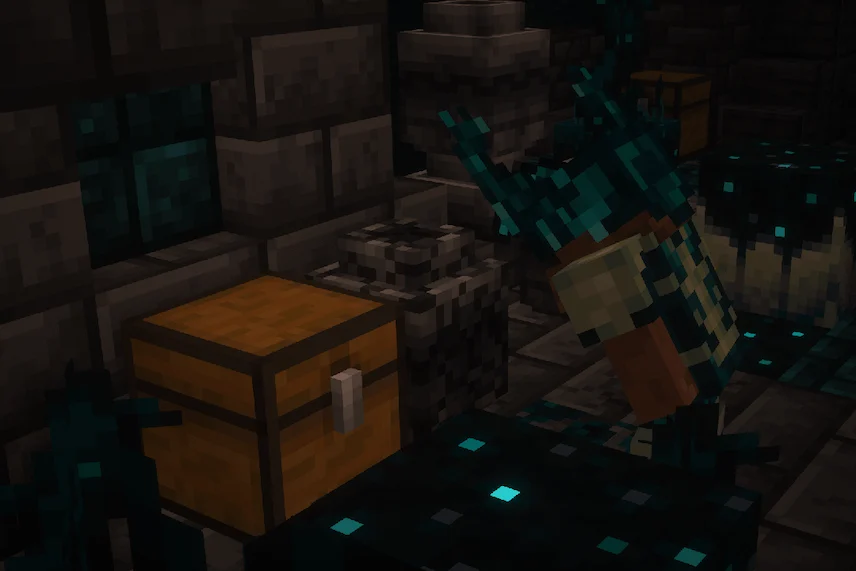
The ancient temple the overcast columns biome The echoing forest blooming caverns Look at those layers chest
The ancient temple
the overcast columns biome
The echoing forest
blooming caverns
Look at those layers
chest

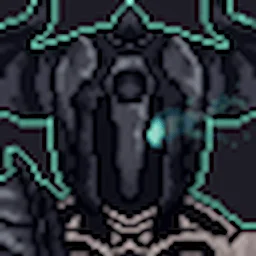
Deeper and Darker is a Minecraft mod that completely expands the Deep Dark, turning it into one of the most exciting and mysterious parts of the game. At the heart of the mod is the brand new Otherside dimension, a dangerous yet rewarding world filled with unique biomes such as the deeplands, echoing forest, overcast columns, and blooming caverns. Players can discover ancient temples, uncover hidden structures, and face powerful threats like the ancient lurker, making every expedition into this dimension a thrilling adventure.

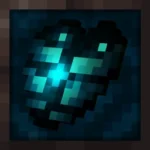
The mod also introduces over a hundred new blocks for building, a new wood type, and special items like the warden armor set, upgraded elytra, and the sculk transmitter. Alongside these come eight new mobs, including a miniboss, adding both challenge and excitement to exploration. To enter the Otherside, players must first defeat the warden and use its heart, making the journey feel like a true test of survival. Deeper and Darker enhances Minecraft by giving players more reasons to brave the Deep Dark and rewarding them with fresh content, stunning environments, and countless secrets to uncover.
Fabric

  1. 1. Download, execute the Fabric installer, choose Client, select your Minecraft version, and click Install.
  2. 2. Download the Fabric API matching that Minecraft version.
  3. 3. Download Deeper and Darker or any additional Fabric-compatible mods you want.
  4. 4. Place the Fabric API and all mods into .minecraft/mods folder.
  5. 5. Open the Minecraft Launcher, select the new Fabric profile, and press Play. Enjoy!

Forge

  1. 1. Download, execute the Forge installer, choose Client, and click Install.
  2. 3. Download Deeper and Darker or any additional Forge-compatible mods you want.
  3. 4. Place all mods into .minecraft/mods folder.
  4. 5. Open the Minecraft Launcher, select the new Forge profile, and press Play. Enjoy!

NeoForge

  1. 1. Download, execute the NeoForge installer, choose Client, and click Install.
  2. 3. Download Deeper and Darker or any additional NeoForge-compatible mods you want.
  3. 4. Place all mods into .minecraft/mods folder.
  4. 5. Open the Minecraft Launcher, select the new NeoForge profile, and press Play. Enjoy!

Download Deeper and Darker Mod

Type Game version File version Loaders Download
R Release
1.21.1 v1.3.3
Fabric
File
R Release
1.21.1 v1.3.5
NeoForge
File
R Release
1.20.4 v1.3.3
Fabric
File
R Release
1.20.1 v1.3.3
Fabric
File
R Release
1.20.1 v1.3.3
Forge
File
R Release
1.19.2 v1.2.5
Fabric
File
R Release
1.19.2 v1.2.2
Forge
File

Deeper and Darker Minecraft Mod

7 files • 1.21.1, 1.20.4, 1.19.2

Download