logo responsive
/

Visuality Minecraft Mod

26.2, 26.1.2, 1.21.11, 1.20.6, 1.19.4

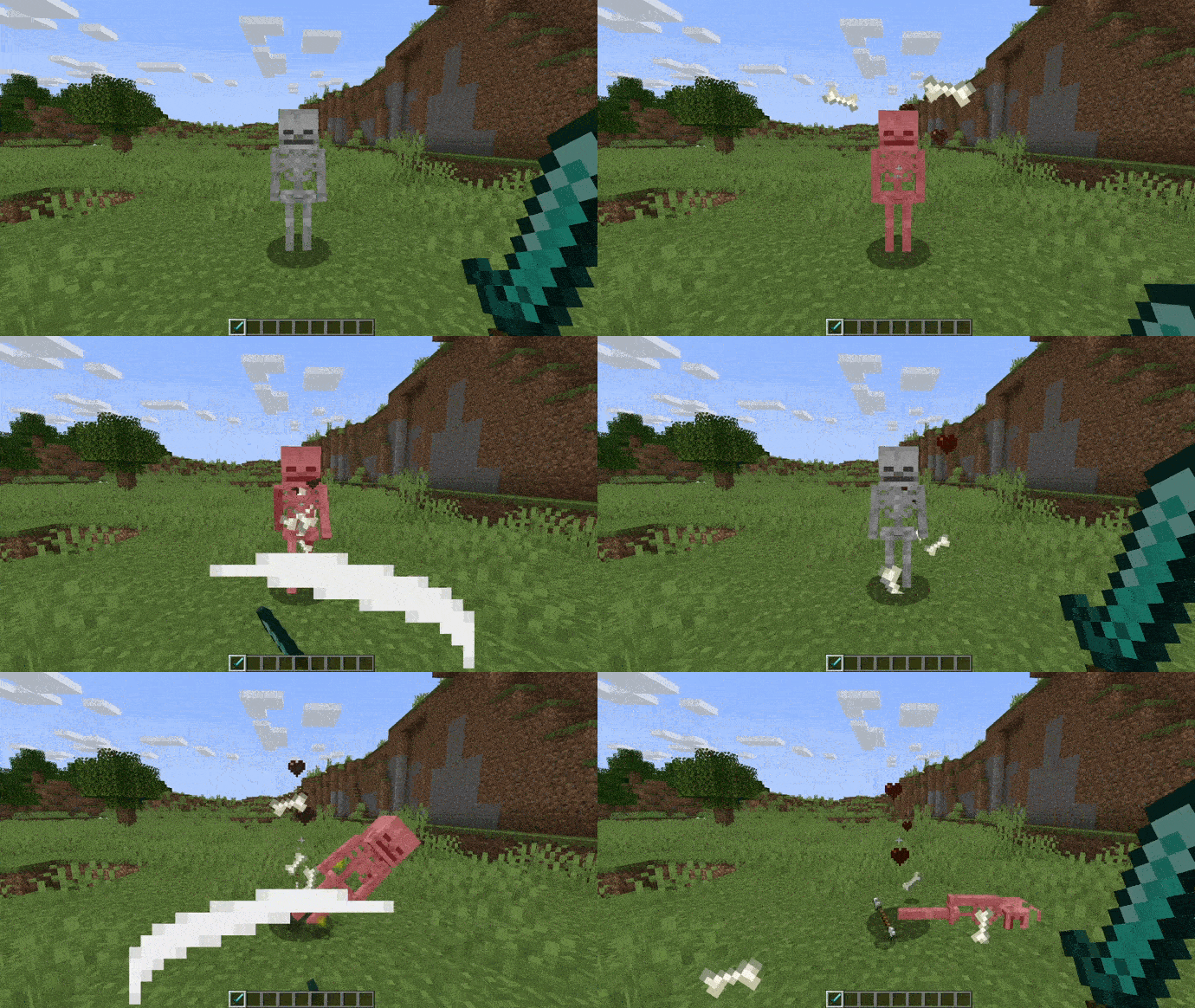
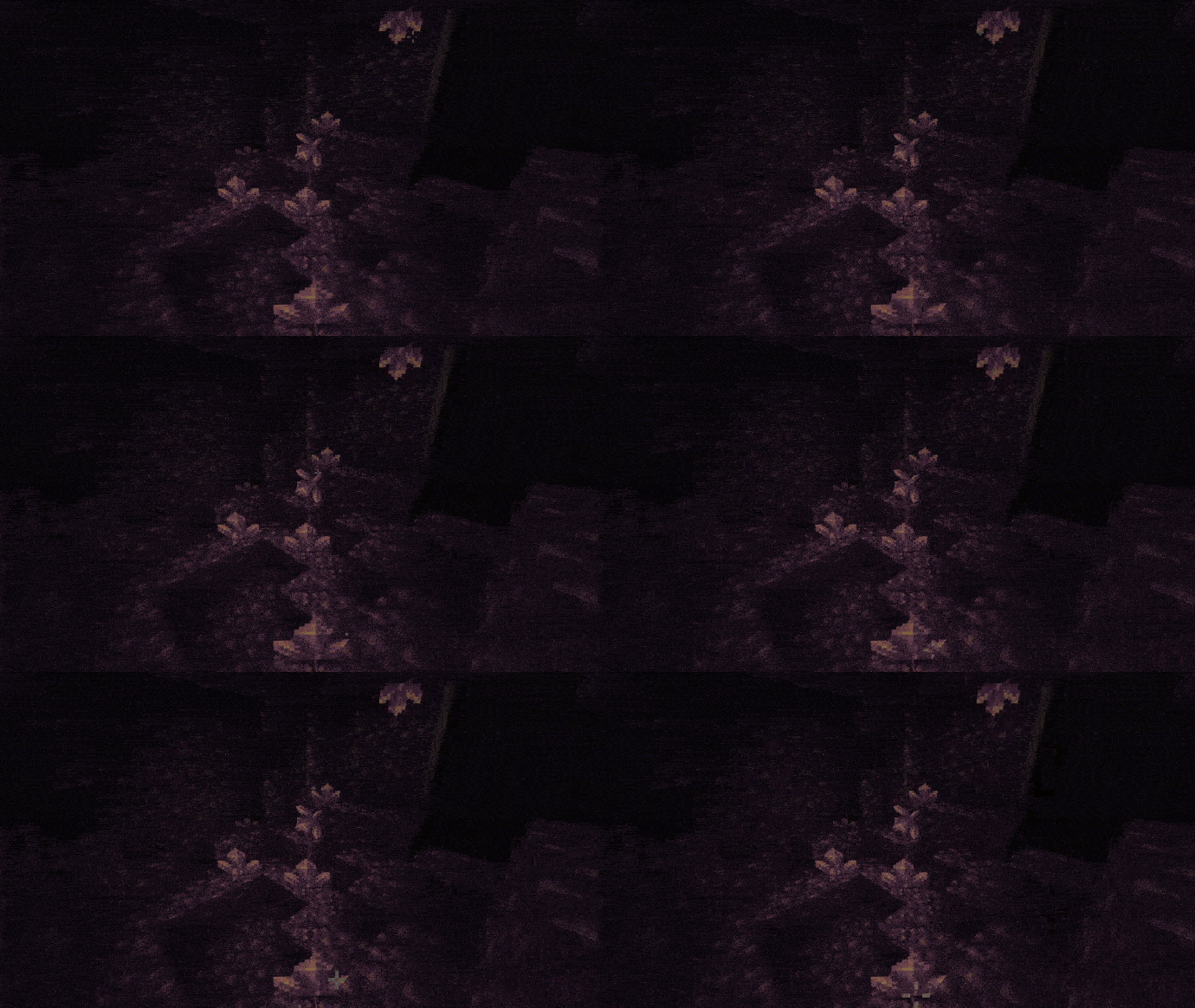
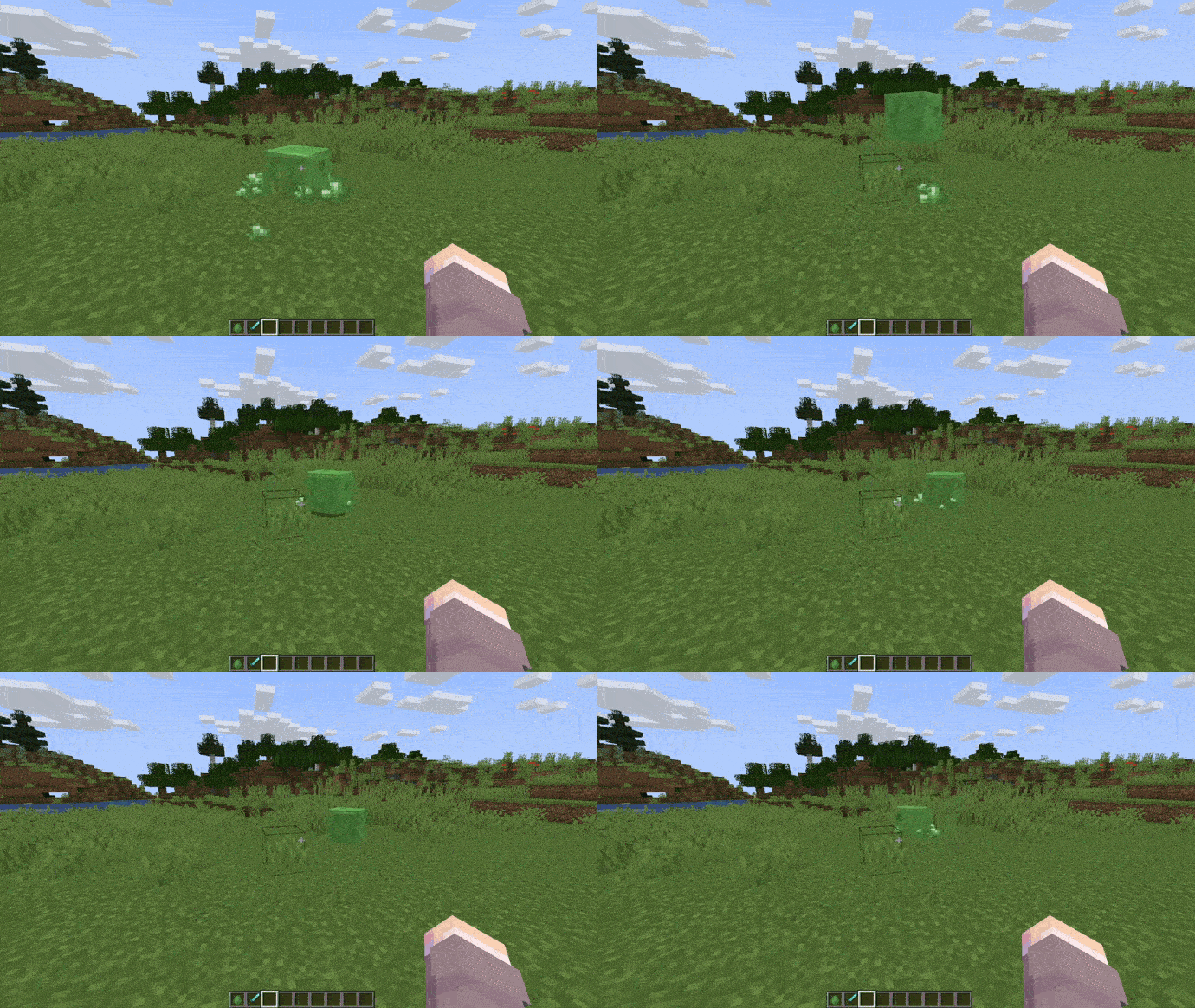
skeleton particles shiny amethyst slime particles
skeleton particles
shiny amethyst
slime particles

Visuality is a lightweight Minecraft mod for the Fabric loader that brings a fresh wave of cosmetic particles to your world. From delicate crystal sparkles that dance around gems to dynamic hit effects when you strike mobs, this client-side mod adds eye-catching details without altering core gameplay. Slimes get their own custom blob particles, and you’ll notice subtle environmental effects—like drifting motes of light in forests or swirling dust in caves—that make each biome feel more alive.

Installing Visuality is as simple as dropping the mod into your Fabric “mods” folder, and you’ll immediately see the difference in everything from builds to combat. These new particle effects boost immersion by giving visual feedback to your actions and surroundings, making mining, farming, and exploring more satisfying. Because it’s purely cosmetic and optimized for performance, Visuality won’t slow down your game, yet it keeps your adventures looking fresh. Keep an eye on future updates, as the particle collection is set to grow with even more visual flair.


Fabric

  1. 1. Download, execute the Fabric installer, choose Client, select your Minecraft version, and click Install.
  2. 2. Download the Fabric API matching that Minecraft version.
  3. 3. Download Visuality or any additional Fabric-compatible mods you want.
  4. 4. Place the Fabric API and all mods into .minecraft/mods folder.
  5. 5. Open the Minecraft Launcher, select the new Fabric profile, and press Play. Enjoy!

Forge

  1. 1. Download, execute the Forge installer, choose Client, and click Install.
  2. 3. Download Visuality or any additional Forge-compatible mods you want.
  3. 4. Place all mods into .minecraft/mods folder.
  4. 5. Open the Minecraft Launcher, select the new Forge profile, and press Play. Enjoy!

NeoForge

  1. 1. Download, execute the NeoForge installer, choose Client, and click Install.
  2. 3. Download Visuality or any additional NeoForge-compatible mods you want.
  3. 4. Place all mods into .minecraft/mods folder.
  4. 5. Open the Minecraft Launcher, select the new NeoForge profile, and press Play. Enjoy!

Download Visuality Mod

Type Game version File version Loaders Download
B Beta
26.2 v0.7.14
Fabric
File
B Beta
26.1.x v0.7.13
Fabric
File
R Release
1.21.11 v0.7.13
Fabric
File
B Beta
1.21.10 v0.7.11
Fabric
File
B Beta
1.21.10 v0.7.11
Fabric
File
B Beta
1.21.8 v0.7.10
Fabric
File
B Beta
1.21.7 v0.7.10
Fabric
File
B Beta
1.21.6 v0.7.10
Fabric
File
B Beta
1.21.5 v0.7.10
Fabric
File
B Beta
1.21.4 v0.7.9
Fabric
File
B Beta
1.21.3 v0.7.9
Fabric
File
R Release
1.21.1 v0.7.7
Fabric
File
B Beta
1.20.6 v0.7.4
Fabric
File
R Release
1.20.4 v0.7.4
Fabric
File
R Release
1.20.1 v0.7.1
Fabric
File
R Release
1.19.4 v0.7.0
Fabric
File

Visuality Minecraft Mod

16 files • 26.2, 26.1.2, 1.21.11, 1.20.6, 1.19.4

Download