logo responsive
/

Explorify Minecraft Mod

26.2, 26.1.2, 1.21.11, 1.20.6, 1.19.4, 1.18.2, 1.16.5

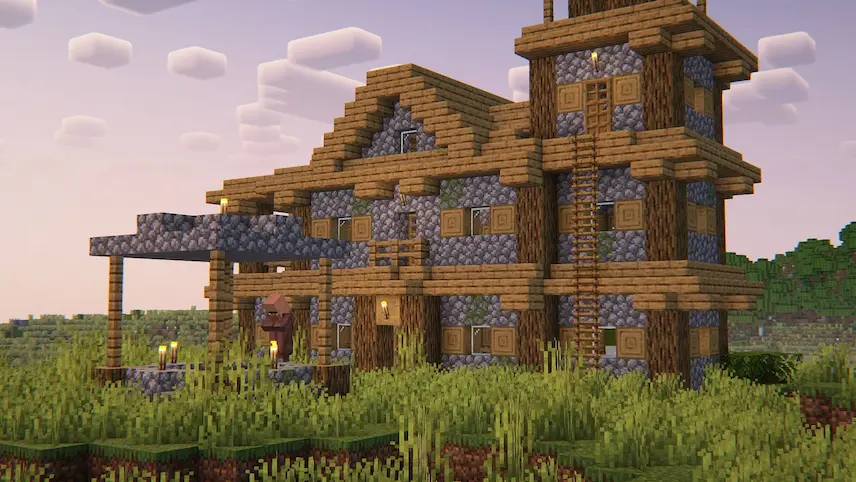
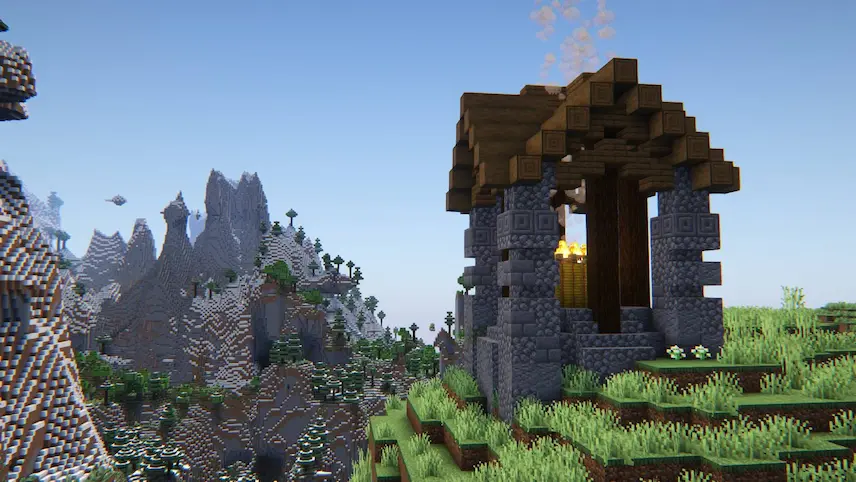
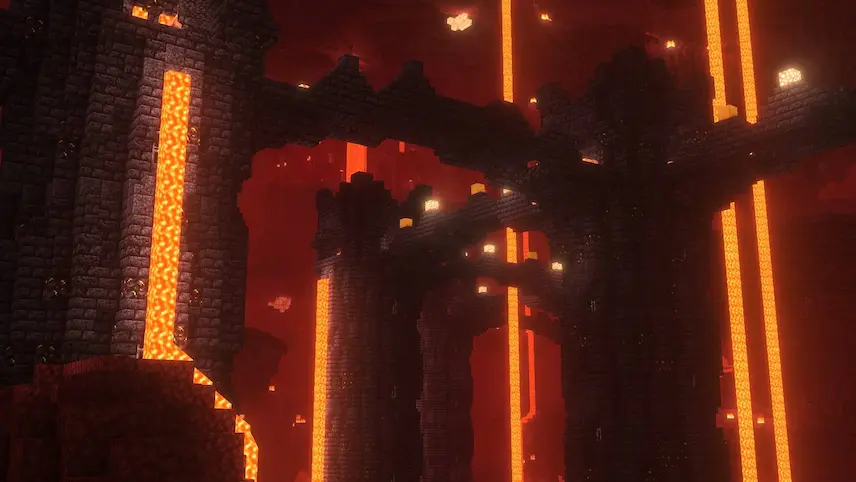
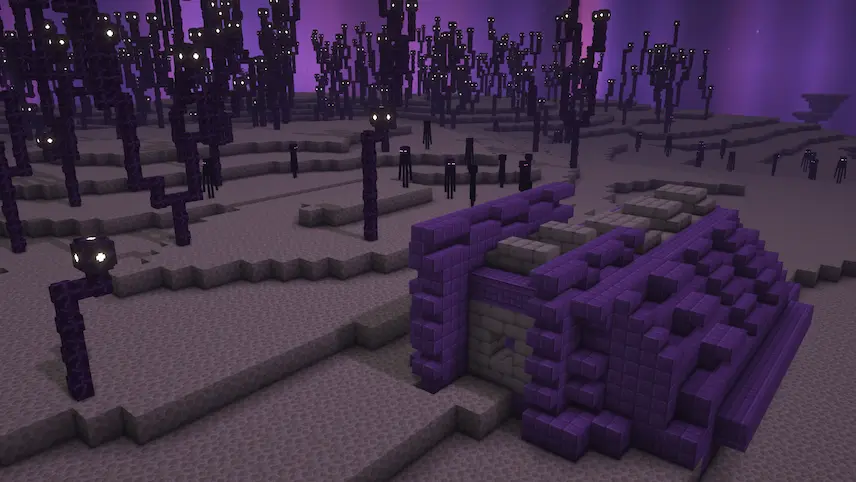
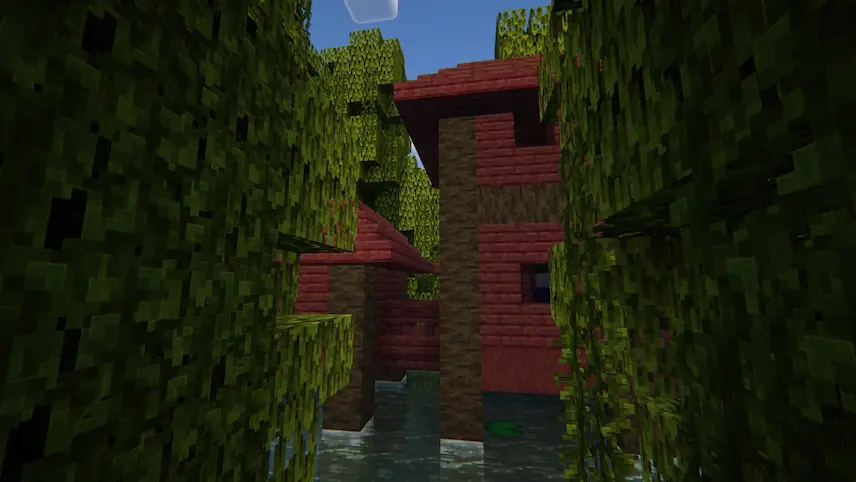
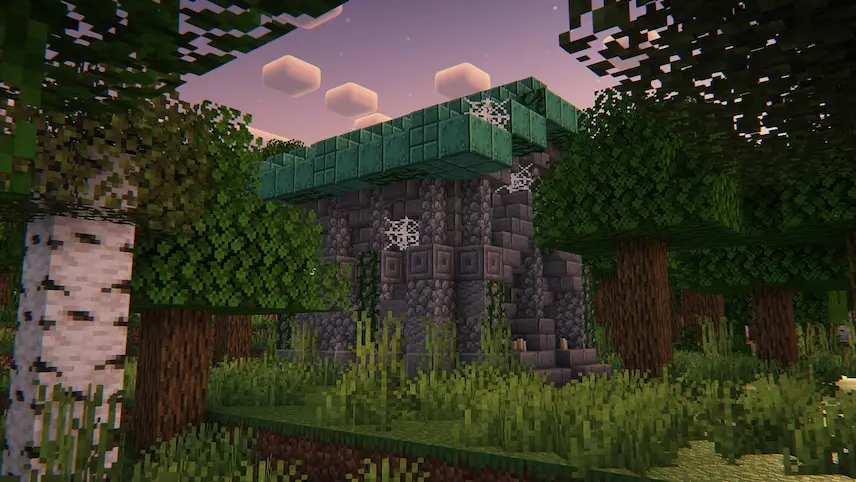
tower on plains Pyramid large hourse village Guide Post on mountain Black Spiral nether end structure swamp house Mausoleum
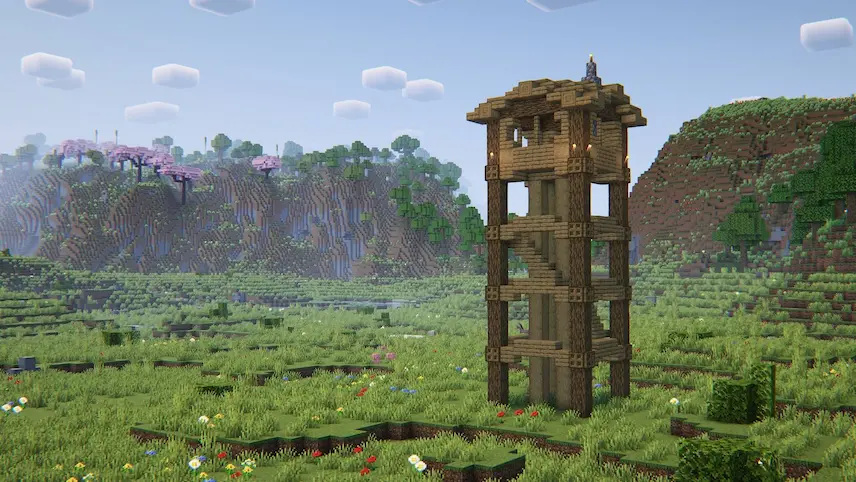
tower on plains
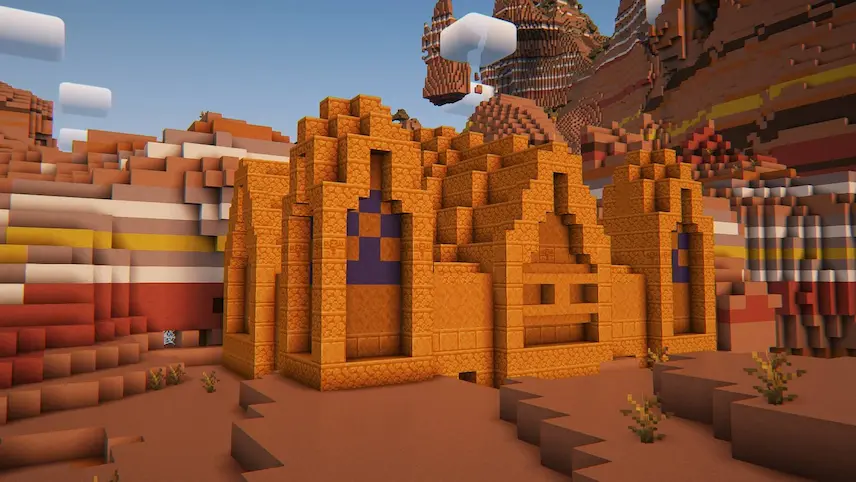
Pyramid
large hourse village
Guide Post on mountain
Black Spiral nether
end structure
swamp house
Mausoleum

Explorify is a data pack that enriches your Minecraft adventures by introducing a variety of new, thematically consistent structures to explore. These additions are designed to blend seamlessly into the existing world, enhancing the exploration experience without disrupting the game’s natural aesthetic. From hidden mausoleums in dense forests to ancient shipwrecks that have fallen from the End, each structure offers unique challenges and rewards, making your journeys more engaging and rewarding.

Beyond merely adding new buildings, Explorify focuses on integrating these structures harmoniously with the surrounding terrain, ensuring they feel like a natural part of the landscape. This careful design approach prevents the creation of unnatural terrain features, maintaining the immersive quality of your Minecraft world.


Fabric

  1. 1. Download, execute the Fabric installer, choose Client, select your Minecraft version, and click Install.
  2. 2. Download the Fabric API matching that Minecraft version.
  3. 3. Download Explorify or any additional Fabric-compatible mods you want.
  4. 4. Place the Fabric API and all mods into .minecraft/mods folder.
  5. 5. Open the Minecraft Launcher, select the new Fabric profile, and press Play. Enjoy!

Forge

  1. 1. Download, execute the Forge installer, choose Client, and click Install.
  2. 3. Download Explorify or any additional Forge-compatible mods you want.
  3. 4. Place all mods into .minecraft/mods folder.
  4. 5. Open the Minecraft Launcher, select the new Forge profile, and press Play. Enjoy!

NeoForge

  1. 1. Download, execute the NeoForge installer, choose Client, and click Install.
  2. 3. Download Explorify or any additional NeoForge-compatible mods you want.
  3. 4. Place all mods into .minecraft/mods folder.
  4. 5. Open the Minecraft Launcher, select the new NeoForge profile, and press Play. Enjoy!

Download Explorify Mod

Type Game version File version Loaders Download
R Release
26.2 v1.6.5
Forge Fabric NeoForge
File
R Release
26.1.x v1.6.5
Forge Fabric NeoForge
File
R Release
1.21.x v1.6.5
Forge Fabric NeoForge
File
R Release
1.20.x v1.6.5
Forge Fabric NeoForge
File
R Release
1.19.4 v1.6.2
Forge Fabric NeoForge
File
R Release
1.19.2 v1.6.2
Forge Fabric NeoForge
File

Explorify Minecraft Mod

6 files • 26.2, 26.1.2, 1.21.11, 1.20.6, 1.19.4, 1.18.2, 1.16.5

Download