

logo responsive
/

Touhou Little Maid Minecraft Mod

1.21.1, 1.20.1, 1.19.2, 1.18.2

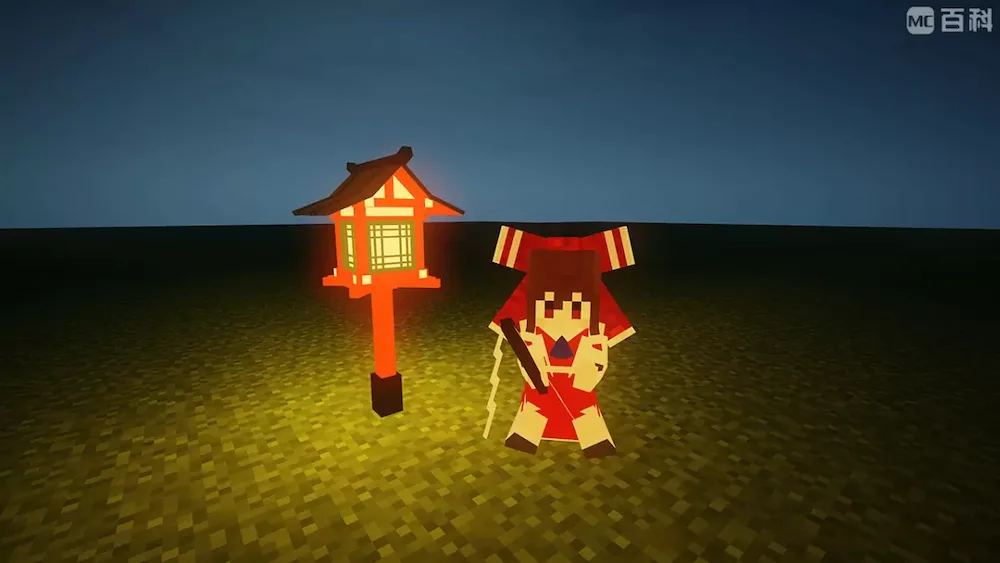
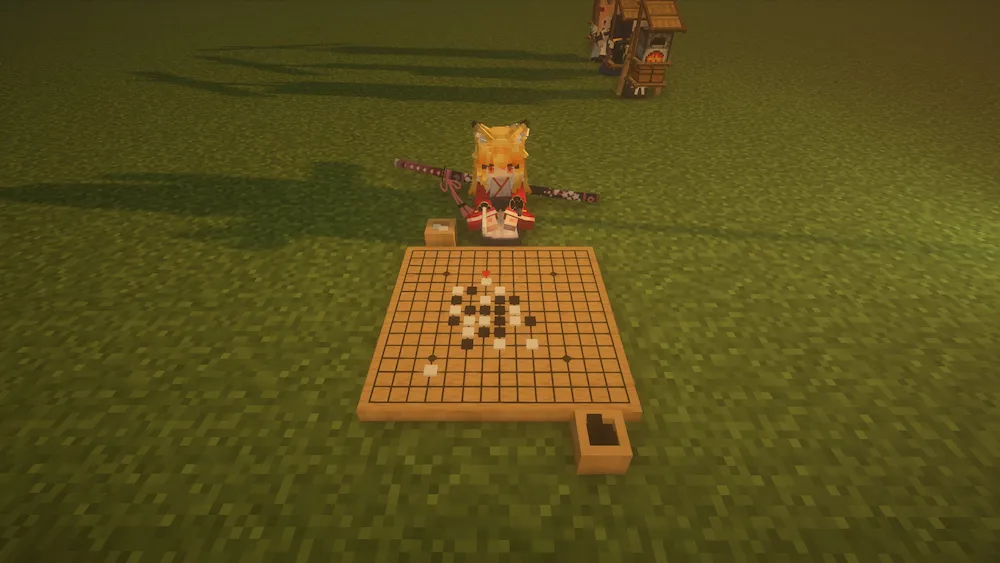
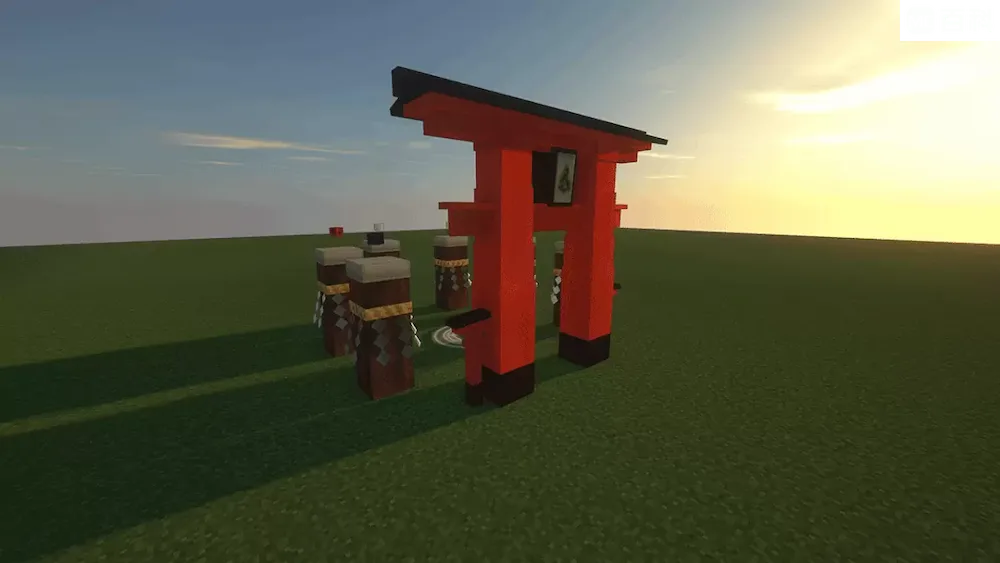
Little Maid in-game Little Maid in-game 2 Little Maid in-game 3 playing a game structure
Little Maid in-game
Little Maid in-game 2
Little Maid in-game 3
playing a game
structure

If you’re looking for a way to make your Minecraft world feel a bit more alive and helpful, Touhou Little Maid mod is a great pick. Inspired by the classic Touhou Project and the old Little Maid Mob mod, this add-on brings a bunch of cute maids into your game. They aren’t just for show, though; these maids can actually help you out with the boring stuff. You can have them fight off mobs during the night, manage your farms, or take care of other daily chores while you go out exploring.

One of the coolest things about this mod is how much you can customize it. It uses the Bedrock Edition Entity format for models, which makes it super easy to swap out how your maids look. You can find tons of custom models online or even try making your own if you’re feeling creative. It’s a solid choice if you want some company in your world that actually does work for you.


Fabric

  1. 1. Download, execute the Fabric installer, choose Client, select your Minecraft version, and click Install.
  2. 2. Download the Fabric API matching that Minecraft version.
  3. 3. Download Touhou Little Maid or any additional Fabric-compatible mods you want.
  4. 4. Place the Fabric API and all mods into .minecraft/mods folder.
  5. 5. Open the Minecraft Launcher, select the new Fabric profile, and press Play. Enjoy!

Forge

  1. 1. Download, execute the Forge installer, choose Client, and click Install.
  2. 3. Download Touhou Little Maid or any additional Forge-compatible mods you want.
  3. 4. Place all mods into .minecraft/mods folder.
  4. 5. Open the Minecraft Launcher, select the new Forge profile, and press Play. Enjoy!

NeoForge

  1. 1. Download, execute the NeoForge installer, choose Client, and click Install.
  2. 3. Download Touhou Little Maid or any additional NeoForge-compatible mods you want.
  3. 4. Place all mods into .minecraft/mods folder.
  4. 5. Open the Minecraft Launcher, select the new NeoForge profile, and press Play. Enjoy!

Download Touhou Little Maid Mod

Type Game version File version Loaders Download
R Release
1.21.1 v1.4.6
NeoForge
File
R Release
1.20.1 v1.4.6
Forge
File
R Release
1.19.2 v1.2.2
Forge
File
R Release
1.18.2 v1.2.2
Forge
File
R Release
1.16.5 v1.1.7
Forge
File

Touhou Little Maid Minecraft Mod

5 files • 1.21.1, 1.20.1, 1.19.2, 1.18.2

Download