logo responsive
/

Spelunkery Minecraft Mod

1.20.1, 1.19.2

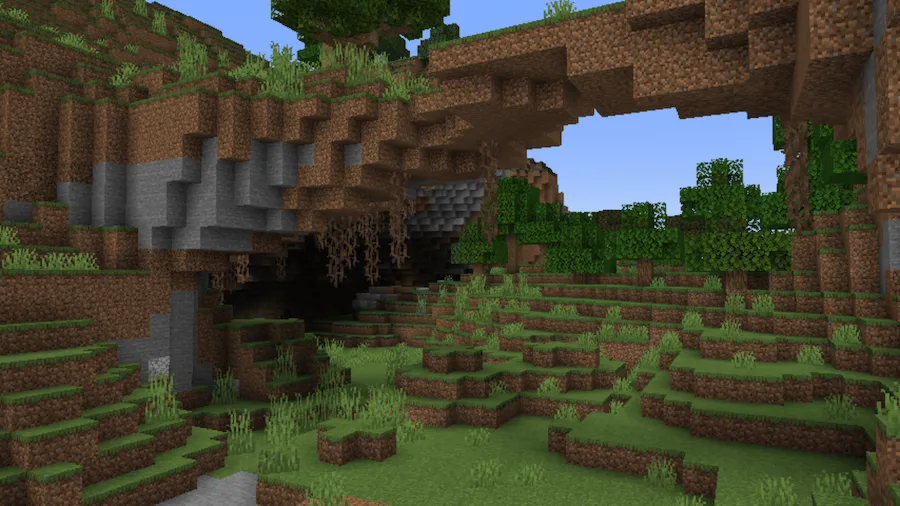
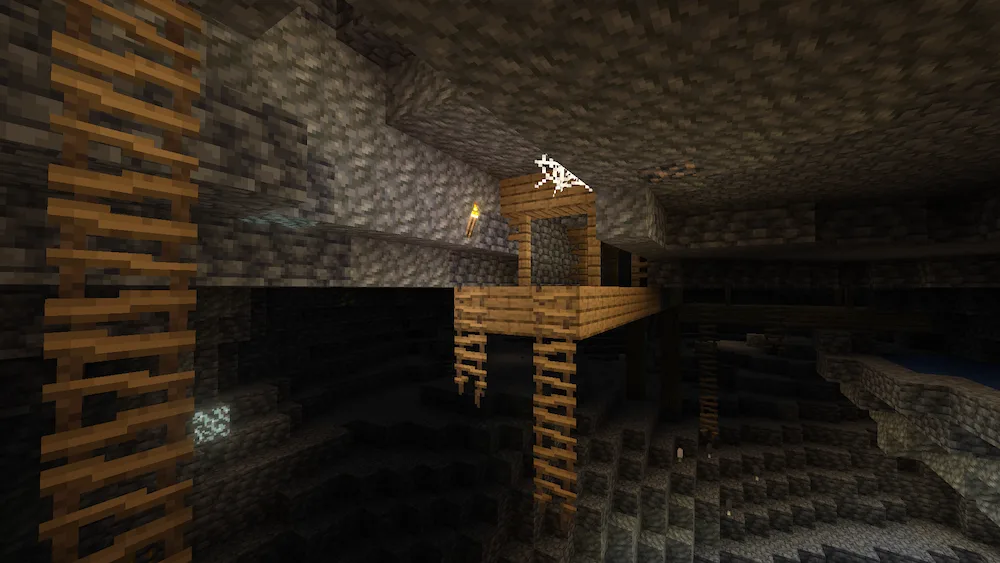
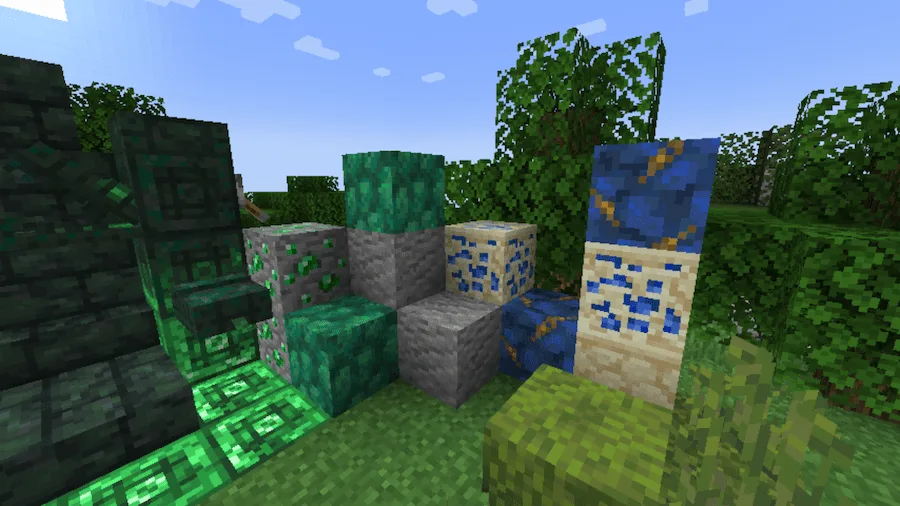
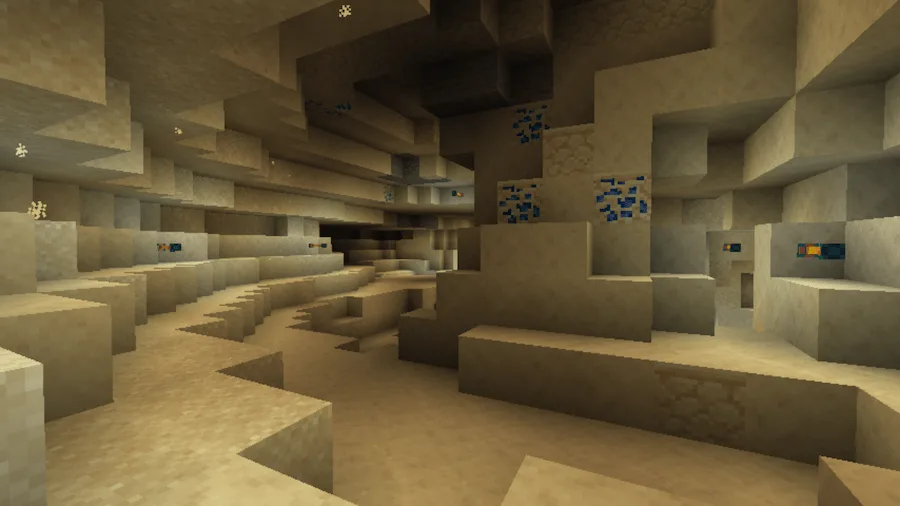
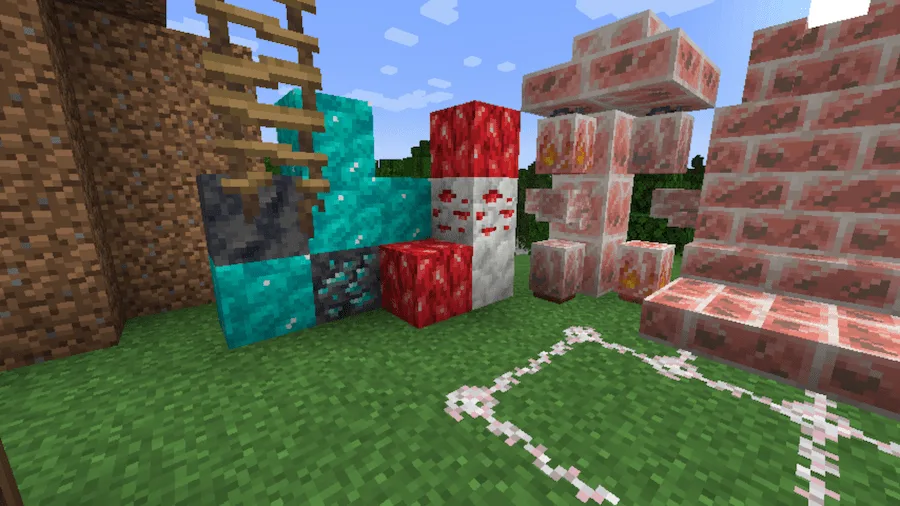
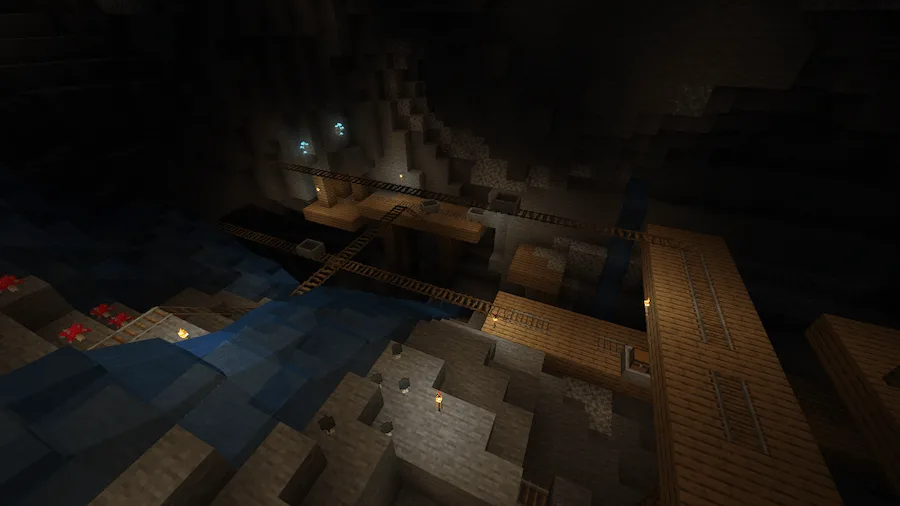
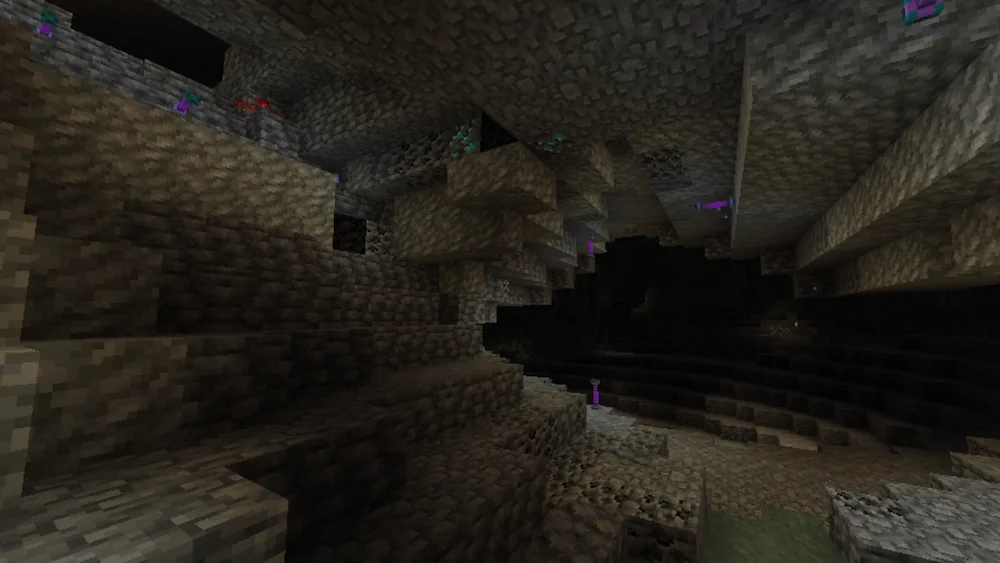
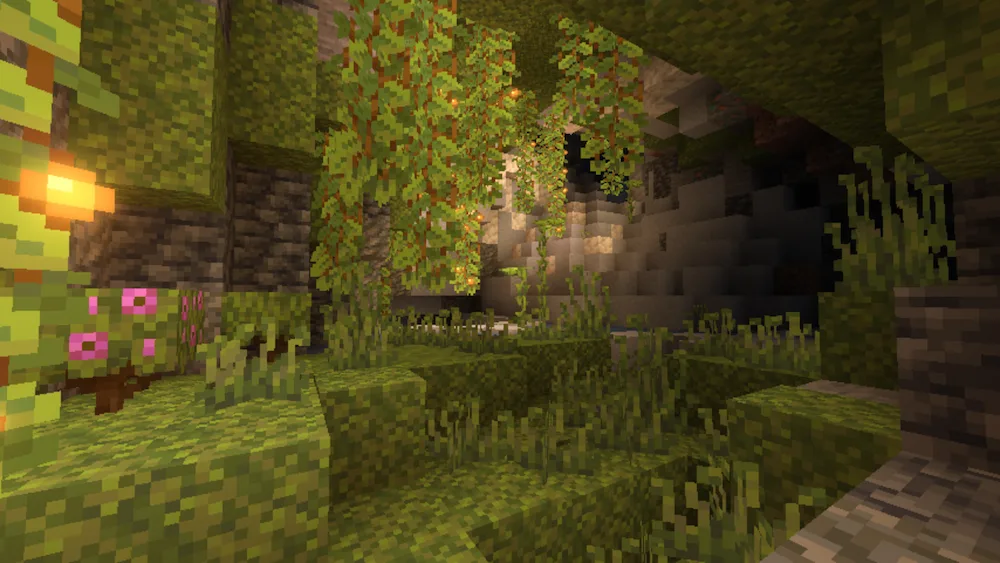
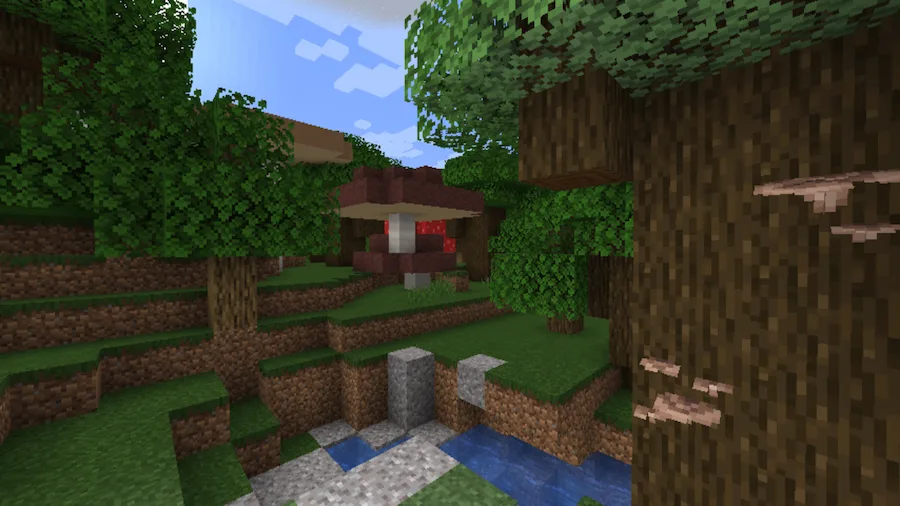
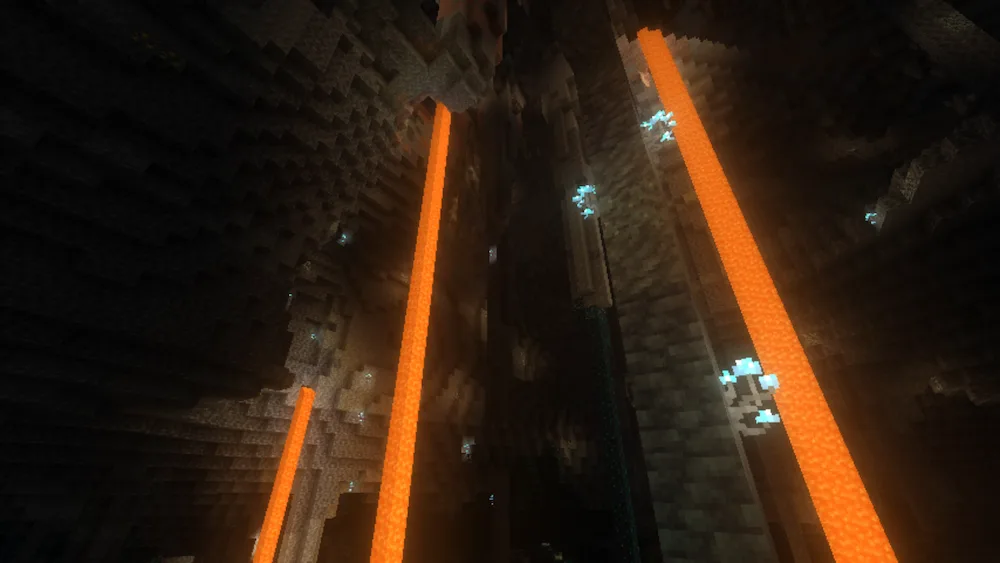
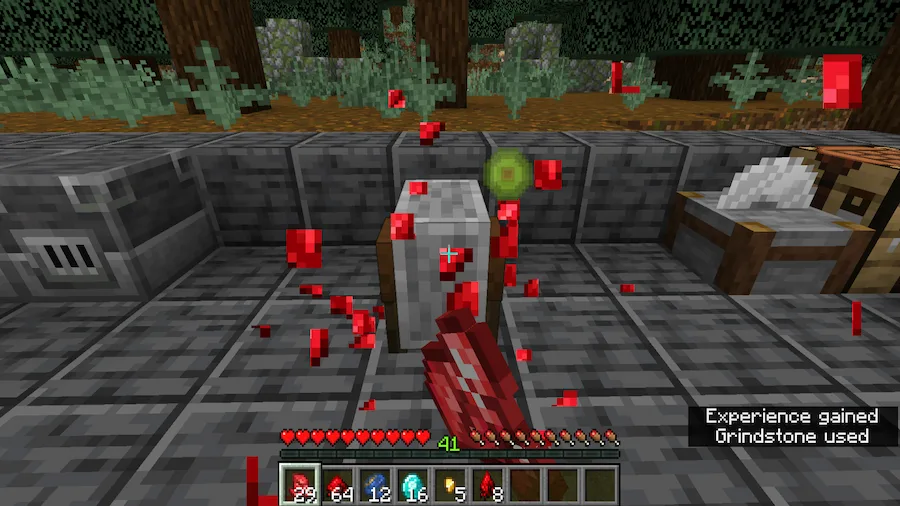
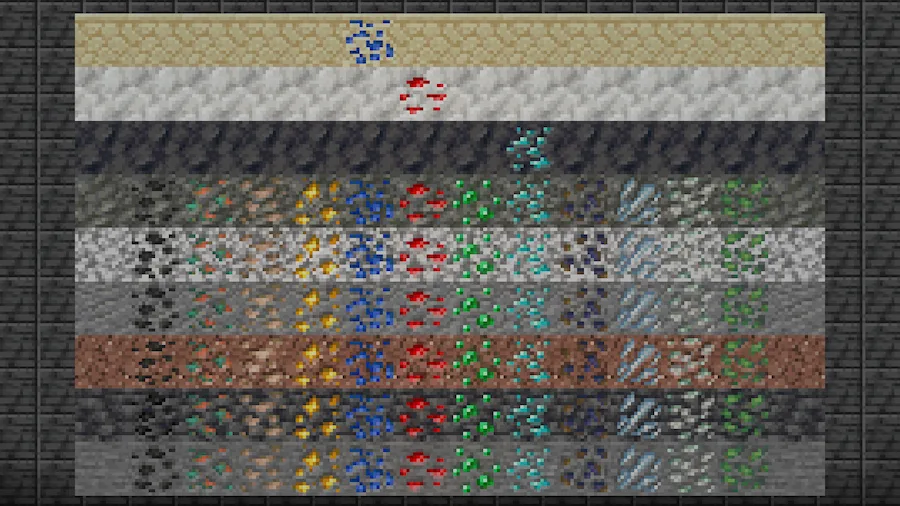
Tangle Roots stairs to mine Various Features 2 Lapis Ore Vein Various Features 1 Wooden Rails Coal Vein Lush Cave Huge Portabella Phosphor Fungi To tweak material progression to enhance the experience of mining. all of the variant ore diamond block natural generation
Tangle Roots
stairs to mine
Various Features 2
Lapis Ore Vein
Various Features 1
Wooden Rails
Coal Vein
Lush Cave
Huge Portabella
Phosphor Fungi
To tweak material progression to enhance the experience of mining.
all of the variant ore
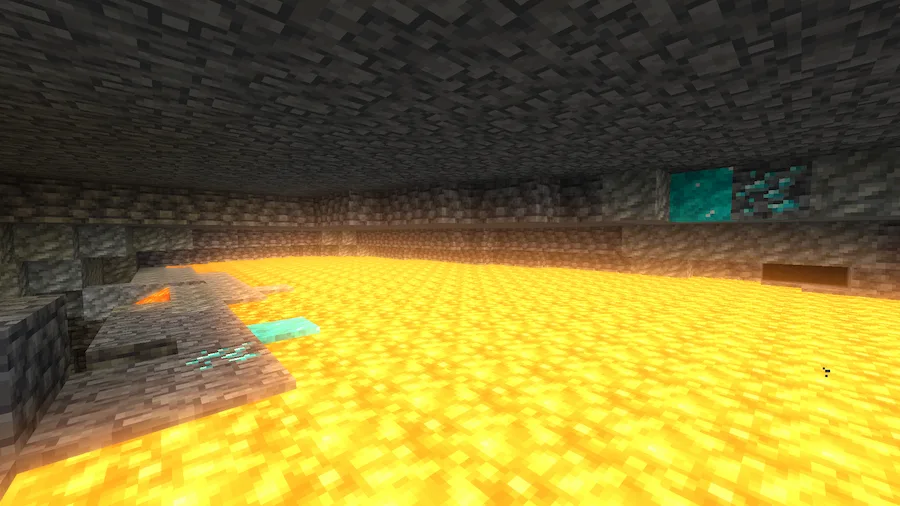
diamond block natural generation

Ever get bored of the same old Minecraft mining? The Spelunkery mod is here to totally fix that and make heading underground feel fun again. This mod has three big goals to seriously boost your caving and mining experience. First, it completely tweaks the way material progression works, which means finding and using new ores will feel way more rewarding than before.

Second, the mod works hard to make sure no two caves look exactly alike by adding tons of new landmarks, cool points of interest, and different ways that ores generate. This means you’ll always find something new and interesting every time you go exploring. Finally, it throws in a bunch of novel and useful tools designed specifically to make mining and caving way more exciting and less repetitive. It’s the perfect mod if you want to fall back in love with spending time beneath the surface.


Fabric

  1. 1. Download, execute the Fabric installer, choose Client, select your Minecraft version, and click Install.
  2. 2. Download the Fabric API matching that Minecraft version.
  3. 3. Download Spelunkery or any additional Fabric-compatible mods you want.
  4. 4. Place the Fabric API and all mods into .minecraft/mods folder.
  5. 5. Open the Minecraft Launcher, select the new Fabric profile, and press Play. Enjoy!

Forge

  1. 1. Download, execute the Forge installer, choose Client, and click Install.
  2. 3. Download Spelunkery or any additional Forge-compatible mods you want.
  3. 4. Place all mods into .minecraft/mods folder.
  4. 5. Open the Minecraft Launcher, select the new Forge profile, and press Play. Enjoy!

NeoForge

  1. 1. Download, execute the NeoForge installer, choose Client, and click Install.
  2. 3. Download Spelunkery or any additional NeoForge-compatible mods you want.
  3. 4. Place all mods into .minecraft/mods folder.
  4. 5. Open the Minecraft Launcher, select the new NeoForge profile, and press Play. Enjoy!

Download Spelunkery Mod

Type Game version File version Loaders Download
R Release
1.20.1 v0.3.16
Forge
File
R Release
1.19.2 v0.2.6
Forge
File

Spelunkery Minecraft Mod

2 files • 1.20.1, 1.19.2

Download