logo responsive
/

Shine Minecraft Mod

26.2, 26.1.2, 1.21.11

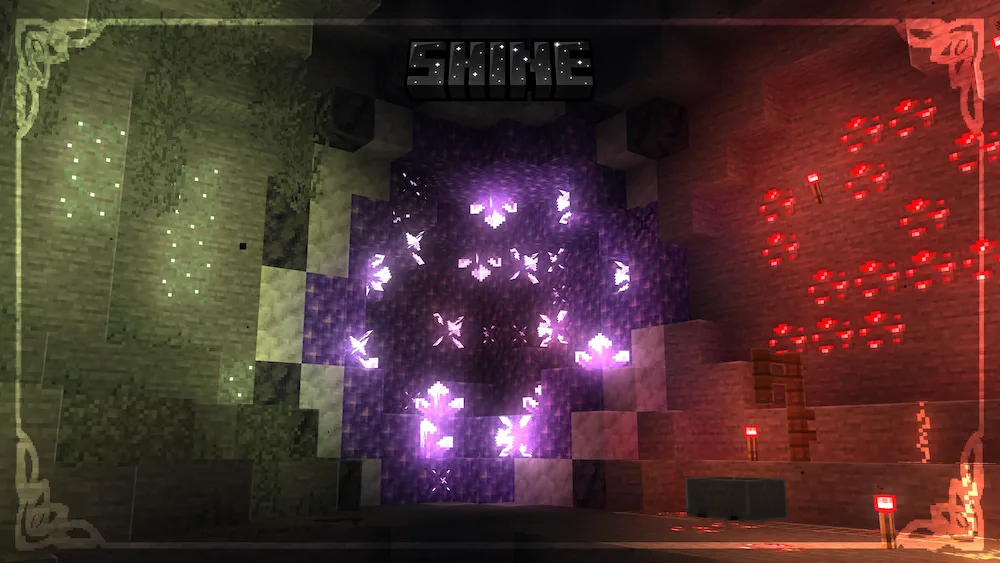
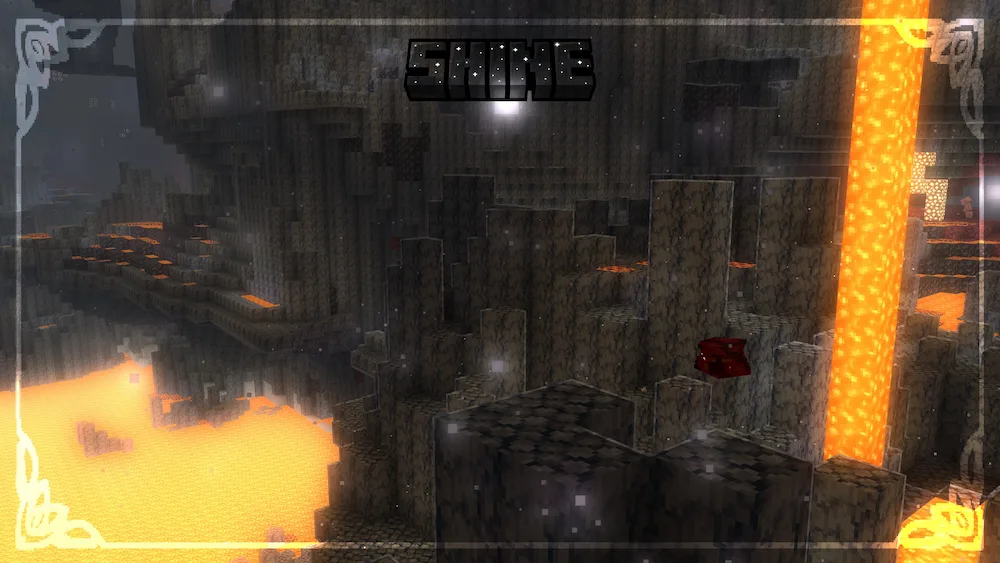
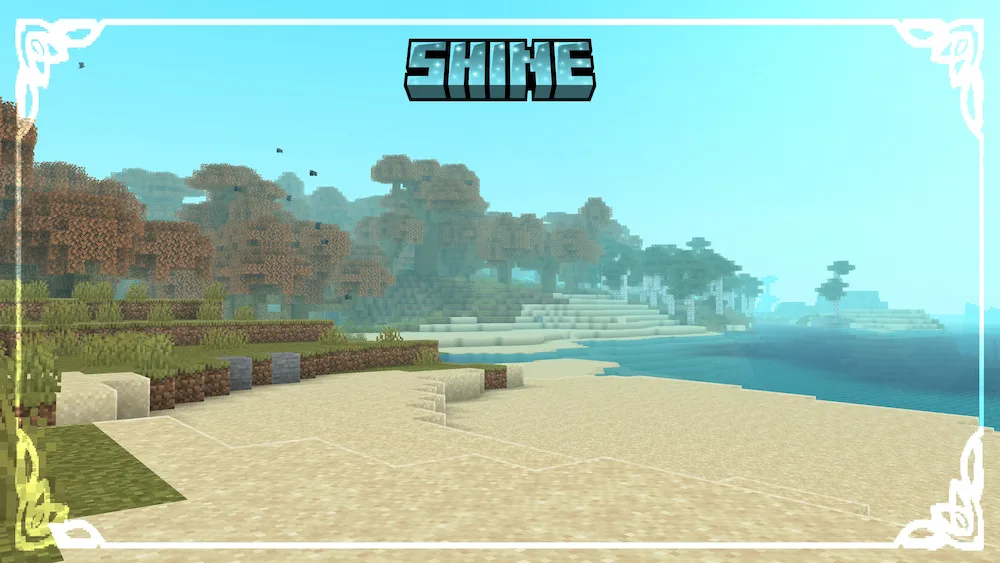
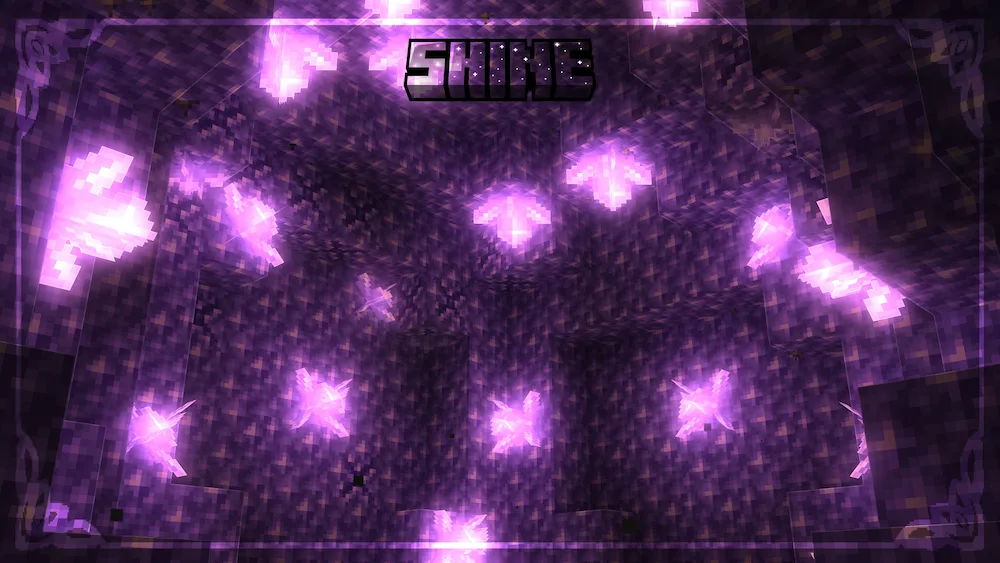
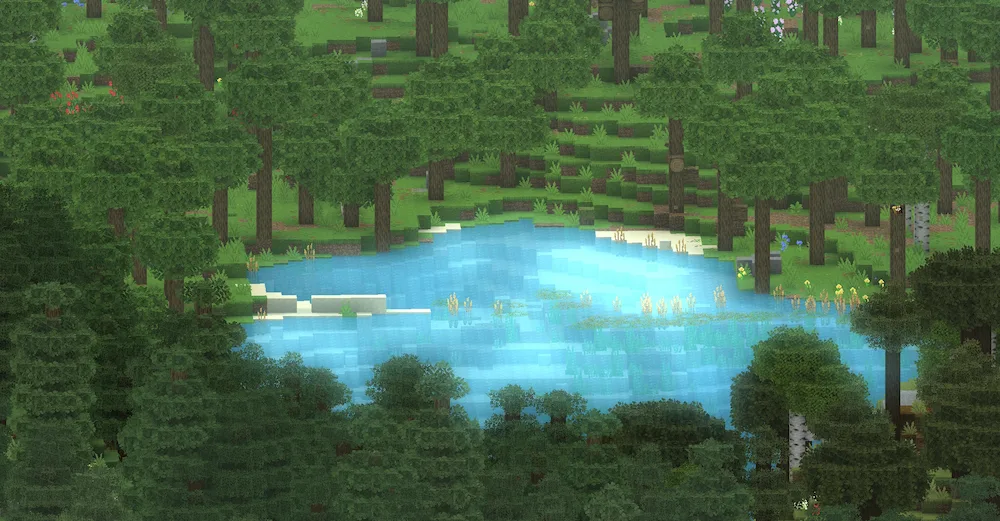
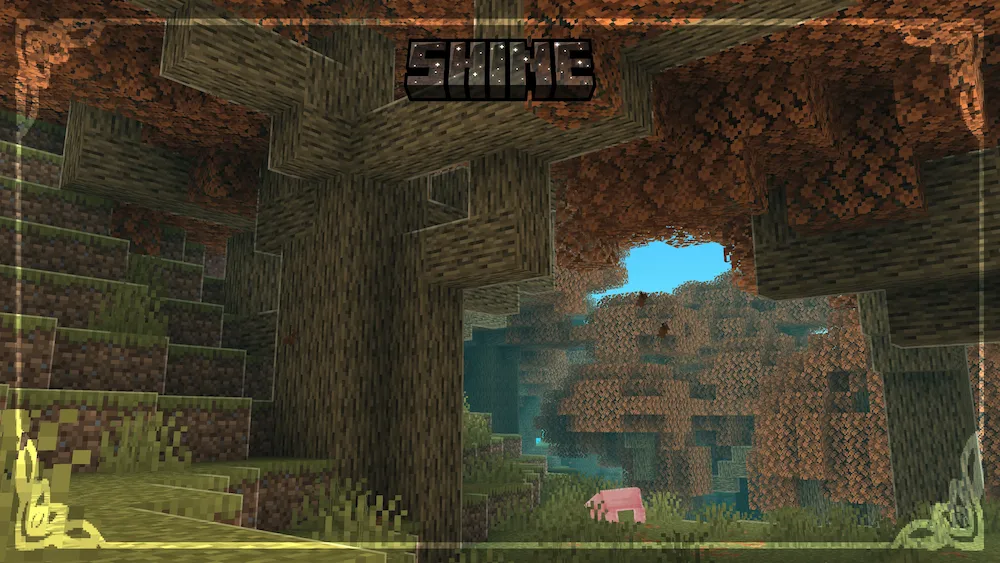
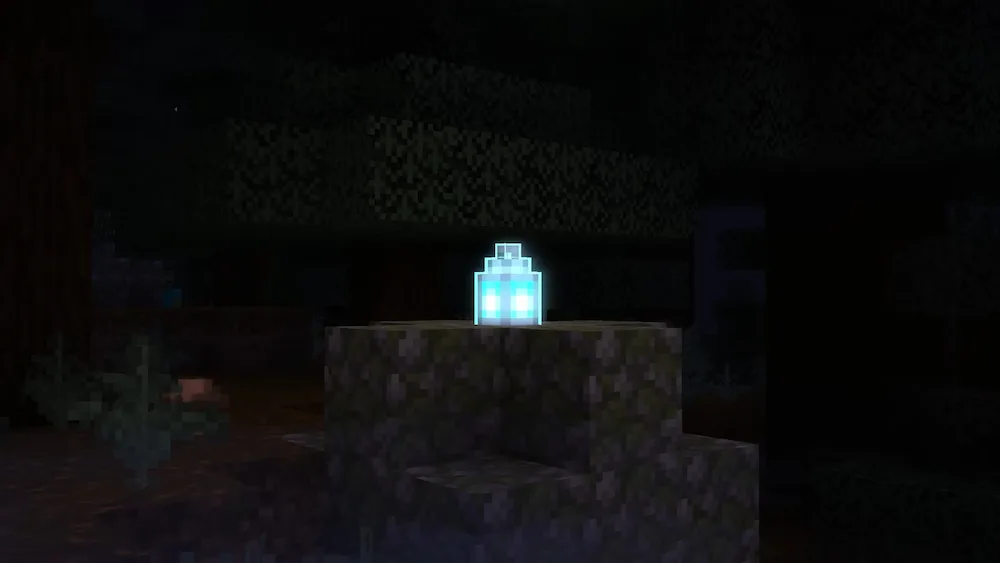
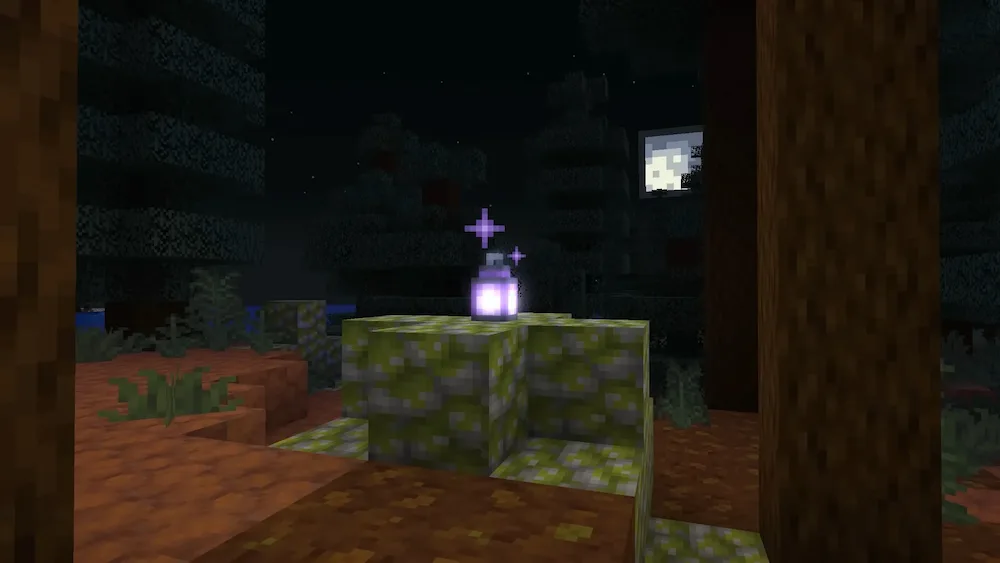
dinamic ligths nether ligths beach amethyst ligths Sculk lake forest at day soul lanterna purple lantern
dinamic ligths
nether ligths
beach
amethyst ligths
Sculk
lake
forest at day
soul lanterna
purple lantern

If you want Minecraft to look more atmospheric without using a heavy shader pack, Shine is one of the best lightweight visual mods to try. This client-side mod adds shader-like effects to vanilla Minecraft while keeping performance smooth, making it a great option for low end PCs or players who want better visuals without losing FPS. Instead of replacing the entire rendering system like traditional shaders, Shine uses optimized effects such as selective bloom, vibrant colored lighting, and glowing emissive blocks to make torches, lanterns, glow squid ink, and other light sources look much more alive.

What makes Shine stand out is how customizable it feels. You can enable crisp rim lighting to create clear outlines around blocks, turn off standard shading for a clean cel-shaded style, or adjust the bloom effect directly from the in-game editor. The mod also includes Sodium support for smoother gameplay, making it a strong shader alternative for players who care about both visuals and performance. If you want a beautiful Minecraft atmosphere without melting your PC, Shine is a simple but powerful upgrade.

Best for: Players who want shader-like visuals with better FPS.
Loader: Fabric, NeoForge
Performance Impact: Low
Recommended with: Sodium


Fabric

  1. 1. Download, execute the Fabric installer, choose Client, select your Minecraft version, and click Install.
  2. 2. Download the Fabric API matching that Minecraft version.
  3. 3. Download Shine or any additional Fabric-compatible mods you want.
  4. 4. Place the Fabric API and all mods into .minecraft/mods folder.
  5. 5. Open the Minecraft Launcher, select the new Fabric profile, and press Play. Enjoy!

Forge

  1. 1. Download, execute the Forge installer, choose Client, and click Install.
  2. 3. Download Shine or any additional Forge-compatible mods you want.
  3. 4. Place all mods into .minecraft/mods folder.
  4. 5. Open the Minecraft Launcher, select the new Forge profile, and press Play. Enjoy!

NeoForge

  1. 1. Download, execute the NeoForge installer, choose Client, and click Install.
  2. 3. Download Shine or any additional NeoForge-compatible mods you want.
  3. 4. Place all mods into .minecraft/mods folder.
  4. 5. Open the Minecraft Launcher, select the new NeoForge profile, and press Play. Enjoy!

Download Shine Mod

Type Game version File version Loaders Download
R Release
26.2 v3.0.1
Fabric
File
R Release
26.1.x v2.0.0
Fabric
File
R Release
1.21.11 v3.0.1
Fabric
File
R Release
1.21.1 v1.0.0
Fabric
File
B Beta
1.21.1 v2.0.2
NeoForge
File

Shine Minecraft Mod

5 files • 26.2, 26.1.2, 1.21.11

Download