logo responsive
/

Rechiseled Minecraft Mod

1.21.8, 1.20.6, 1.19.4, 1.18.2

Vanilla block variants Decorative stone Blocks stone path Decorative Wood Blocks Chiseling Screen
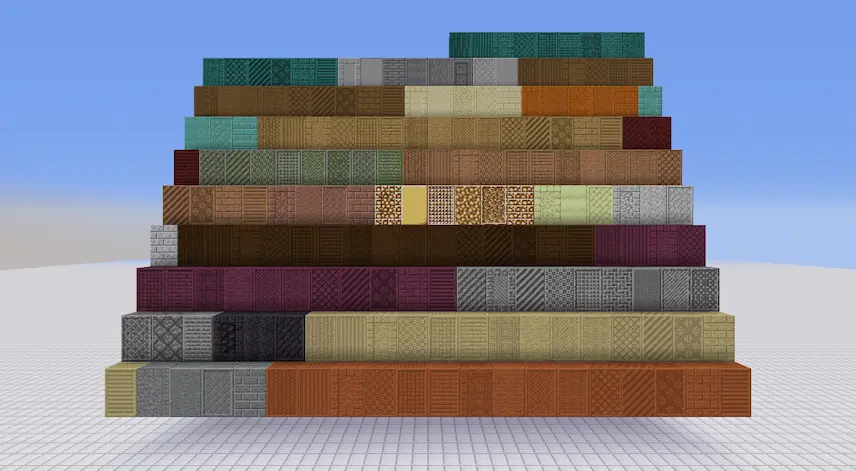
Vanilla block variants
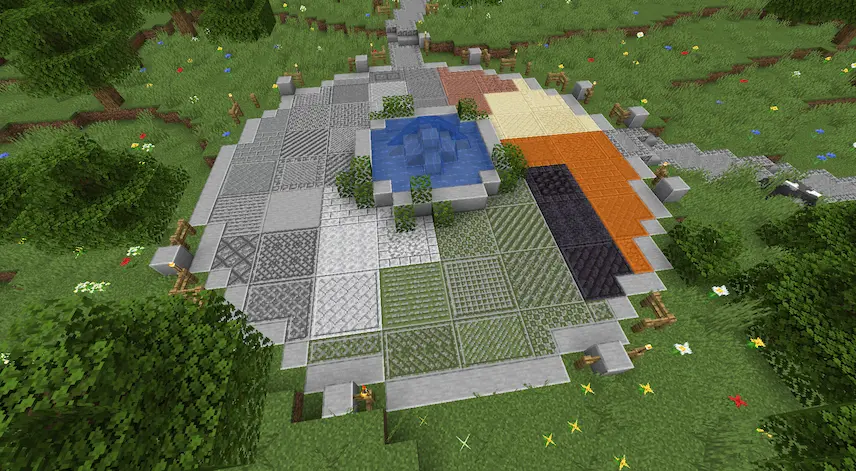
Decorative stone Blocks
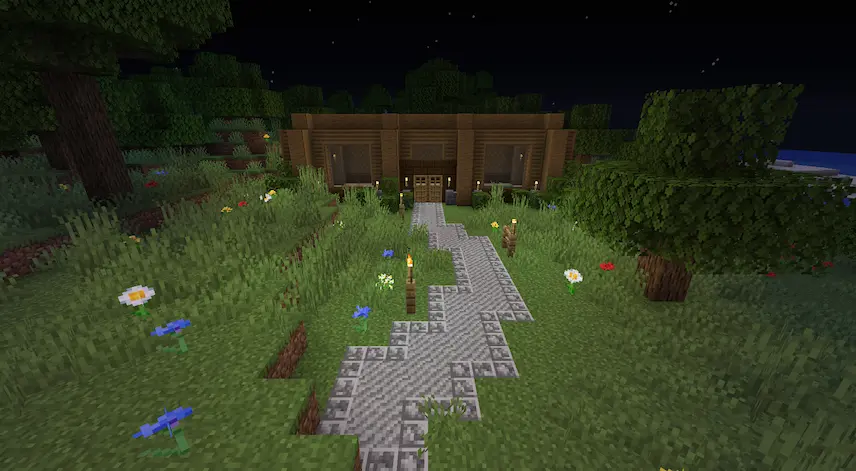
stone path
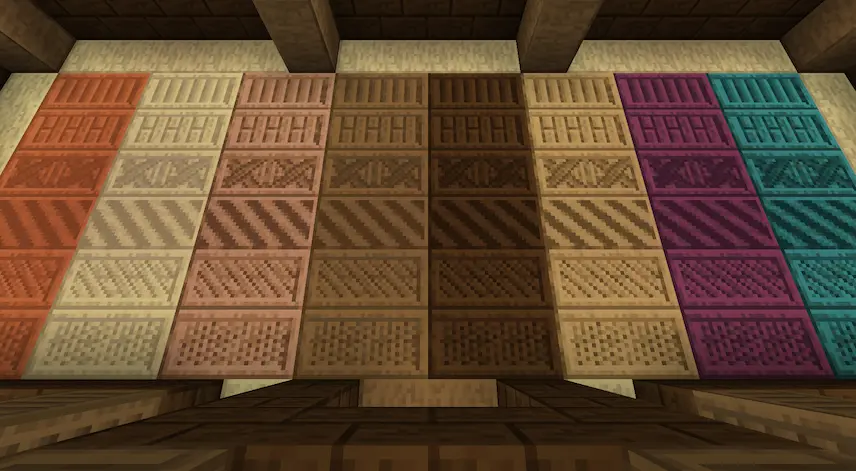
Decorative Wood Blocks

Chiseling Screen

Rechiseled is a Minecraft mod that brings over 600 decorative block variants to the game, letting you transform vanilla blocks into detailed designs with ease. Whether you’re building a house, a castle, or a custom world, this mod makes it easy to customize your structures using smooth connected textures and a wide variety of styles. The mod supports seamless texture connections, which gives builds a polished and professional look without needing complex setups.

Using the chiseling screen, you can preview your block designs as a single block, a row, or a 3×3 layout, making it simple to see how everything will look before placing it. You can also toggle between connected and non-connected textures and use a helpful feature that lets you automatically chisel all matching blocks in your inventory. If you’re into building or just want more decorative options, Rechiseled is the perfect Minecraft mod to expand your creative possibilities.


Fabric

  1. 1. Download, execute the Fabric installer, choose Client, select your Minecraft version, and click Install.
  2. 2. Download the Fabric API matching that Minecraft version.
  3. 3. Download Rechiseled or any additional Fabric-compatible mods you want.
  4. 4. Place the Fabric API and all mods into .minecraft/mods folder.
  5. 5. Open the Minecraft Launcher, select the new Fabric profile, and press Play. Enjoy!

Forge

  1. 1. Download, execute the Forge installer, choose Client, and click Install.
  2. 3. Download Rechiseled or any additional Forge-compatible mods you want.
  3. 4. Place all mods into .minecraft/mods folder.
  4. 5. Open the Minecraft Launcher, select the new Forge profile, and press Play. Enjoy!

NeoForge

  1. 1. Download, execute the NeoForge installer, choose Client, and click Install.
  2. 3. Download Rechiseled or any additional NeoForge-compatible mods you want.
  3. 4. Place all mods into .minecraft/mods folder.
  4. 5. Open the Minecraft Launcher, select the new NeoForge profile, and press Play. Enjoy!

Download Rechiseled Mod

Type Game version File version Loaders Download
R Release
1.21.8 v1.1.6b
Fabric
File
R Release
1.21.8 v1.1.6b
Forge
File
R Release
1.21.8 v1.1.6b
NeoForge
File
R Release
1.21.7 v1.1.6b
Fabric
File
R Release
1.21.7 v1.1.6b
Forge
File
R Release
1.21.7 v1.1.6b
NeoForge
File
R Release
1.21.6 v1.1.6b
Fabric
File
R Release
1.21.6 v1.1.6b
Forge
File
R Release
1.21.6 v1.1.6b
NeoForge
File
R Release
1.21.5 v1.1.6
Fabric
File
R Release
1.21.5 v1.1.6
Forge
File
R Release
1.21.5 v1.1.6
NeoForge
File
R Release
1.21.4 v1.1.6a
Fabric
File
R Release
1.21.4 v1.1.6a
Forge
File
R Release
1.21.4 v1.1.6a
NeoForge
File
R Release
1.21.1 v1.1.6a
Fabric
File
R Release
1.21.1 v1.1.6a
Forge
File
R Release
1.21.1 v1.1.6a
NeoForge
File
R Release
1.20.6 v1.1.6a
Fabric
File
R Release
1.20.6 v1.1.6a
Forge
File
R Release
1.20.6 v1.1.6a
NeoForge
File
R Release
1.20.4 v1.1.5b
Fabric
File
R Release
1.20.4 v1.1.5b
Forge
File
R Release
1.20.4 v1.1.5b
NeoForge
File
R Release
1.20.1 v1.1.6
Fabric
File
R Release
1.20.1 v1.1.6
Forge
File
R Release
1.19.4 v1.1.6
Fabric
File
R Release
1.19.4 v1.1.6
Forge
File
R Release
1.19.2 v1.1.6
Fabric
File
R Release
1.19.2 v1.1.6
Forge
File
R Release
1.18.2 v1.1.6
Fabric
File
R Release
1.18.2 v1.1.6
Forge
File
R Release
1.17.1 v1.1.6
Forge
File
R Release
1.16.5 v1.1.6
Forge
File

Rechiseled Minecraft Mod

34 files • 1.21.8, 1.20.6, 1.19.4, 1.18.2

Download