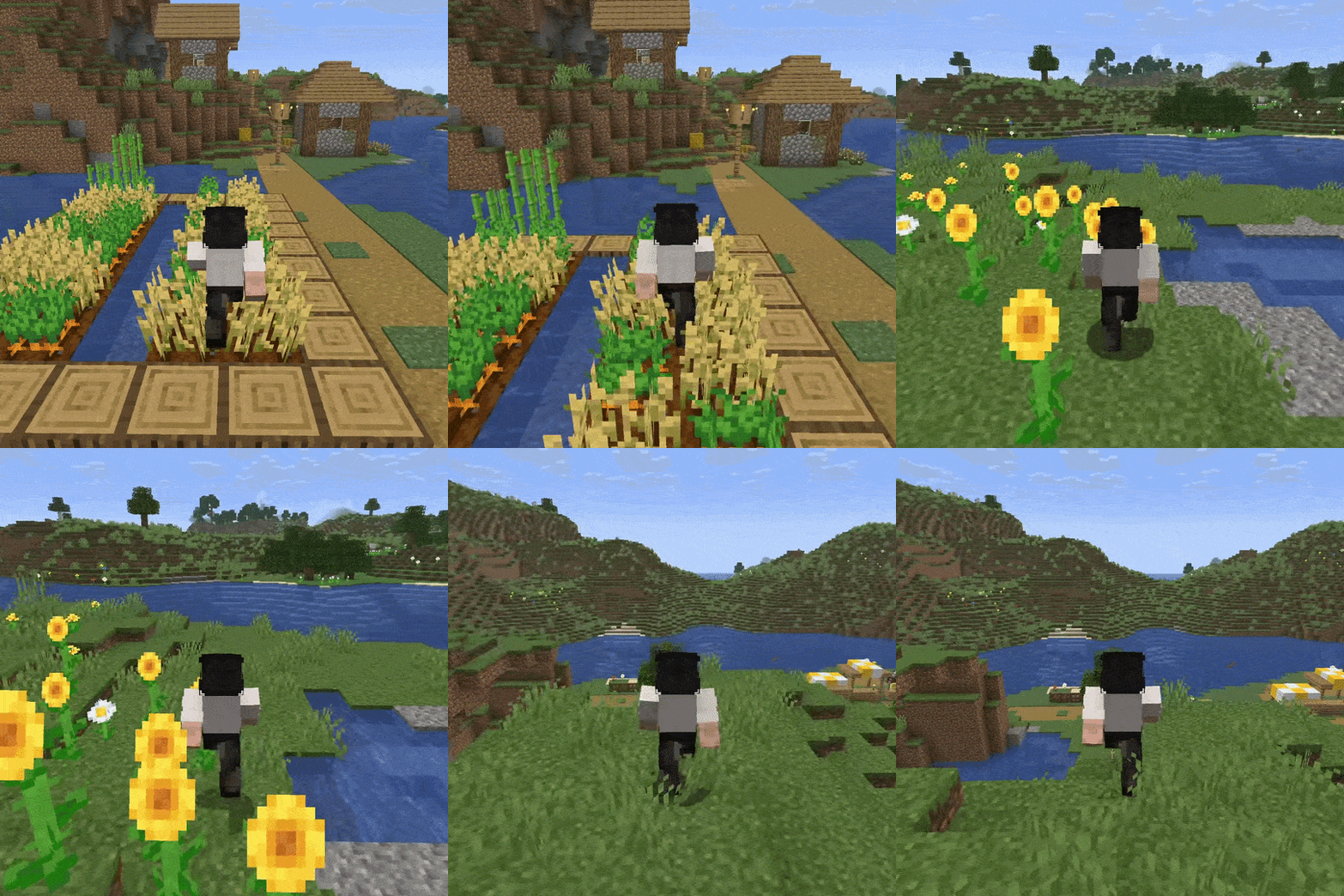
Interactive Foliage is a lightweight Minecraft mod that makes the world feel more alive by adding natural movement to grass, flowers, crops, and other vegetation. Instead of remaining completely static, nearby plants gently bend and sway as players, animals, and other entities move through them, creating a more immersive and dynamic environment while preserving Minecraft’s familiar vanilla style.
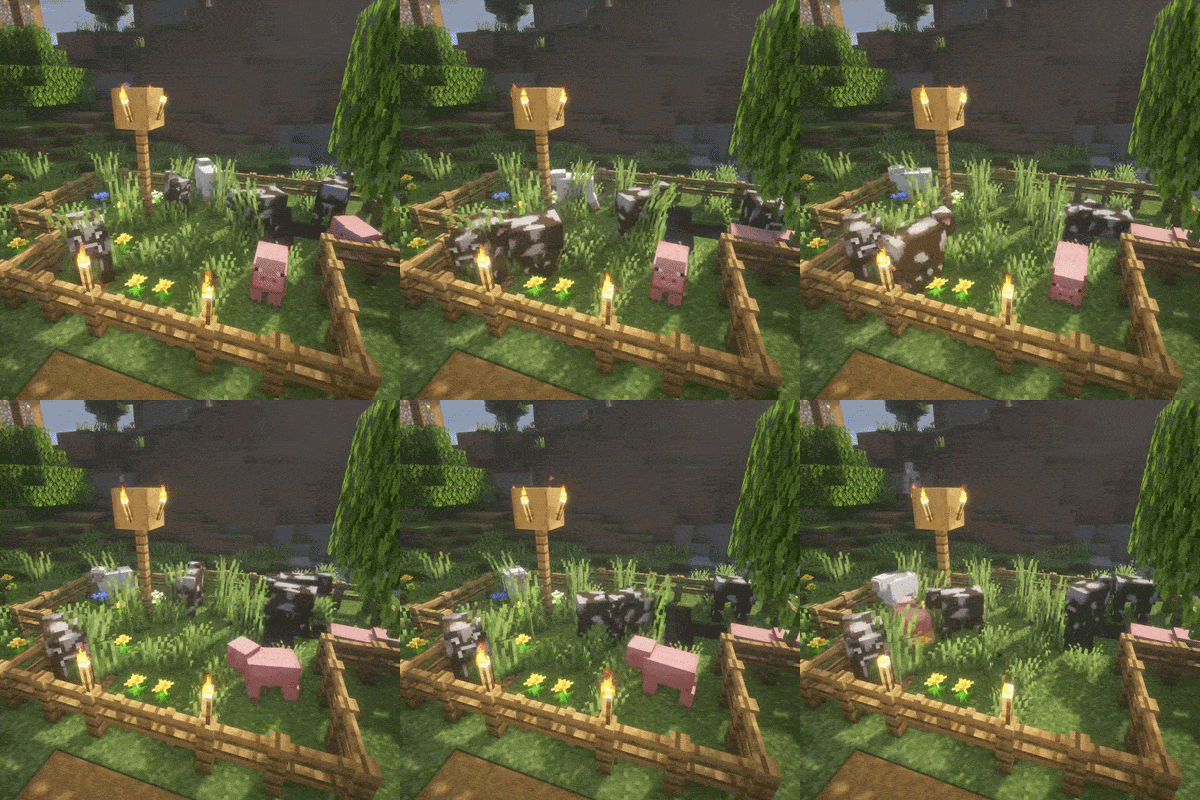
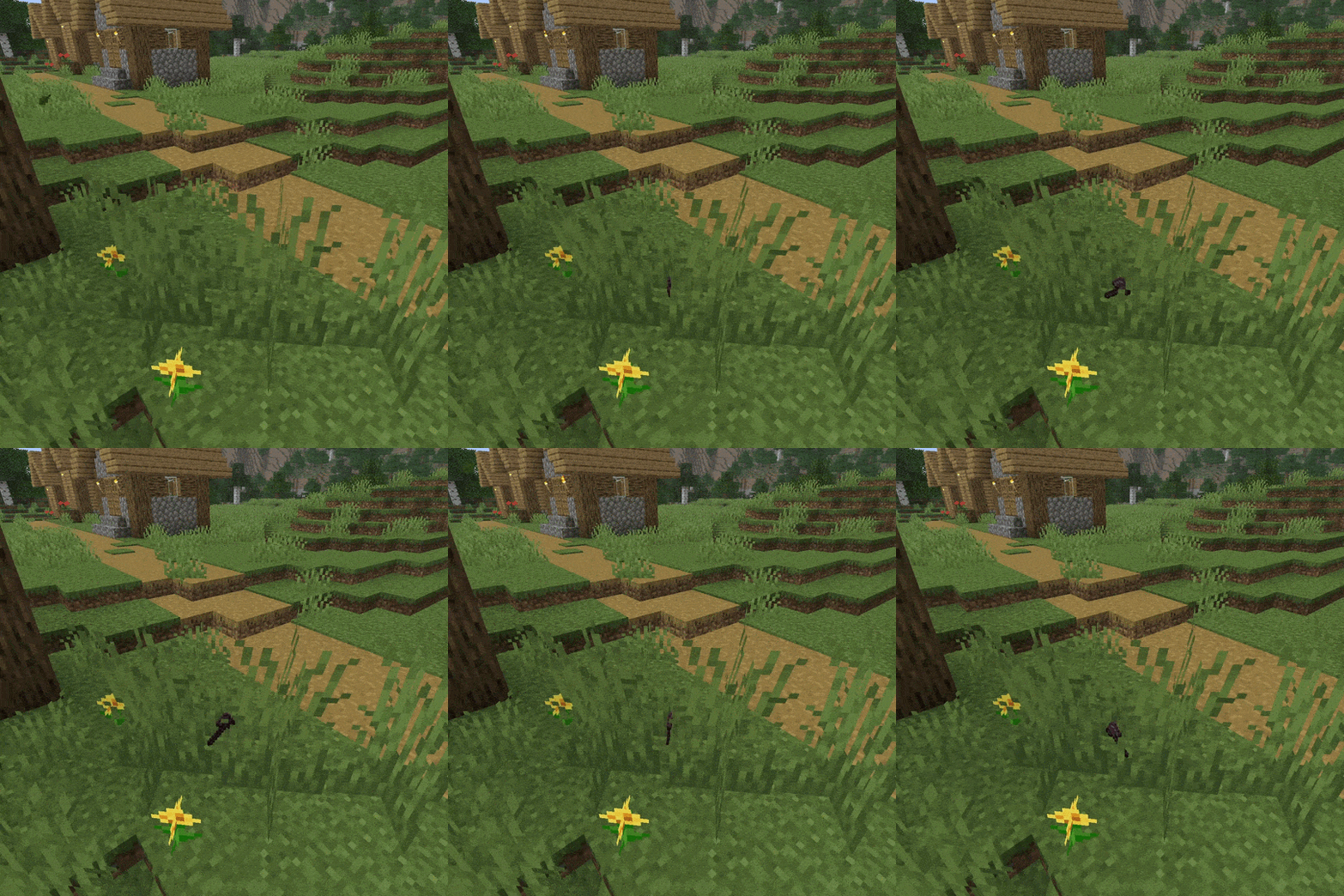
One of the mod’s standout features is that the world reacts to more than just the player. Animals naturally push through tall grass and flowers as they wander, while even dropped items can cause nearby foliage to move. These subtle environmental interactions make forests, plains, farms, and gardens feel much more responsive, adding life to everyday exploration without changing the core gameplay.
Unlike many foliage physics solutions that rely on specialized shader packs, Interactive Foliage performs its animations directly through Minecraft’s rendering pipeline. This allows it to work seamlessly with vanilla rendering, Sodium, Iris, and most popular shader packs without requiring additional visual mods or complicated setup. Simply install the mod and enjoy realistic vegetation movement right away.
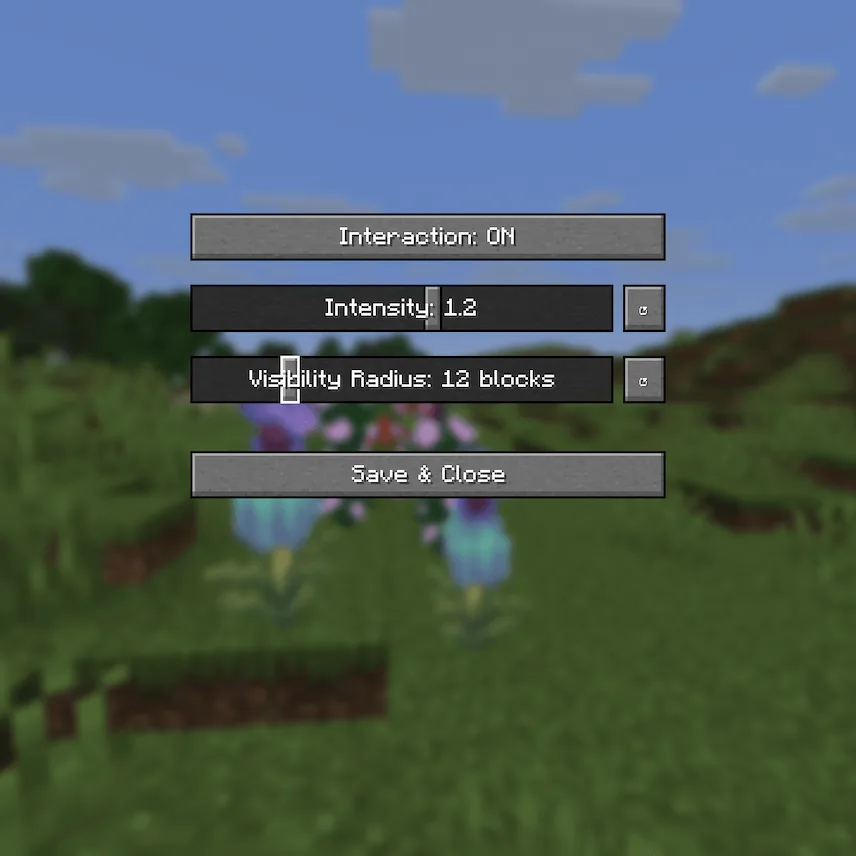
Despite its visual improvements, Interactive Foliage is designed with performance in mind. Using optimized rendering techniques and selective updates, the mod only animates plants when interactions actually occur, keeping the effect lightweight and suitable for a wide range of hardware and modpacks. Players can also fully customize the experience through an in-game configuration menu, adjusting options such as interaction radius, movement strength, and performance settings to match their preferences.
If you are looking for a Minecraft immersion mod that adds realistic foliage physics, dynamic vegetation, and subtle environmental interactions without sacrificing performance or compatibility, Interactive Foliage is an excellent addition to any survival or vanilla-plus world.






 Tags
Tags