logo responsive
/

Gnumus Settlement Minecraft Mod

1.20.1, 1.19.4, 1.18.2

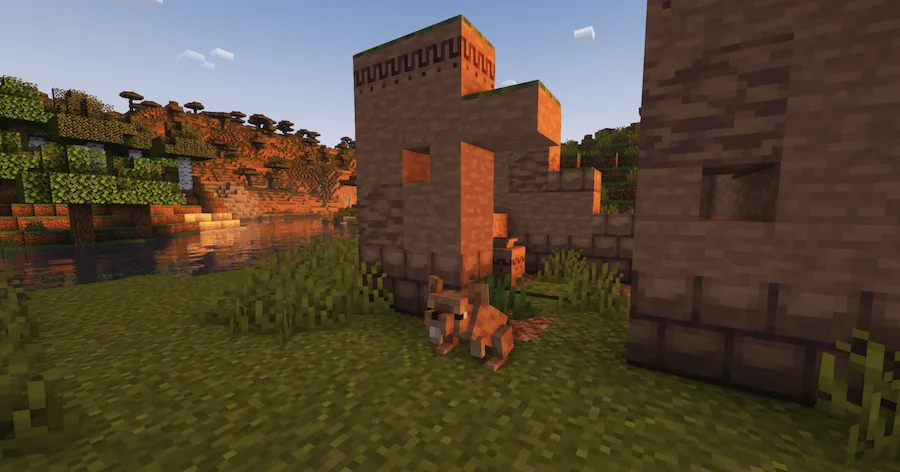
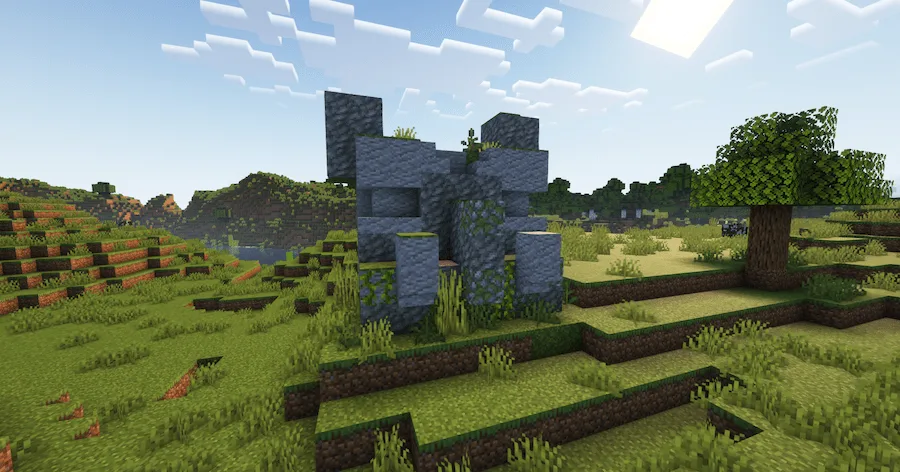
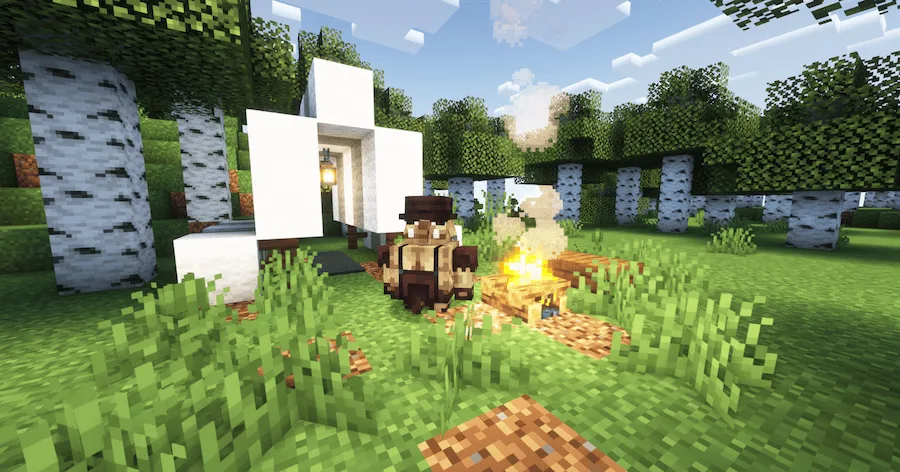
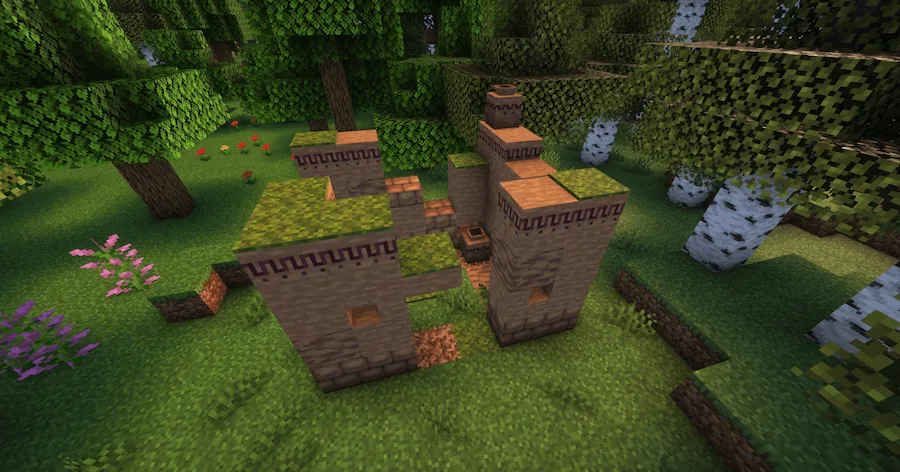
Gnumus Camp Large Gnumus Settlement Gnumus Settlement Gnumus Farm Gnumus Ruins Gnumus Statue Trader's Rest Gnumus Ruins structure Big Snout mob
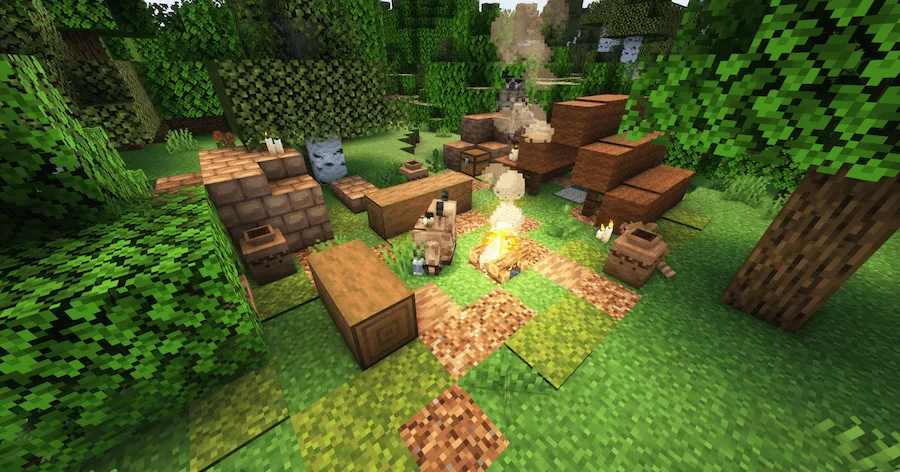
Gnumus Camp
Large Gnumus Settlement
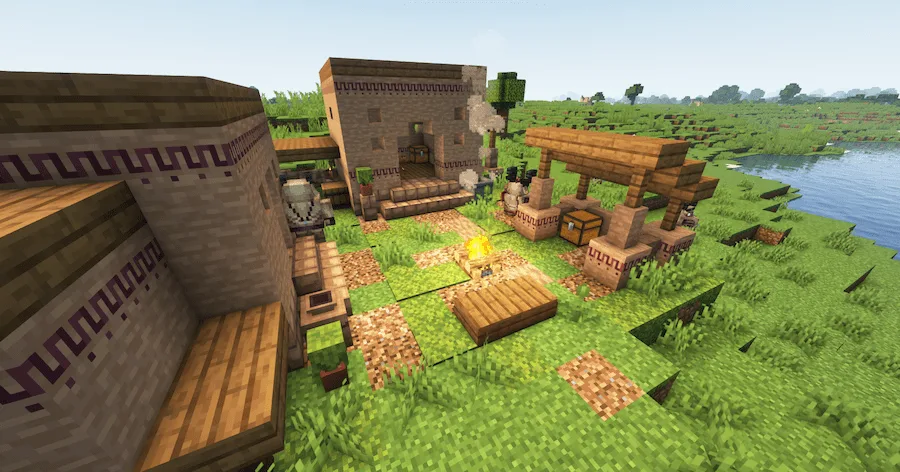
Gnumus Settlement
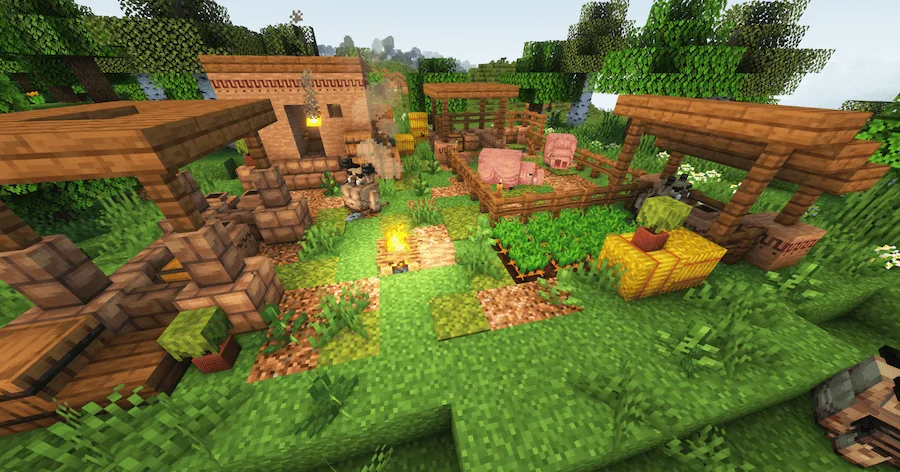
Gnumus Farm
Gnumus Ruins
Gnumus Statue
Trader's Rest
Gnumus Ruins structure
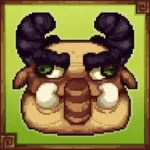
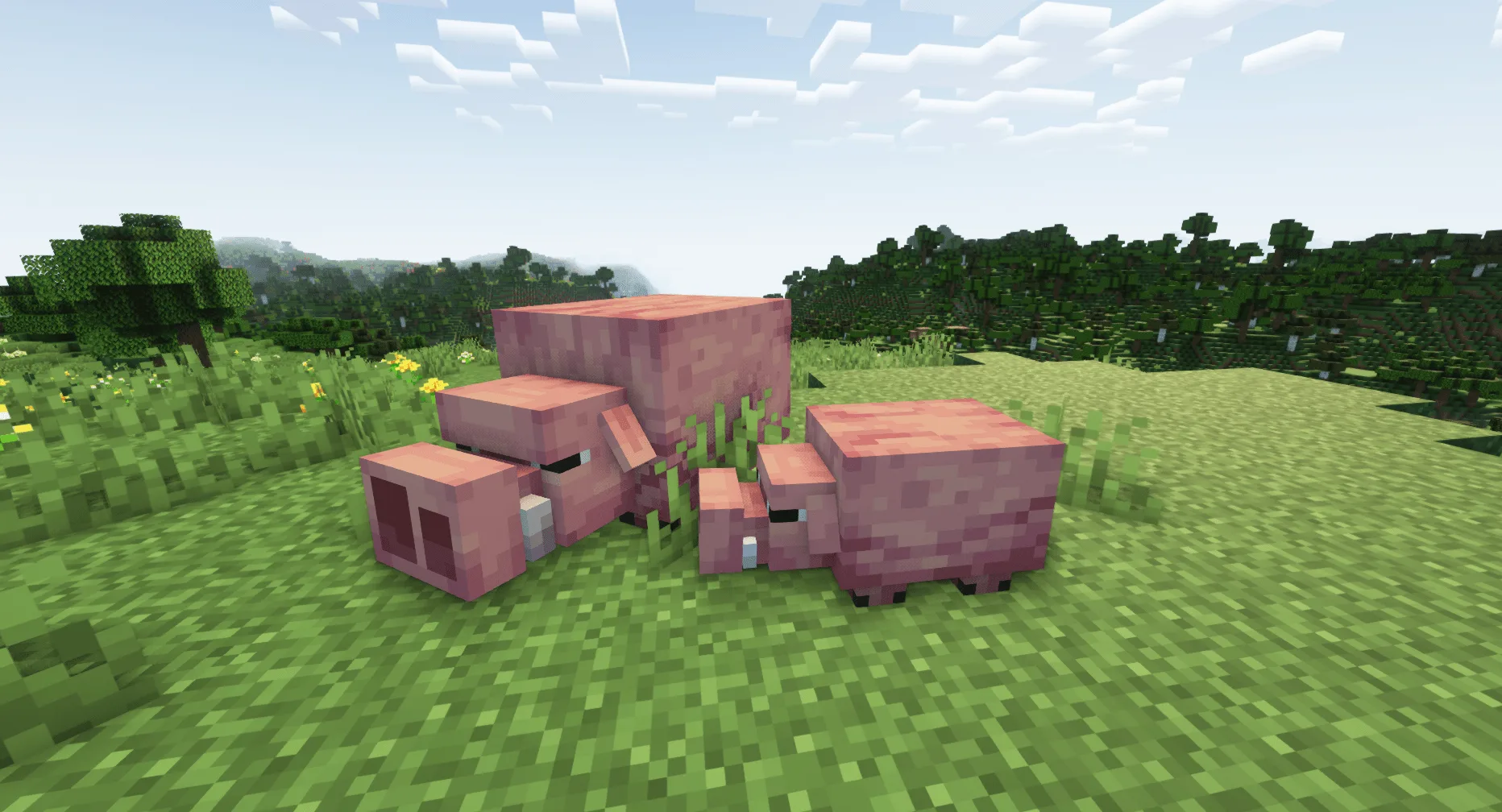
Big Snout mob

Tired of exploring a lonely world? Say goodbye to emptiness, because the Gnumus Settlement mod is here to spice things up! This awesome mod drops a ton of cool stuff into your game, making it feel way more alive. You’ll stumble upon new structures and even entire little settlements popping up all over the place. The best part? They blend right in, even if you’re using other biome mods—no conflict, just more adventure! Plus, this mod brings in some quirky new mobs to interact with.

But it’s not just about looks and new faces. Gnumus Settlement also packs in a bunch of useful new items and decorative blocks to play with. Whether you’re looking for gear to help you survive a tough night or just need something fresh to jazz up your base, this mod has your back. It’s the perfect way to make your Minecraft world feel bigger, more dangerous, and definitely more interesting. Trust us, your next exploration needs this!


Fabric

  1. 1. Download, execute the Fabric installer, choose Client, select your Minecraft version, and click Install.
  2. 2. Download the Fabric API matching that Minecraft version.
  3. 3. Download Gnumus Settlement or any additional Fabric-compatible mods you want.
  4. 4. Place the Fabric API and all mods into .minecraft/mods folder.
  5. 5. Open the Minecraft Launcher, select the new Fabric profile, and press Play. Enjoy!

Forge

  1. 1. Download, execute the Forge installer, choose Client, and click Install.
  2. 3. Download Gnumus Settlement or any additional Forge-compatible mods you want.
  3. 4. Place all mods into .minecraft/mods folder.
  4. 5. Open the Minecraft Launcher, select the new Forge profile, and press Play. Enjoy!

NeoForge

  1. 1. Download, execute the NeoForge installer, choose Client, and click Install.
  2. 3. Download Gnumus Settlement or any additional NeoForge-compatible mods you want.
  3. 4. Place all mods into .minecraft/mods folder.
  4. 5. Open the Minecraft Launcher, select the new NeoForge profile, and press Play. Enjoy!

Download Gnumus Settlement Mod

Type Game version File version Loaders Download
R Release
1.20.1 v1.0
Forge
File
R Release
1.19.4 v1.0
Forge
File
R Release
1.19.2 v1.8
Forge
File
R Release
1.18.2 v1.7
Forge
File

Gnumus Settlement Minecraft Mod

4 files • 1.20.1, 1.19.4, 1.18.2

Download