logo responsive
/

Galosphere Minecraft Mod

1.21.5, 1.20.1, 1.19.2

Crystal Canyons Pool Berserker Miscellaneous Items Lichen Caves Silver building Silver ores Glow Flare and glow squids Pink Salt Caves Crystal Lamps Pink Salt Shrine Crystal Canyons
Crystal Canyons Pool
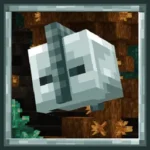
Berserker
Miscellaneous Items
Lichen Caves
Silver building
Silver ores
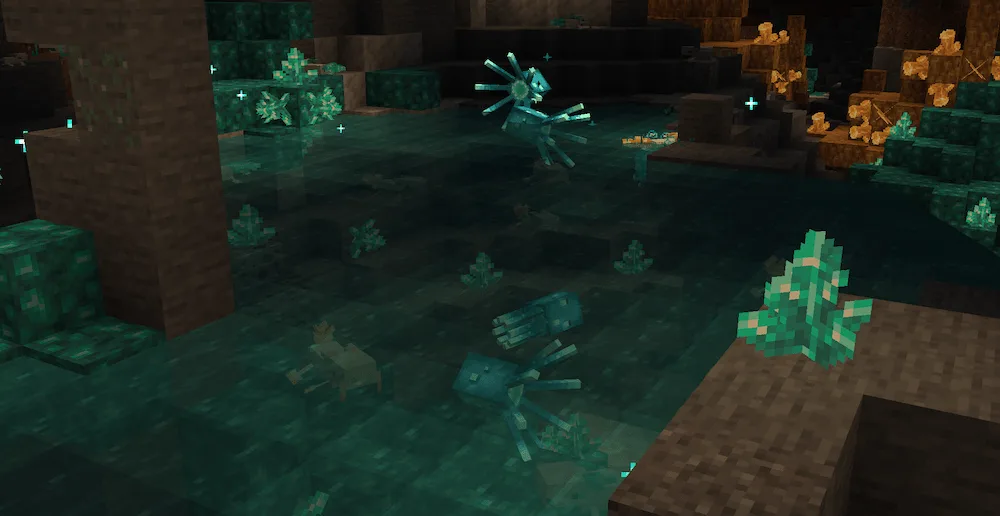
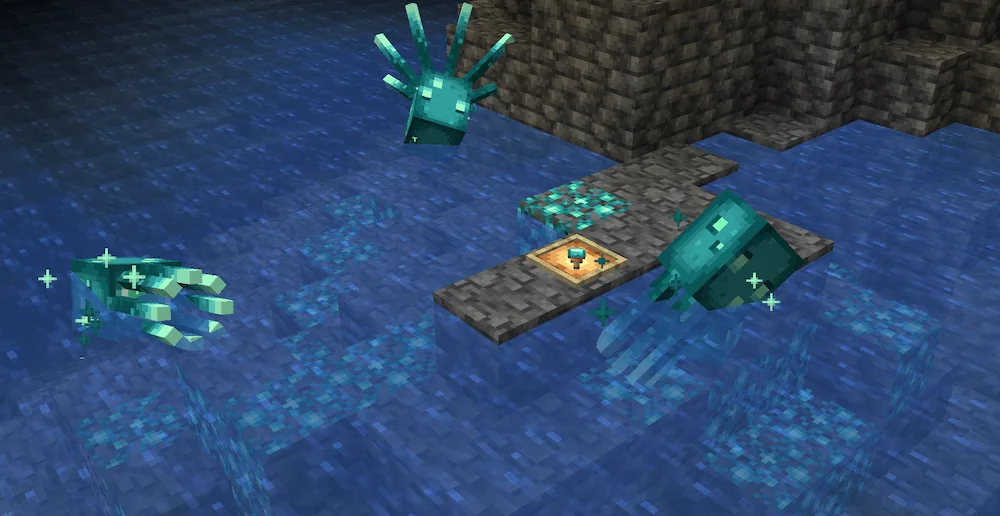
Glow Flare and glow squids
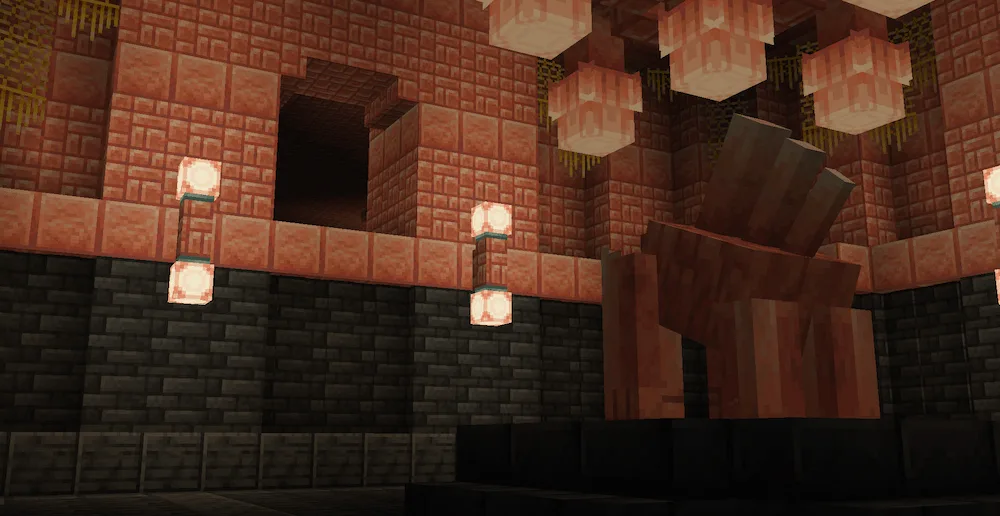
Pink Salt Caves
Crystal Lamps
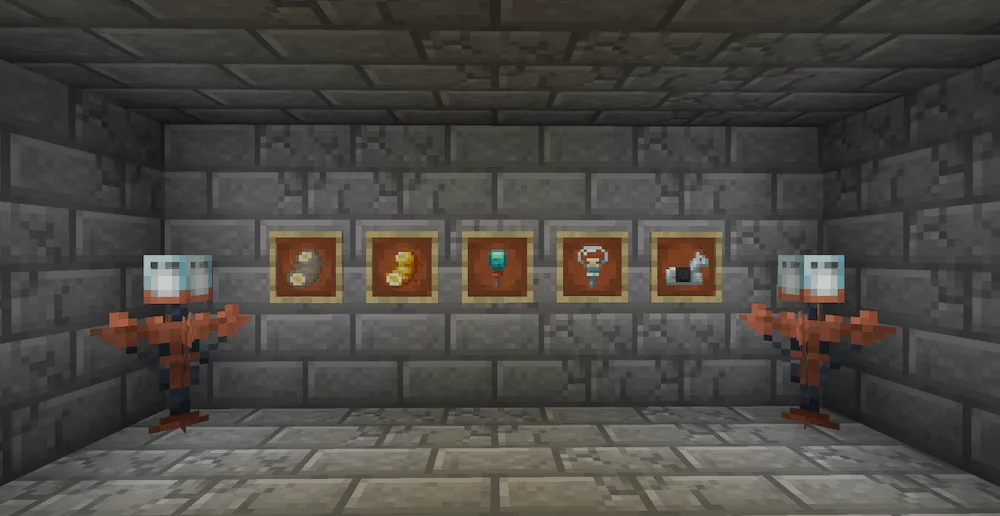
Pink Salt Shrine
Crystal Canyons

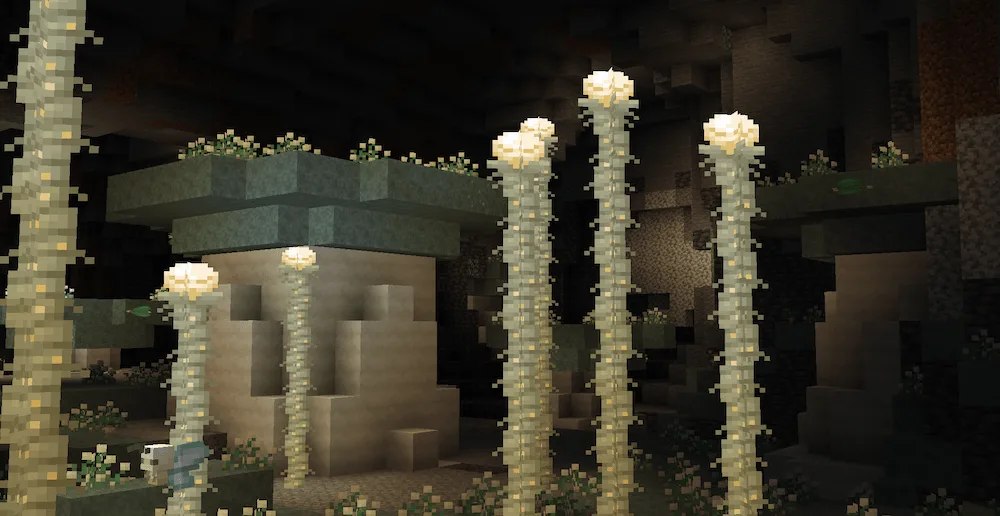
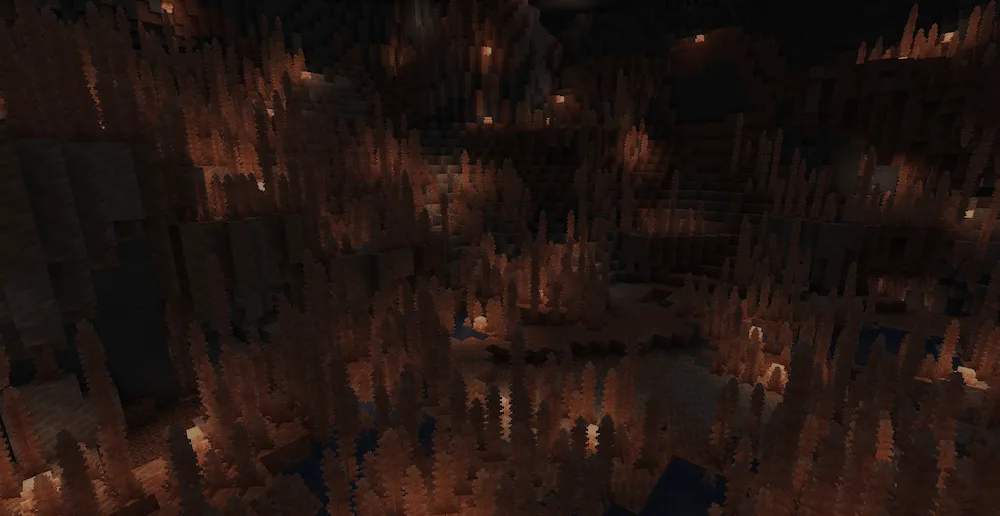
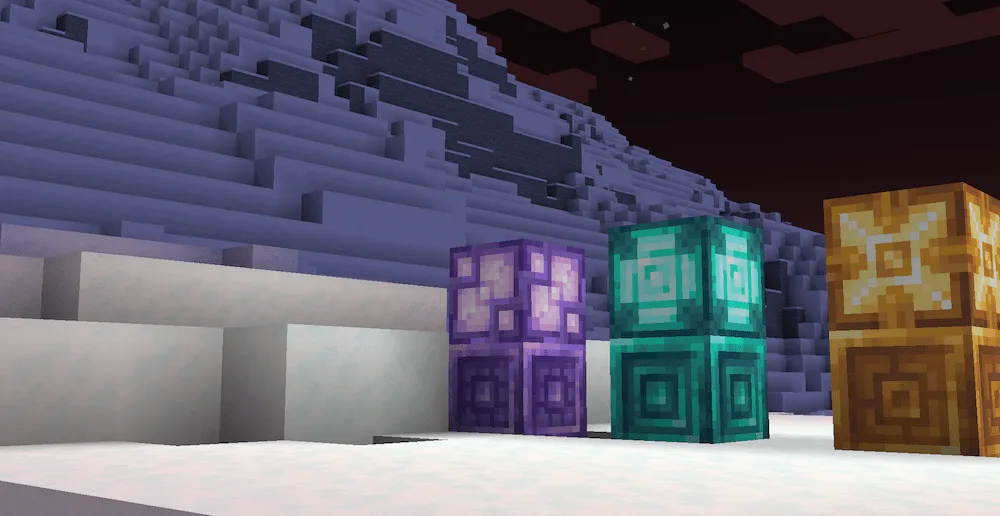
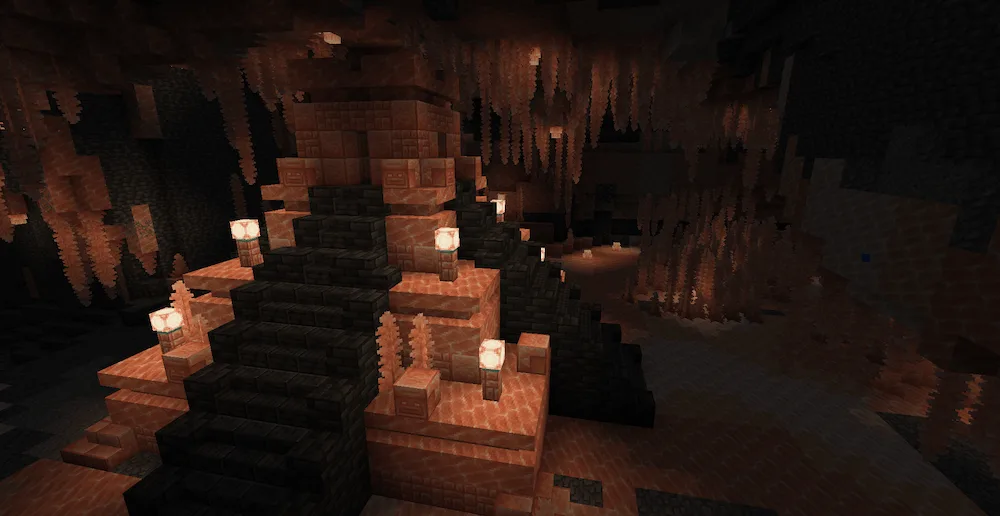
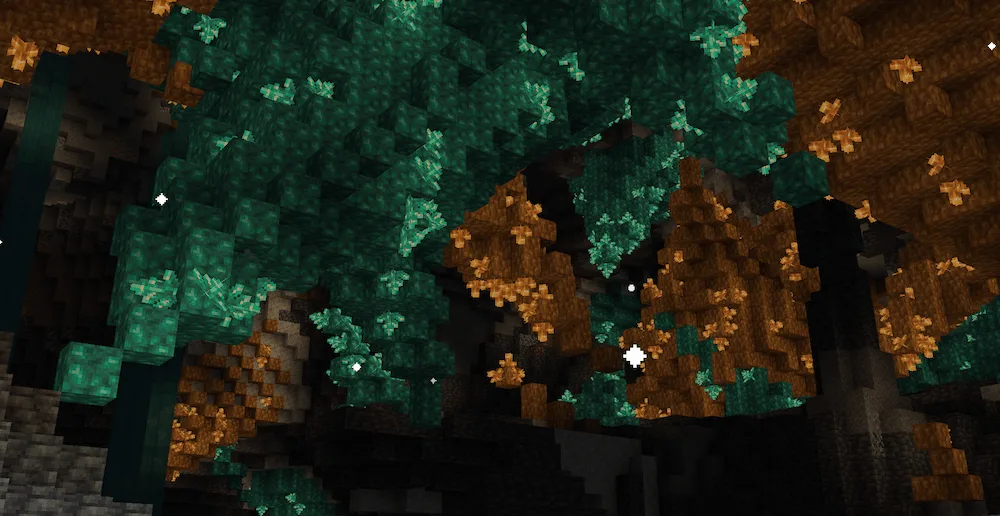
Galosphere mod level up your caving experience by adding a bunch of cool new stuff, from biomes and mobs to resources and gear. Say goodbye to the same old caves because now you can stumble upon awesome new spots like the glowing Crystal Canyons, the green Lichen Caves, and the cool Pink Salt Caves.

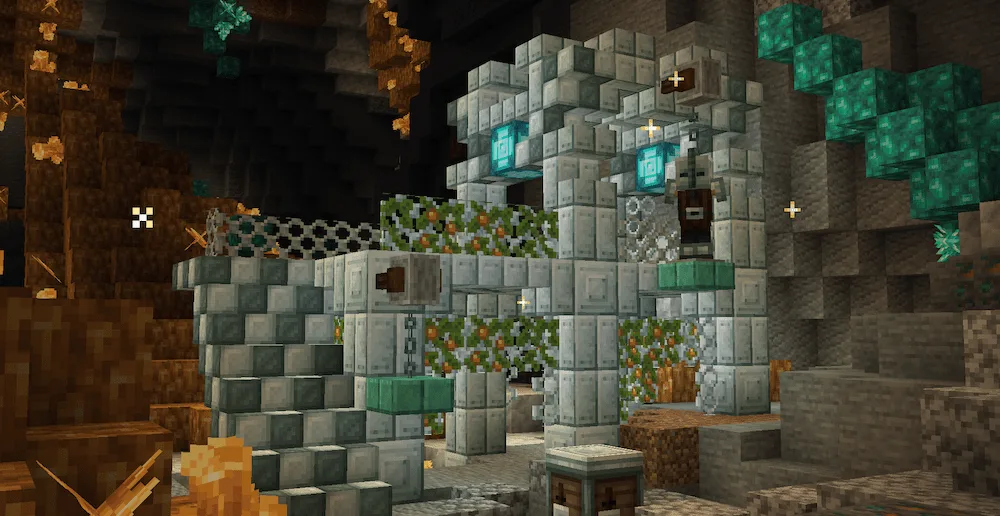
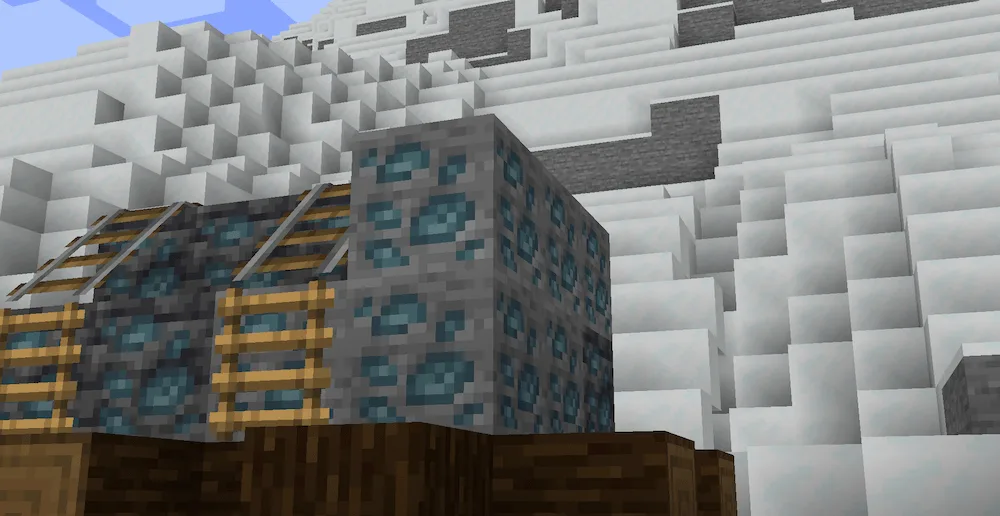
While you’re down there exploring, watch out for the new mobs this mod throws at you, like the creepy Spectre or the tough Berserker. But it’s not just about fighting, you can also find new materials like Allurite and Lumiere shards, and even Silver. Use these to craft powerful new items like Silver bombs, the new Sterling armor set, which lets you attach banners to your helmet, and even cool Tablet Weapons. This mod packs a huge punch, and all these features are just a small peek at what you can discover.


Fabric

  1. 1. Download, execute the Fabric installer, choose Client, select your Minecraft version, and click Install.
  2. 2. Download the Fabric API matching that Minecraft version.
  3. 3. Download Galosphere or any additional Fabric-compatible mods you want.
  4. 4. Place the Fabric API and all mods into .minecraft/mods folder.
  5. 5. Open the Minecraft Launcher, select the new Fabric profile, and press Play. Enjoy!

Forge

  1. 1. Download, execute the Forge installer, choose Client, and click Install.
  2. 3. Download Galosphere or any additional Forge-compatible mods you want.
  3. 4. Place all mods into .minecraft/mods folder.
  4. 5. Open the Minecraft Launcher, select the new Forge profile, and press Play. Enjoy!

NeoForge

  1. 1. Download, execute the NeoForge installer, choose Client, and click Install.
  2. 3. Download Galosphere or any additional NeoForge-compatible mods you want.
  3. 4. Place all mods into .minecraft/mods folder.
  4. 5. Open the Minecraft Launcher, select the new NeoForge profile, and press Play. Enjoy!

Download Galosphere Mod

Type Game version File version Loaders Download
R Release
1.21.5 v1.5.0
Fabric
File
R Release
1.21.5 v1.5.0
NeoForge
File
R Release
1.21.4 v1.5.0
Fabric
File
R Release
1.21.4 v1.5.0
NeoForge
File
R Release
1.20.1 v1.4.1
Fabric
File
R Release
1.20.1 v1.4.1
Forge
File
R Release
1.19.2 v1.3.0
Fabric
File
R Release
1.19.2 v1.3.0
Forge
File
R Release
1.18.2 v1.2.1
Fabric
File
R Release
1.18.2 v1.2.2
Forge
File

Galosphere Minecraft Mod

10 files • 1.21.5, 1.20.1, 1.19.2

Download