logo responsive
/

Cobblemon Minecraft Mod

1.21.1, 1.20.1, 1.19.2

charizard battle pokemon Spheal Pokédex Pokédex Scanning tower cobble-farm
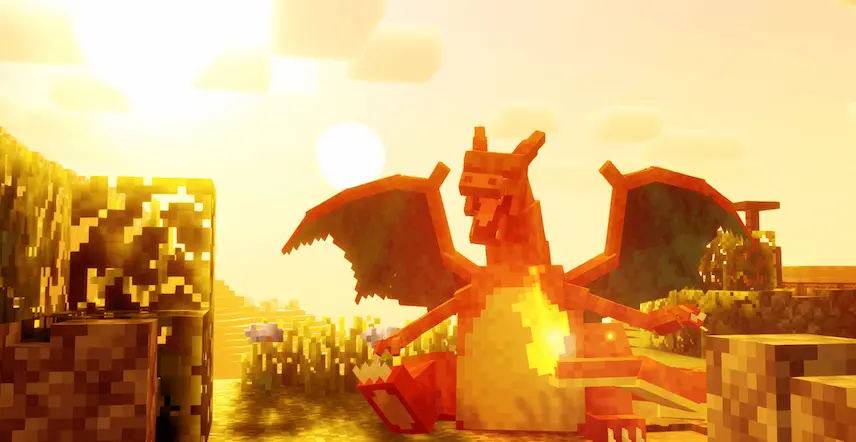
charizard
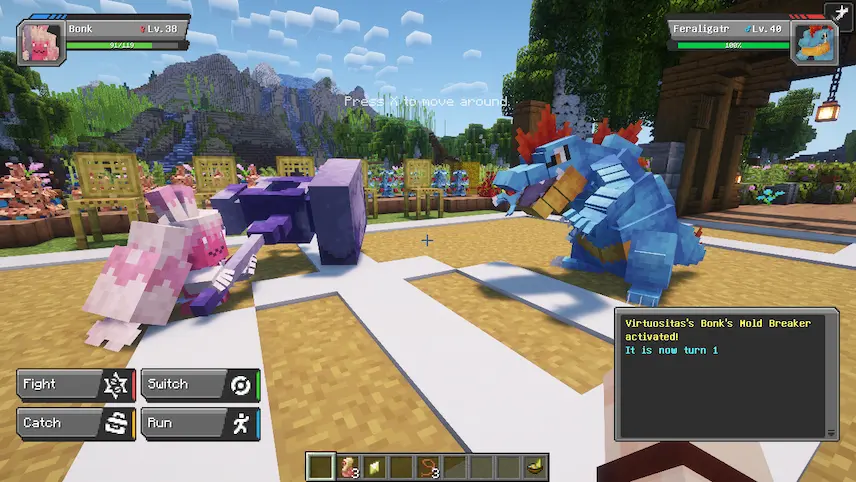
battle pokemon
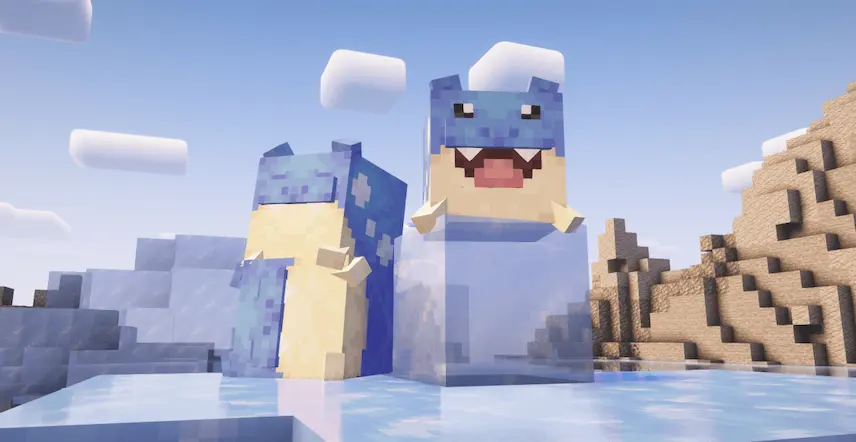
Spheal
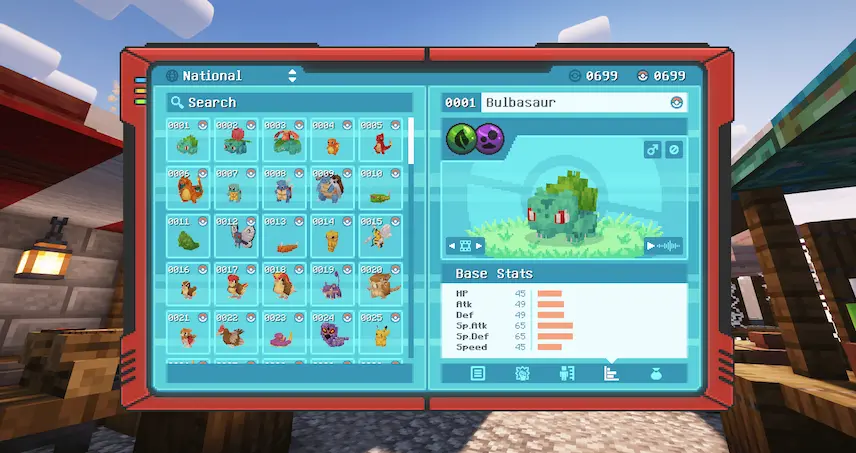
Pokédex
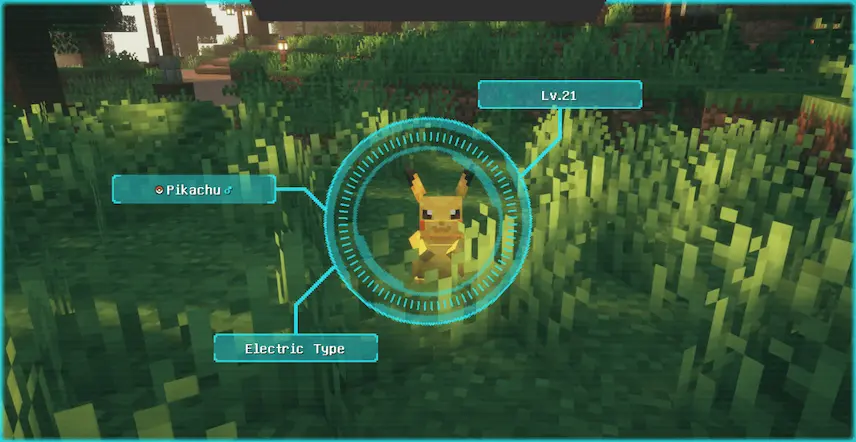
Pokédex Scanning
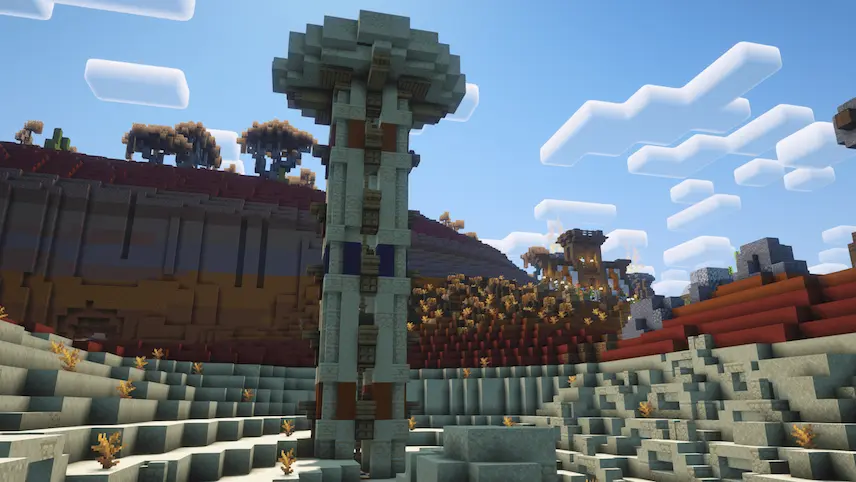
tower
cobble-farm

Cobblemon is a Pokémon mod for Minecraft designed to be accessible and seamlessly integrated into the game, making it a perfect fit for both solo players and modpacks. With its open-source code, Cobblemon encourages community involvement, allowing players and developers to contribute or even create their own versions. This mod brings over 700 Pokémon into Minecraft, complete with features like battlingtraining, and evolving, all powered by the Pokémon Showdown! engine for accurate competitive mechanics. You can even enjoy Legends Arceus-style features, such as move relearning and on-demand evolution, while exploring the world with your Pokémon.

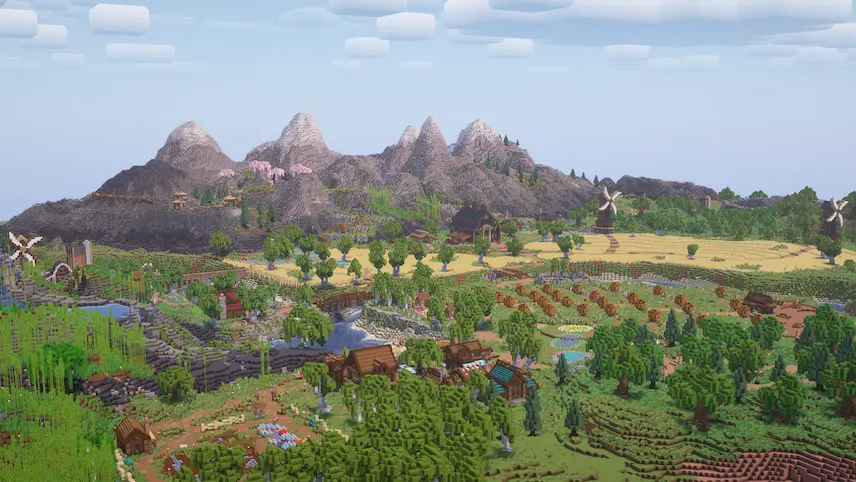
What sets Cobblemon apart is its flexibility and depth. You can trade and battle with friends, let your Pokémon roam freely in pastures, and discover ancient structures and fossils to revive rare Pokémon. The mod also supports custom variations and fakemon, making it a creative playground for players and modders alike. With compatibility for popular biome mods like Terralith and Oh The Biomes You’ll Go, Cobblemon fits perfectly into any Minecraft world.

Fabric

  1. 1. Download, execute the Fabric installer, choose Client, select your Minecraft version, and click Install.
  2. 2. Download the Fabric API matching that Minecraft version.
  3. 3. Download Cobblemon or any additional Fabric-compatible mods you want.
  4. 4. Place the Fabric API and all mods into .minecraft/mods folder.
  5. 5. Open the Minecraft Launcher, select the new Fabric profile, and press Play. Enjoy!

Forge

  1. 1. Download, execute the Forge installer, choose Client, and click Install.
  2. 3. Download Cobblemon or any additional Forge-compatible mods you want.
  3. 4. Place all mods into .minecraft/mods folder.
  4. 5. Open the Minecraft Launcher, select the new Forge profile, and press Play. Enjoy!

NeoForge

  1. 1. Download, execute the NeoForge installer, choose Client, and click Install.
  2. 3. Download Cobblemon or any additional NeoForge-compatible mods you want.
  3. 4. Place all mods into .minecraft/mods folder.
  4. 5. Open the Minecraft Launcher, select the new NeoForge profile, and press Play. Enjoy!

Download Cobblemon Mod

Type Game version File version Loaders Download
R Release
1.21.1 v1.7.0
Fabric
File
R Release
1.21.1 v1.7.0
NeoForge
File
R Release
1.20.1 v1.5.2
Fabric
File
R Release
1.20.1 v1.5.2
Forge
File
R Release
1.19.2 v1.3.2
Fabric
File
R Release
1.19.2 v1.3.2
Forge
File

Cobblemon Minecraft Mod

6 files • 1.21.1, 1.20.1, 1.19.2

Download